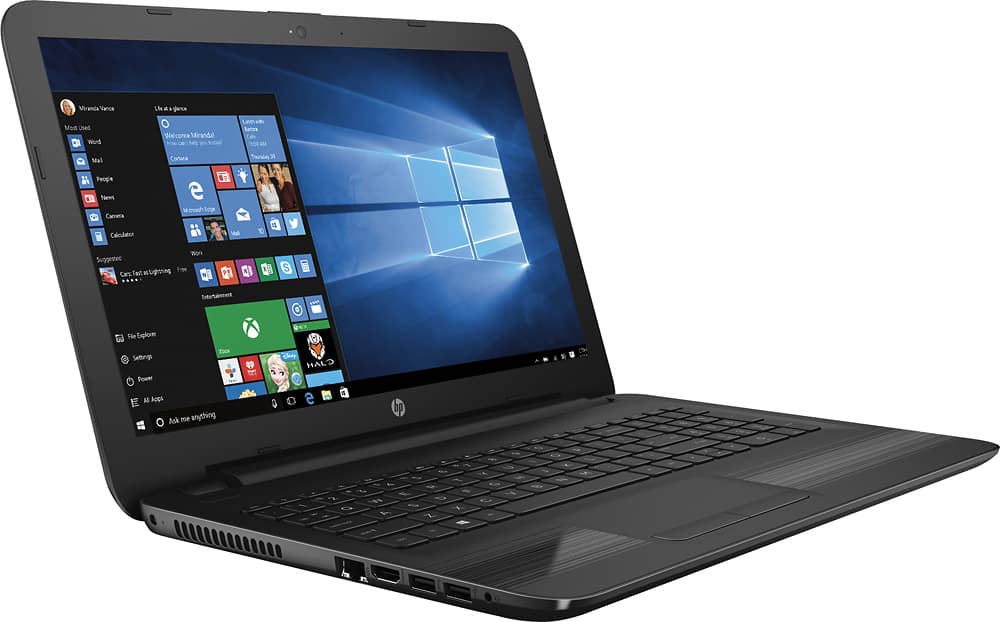
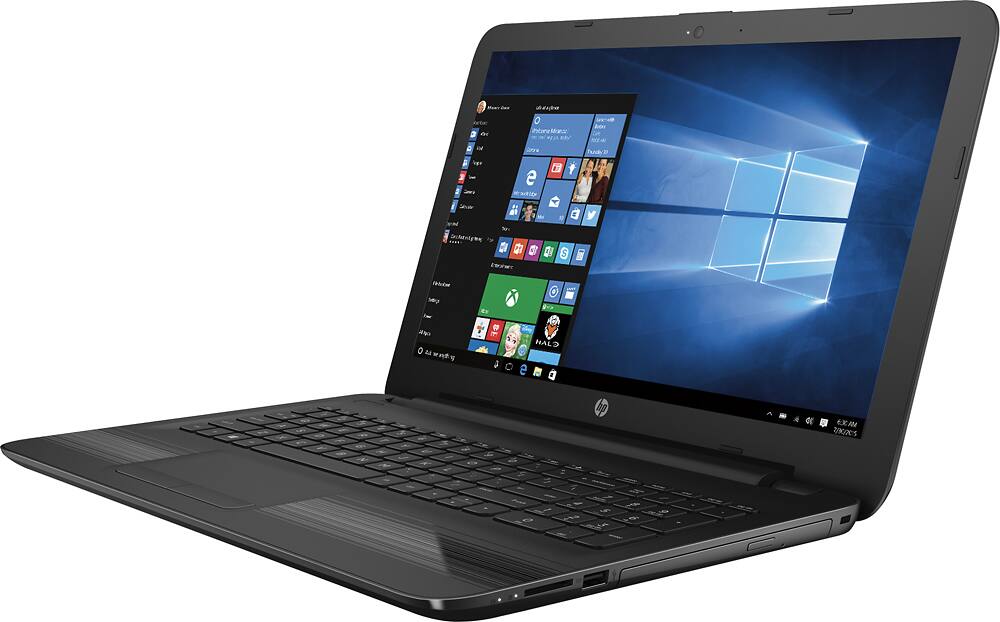
A:AnswerThe 4 GB RAM is expandable if you know how to access the memory slots. The slots ARE able to be reached and you will need a ddr4 memory not ddr3. I upgraded mine to 12 GB one slot with the 4GB and the second slot with a 8GB, works like a charm. This is a 64 bit windows 10 computer so you can expand it to a high amount of GB. Upgrading is not as easy as it could be, but not hard either.... I watch a youtube video.
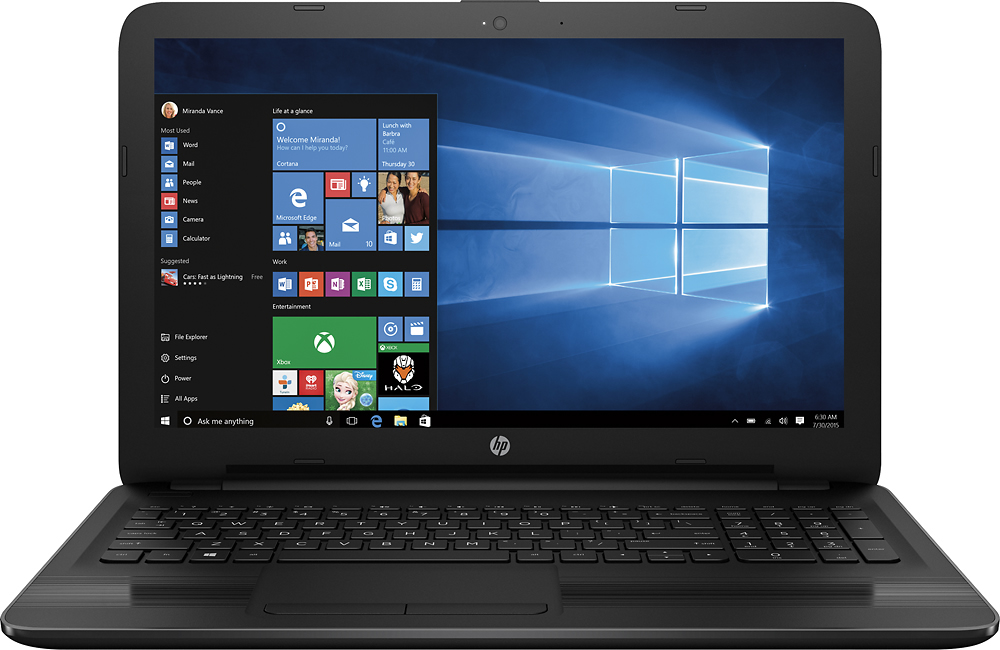
A:AnswerGood question. Yes, this laptop has a DVD/CD drive. For more detailed specs, please visit the following link:
http://www8.hp.com/h20195/v2/GetPDF.aspx/c05139839.pdf
I hope this helps.
A:AnswerThere are two memory slots and they are absolutely user accessible if you know how to take the laptop apart. However, don't be fooled by the HP spec sheet, the memory is not DDR3L (at least not in my laptop). It was actually DDR4 SODIMMs.
A:AnswerGood question. This laptop is a great choice for streaming movies and videos. It has a great processor to handle your needs.
I hope this helps.
A:AnswerFor a full list of features and specs, please visit the following link:
http://www8.hp.com/h20195/v2/GetPDF.aspx/c05139839.pdf
I hope this helps.
A:AnswerI AM NEW TO EDGE. NUMEROUS PEOPLE HAVE LOST ALL BOOK MARKS AND HAVE HAD SOME FREEZE UPS. NOTHING TO DO WITH MY NEW COMPUTTER LAPTOPS.
I AM ALSO USING OPERA AND CHROME. DID NOT INSTALL MOZILLA YET. WHEN I LOST ALL OF MY BOOKMARKS I SAW OTHER PEOPLE DID AS WELL SO I ONLY USE EDGE ..............IF..............I HAVE TO.
A:AnswerIt really depends on the game and it's requirements. Some may be good and run smoothly, some may be in-between laggy and good, and some may be too laggy or not even run.