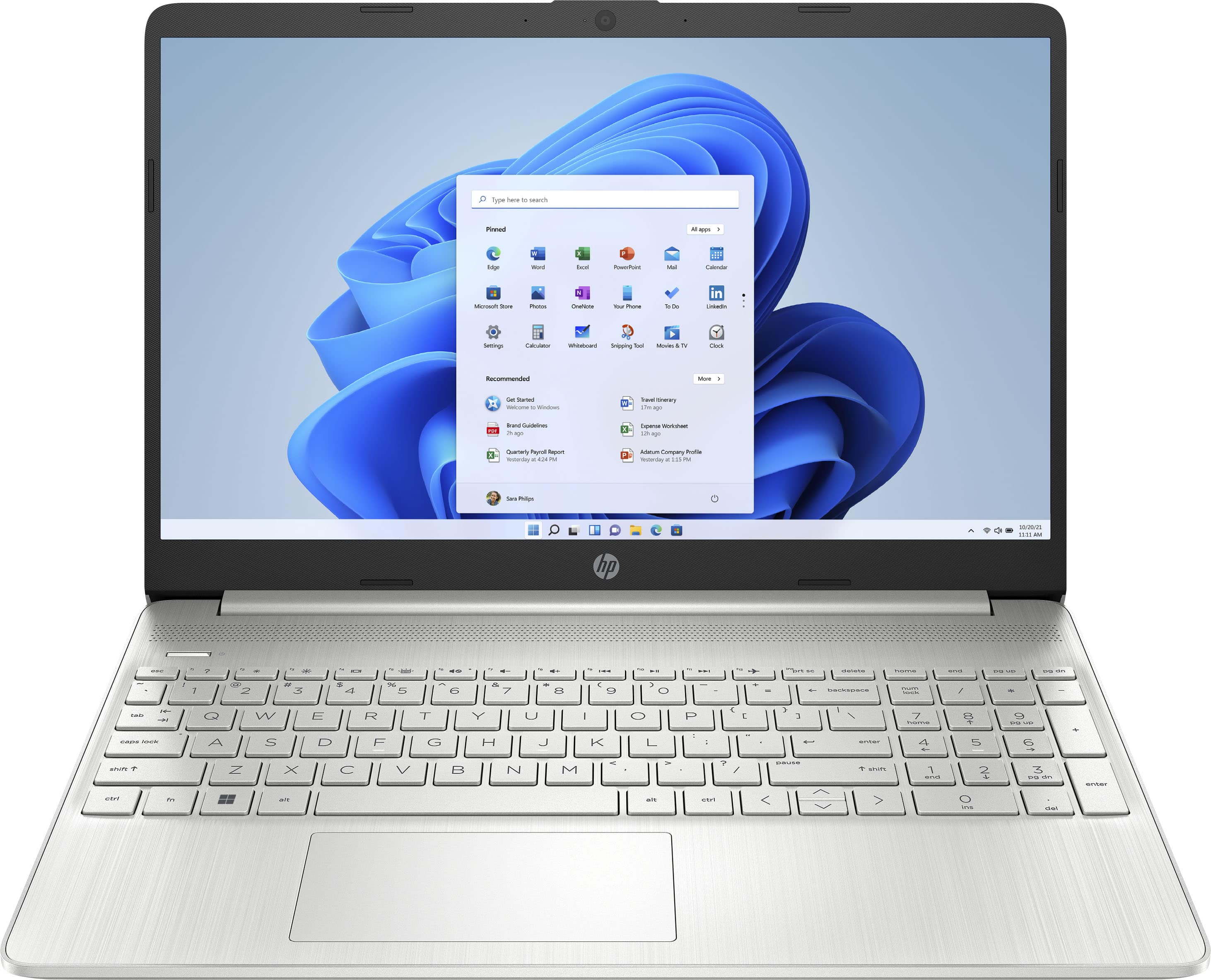
A:AnswerI remember being told that games can be played on this model laptop but I don't know about whether it applies to doing so with google-play. Suggest you ask a Geek Squad pro. I don't play games from google-play on the laptop, I never tried accessing games that way.
A:AnswerThank you for the question. As system requirements for software constantly change, we are unable to answer questions about Viper compatibility. What is compatible today may not be in a few months. Please check Viper's website for the most current system recommendations.
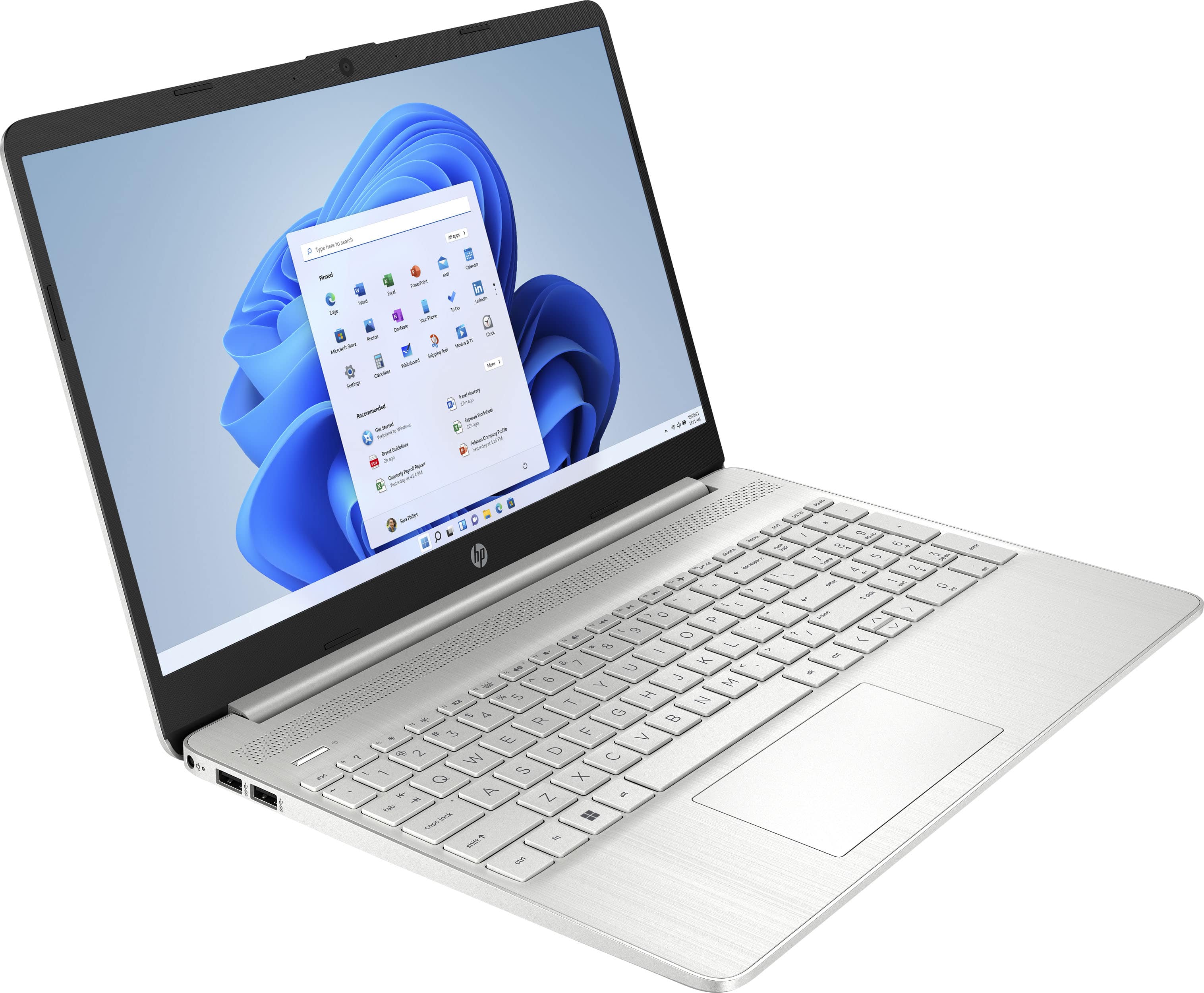
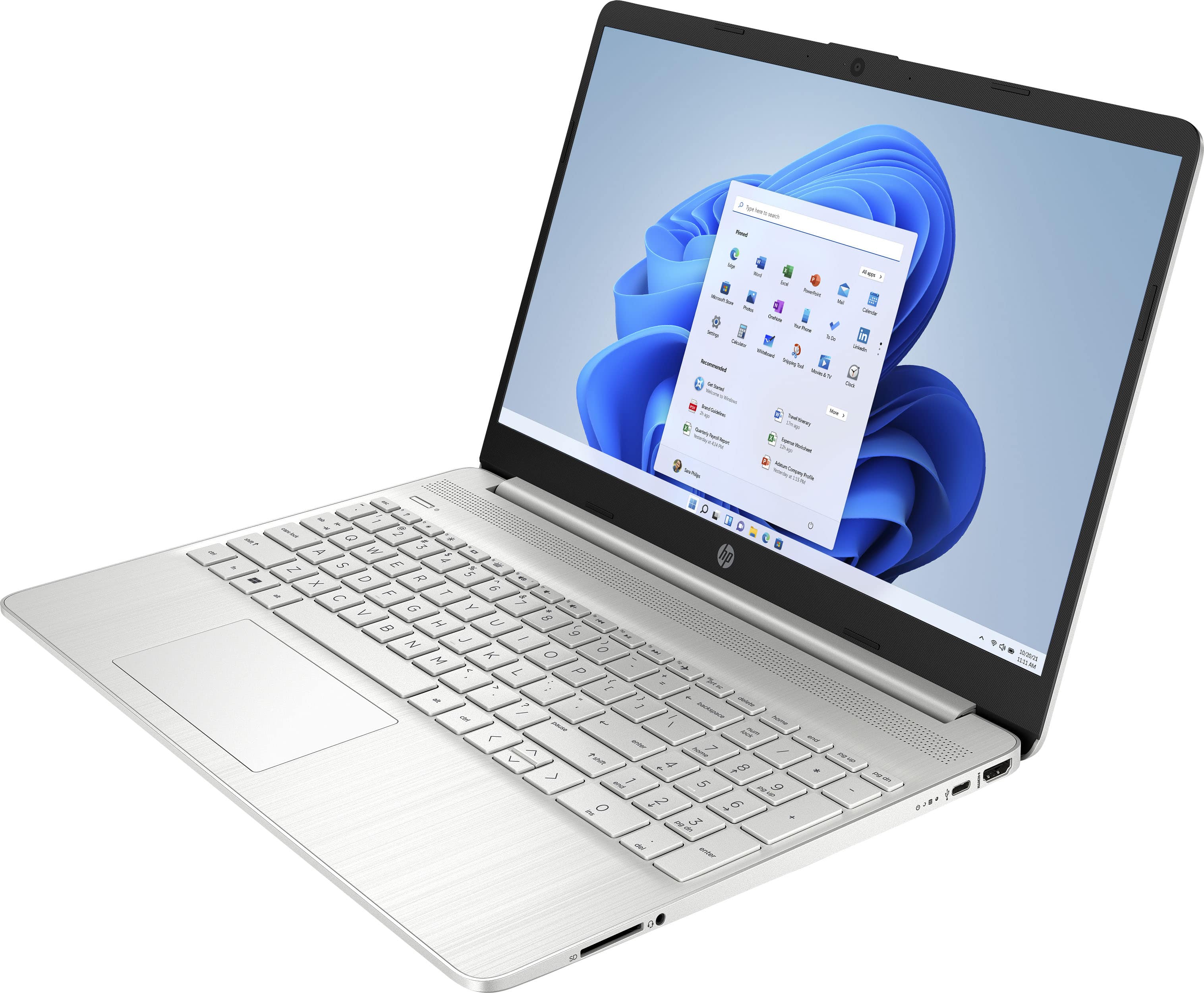
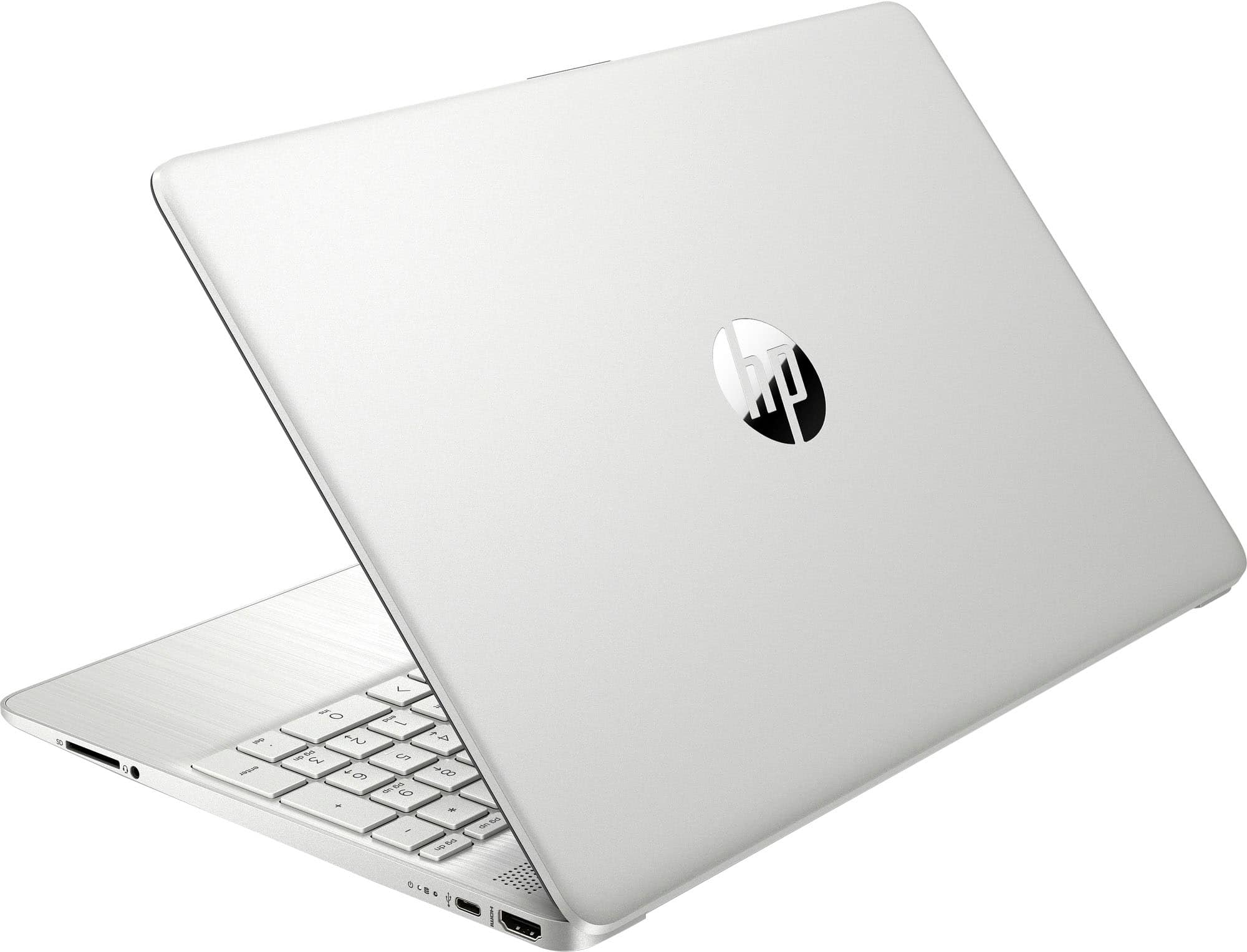
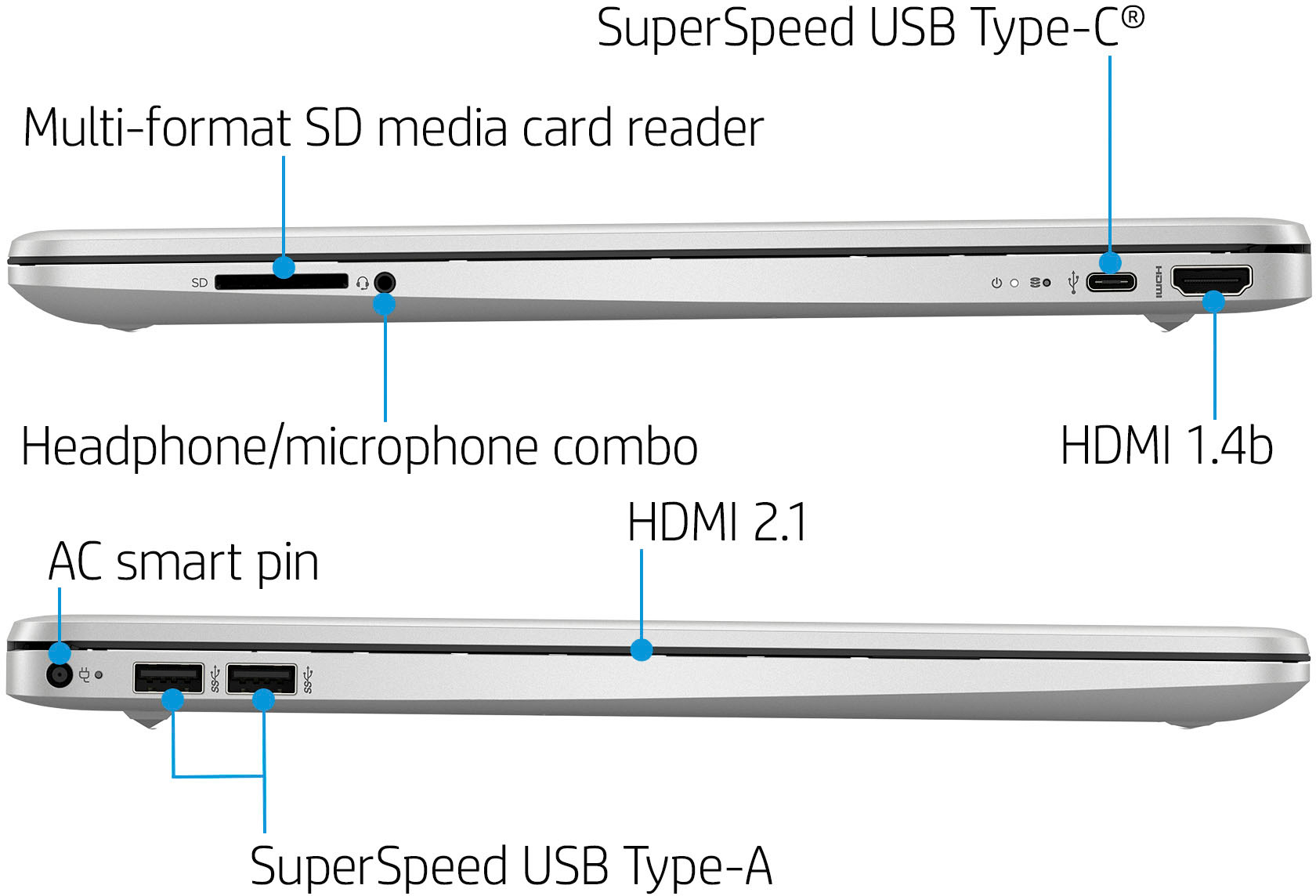
A:AnswerHello. Thanks for your question. This HP laptop does not have a CD/DVD drive. You can use an external USB CD/DVD drive with this laptop. You would need to switch out of the S Mode. Then, you will be able to install Turbo Tax on this laptop. It is free and easy to do. Here are some instructions: https://bit.ly/3okv4Mj
A:AnswerHello, you can use your Microsoft 365 account on different devices, check with your Microsoft account as to how many devices you are able to use. Thank you for being an HP customer!
A:AnswerThank you for the question. This laptop has Windows 11 Home in S Mode. The only version of Cricut Design Space on the Microsoft Store is the beginner edition, if that suits your needs, you can install that in Windows 11 S Mode, if you need another version of that software, you would need to switch Windows 11 out of S Mode, it is free to do so.