A:AnswerThere is a 30 day trial of Microsoft Office on this laptop, which includes Word, Excel, and PowerPoint. We recommend purchasing Microsoft Office with this laptop.
A:AnswerThe resolution is quite good. I got it because the only laptop I owned that had the audio/video required for zoom just died. I know I could do zoom on a phone but I prefer larger images of the people who connect. This laptop works great for that with a wider camera and better lighting than the older one. Amazing that with at least eight computers in the house that only one was recent enough for zoom. I guess I wore the other one out!
I do recommend this computer for this purpose. I can't speak to other uses as I primarily use a desktop with double screens for everything else.
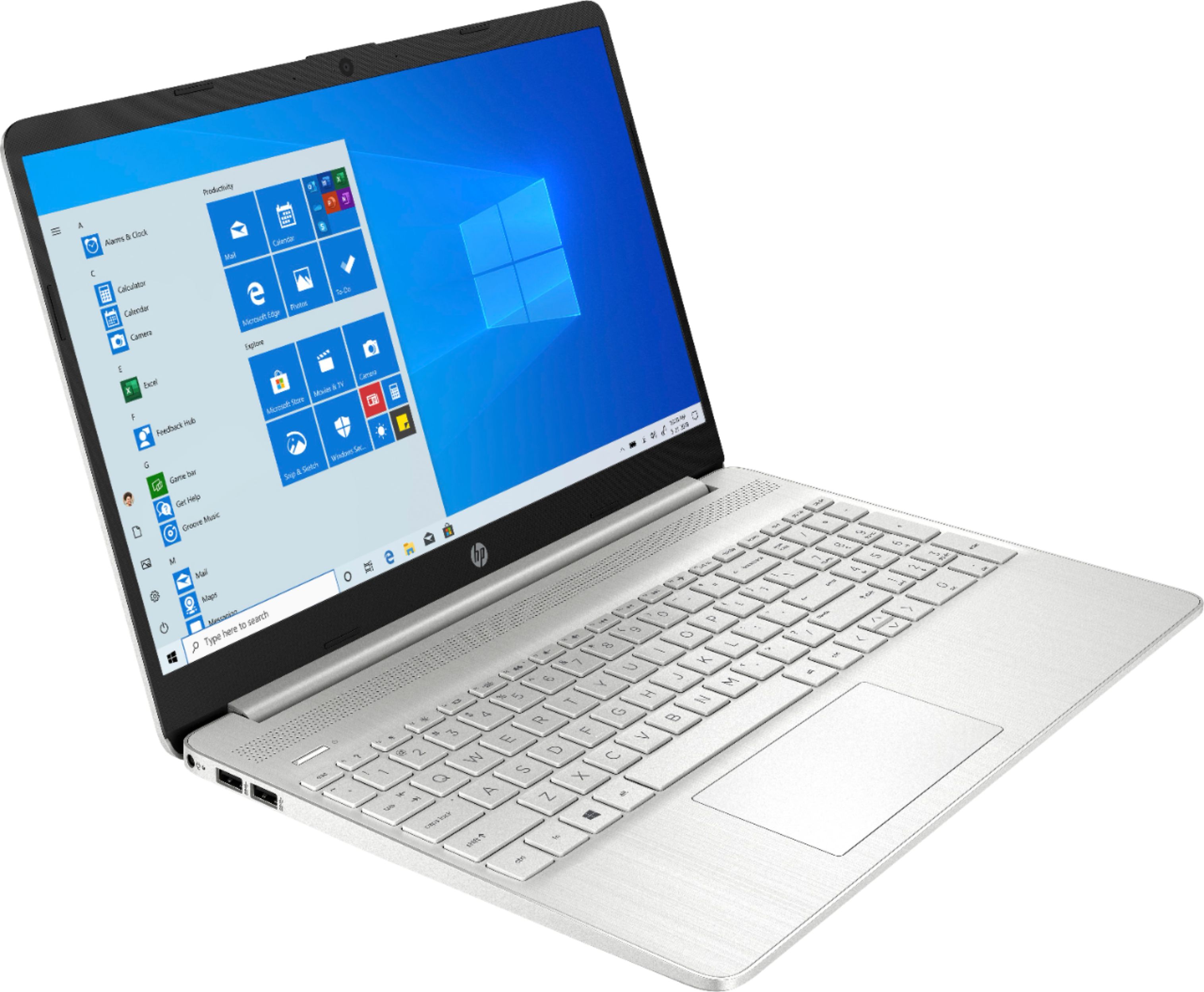
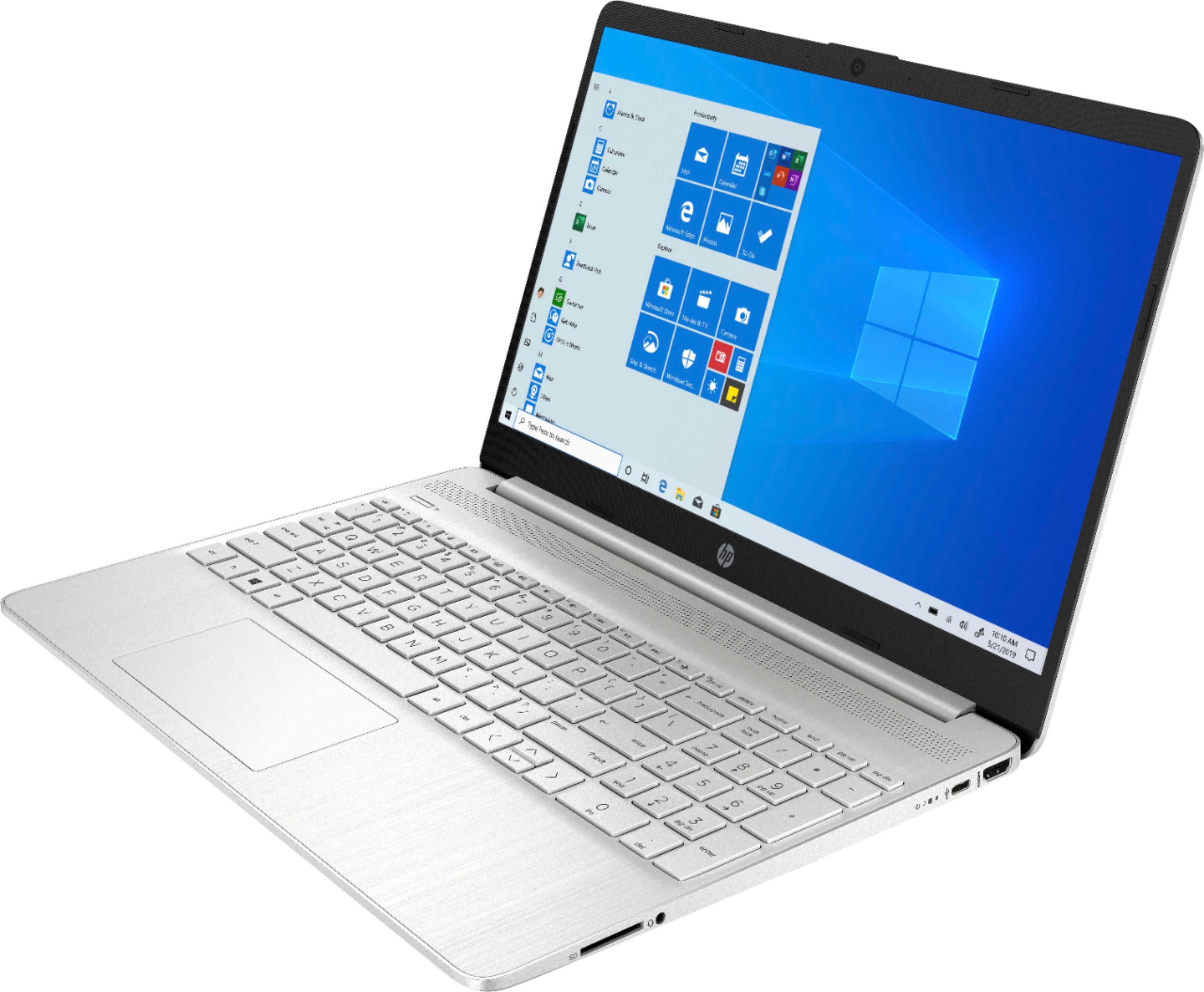
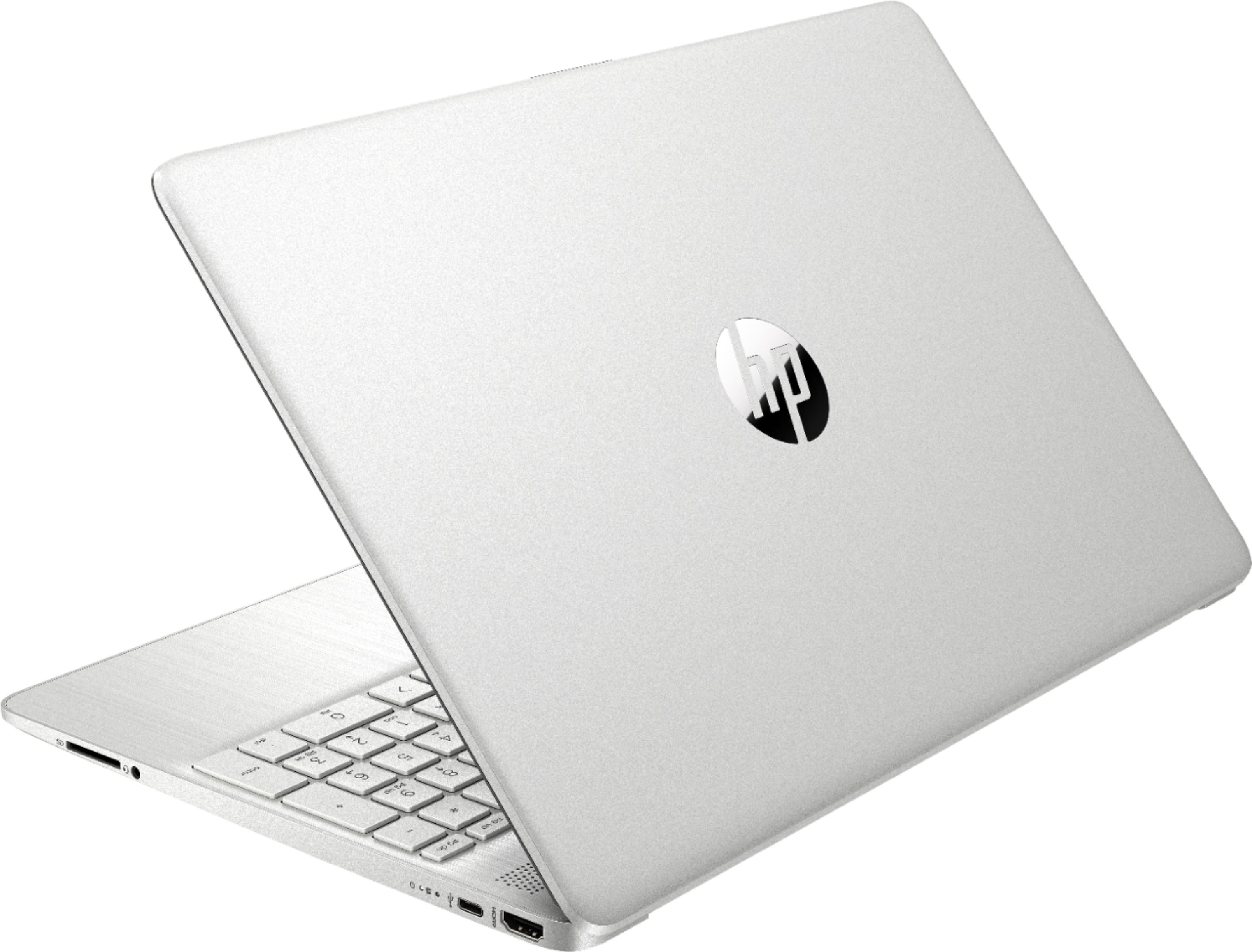
A:AnswerThis has a standard USB-C port and 2 USB-A ports. Neither of these will support a monitor. You can use a USB docking station, but connect directly to your laptops HDMI for the monitor support.
A:AnswerThis model will come with a one-year manufacturer's warranty for the hardware and 90-day phone tech support for the software. This does not cover accidental damage or damage as a result of a power outage/surge. For further details, this link covers the Warranty and Support guidelines: http://h10032.www1.hp.com/ctg/Manual/c00747726.pdf You can use a USB or USB-C to RJ45 adapter to use a wired ethernet connection.