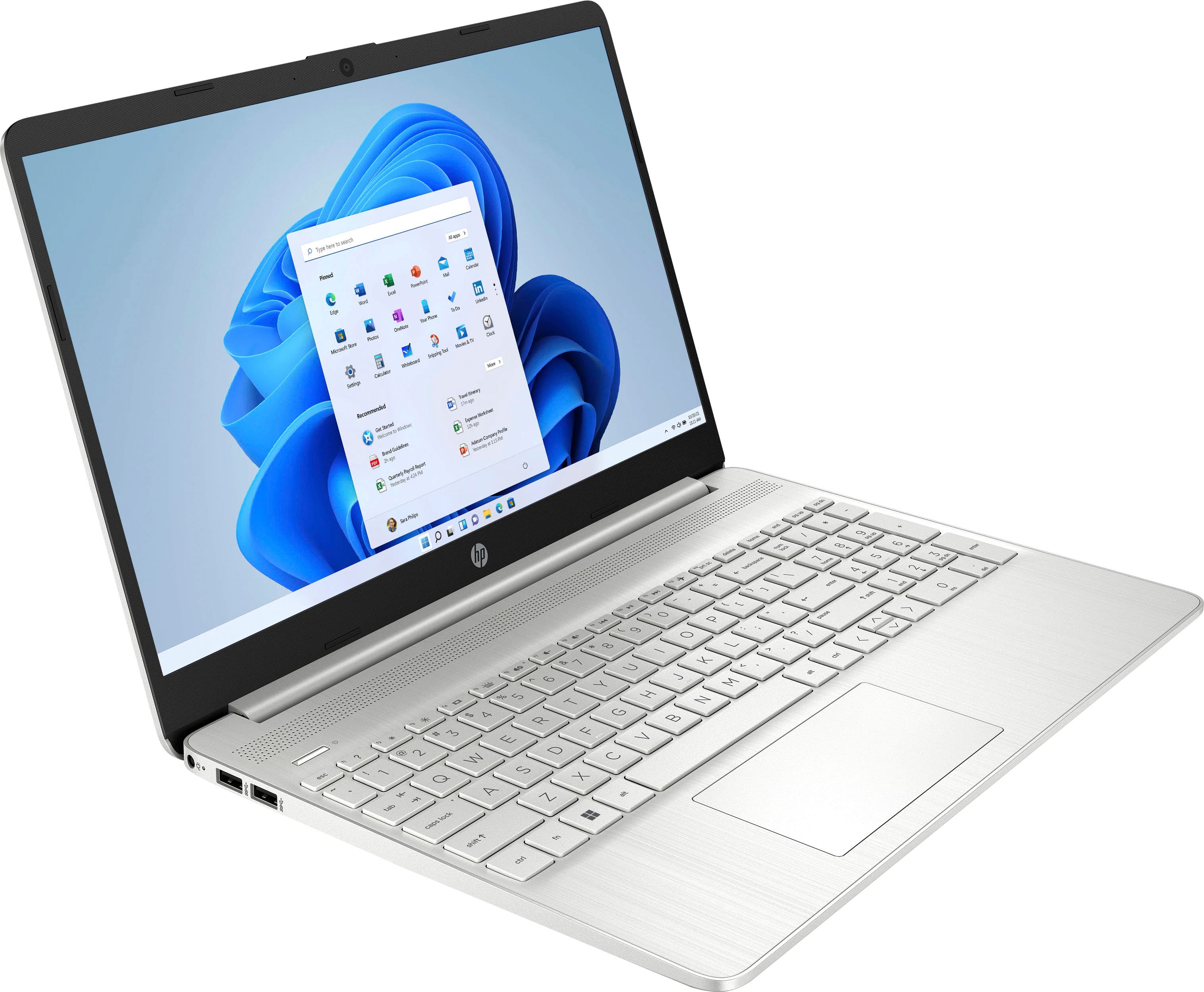
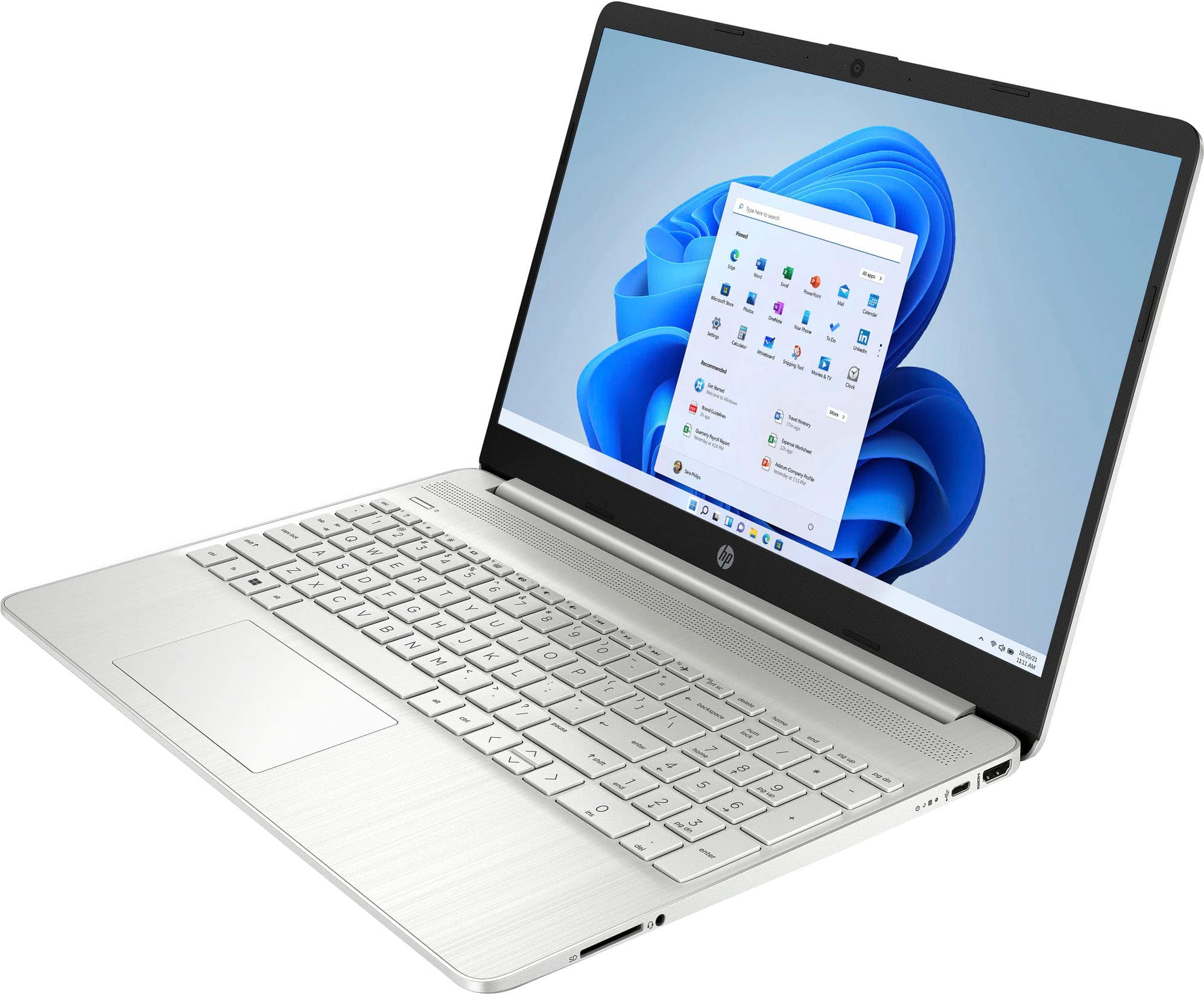
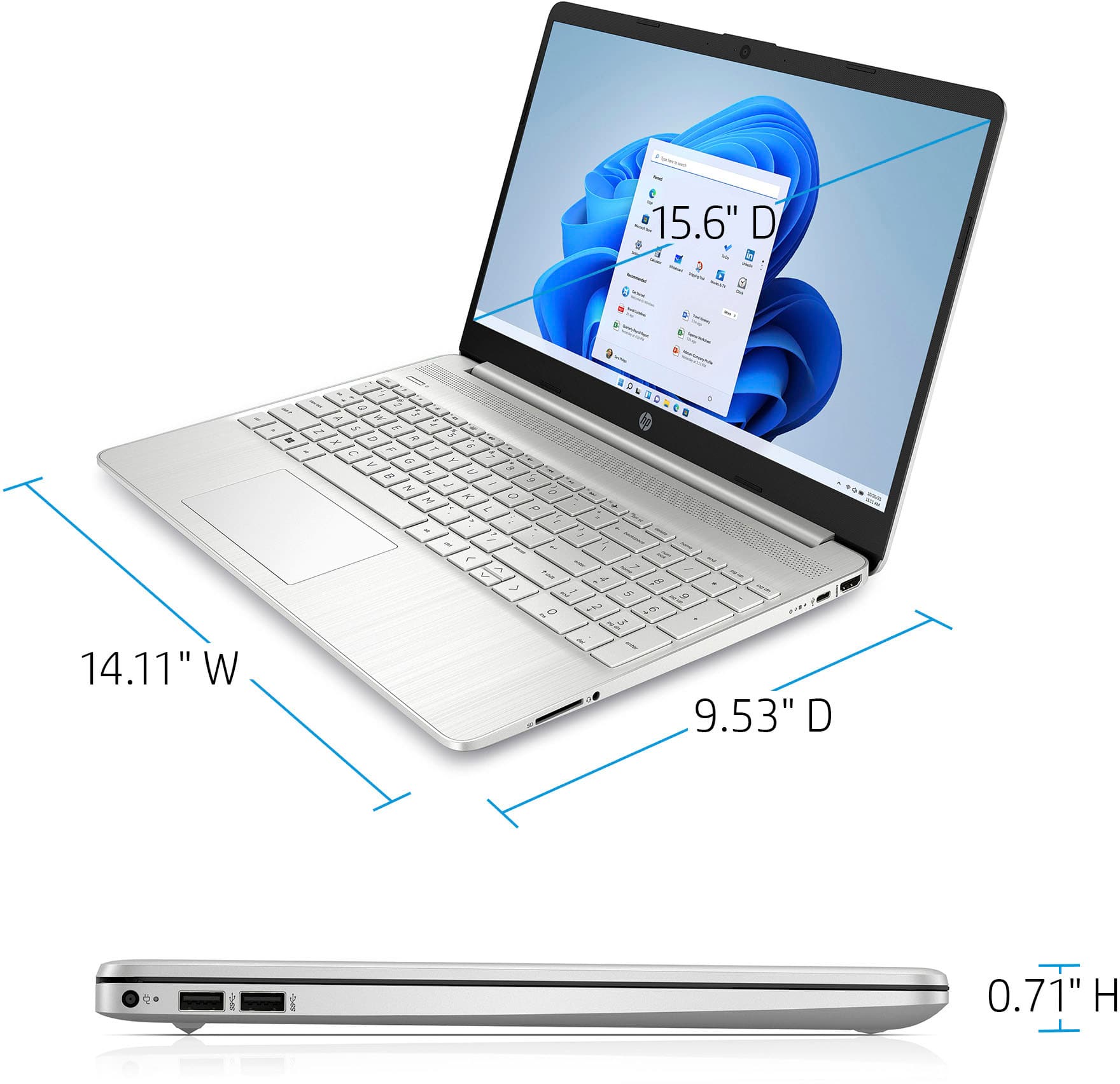
A:AnswerHello. Thanks for your question. You would need to switch out of the S Mode. Then, you will be able to download and use Turbo Tax on this laptop. It is free and easy to do. Here are some instructions: https://bit.ly/3okv4Mj
A:AnswerDuring the computer setup, it will ask what language you want to use and you can specify Spanish. The keycaps are for the standard English keyboard, but you can get stickers that go over some of the keys for the Spanish diacritical marks.
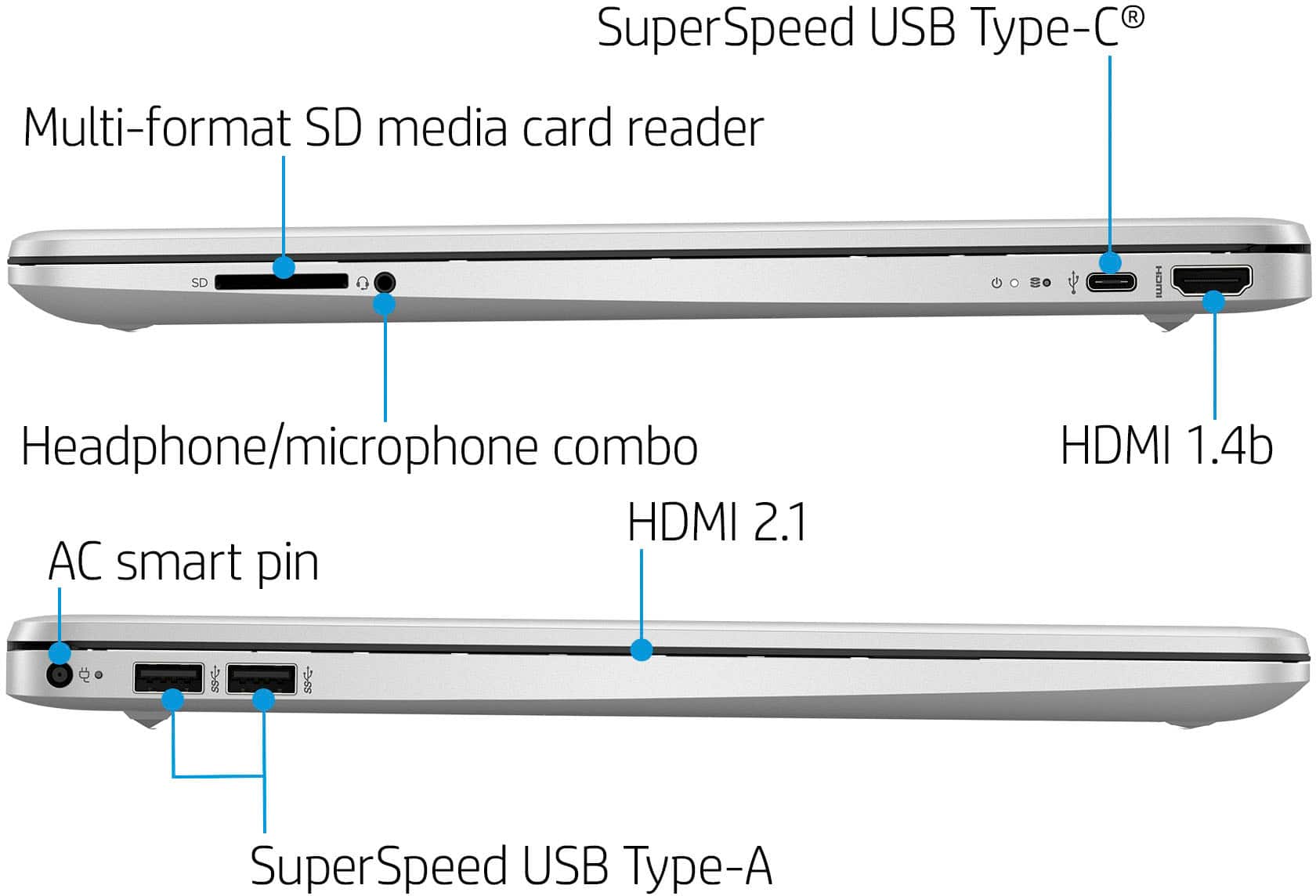
A:AnswerMost any docking station that has the HDMI port will work for connecting an external monitor. Docking stations now a days are small, slim and have several different types of ports you may need. For this laptop, you can purchase a docking station that can be plugged into the type C port on the laptop or.. if you don't want to do that, you can purchase one that connects to your laptop via usb but this laptop only has 2 usb ports and you may need those for other equipment that you do not want to use the docking station for.
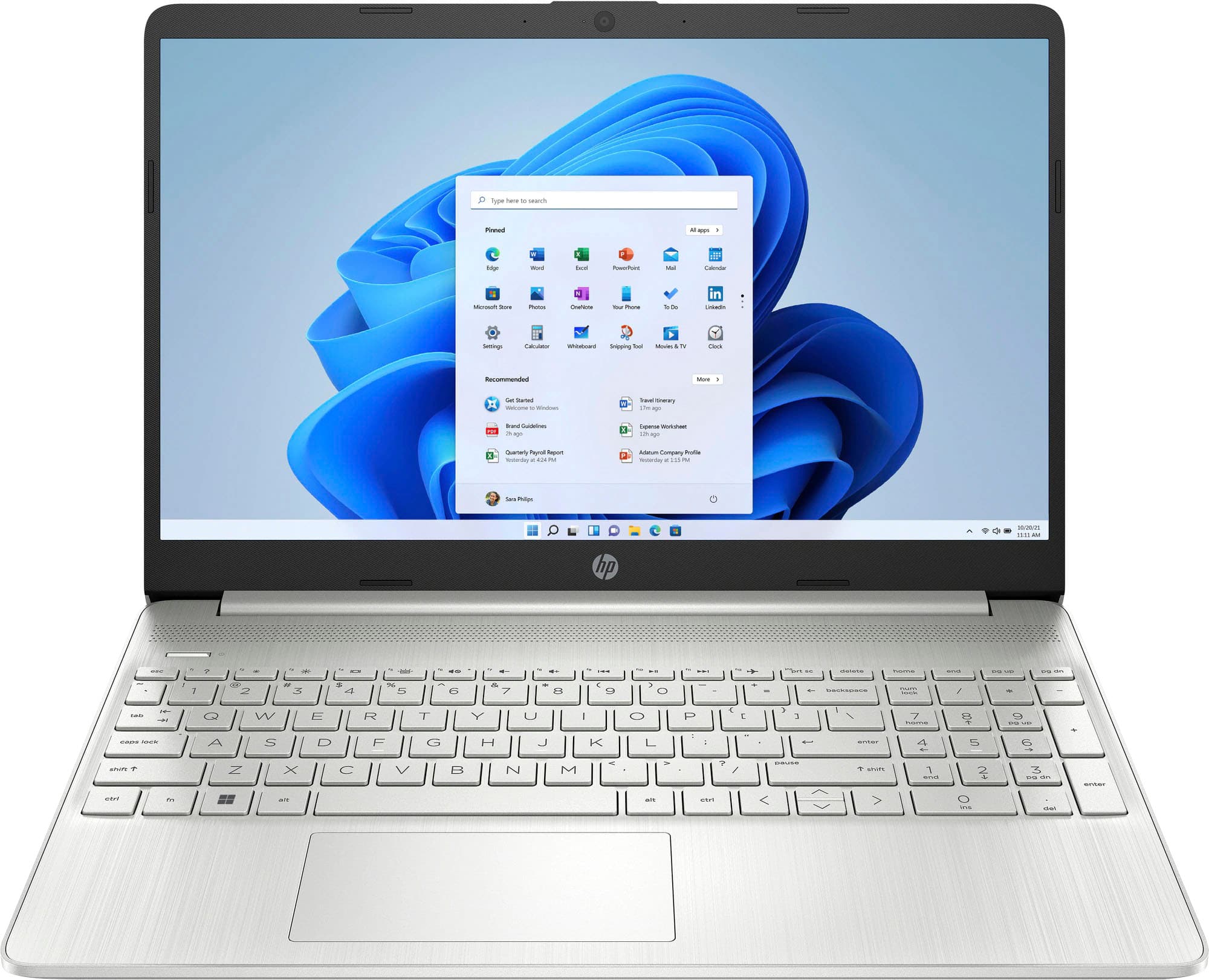
A:AnswerThank you for the question. The HP 15-dy2703dx laptop's RAM can be upgraded to 64GB however, the two slots are not user accessible. We recommend that the upgrade be done by a professional technician
A:AnswerThank you for the question. The answer depends on what program you use to edit photos/videos, and whether it's a hobby or business endeavor. 8GB of RAM may be enough, but 16GB would be better. You may need ancillary storage, as photo/video files are large and 512GB may not be enough storage.
A:AnswerAmazon
mCover Case Compatible for 2020 ~ 2022 15.6-inch HP 15-DYxxxx / 15-EFxxxx Series Notebook PC ONLY ( NOT Fitting Any Other HP Laptop Models ) - Aqua
A:AnswerThis model comes pre-installed with Windows 11 in S mode. For more information on changing your operating system or downgrading to another OS, you can reach out to HP Support or the Best Buy Geek Squad!