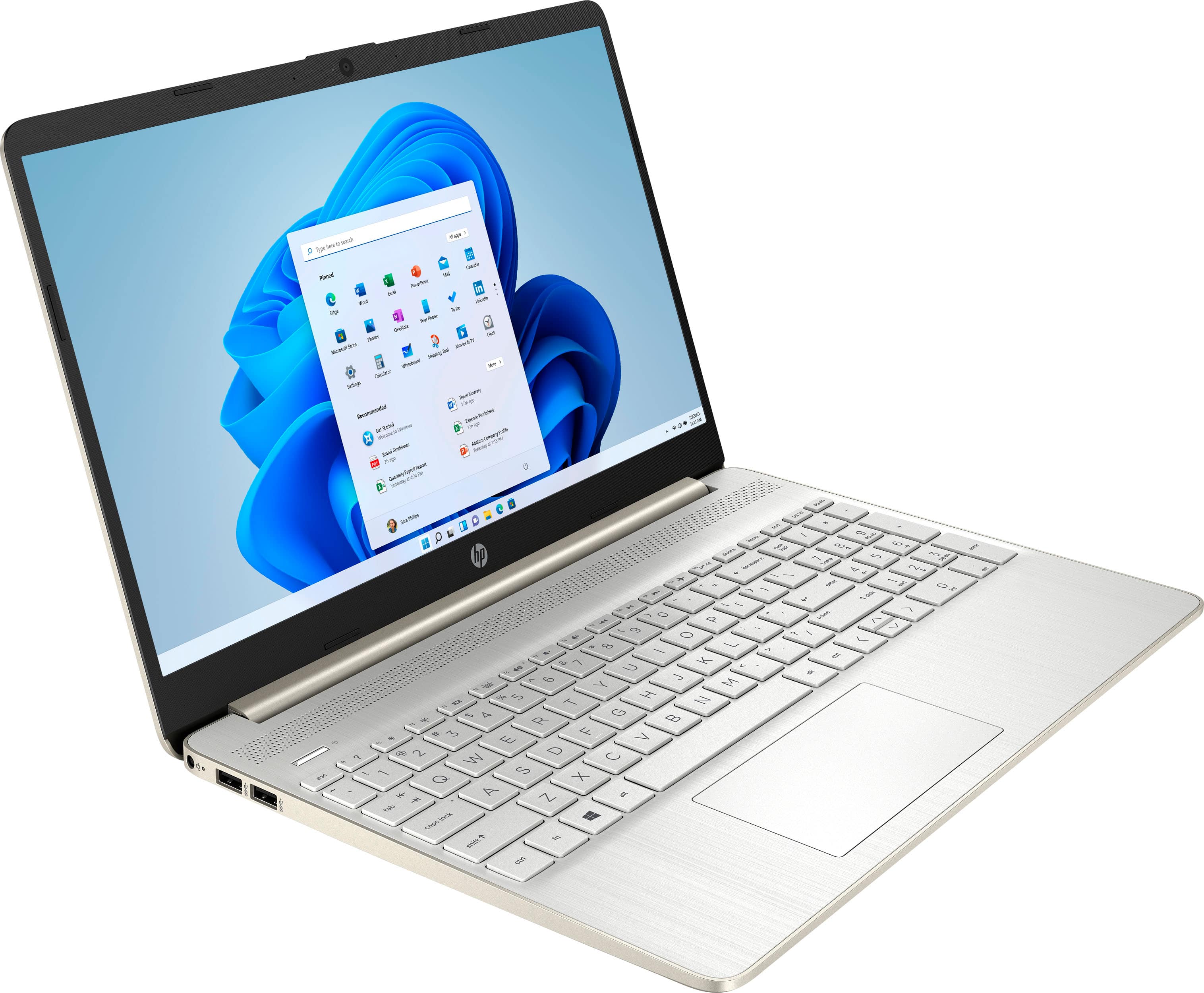
A:AnswerHello there. Thank you for your question. This HP Laptop 15-dy2073dx comes with an 11Th Generation Intel® Core™ i7-1165G7 Processor which has 4 cores and 8 threads and can reach up to 4.70 GHz speed. You can check more specifications about this processor here:
***https://www.intel.com/content/www/us/en/products/sku/208662/intel-core-i71165g7-processor-12m-cache-up-to-4-70-ghz/specifications.html***
Thank you for choosing Intel!
A:AnswerThis model will not work for AutoCAD or 3D modeling. You will need to get a model that has a dedicated GPU. I would check the recommended hardware for the software you are using. This can be found on the software vendor's website.
A:AnswerThese machines are considered non-upgradeable and it would be recommended that any upgrades be done by a certified expert. If you are curious about upgrading this machine, you can contact HP Support or Geek Squad. If Geek Squad does the upgrades, it does not void the warranty of the machine, but HP will not cover the new parts.
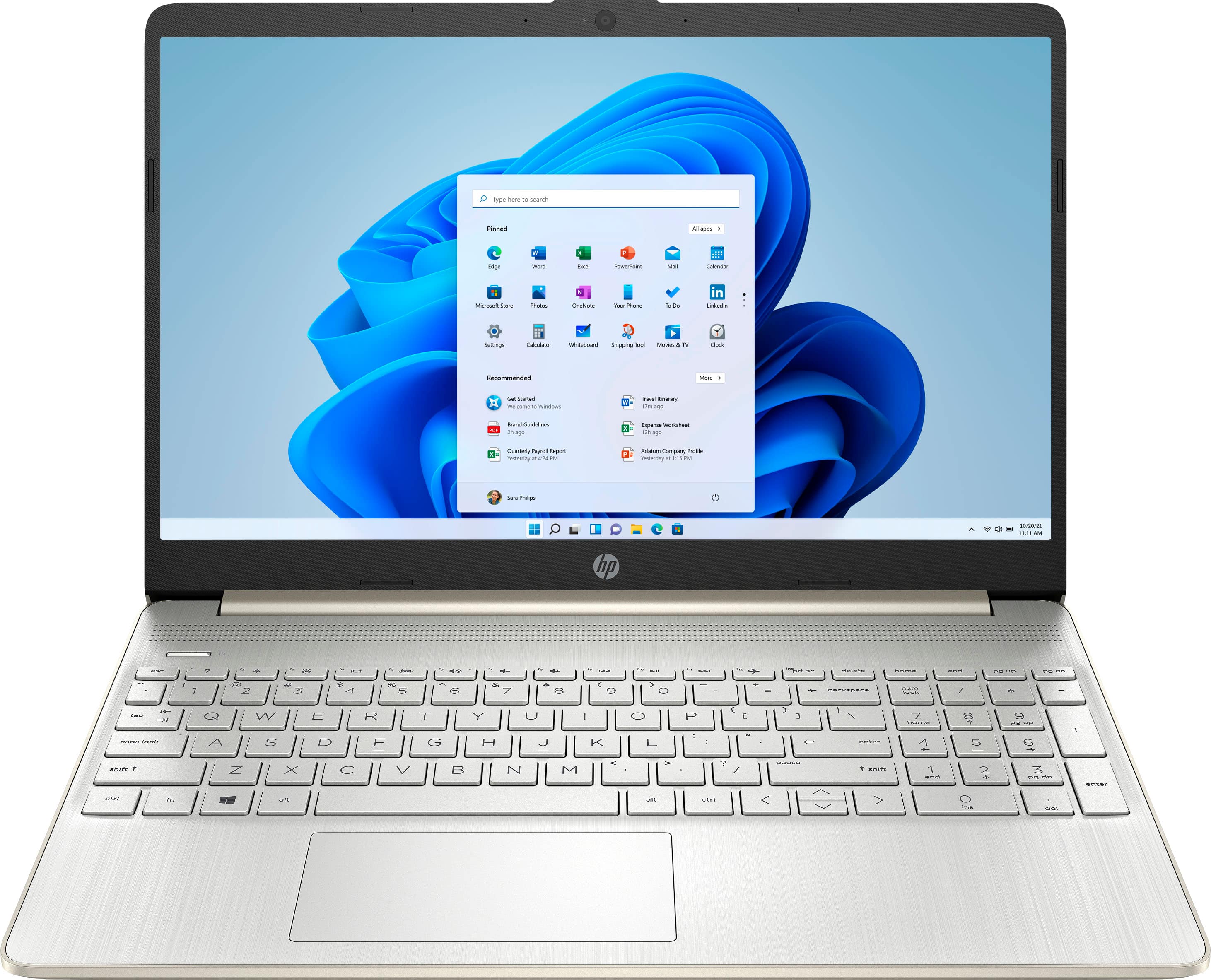
A:AnswerI had to ditch my old printer for a new windows 11 compatible printer. It was worth it. I got a new HP for $119 and ink cartridges that were cheaper than my 16 year old printer. There were cheaper ones, but all the new printers are Windows 11 compatible. In addition it came with a scanner I never had before.
A:AnswerThe HP tech web blogs say the adapter is only good to 466 mb/s on a single antenna. based on the blogs you need 2 adapters to get over 500+ mb/s. My ISP and Router working as installed and paying for, definitely a hardware adapter issue. There is a lot of questions on the wifi speed with no resolution. Why can't HP use INTEL ac 9260 160 mhz card. That's what I have and it works as designed.
Customer should not be bothered in these days about 5G speed, sounds like HP used a cheap option.
Tom
A:AnswerThis computer has integrated graphics, meaning the graphics processor is actually part of the motherboard. As a result it doesn't have any dedicated video memory.
A:AnswerYes, I have 2 - 24”HDMI monitors connected to this laptop and it works fine. You will need to buy an adapter cable to connect to your monitor(s). A Best Buy sales person can help you find the correct adapter like VGA of HDMI to USB.
A:AnswerHello, Mike. Thanks for your question. You can use a Universal USB Docking Station. You want to be sure the docking station has the video ports, i.e. HDMI, that are on the monitors.
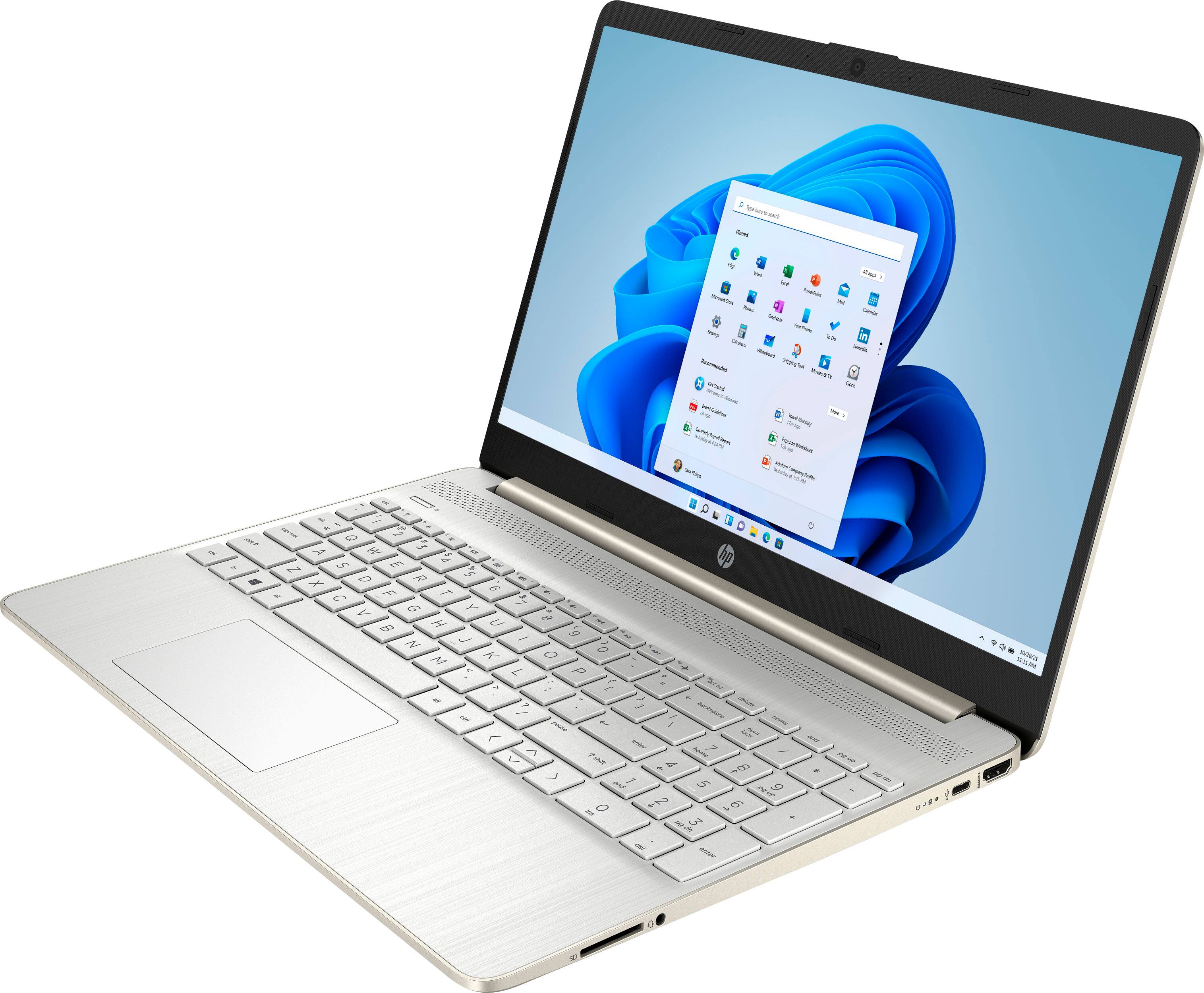
A:AnswerHi Doug, thank you for asking. The processor can support 2 external displays, but you'll need to use a docking station or adapters, as there is just one HDMI port.
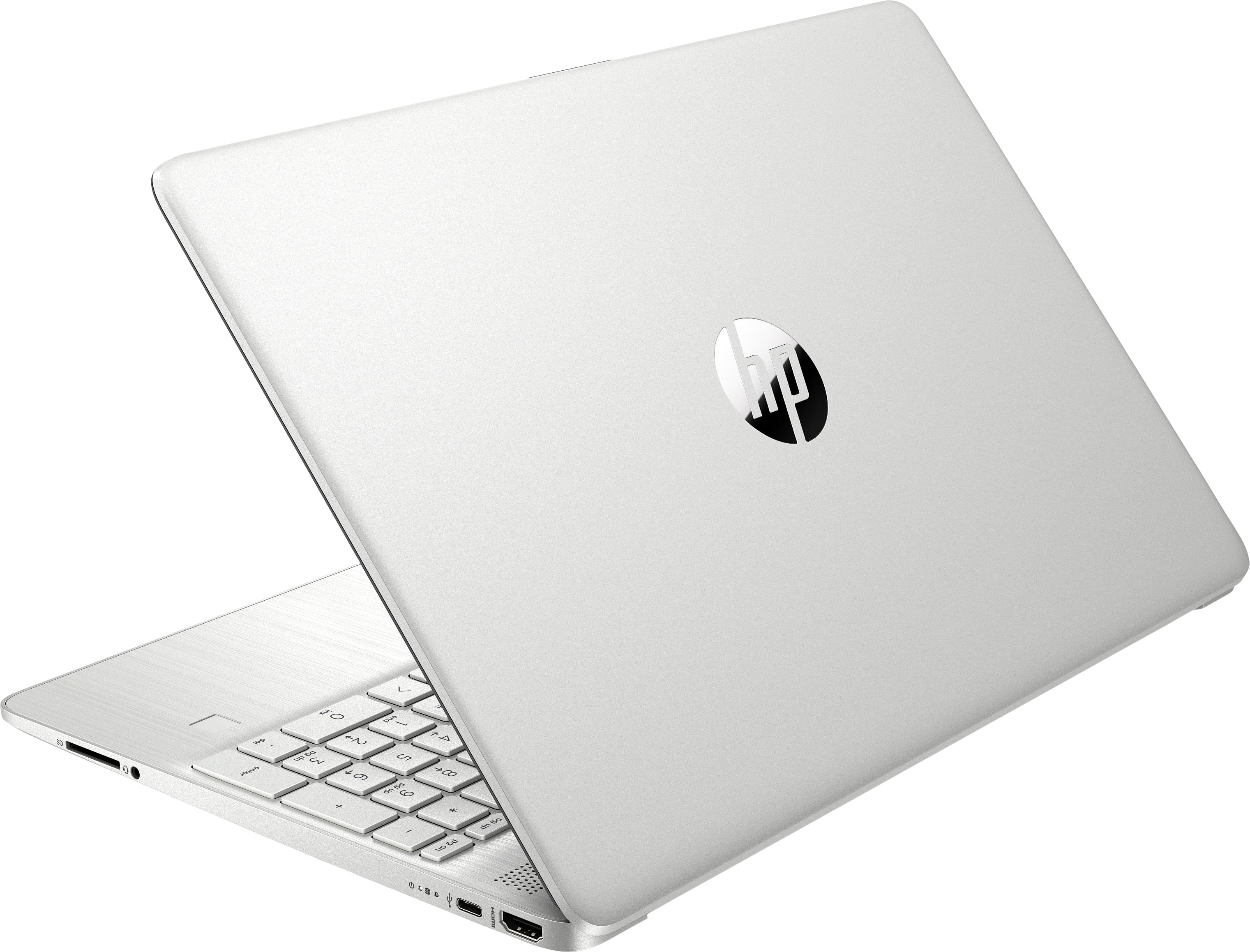
A:AnswerThis laptop has the following ports: 1 SuperSpeed USB Type-C® 5Gbps signaling rate, 2 SuperSpeed USB Type-A 5Gbps signaling rate, 1 Headphone/microphone combo,1 AC Smart pin and 1 HDMI 1.4b.