Main Content

Questions & Answers

$749.99
Save $150
Comp. Value: $899.99
Page Showing 41-50 of 50 questions
  • QuestionCan Ram be added?

    Asked by Powerfader.

  • Questioncan I watch my Netflix on this? my laptop does not let me watch that or Paramount etc. Only Pluto and Tubi. wish I knew why

    Asked by Deee.

    • Answer You should be able to, although you should also be able to watch on any computer, including the one you have now. Troubleshooting: 1. Are you using a legitimate Netflix account? 2. Does your account restrict how many devices you can use, and if so, are you under this number? 3. Are you generously sharing your account with someone else, in violation of Netflix regulations? 4. If you are using a browser, try using the Netflix app instead. If you are using the app, try different browsers. 5. Make sure you are not connecting through a VPN, as that sometimes causes Netflix to reject your connection. 6. Contact Netflix directly if none of the above apply/help.

      Answered by luislast

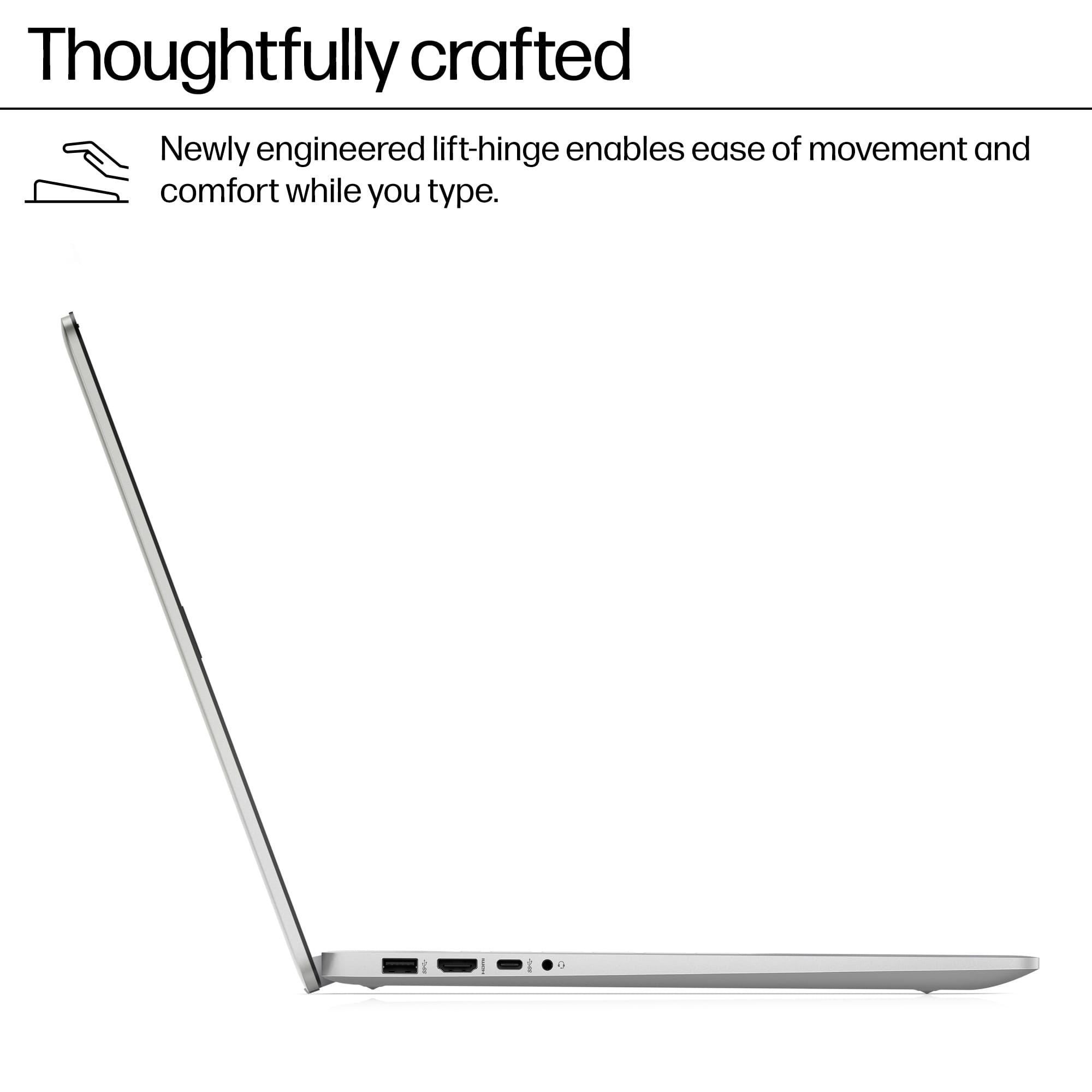
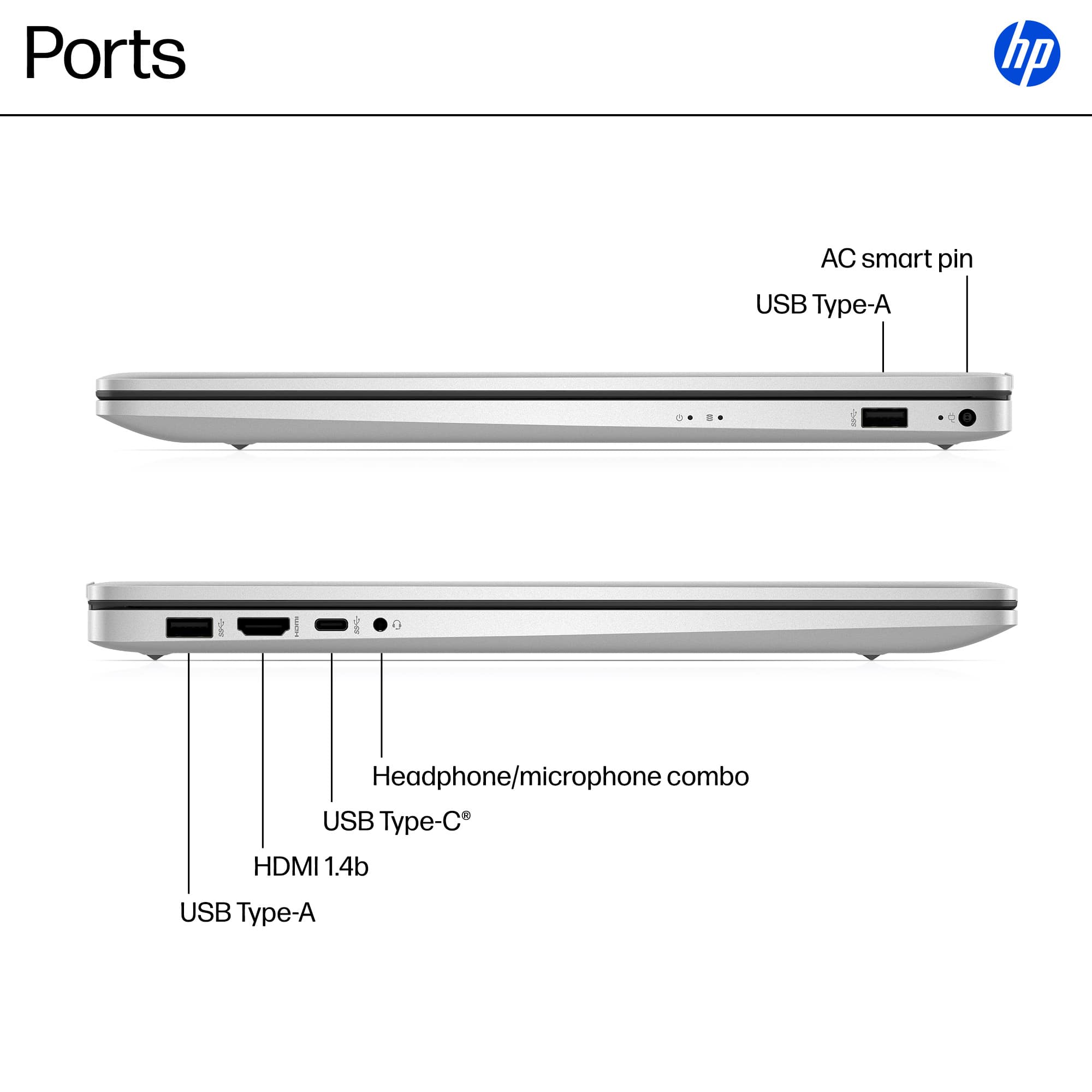
  • QuestionSeems like good computer, good features EXCEPT why only 1 Type C usb port?? Ridiculous.

    Asked by pregn.

    • Answer For the same reason it doesn't have a USB C port rated above 3.0, or 50 USB ports, or 64GB RAM instead of 16, or a backlit keyboard instead of a regular one: money. Every addition, even a port, costs more money, and the more advanced the port is, the more it costs. It may seem odd to you, but even one of these small changes can be enough to dissuade people from buying a computer, and possibly going with another manufacturer. There are plenty of laptops with more ports, but you probably are trading off for a less powerful CPU, smaller screen, less RAM, cheaper integrated GPU, less solid build, etc. You have to pay for what you want, it's as simple as that.

      Answered by luislast

  • QuestionCan I add another internal hard drive? what is the largest SSD internal hard drive this supports?

    Asked by Hutch.

    • Answer As with the query on RAM upgrades, I looked this up on both Gemini and Copilot. Both were ambivalent on the answer, but the Gemini presented more information and seemed more hopeful. This is what I found (slightly abbreviated): Yes, the HP 17-cn3327dx laptop likely supports adding a second drive, specifically a 2.5-inch SATA SSD or HDD, in addition to the 1 TB M.2 NVMe SSD that is already installed. Drive Expansion Options The HP 17-cn series models are generally configured with one of the following storage layouts: One M.2 NVMe SSD slot (occupied): Your 1TB drive is using this slot. One empty 2.5-inch drive bay: This is where you would install a secondary 2.5-inch drive (either a standard SATA SSD or a traditional HDD). The ability to add the 2.5-inch drive depends on whether the necessary caddy and connecting cable (often an HP accessory) are included with your specific model or if they need to be purchased separately. Important Considerations Parts Required: To install a 2.5-inch drive, you will likely need a drive caddy and a SATA ribbon cable that connects the drive to the motherboard. These parts are often not included when the laptop is configured with only an M.2 SSD from the factory. Accessing the Slot: As with RAM, accessing the drive slots in this laptop typically requires removing the entire bottom cover. This process is considered non-user-accessible by HP and could potentially void your warranty if not done correctly. Drive Type: The secondary drive slot uses the SATA interface, which is slower than the primary M.2 NVMe drive, but it's an excellent way to add high-capacity, low-cost storage for files, media, and backups. It is highly recommended to look up a video of a teardown or drive installation for the HP 17-cn series before attempting this upgrade. You can find a visual guide on the process of upgrading a similar HP 17.3-inch laptop, which often involves adding an M.2 SSD and an additional 2.5-inch hard drive

      Answered by luislast

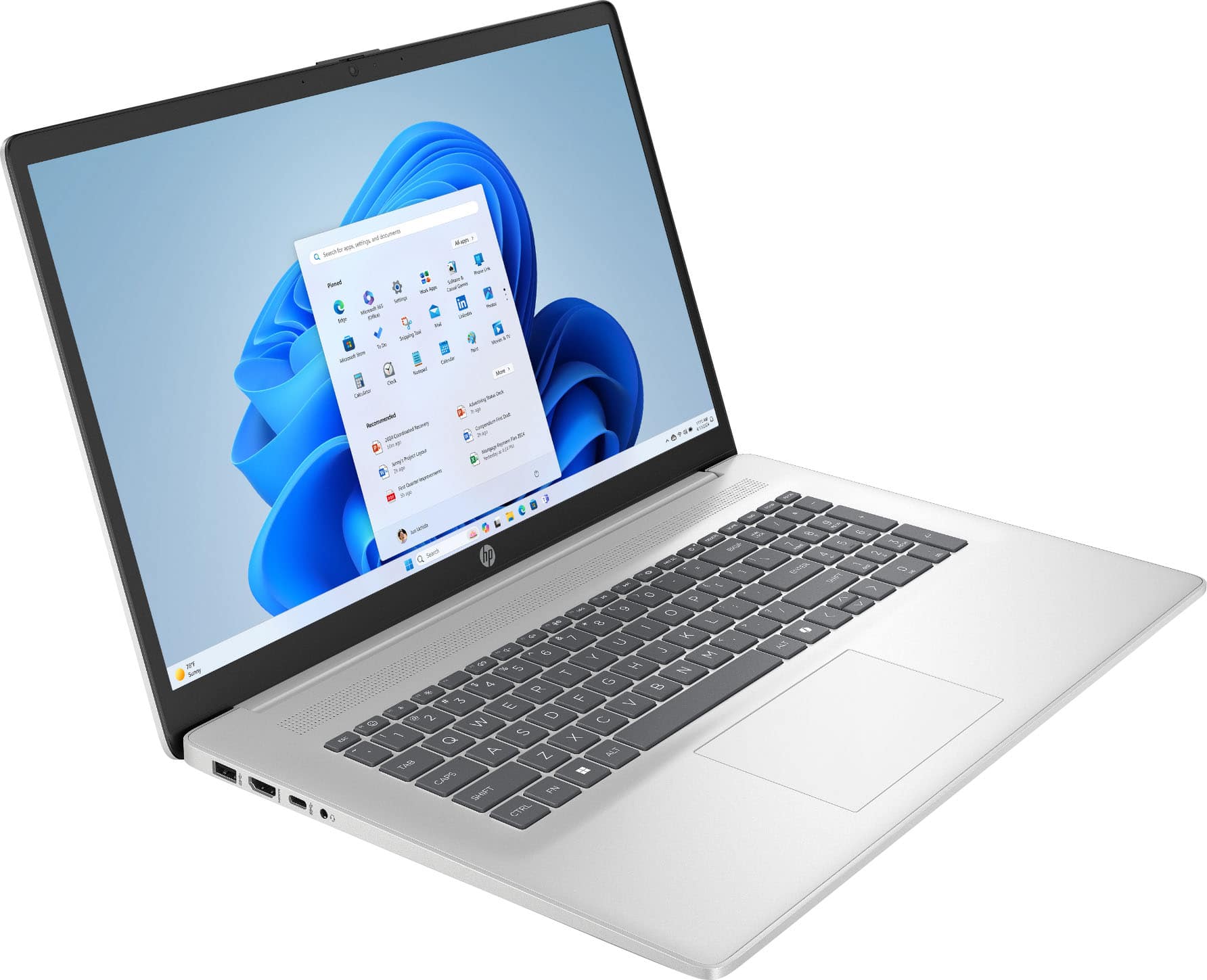
  • Questionwhat size keyboard? not listed in specs

    Asked by Anonymous.

    • Answer Seems a silly question up front. I have had more than one HP laptop. And other brands. Personal and company. "Full size" keyboards apparently may not be the same. My older HP 15.6 keyboard and number pad keys are spaced further apart that even our new "Full" HP 17.3. Its not always about screensize. I prefer the spaciousness for my fingers. Looking for keyboard specs if available. Not a fan of tighter key spacing. Maybe expected on a compact laptop, but expect slightly larger spacing on the largest laptops. Just didnt know if keyboards have specs. I will just let my fingers do the walking on display models of all brands. Thank you.

      Answered by Anonymous

  • QuestionIs Word and Excel included

    Asked by Anonymous.

    • Answer There is a package available now (14 Oct 2025) on Best Buy for a one-year MS 365 subscription. If you miss it, you will have to purchase one of the several options available. There is also LIMITED free use of Word, Excel, and PowerPoint through the Edge browser.

      Answered by luislast

  • QuestionIs it 64 bit or 32 bit?

    Asked by Sketchie.

    • Answer 64 bit

      Answered by AnthonyF

  • QuestionDoes this have a partitioned drive or non-partitioned drive

    Asked by dn.

    • Answer Typically, all major computer manufacturers (HP, Lenovo, Dell, Samsung, Toshiba, Acer, Asus, and maybe others) partition the C-drive so that they can include a backup of the original installation. This allows for situations where your drive may have been corrupted, possibly by electrical problems, or malware, or you want to sell/gift the unit to someone, and don't want to give them your accumulated personal information (bank account numbers, passwords, search history, etc.). This partition is very small, usually less than 1GB, so you are not losing very much space. If desired, you can remove the partition, if you really want to, but it is not recommended.

      Answered by luislast

  • Questionwhat type of warranty

    Asked by d.

    • Answer Look it up.

      Answered by FlashGordon90

  • QuestionWhat security feauters does this laptop have and how bright can the screen get? Can the type c port be used to charge the laptop as well?

    Asked by SaulC94.

    • Answer Security: All those features included with Windows Home. You can find these on the MS website and any number of independent sources, and I won't bother copying and pasting them here. Since it is not the Professional version of Windows, it does not, of course, have Bitdefender. It also has a 30-day trial version McAfee, or you can use the integrated Defender program. 2 Brightness: Specifications-->Key Specs-->Brightness--> (I'm assuming that you can read, even if you don't bother to). 3. Can the type c port be used to charge the laptop as well?: Features-->Manuals & Guides-->English [Datasheet]-->External notebook ports--> I know, I know, you have to read even more.

      Answered by luislast