A:AnswerHello, yes, you can transfer your files in multiple ways either via a transfer cable, storing your files in the a cloud storage option then downloading to your pc if desired, or via a USB external storage drive, or using a thumb drive/flash drive to transfer the information. You can check with Geek Squad and they can assist you with the Data transfer through the cable option or transferring the data to an external device. Thank you for being an HP customer!
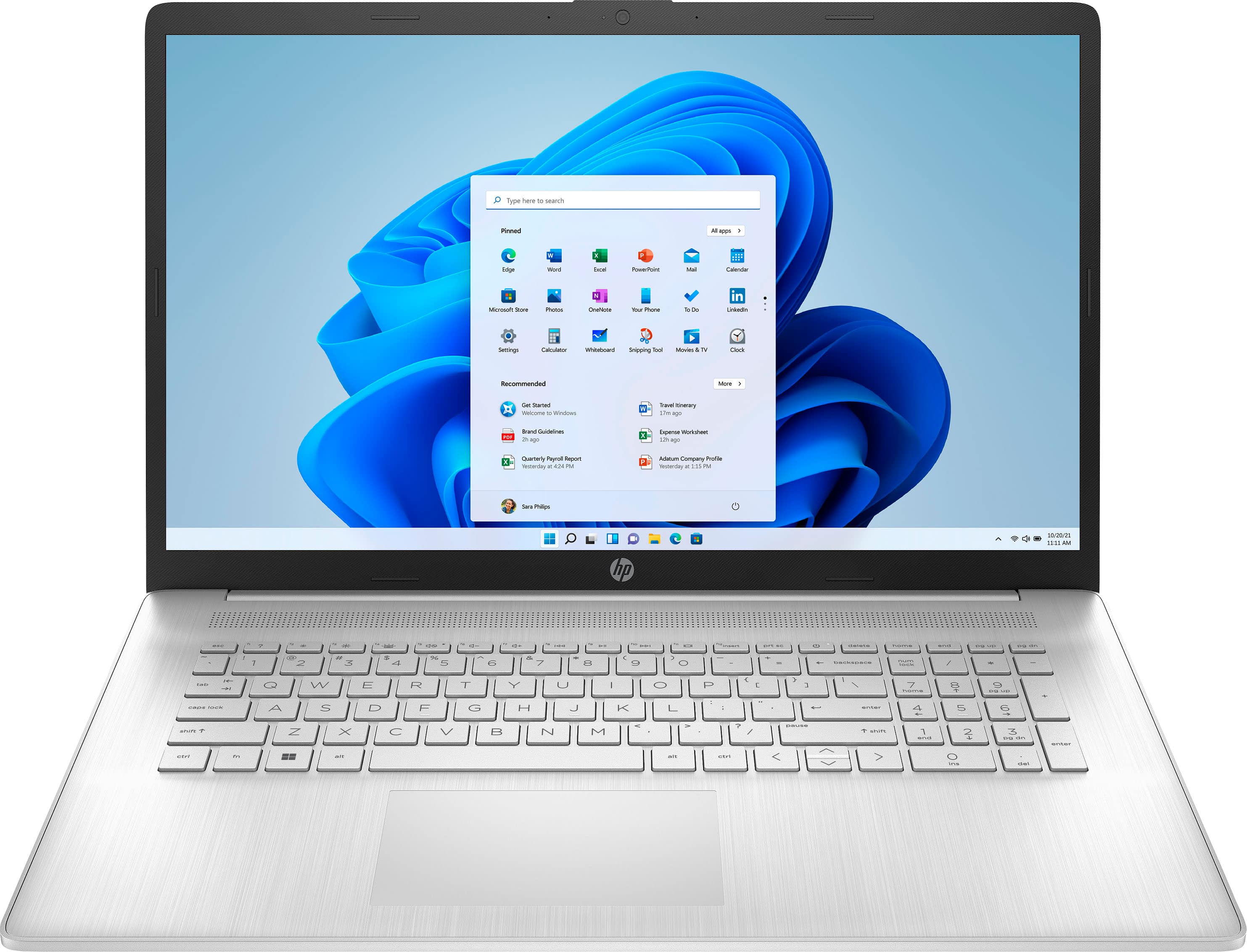
A:AnswerThis model comes with Windows 11 in S mode, which has many accessibility features, such as high contrast, text size, cursor size and style, as well as many other features.
A:AnswerI've not seen too many hotspots that don't have WIFI available.
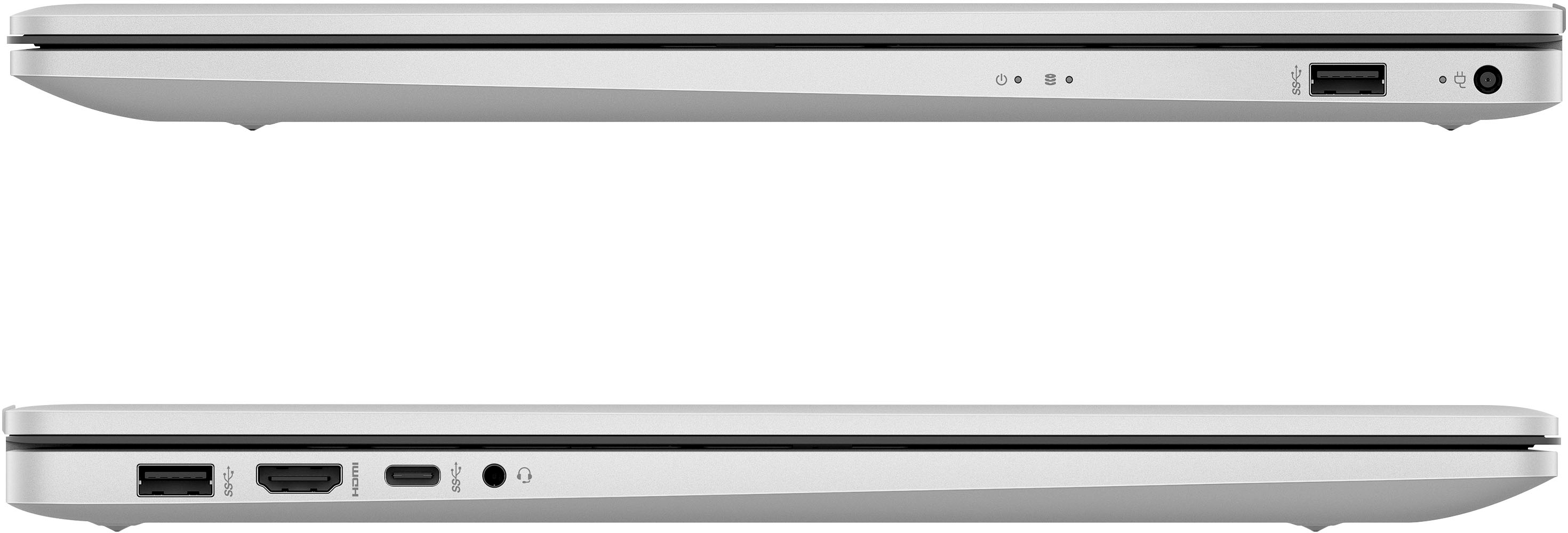
The laptop does not have any ethernet connections on it so theoretically the only option out of the box is bluetooth which is about as exciting as watching paint dry. With the addition of a USB to Ethernet adapter you could use a physical Rj45 connection to whatever device is considered the hotspot.
A:AnswerThe screen is bright and clear. However, the screen has a matte finish and it doesn't have a glossy or sharp appearance. I used to own a HP Envy which was much better in this regard.