A:AnswerYes, it will, but you'll need to install Windows 11 Pro on the computer before you can make the BIOS changed needed to enable Hyper-V. But it will then run the Windows 10 software.
A:AnswerThank you for the question. You can switch from Windows 11 S Mode to Windows 11 Home yourself in a simple, quick, and free operation (visit Microsoft.com to learn more). This change is not reversible.
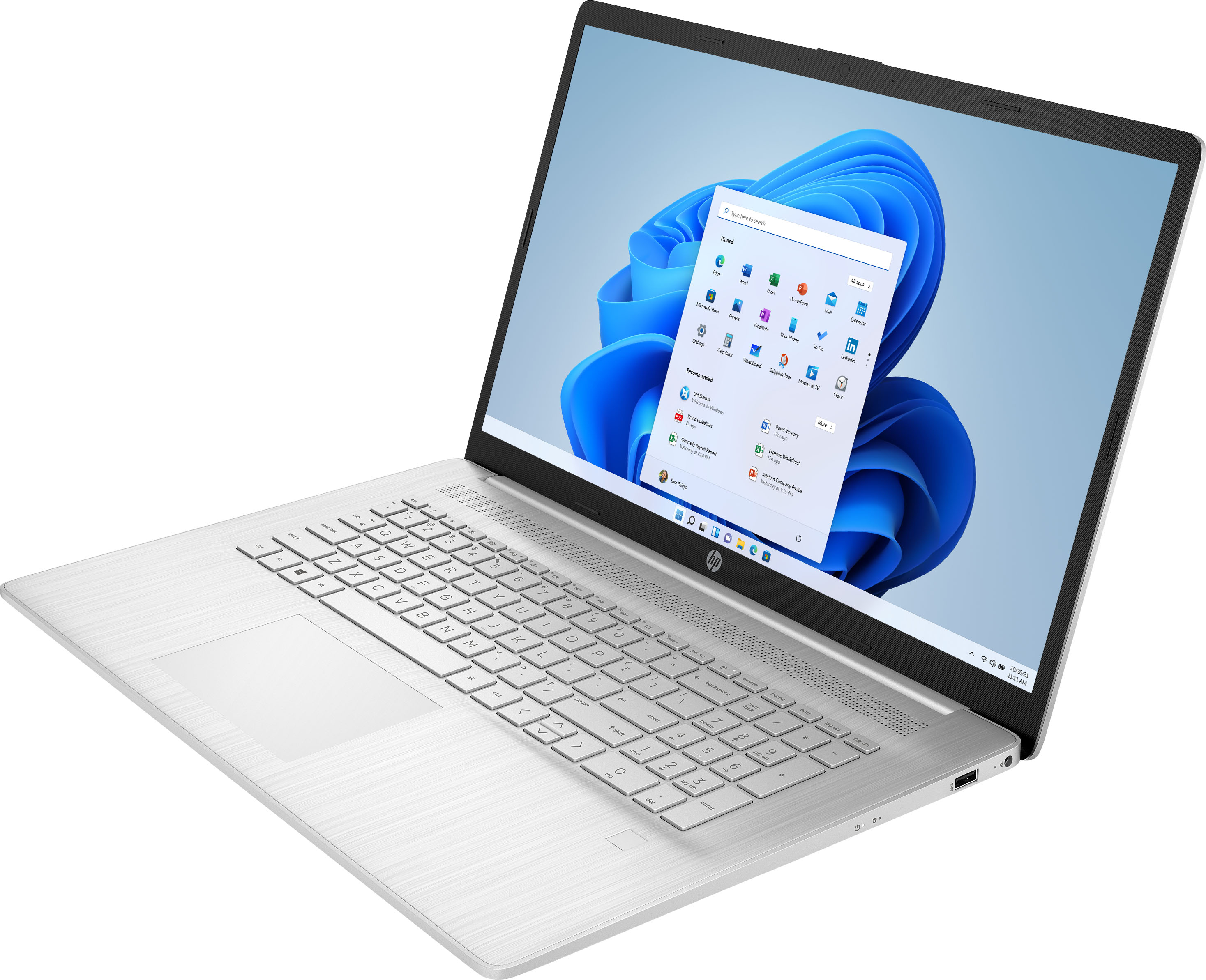
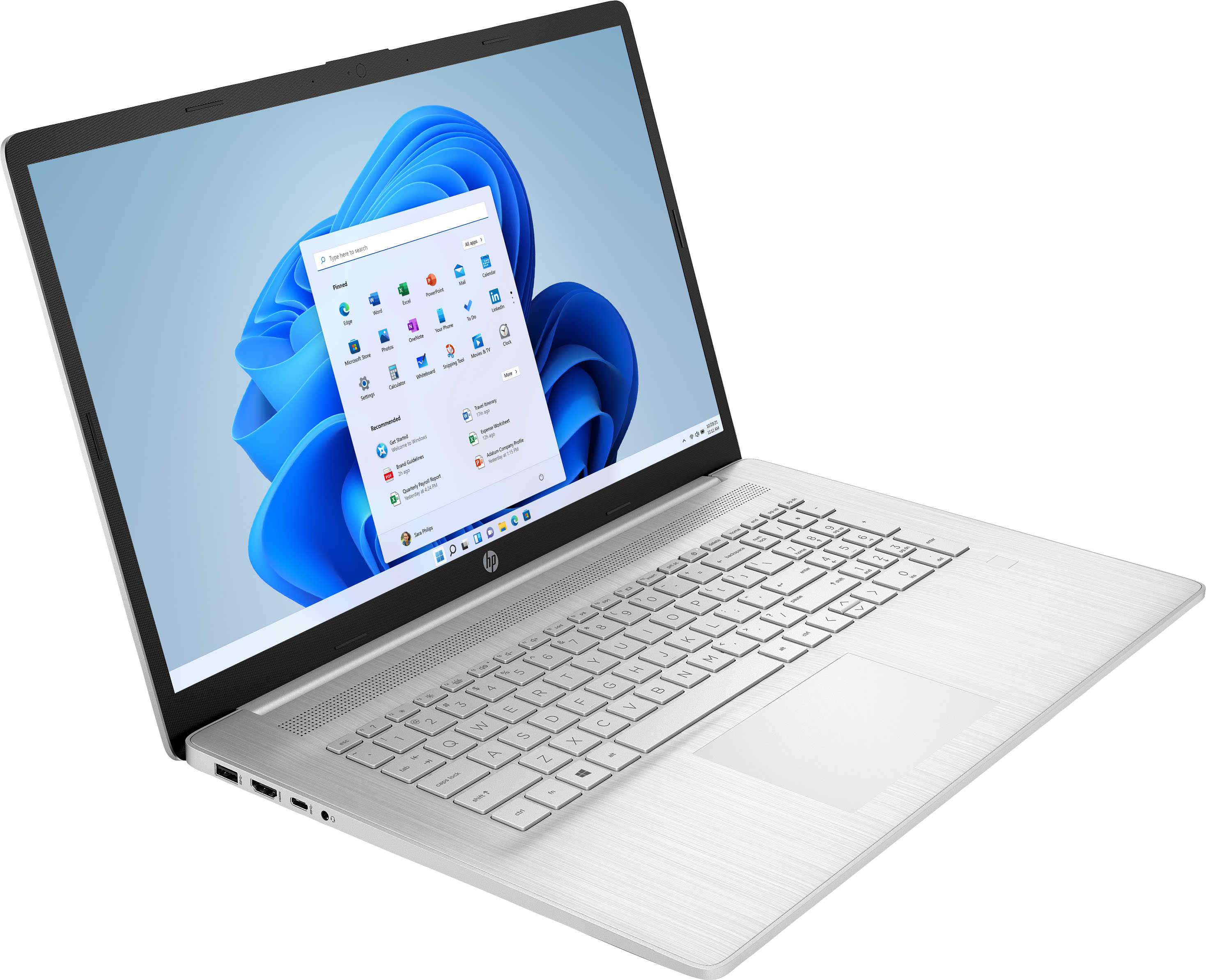
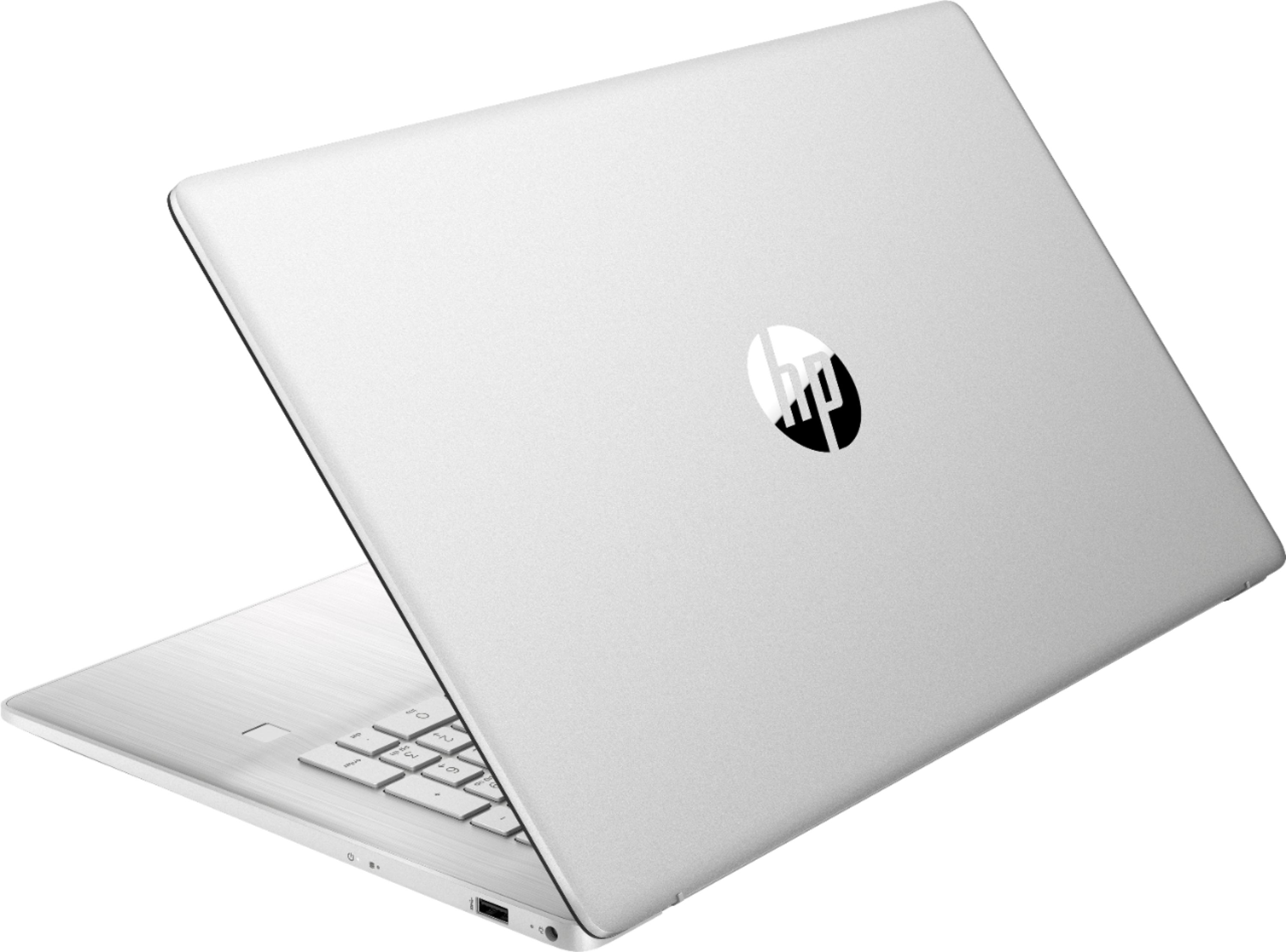
A:AnswerYes, this laptop has the following ports: 1 SuperSpeed USB Type-C® 5Gbps signaling rate, 2 SuperSpeed USB Type-A 5Gbps signaling rate, 1 headphone/microphone combo, 1 AC Smart pin and 1 HDMI 1.4b port.
A:AnswerNO! Also, this PC has NO SD card read. Also, I was very disappointed that it did not have a place for my hard wire cable plug. I am thinking about returning the unit.
A:AnswerI don't think so. I used the USB 3.0 port on the right side of this PC to connect my 2 monitors using the j5 Create USB 3.0 Multi Monitor Adapter.
A:AnswerI believe thats a yes.. I used the j5 Create USB 3.0 Dual HDMI Multi Monitor Adapter for my labtop. The USB port is on the right side. runs about $65 bucks
A:AnswerThank you for the question. A 256GB SSD should be sufficient for the tasks you've described. If you need additional storage, you can connect a flash drive or external hard drive via the USB ports. If you work with large files (such as photos, editing, etc.), you'd want more storage. 256GB is 1/4th the storage capacity of 1TB.
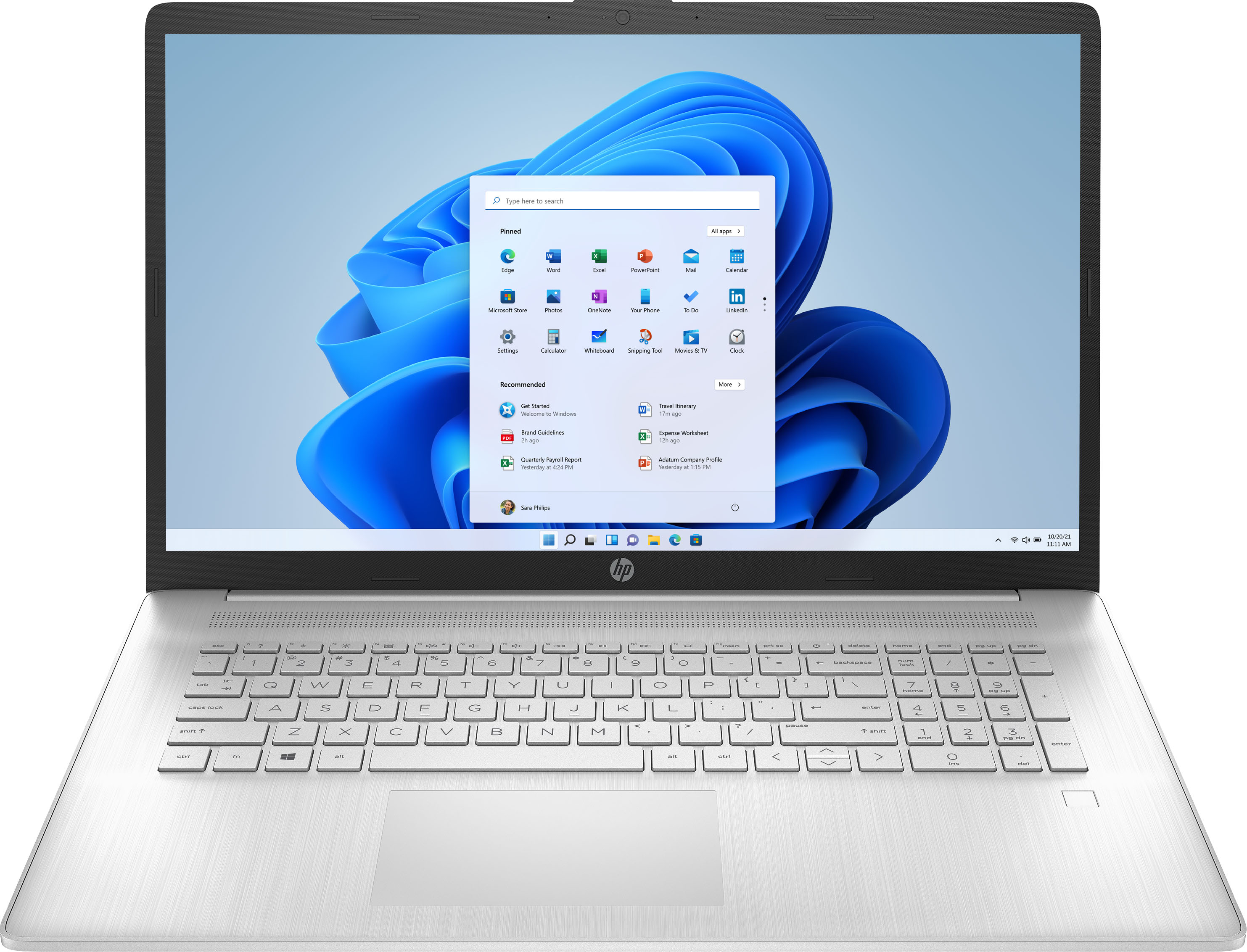
A:AnswerThere's no way to add an optical drive internally, but you can use an external drive that connects to one of the USB ports. This computer has two USB-A ports, a USB-C port, and an HDMI port for sending video to an external monitor.