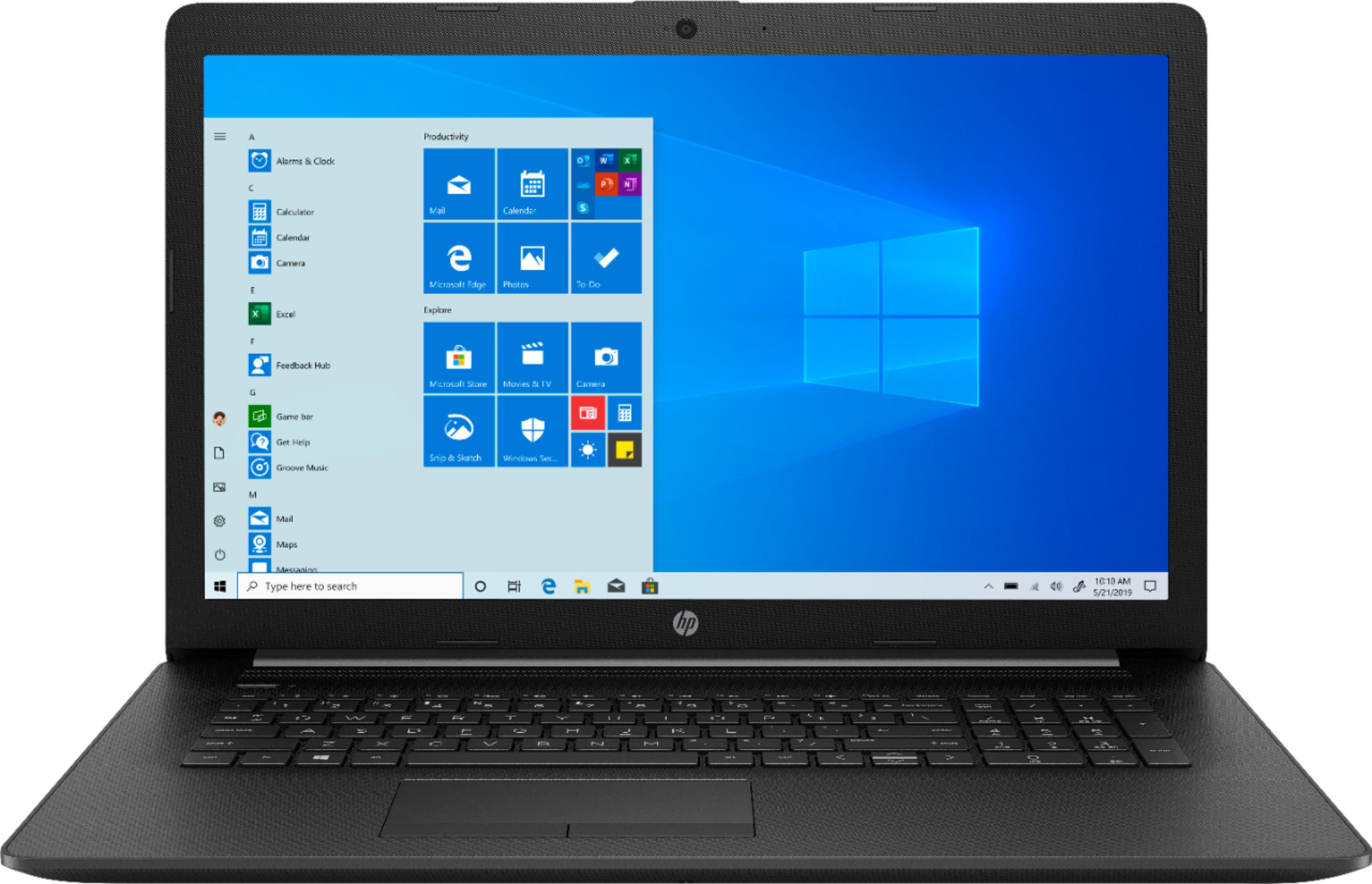
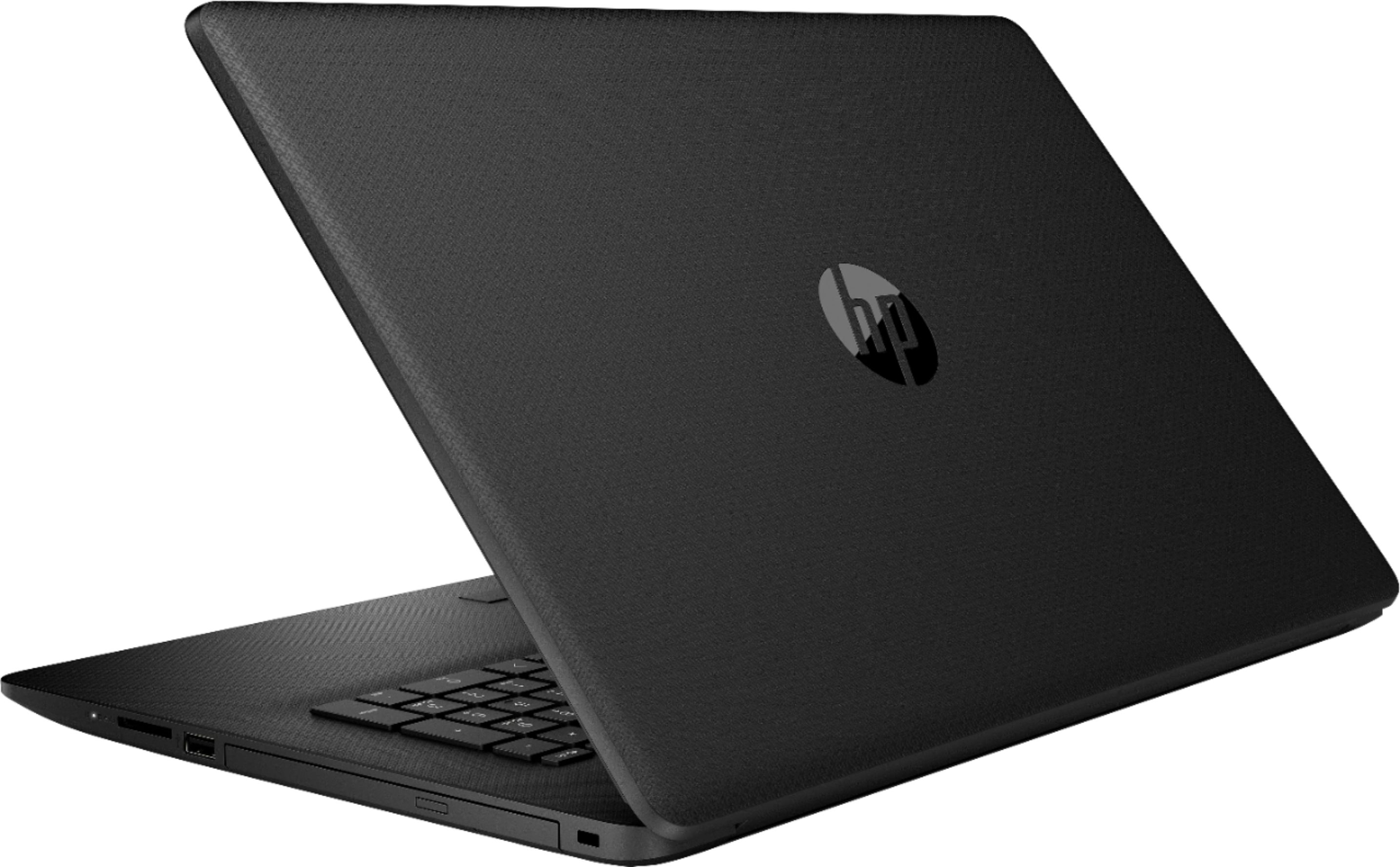
A:AnswerYes, you can upgrade the hard drive to a solid state hard drive with a SATA connection. (No M.2 drives are in this laptop.) Doing so will give you the biggest boost in performance over replacing the RAM in most cases. You can indeed replace the RAM, it has 2 sockets which are both occupied by 8gb sticks currently. You will need to buy 16gb sticks to upgrade this laptop.
A:AnswerYes, Avid will run just fine. You might consider upgrading the RAM down the line from 16GB to 32GB to process video editing at top speed, but it meets the system requirements overall.
A:AnswerHere's what is included:
Software
Operating system
Windows 10 Home 64
Software included
McAfee LiveSafe™
Pre-installed software
Netflix (30-day free trial offer)
Software - Productivity & finance
1 month trial for new Microsoft Office 365 customers
A:AnswerThis laptop has the AMD Ryzen 7 3700U with Radeon RX Vega 10 Graphics (2.3 GHz base clock, up to 4 GHz max boost clock, 6 MB cache, 4 cores) processor.
A:Answeryou can watch a video on youtube on how to use the computer just type in the computer name HP - 17.3" Laptop - AMD Ryzen 7 - 16GB Memory - AMD Radeon RX Vega 10 - 1TB HDD - Jet Black, Mesh Knit Pattern With Texture Finish and it will have a couple videos of it.
A:AnswerAccording to the maintenance guide at http://h10032.www1.hp.com/ctg/Manual/c05985614 the maximum amount of RAM for this laptop is 16 gigabytes.
A:AnswerThis laptop is definitely NOT something like a Chromebook or tablet. This laptop has a powerful processor (CPU) and plenty of RAM. You can do on this computer what you can do on a desktop, and you should be able to run all the programs/apps that you listed.