A:AnswerYou can upgrade the laptop on your own by going to the Microsoft Store (app store) on the laptop and searching for Windows 10 Pro. Or you can have the Geek Squad install it for you. You can reach out to the Geek Squad: 1-800-433-5778 or https://www.bestbuy.com/site/services/geek-squad/pcmcat138100050018.c?id=pcmcat138100050018
A:AnswerWindows 10 in S Mode is a secure environment. It only allows you to download apps from the Microsoft Store and use the Microsoft Edge browser. On a laptop like this, you can switch it out of S Mode for free. It will allow you to have the full Windows 10 Home operating system and the ability to install software or any browser you choose. Here is how you switch of out of S Mode: https://support.microsoft.com/en-us/help/4456067/windows-10-switch-out-of-s-mode
A:AnswerYes there are several ways you can speak to this laptop.
One is through the Windows 10 virtual assistant Cortana. You can make the settings to let Cortana respond to "hey Cortana" and use it to perform a variety of tasks.
Also you can set up the laptop to take "spoken voice" dictation - see the Microsoft article below:
https://support.microsoft.com/en-us/help/4042244/windows-10-use-dictation
Also other types of virtual assistants such as Amazon Alexa can be installed on your pc.
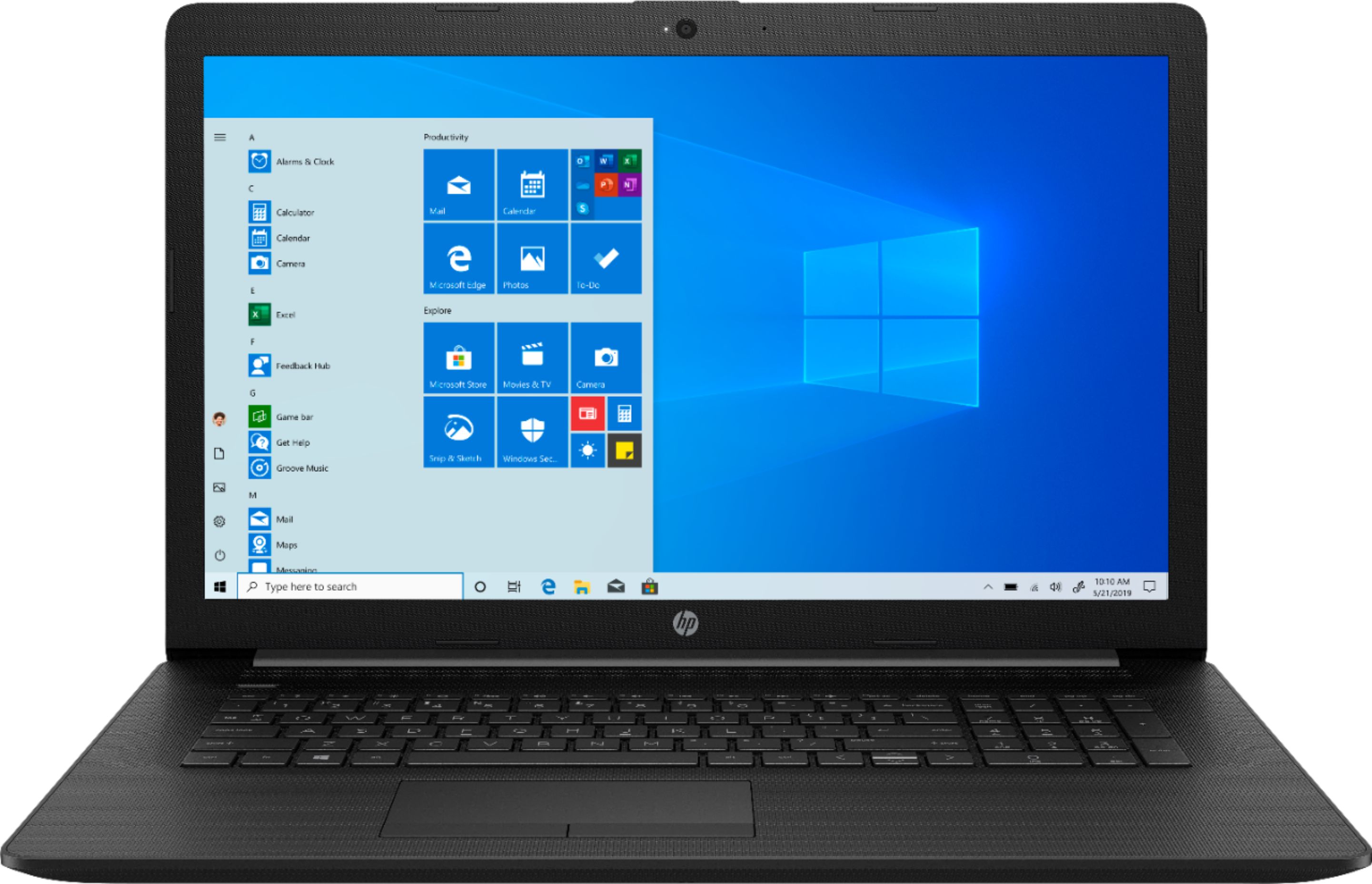
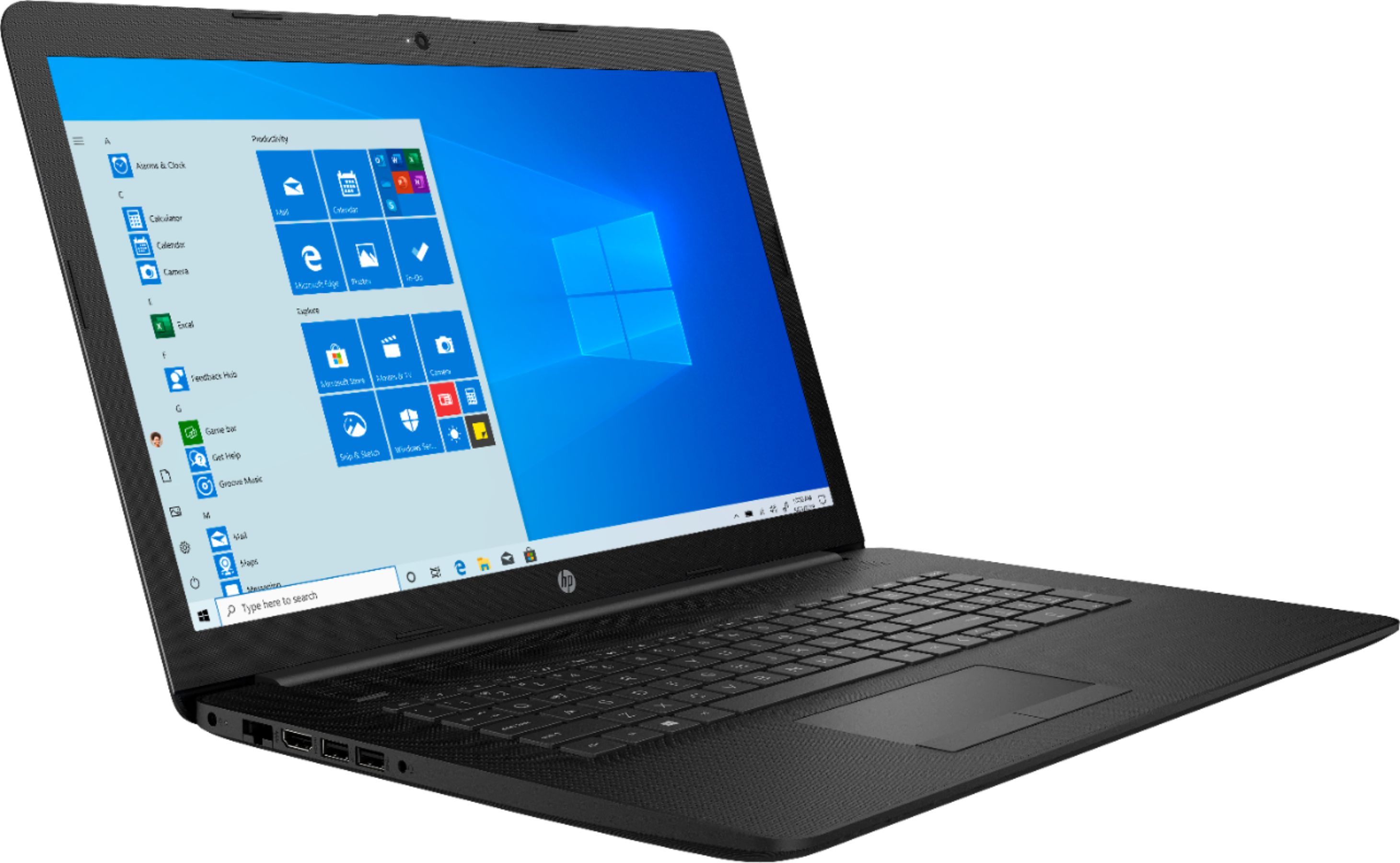
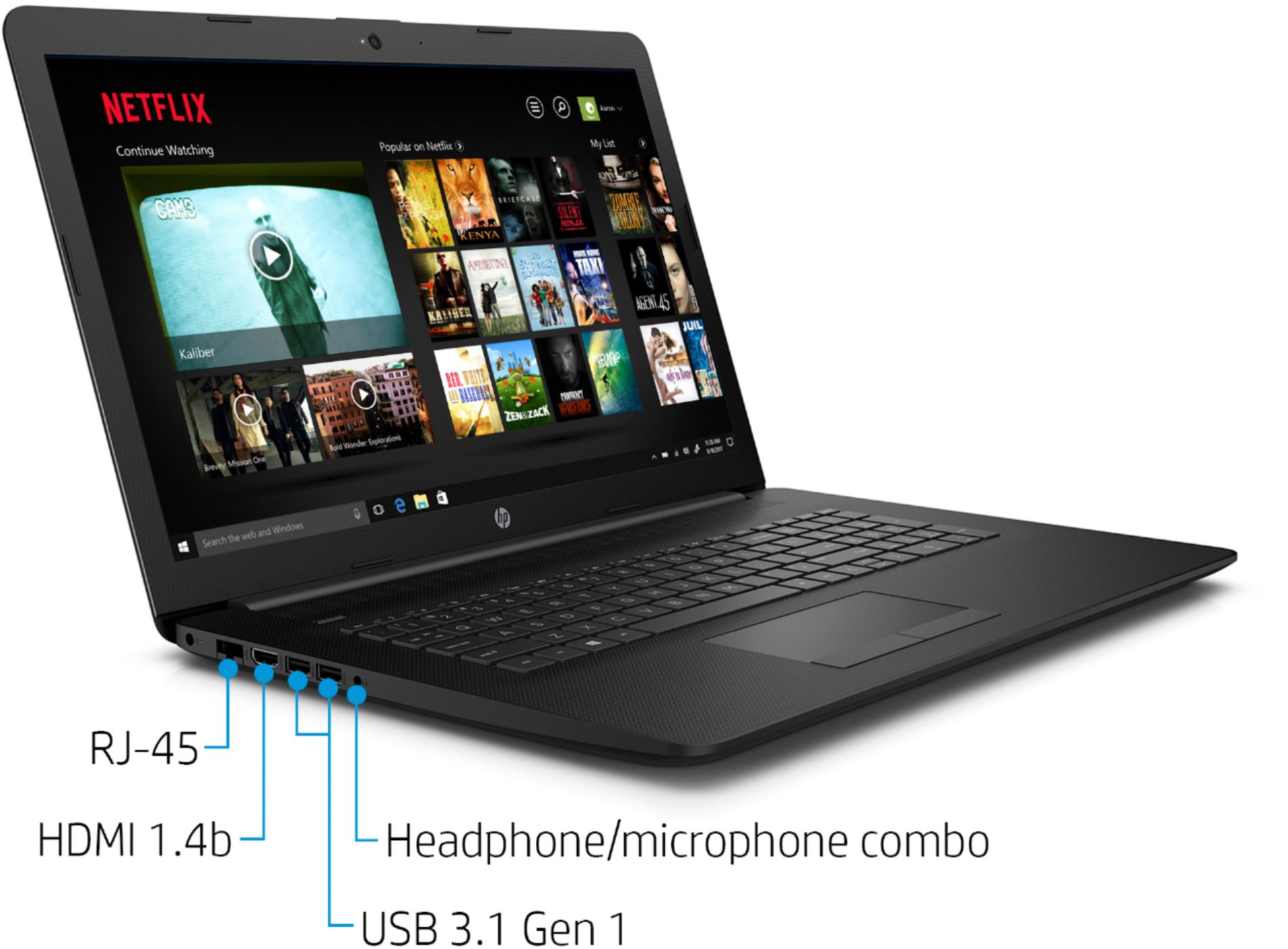
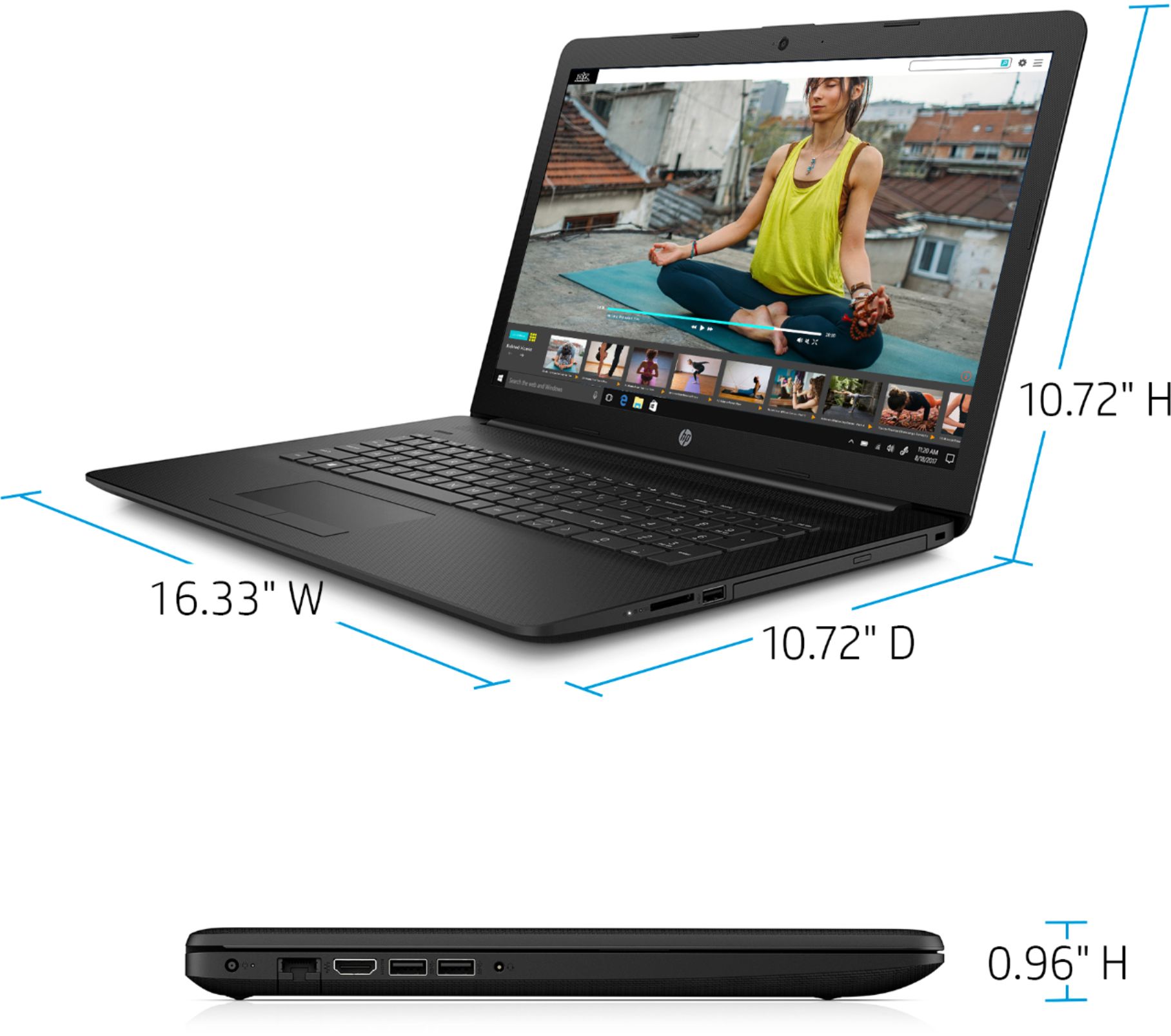
A:AnswerYou can connect using an HDMI cable with a compatible monitor. There are also a number of adapters available if your monitor has a different port.
A:AnswerNo, you can only connect one monitor to this laptop by using the HDMI port. If you need two monitors, you would need a Universal USB docking station.
A:AnswerYes, this comes in Windows 10 in S Mode. It is very easy to switch out of Windows 10 in S Mode. Here is how: https://support.microsoft.com/en-us/help/4456067/windows-10-switch-out-of-s-mode