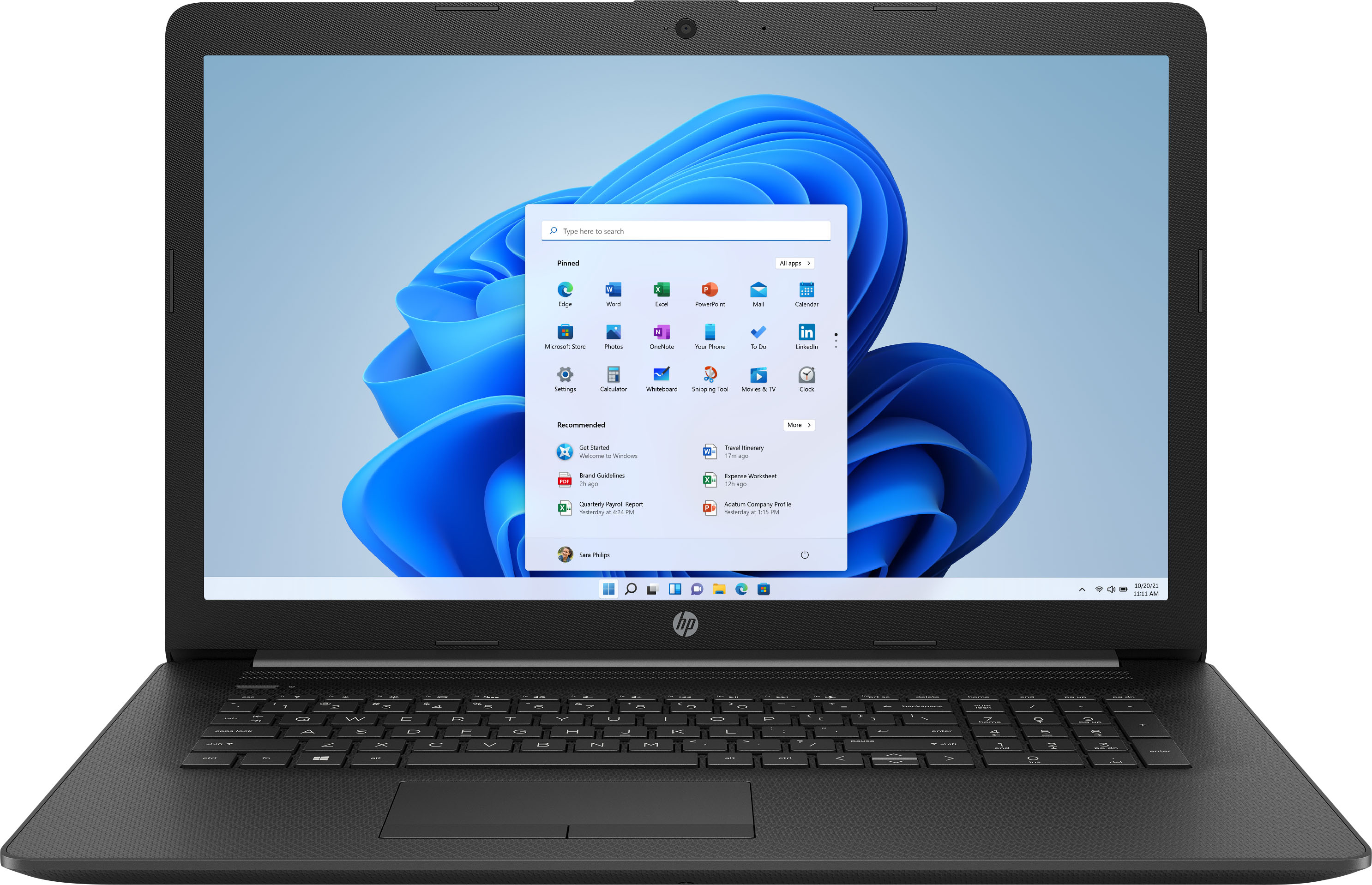
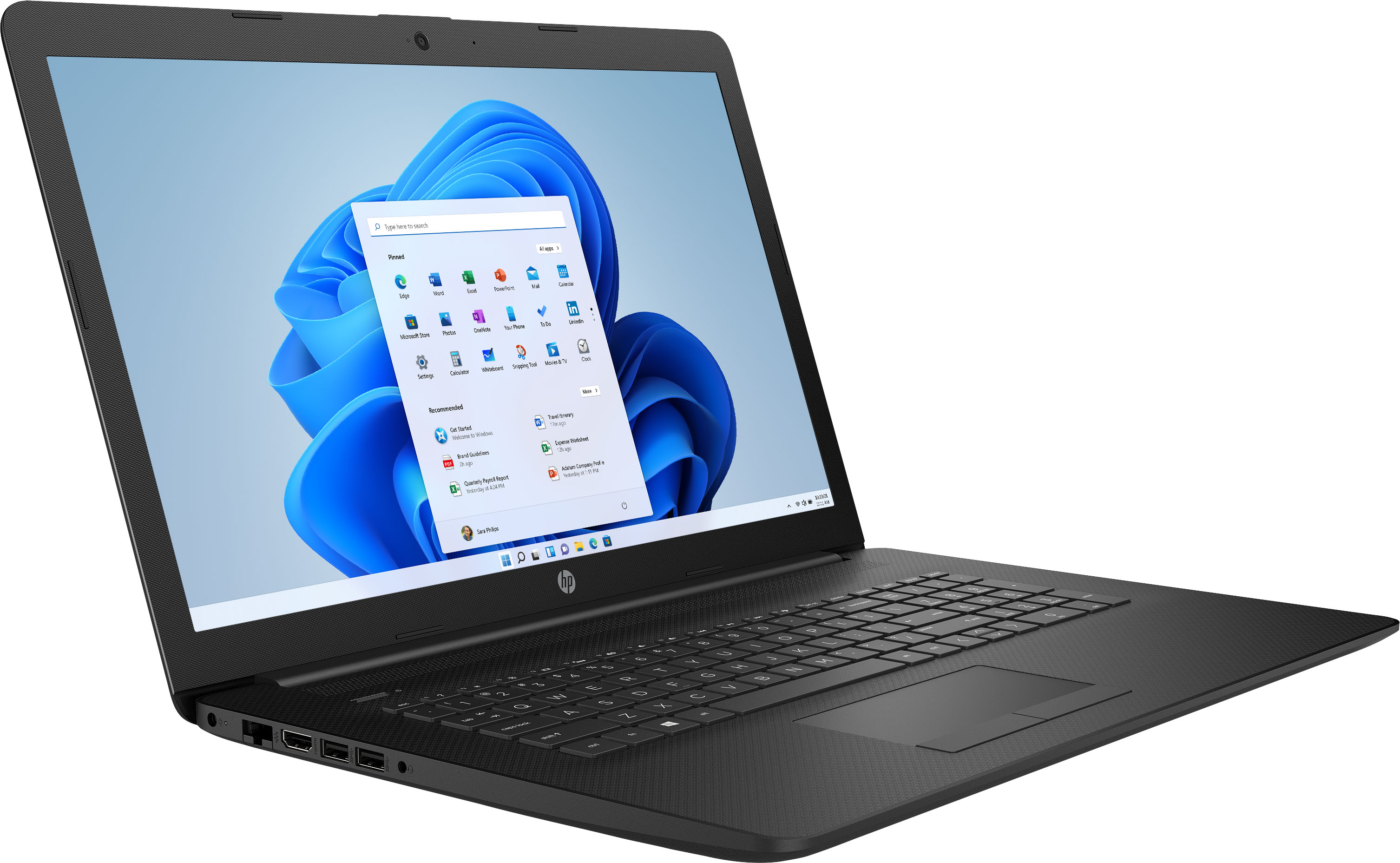
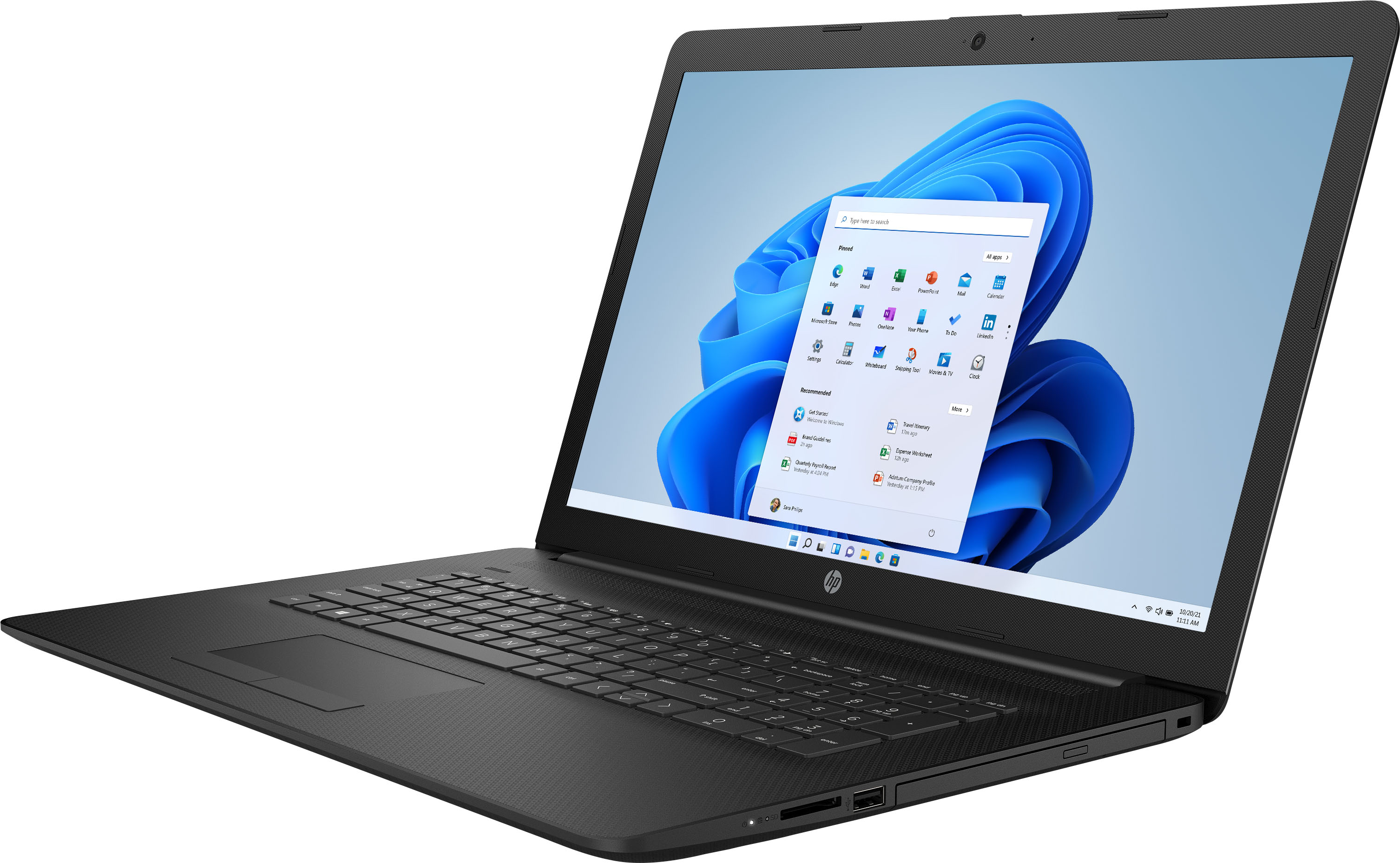
A:AnswerYes, you can use the touchpad both to move around the screen and to use "gestures" to do things like expand a window or zoom in. The two buttons at the bottom function like the left and right buttons on a mouse. The left button selects items, and the right button brings up a menu.
A:AnsweriT IS A SECURITY MODE FROM MICROSOFT AND IT IS DESIGNED TO BLOCK GOOGLE CHROM. WHEN YOU HAVE ANOTHER SECURITY SYSTEM AND WISH DISABLE THE S MODE, DIRECTIONS ARE AVAILABLE TO DISABLE IT.