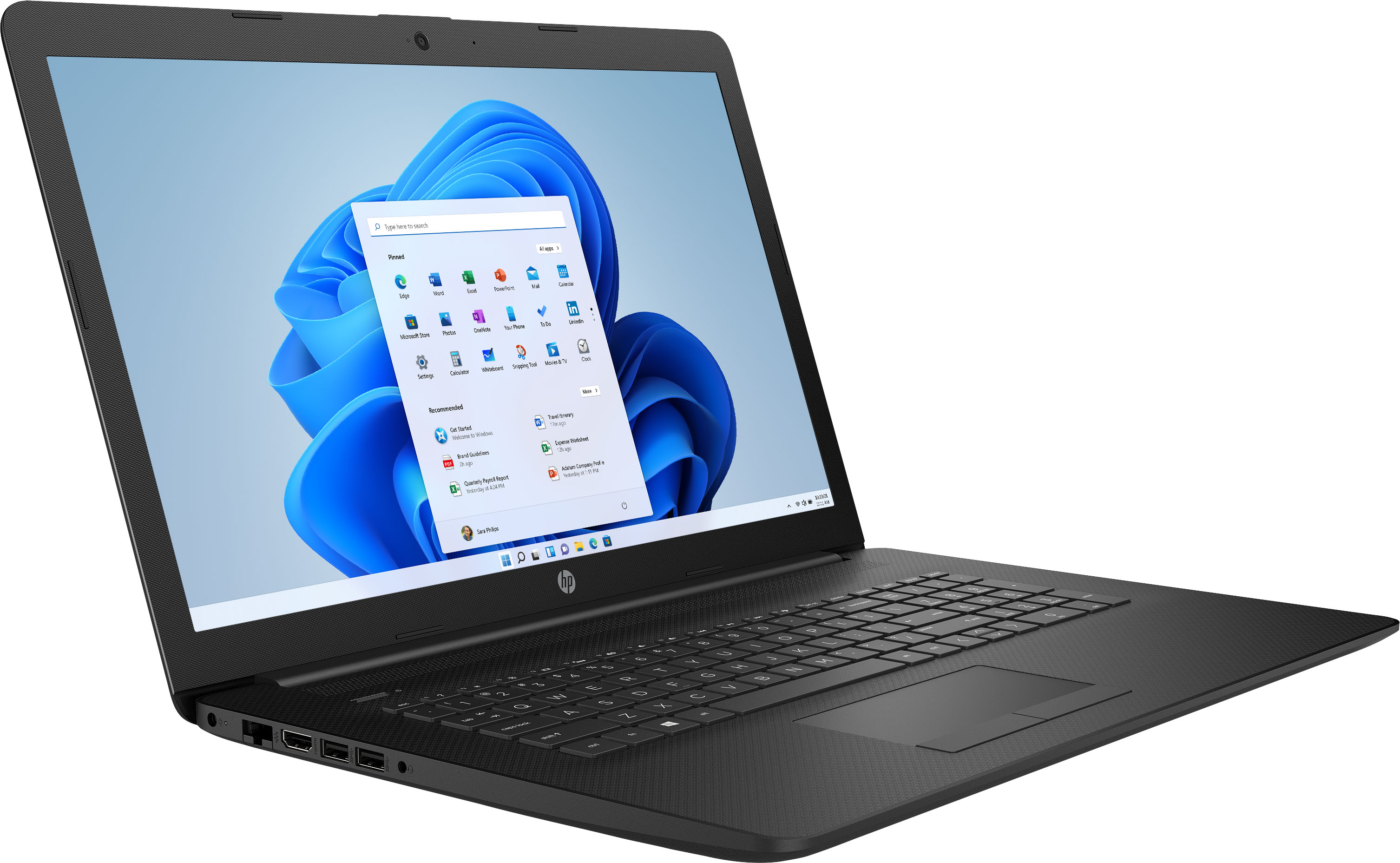
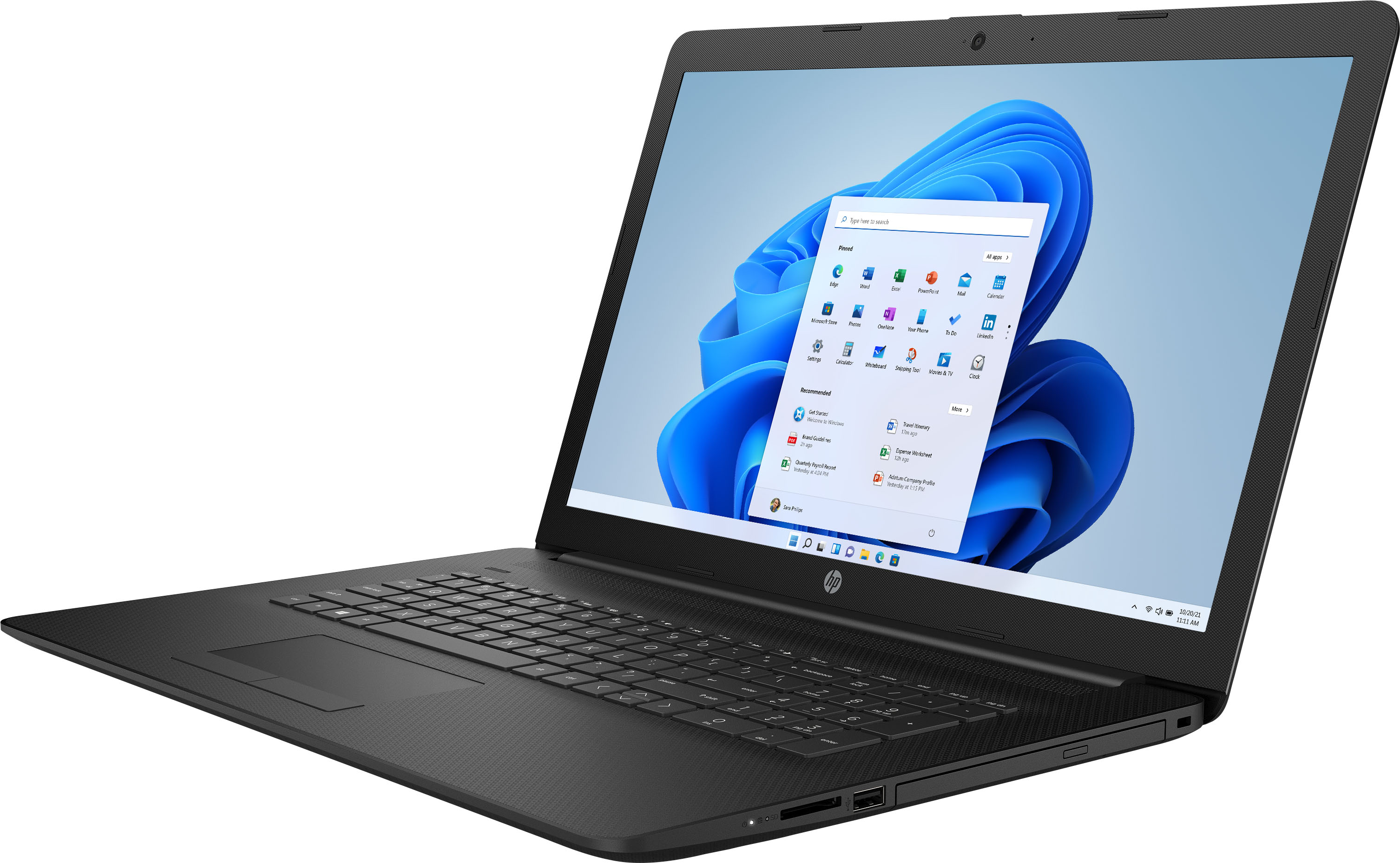
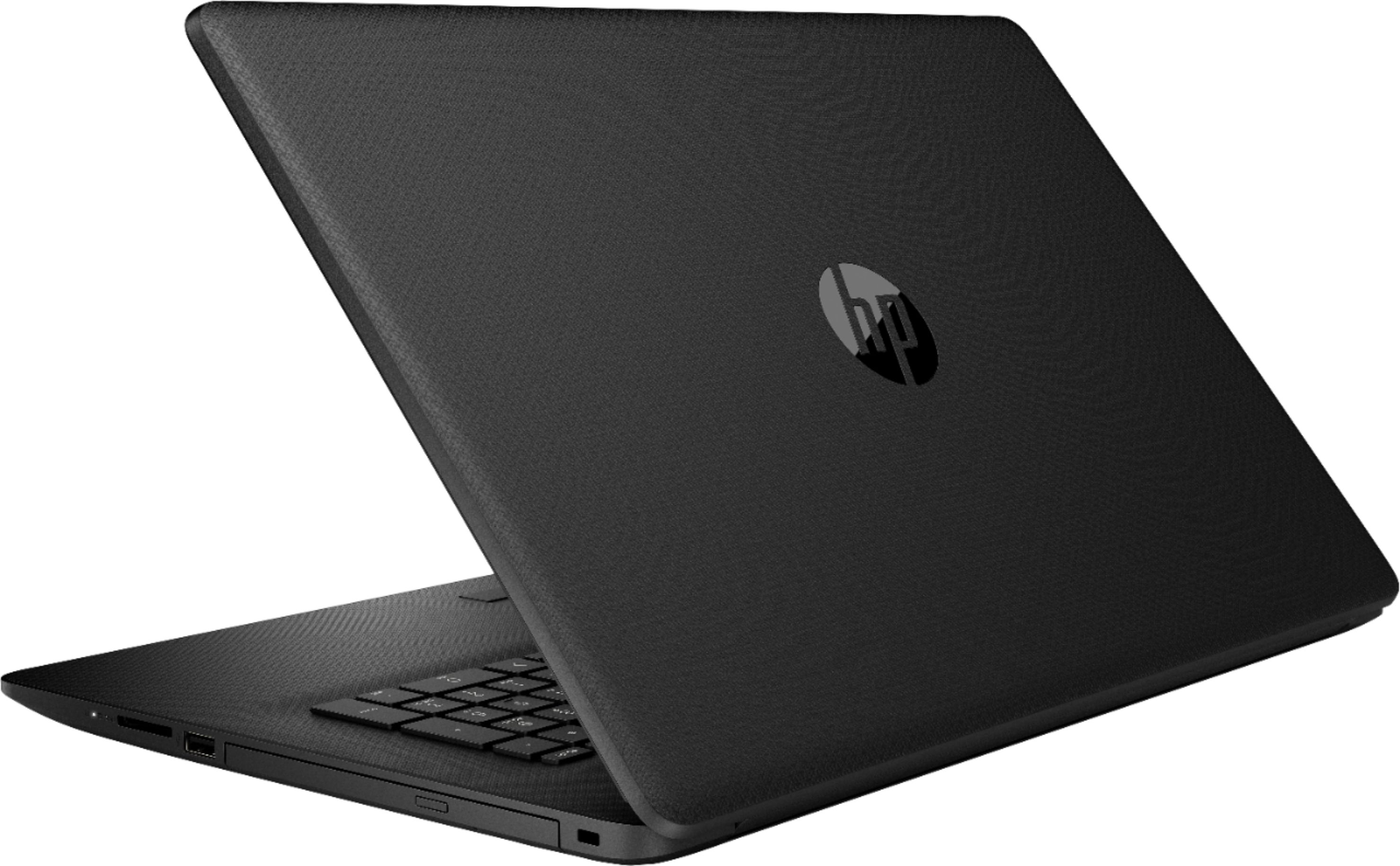
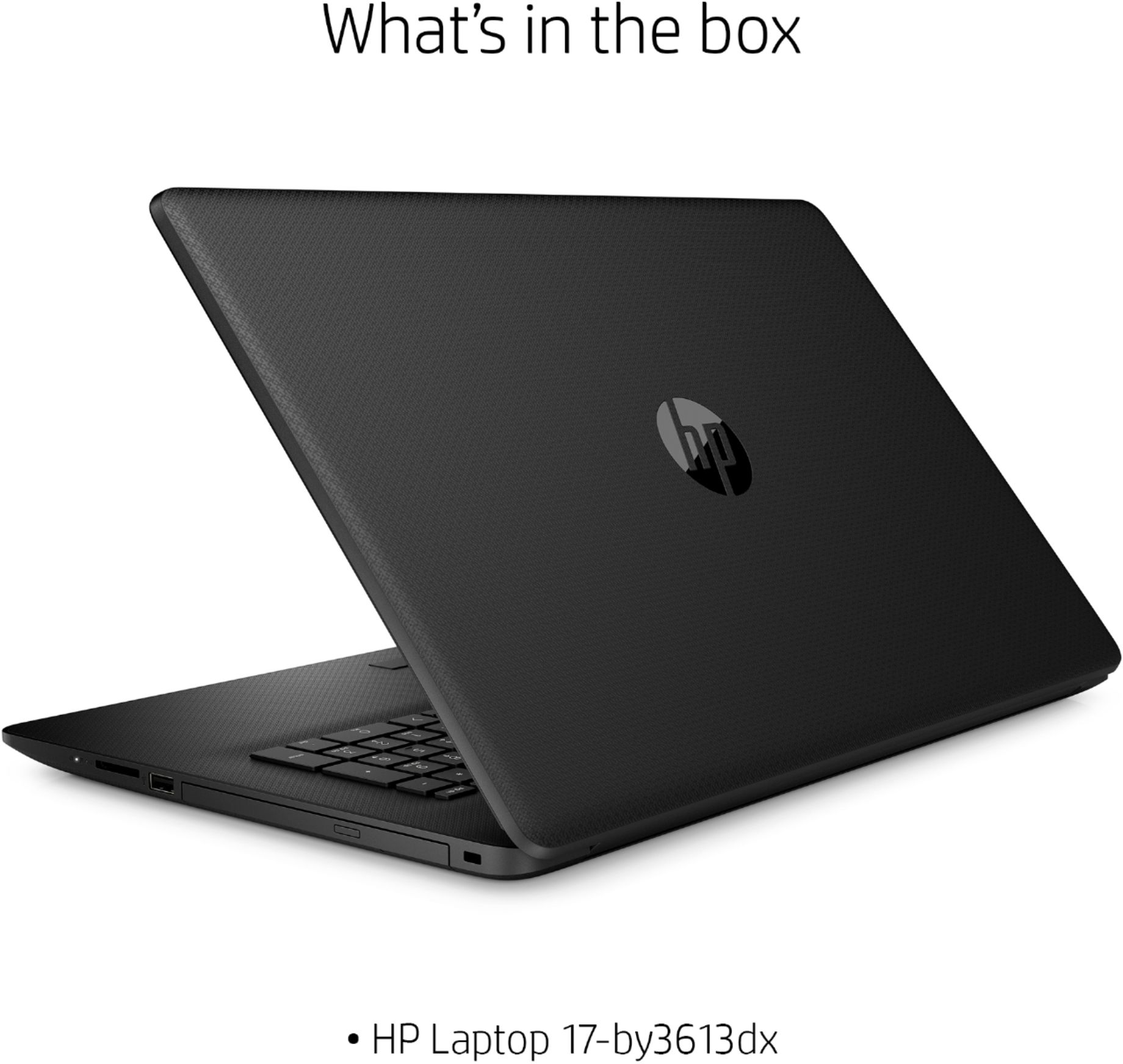
A:AnswerThis HP Laptop - 17-by3613dx has Windows 10 in S Mode. You can switch of S Mode for free. It is easy to do. Here is how: https://support.microsoft.com/en-us/help/4456067/windows-10-switch-out-of-s-mode
A:AnswerYou cannot purchase a laptop or a desktop computer from Best Buy or almost any other seller because very few buyers would choose to do so. In other words, there is very little or no demand for such a thing.
However, you can very easily install ANY other operating system on said machine if the device drivers are readily available for the hardware for said machine. If you don't know why this would be an issue or how to do this, then you should not be taking a risk of buying this laptop with the intention of installing an alternative operating system, as it is unlikely you will have the skillset to accomplish this.
You would be better served by purchasing VMware Workstation, installing that on Windows 10 and loading your alternate operating system inside a virtual machine and working with it in there, as that might be fully supported and work well enough for you.
A:AnswerYes, here is a link to the Geek Squad service offerings:
https://www.bestbuy.com/site/services/geek-squad/pcmcat138100050018.c?id=pcmcat138100050018
A:AnswerThis is a new PC and should not need a Windows product key to set up. If you have an issue getting Windows 10 to work please contact the HP support team: https://support.hp.com.
A:AnswerHI! The battery on the HP 17-by3613dx laptop should last up to 8 hours between charges. Battery life will vary depending on various factors including product model, configuration, loaded applications, features, use, wireless functionality, and power management settings. The maximum capacity of the battery will naturally decrease with time and usage.
A:AnswerThe question I see here is about graphics. This wasn't really advertised as a "gaming laptop", which can be very expensive (one or two thousand dollars). The graphics card and processor are great for moderate use. Simple games like Minecraft play well for me. Many games have graphics settings built into them, which you could turn down. Make sure you're not running any programs in the background while you play a game. And check your Task Manager to make sure there's nothing eating up your resources, like a virus or something.