A:AnswerFirst, you need to find your model number. Then, you can search for the specs by using that model number or you can go to https://support.hp.com and enter your model number. For example, HP 15-aaxxxxx specs. This website will help you find your model number: https://support.hp.com/us-en/document/c00033108
A:AnswerIf you type "Add or Remove program" in the windows 10 search bar. It will take you to a list of all the installed programs. You can uninstall Office from this page. This link has instructions for switching out of S mode. https://support.Microsoft.Com/en-us/windows/switching-out-of-s-mode-in-windows-10-4f56d9be-99ec-6983-119f-031bfb28a307
A:AnswerHi kims, Yes you can use an external keyboard with this laptop. You can hardwire through one of the available or wireless via a bluethooth connection.
Thank you for choosing Intel.
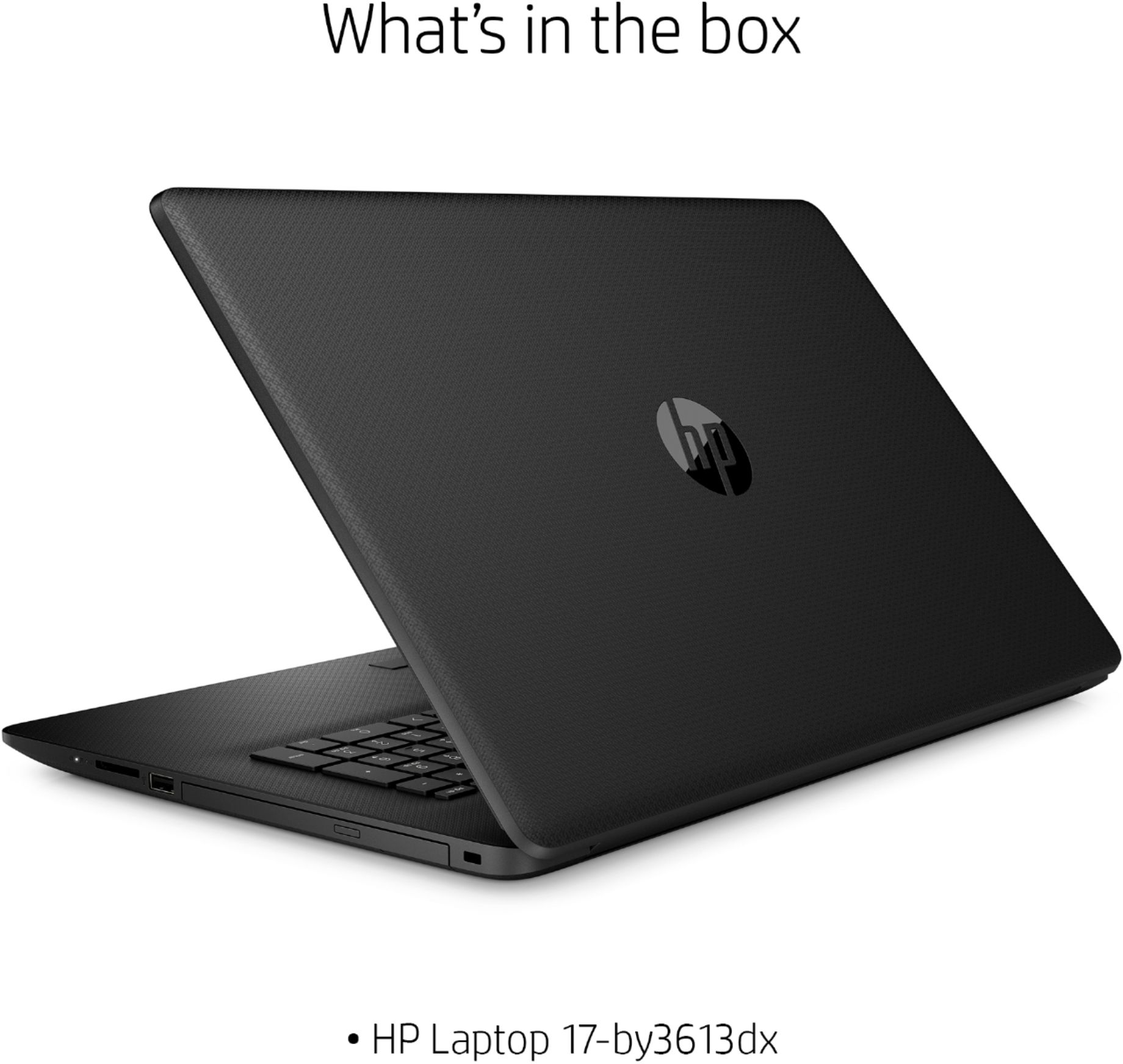
A:AnswerThe computer comes with just a power cord. You can add a wireless mouse easily with the USB port. Included software is Webroot which was annoying and kept popping up changing its policies and rules and wanting you to acknowledge. Recommend changing to security software of your choice.
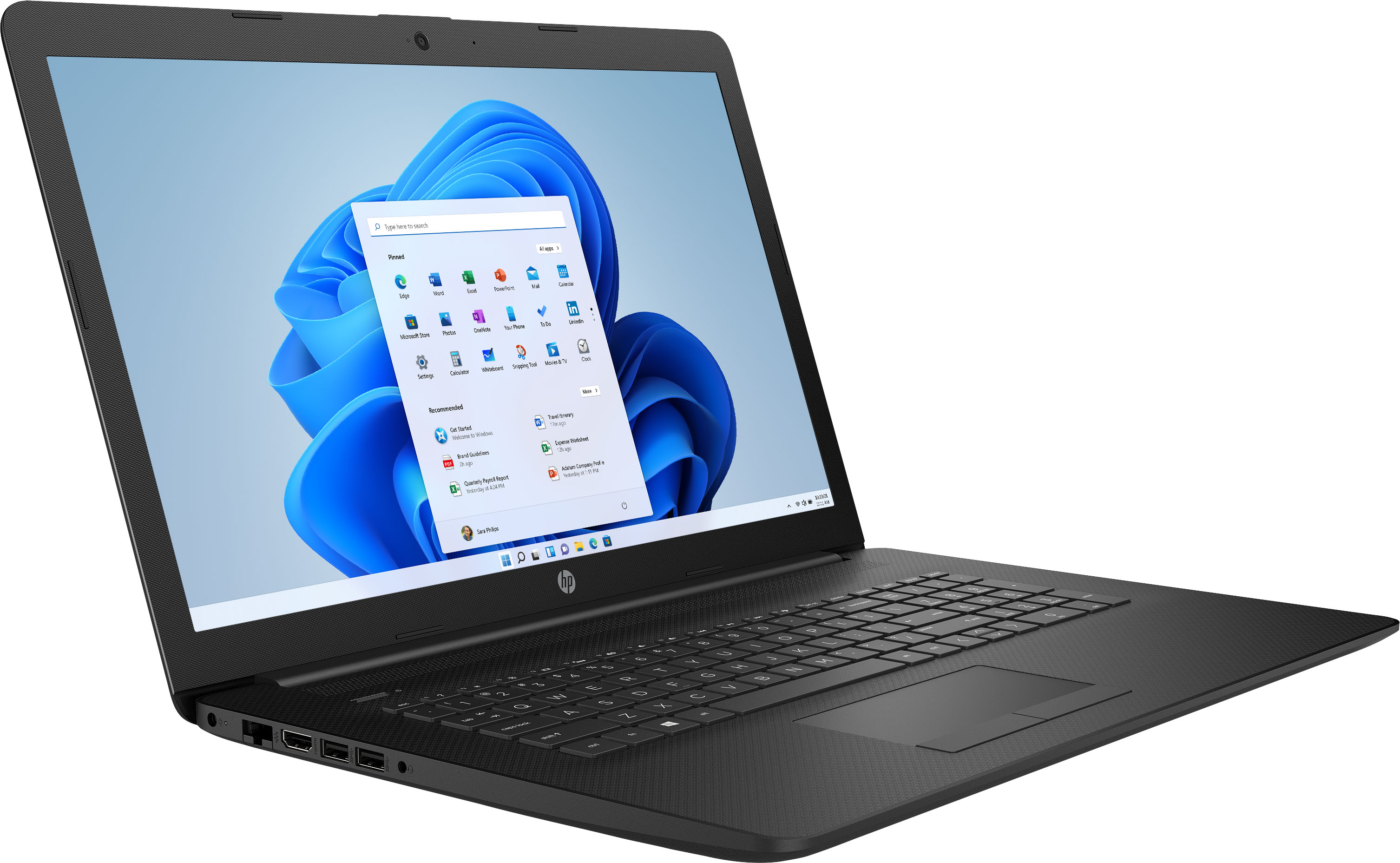
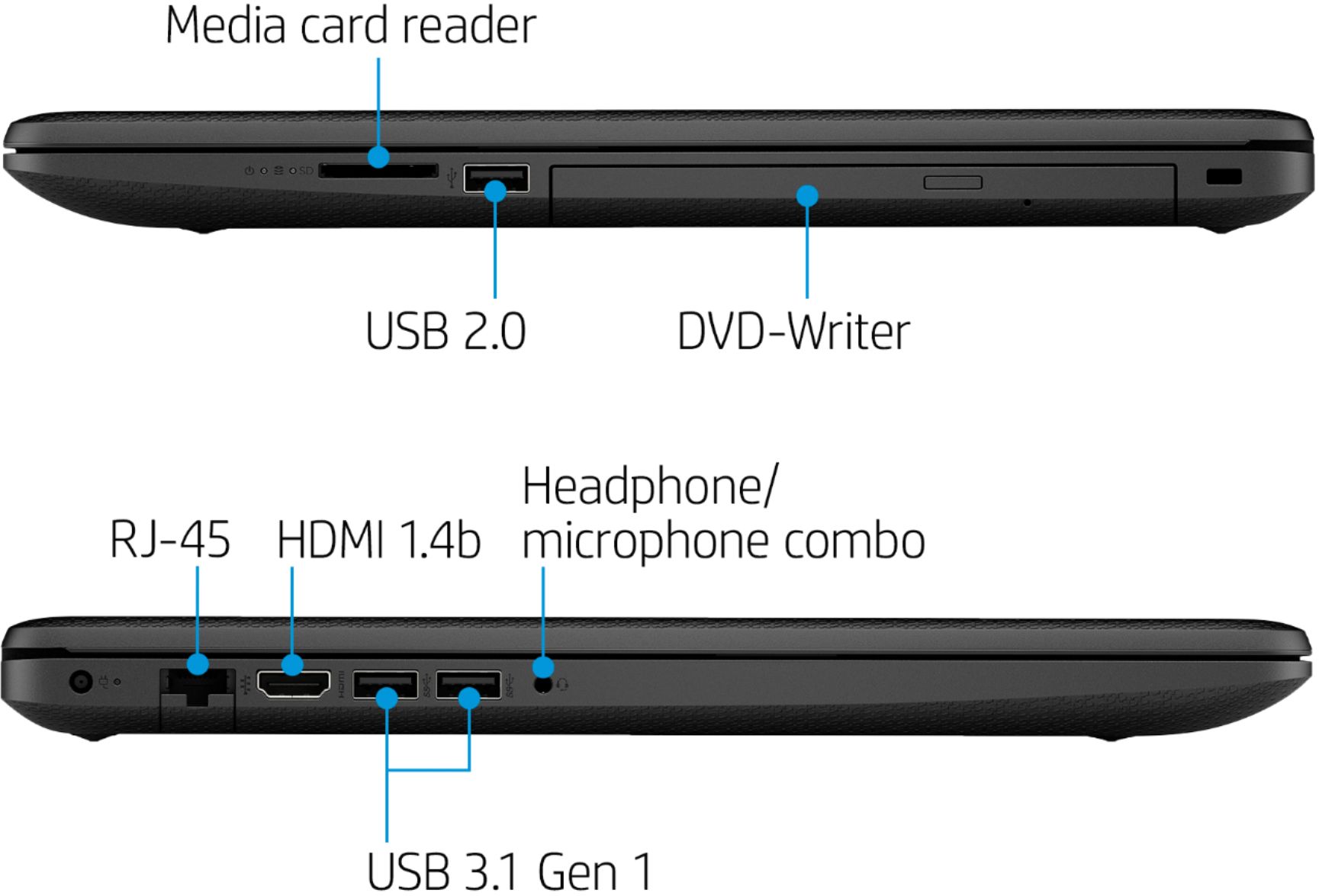
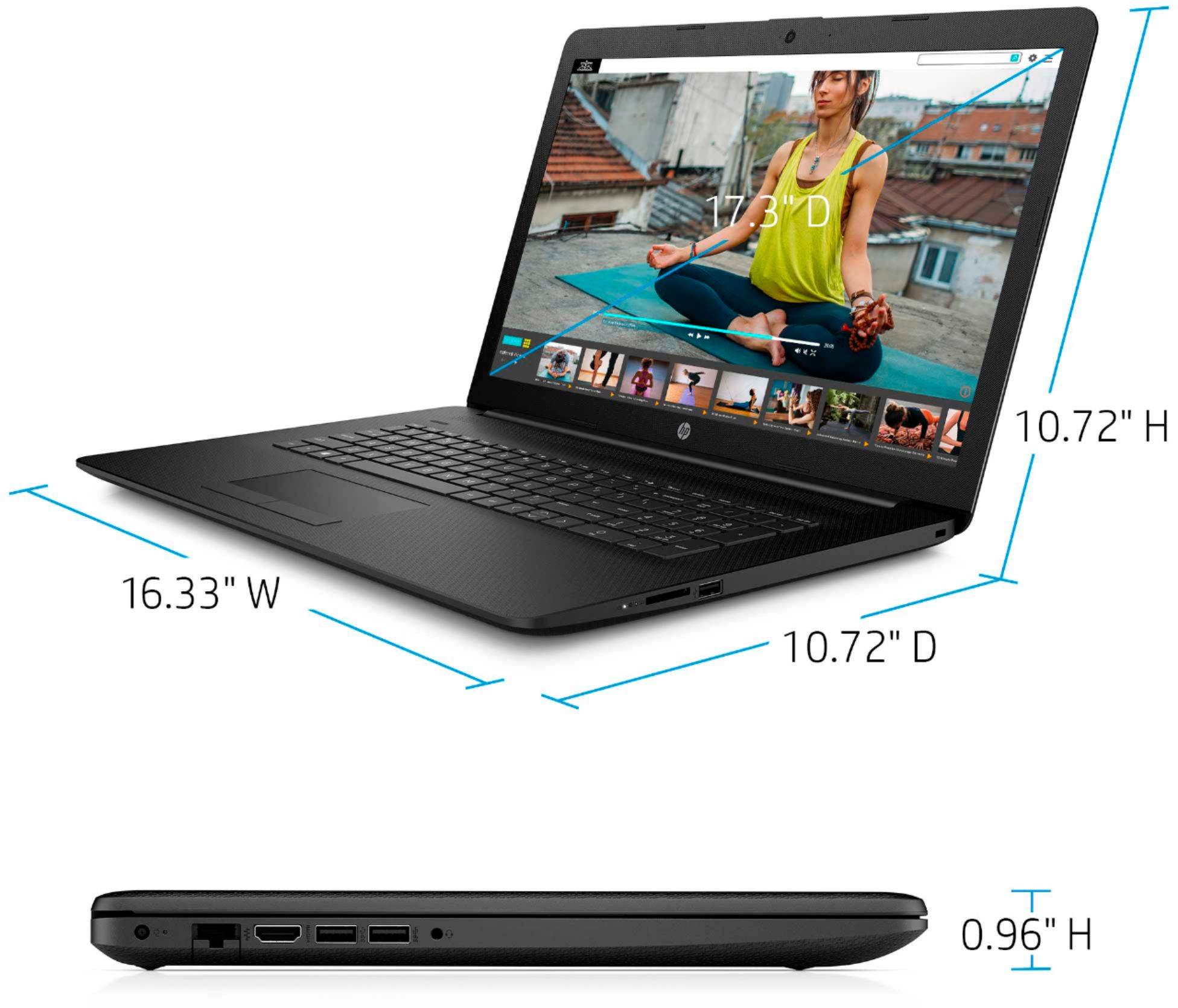
A:AnswerMy HP - 17.3" Laptop - Intel Core i5 - 8GB Memory - 256GB SSD - Jet Black has only three USB ports, but I highly recommend it, anyway. I had my eye on the HP with an i7 processor, but procrastination did me in. This one will suffice, though. You can always get a USB hub to allow for another 3 or four ports if you really need it.
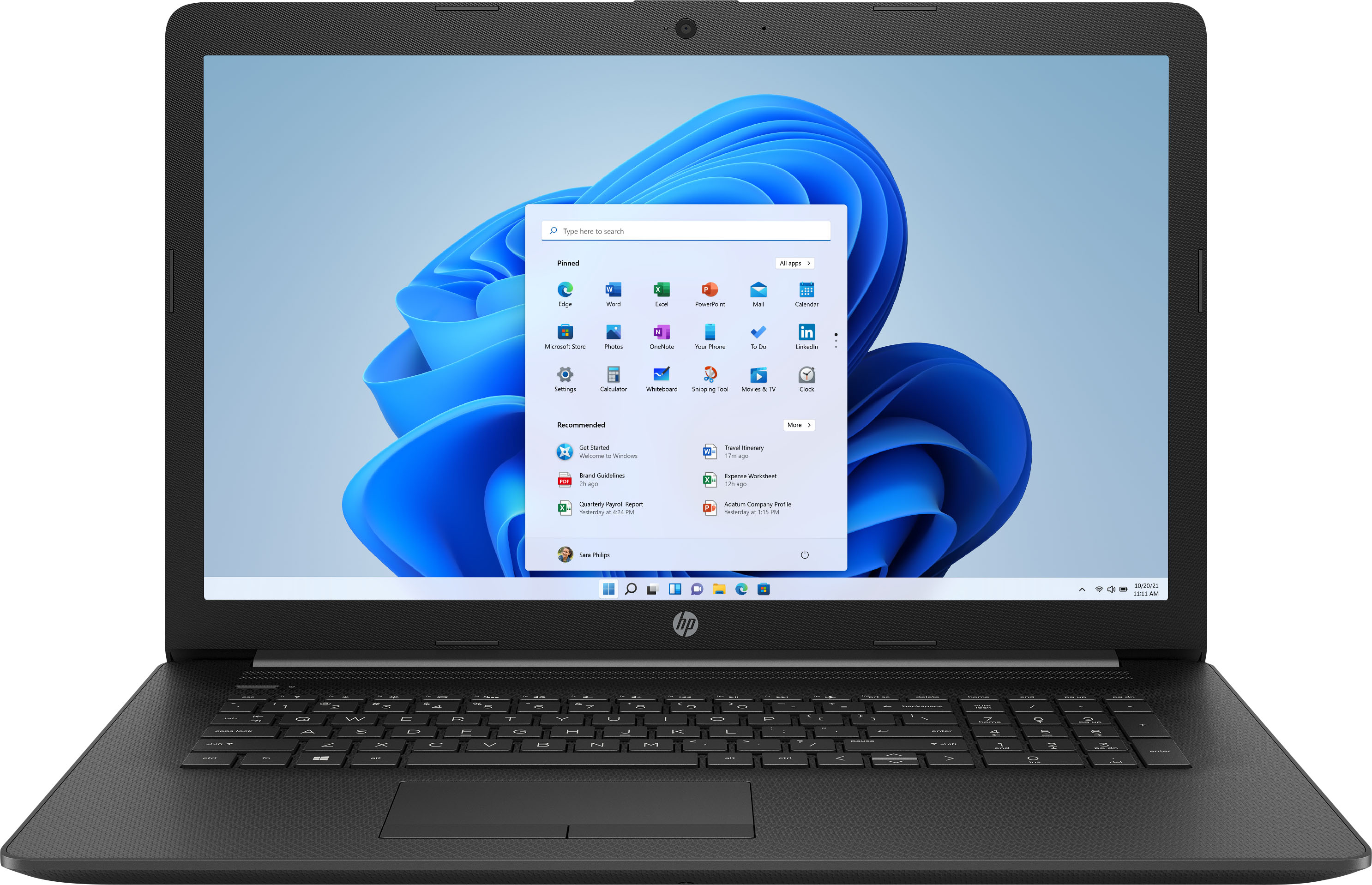
A:AnswerYes, this laptop has WiFi. This laptop comes with Windows 10 Home in S mode. That means you can only use the Microsoft Edge browser and apps from the Microsoft Store. You can switch out of the S mode for free: https://support.microsoft.com/en-us/help/4456067/windows-10-switch-out-of-s-mode
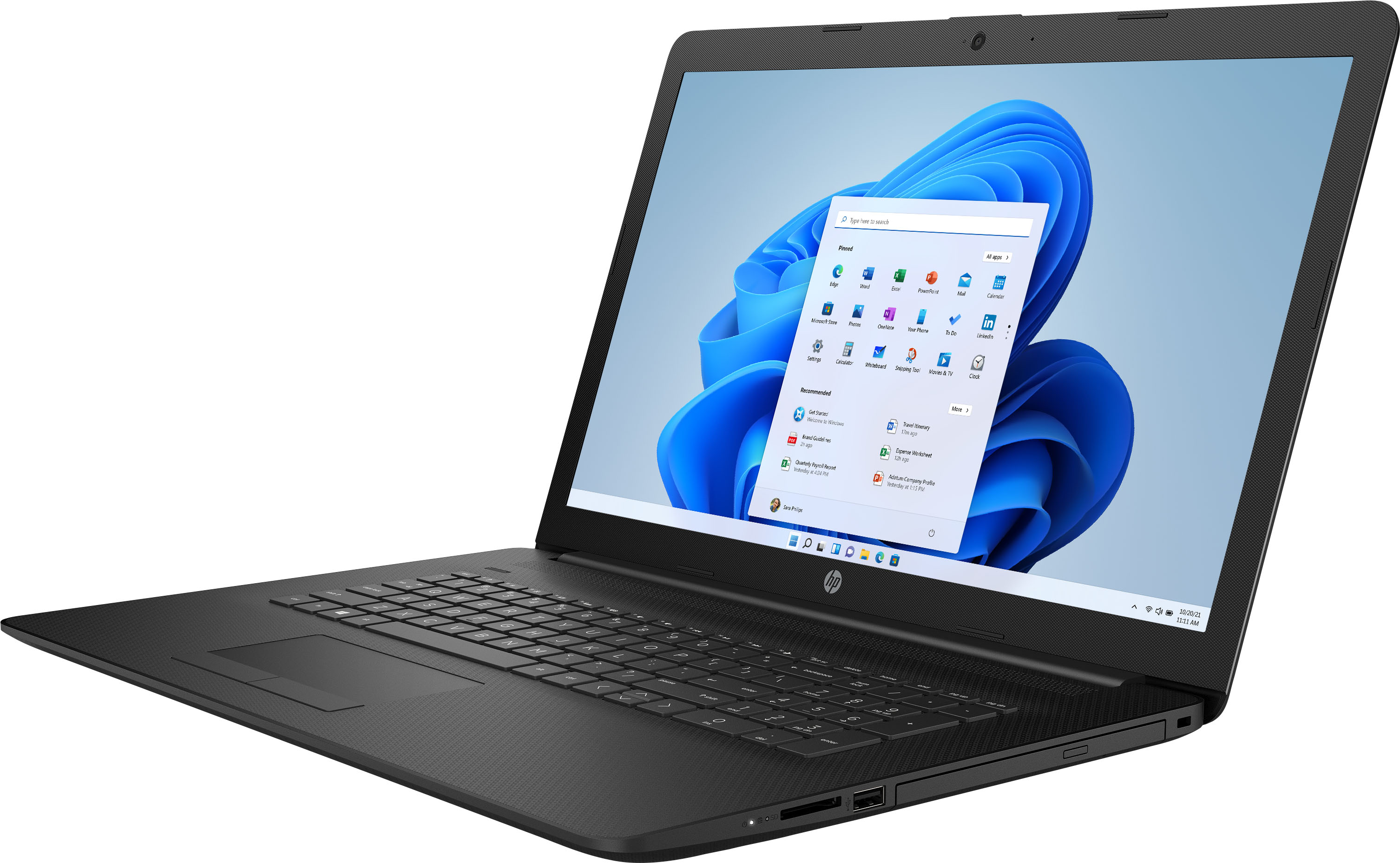
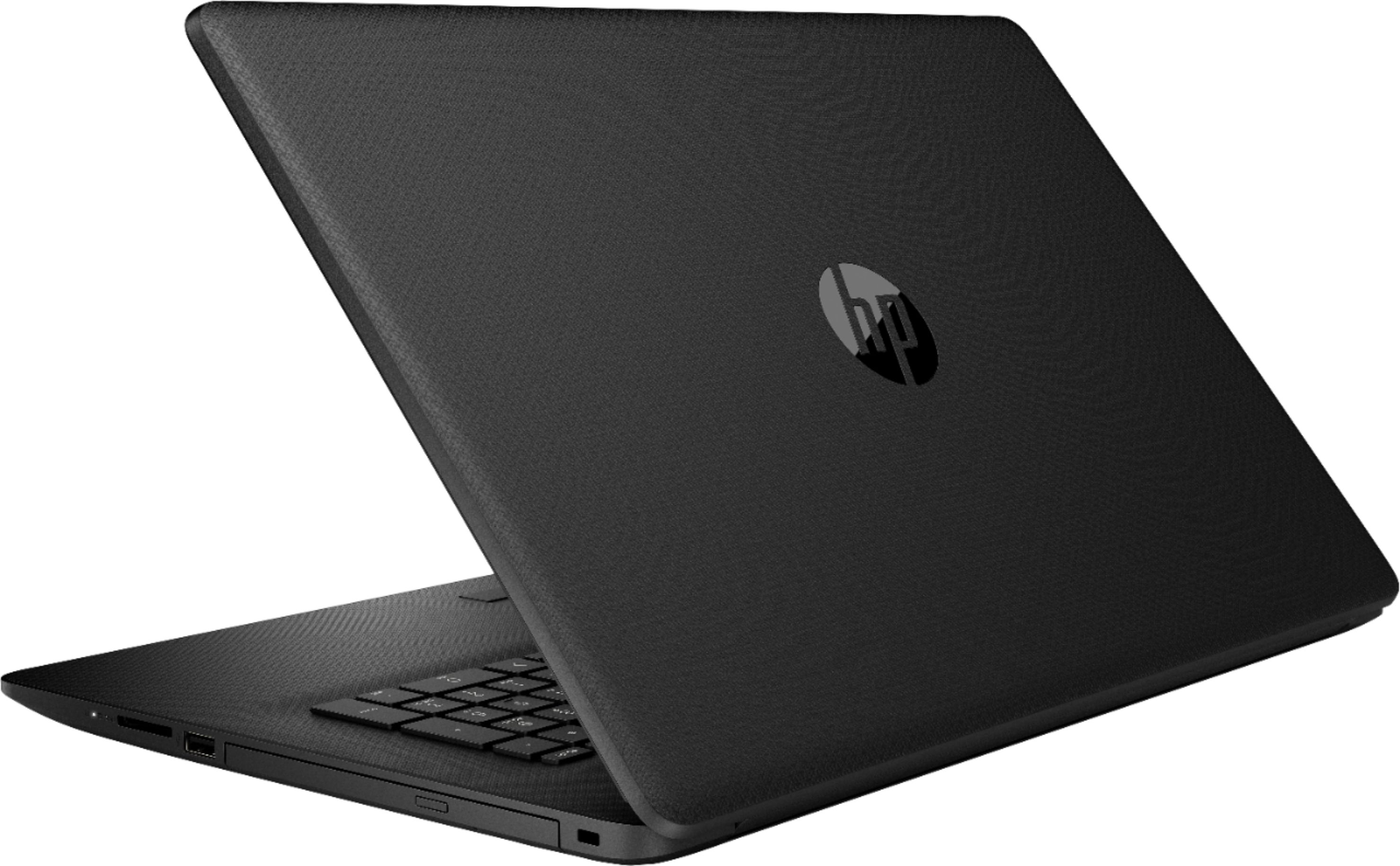
A:AnswerYes, it is on the right side towards the screen. You'll have to push the open button in the middle of the DVD. It's very slim and you might have to pull it fully out once it release from the lock into the laptop.