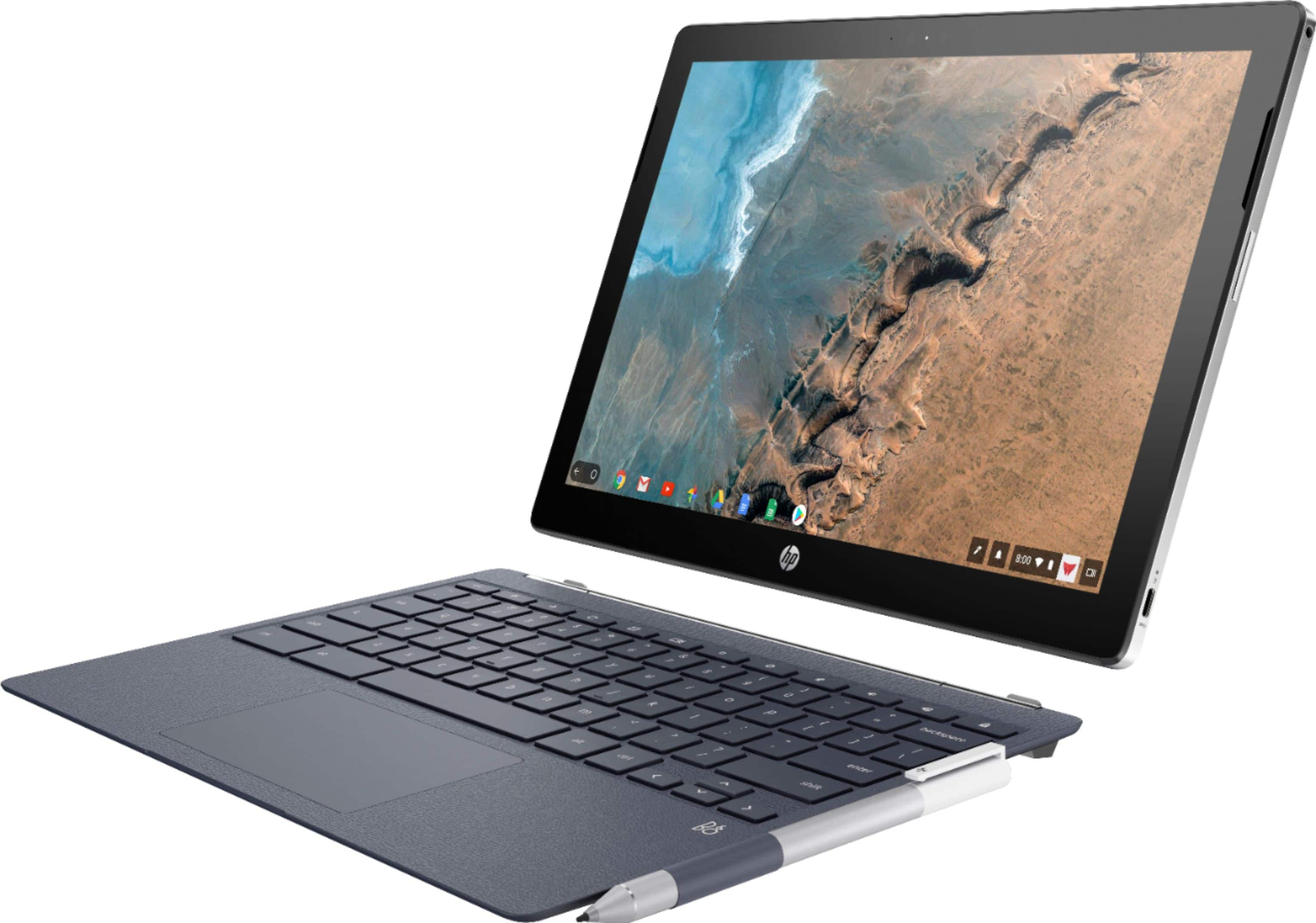
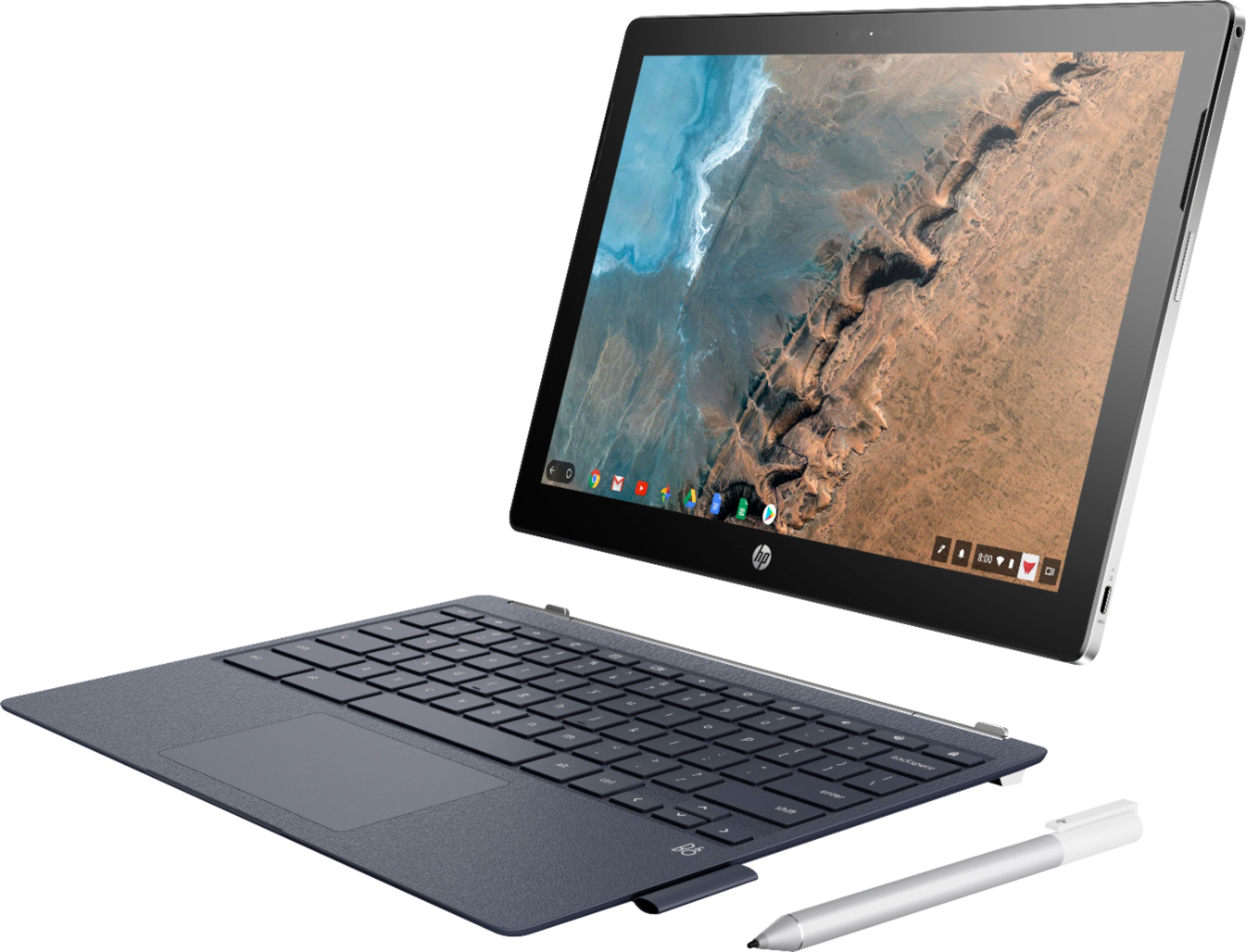
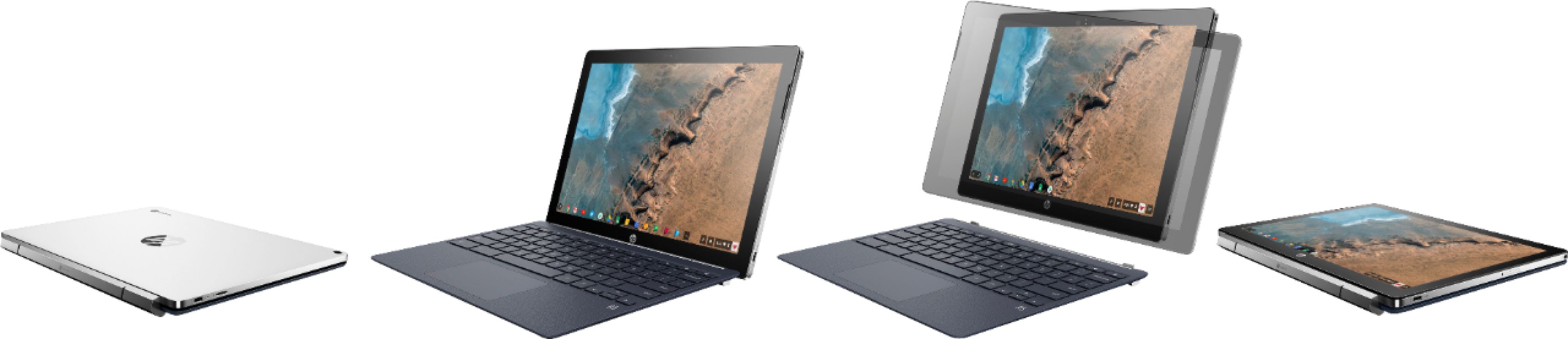
A:AnswerIf by "mounted" you mean connected via a special plug into another unit that locks them together: NO.
You can get USB-C docking stations that support the same features as a "mounted" one and connect to this unit using a USB-C cable. Search for "USB-C docking Station" to find more specific information.
A:AnswerBest I can tell...nothing, other than they might denote different production runs?
I do know that the Europeans models do have a somewhat different numbering because they have models with specs that are different than those in the US (they can purchase i5, 8Gb and 64Gb storage models).
A:AnswerI currently use Chrome Remote Desktop on my HP Chromebook X2 to access my work Windows 7 machine. I use a designated Sprint hotspot device to connect my chromebook to my Windows computer at work when I am traveling.
A:AnswerYes. The easiest solution is to download the Google Family Link app from the Play Store on the Chromebook.
However, there are also many other solutions that you may want to research for installing parental controls.
A:AnswerThis chromebook is not designed for gaming. It is primarily for web browsing, video streaming, light productivity etc... If you wish to play games, ideally you will want Windows 10, at least 8GB of RAM and an Intel i5 or AMD Ryzen 5 Processor. However, you can use any apps from the Google Play store, including Minecraft and Roblox apps (but not the full Windows versions and not currently Sims). It also does not have a lot of storage space for photos. You would need to use Google Drive to store them in the cloud.
A:AnswerThere is one being sold in the UK with 8GB memory and 64GB storage. http://origin.www8.hp.com/uk/en/products/laptops/product-detail.html?oid=23476329#!tab=specs