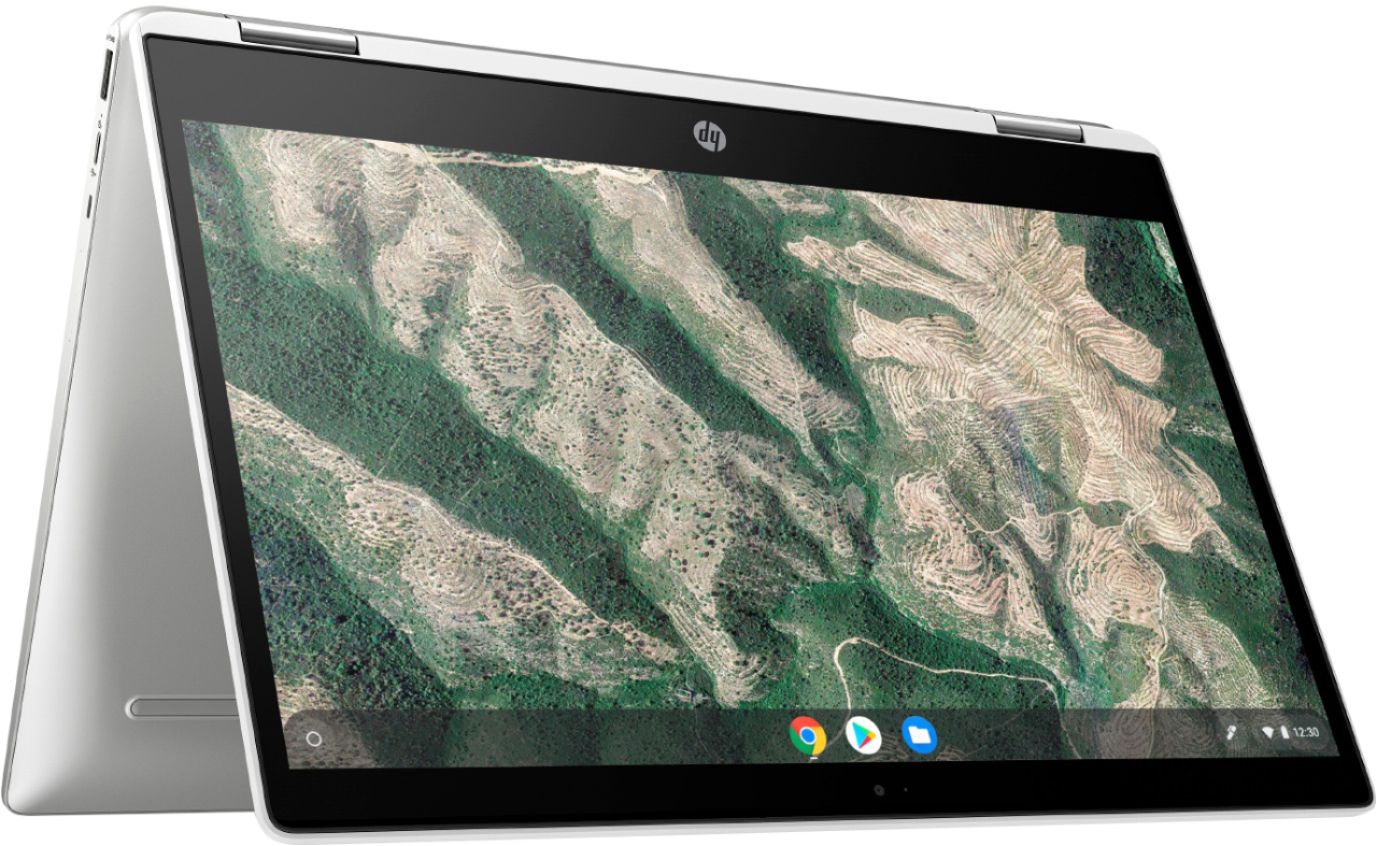
A:AnswerHello. Thanks for your question. You can access Quickbooks Online through the Chrome browser on this Chromebook. But if you want to use the full software, you want a Windows 10 Home laptop with the Intel i5 processor and 8 GB or more RAM.
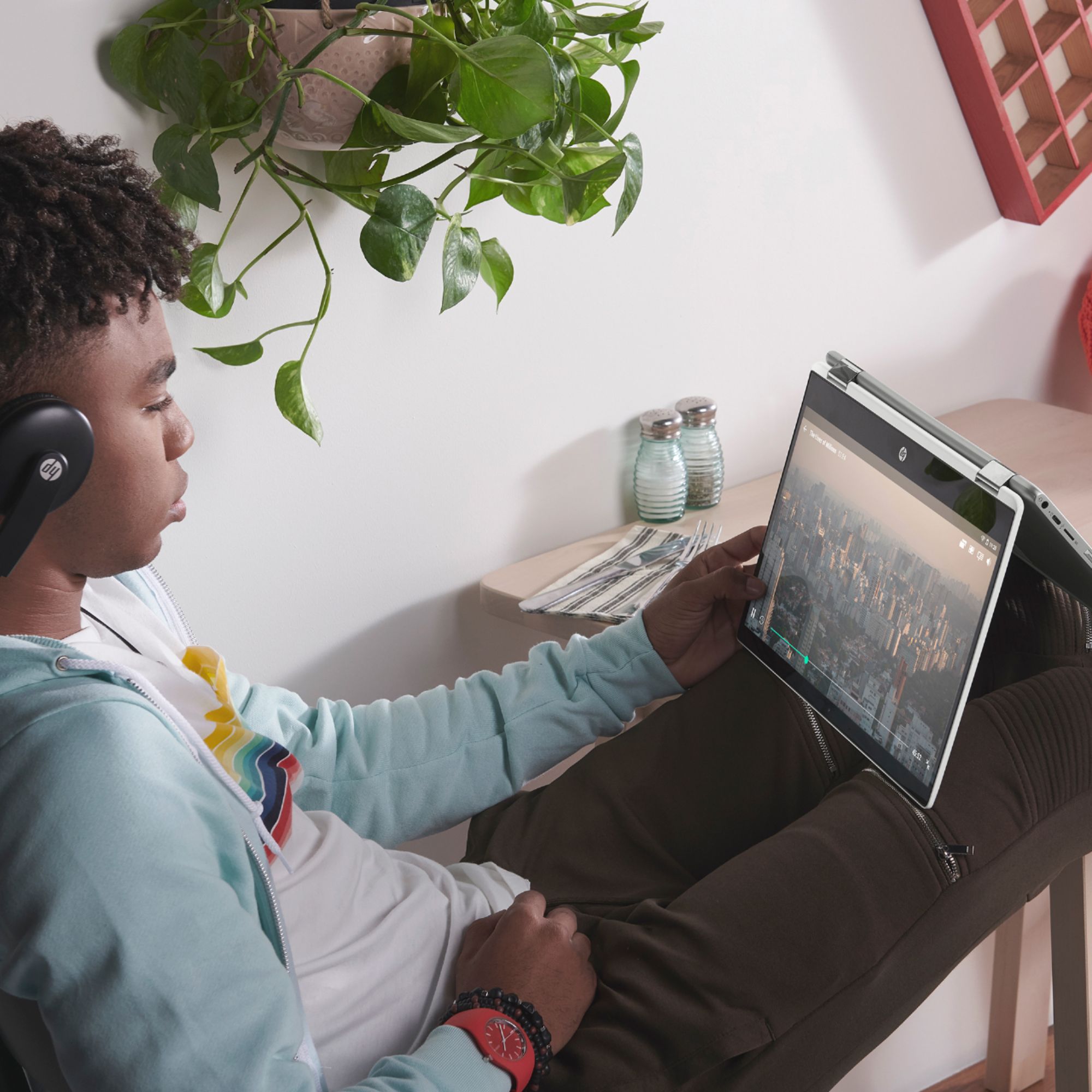
A:AnswerYes, it's great for remote learning and zoom calls. We actually purchased this because our surface pro wasn't very effective for the same tasks, this works perfectly for our middle school daughter.
A:AnswerIt does have the availability to print, but it does not have word, excel etc. It has a google version of each that I am not familiar with. You can separately buy the download to the Microsoft apps and easily install
A:AnswerAny of HPs current wireless printers are compatible with the HP Chromebooks. If you don't print a lot, we recommend looking at the HP Deskjet Plus 4155 or HP Envy Pro 6455 printers. If you plan to print a lot, we recommend looking at the HP Officejet Pro 9015 or 9025 printers. Here are some instructions on how to set up the printer on the Chromebook: https://support.hp.com/us-en/document/c04122530 and a YouTube video: https://youtu.be/Mf6LUKTMw9c