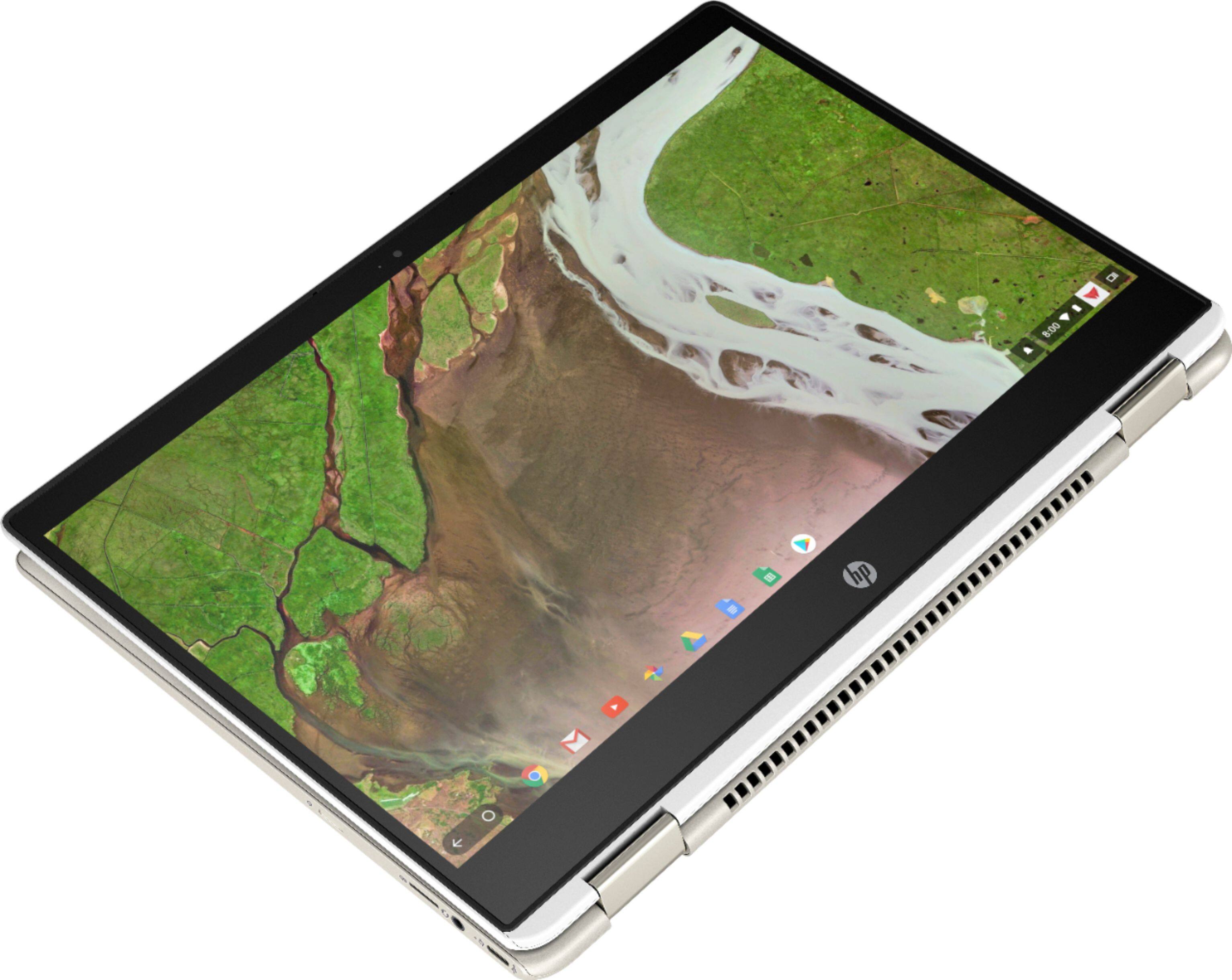
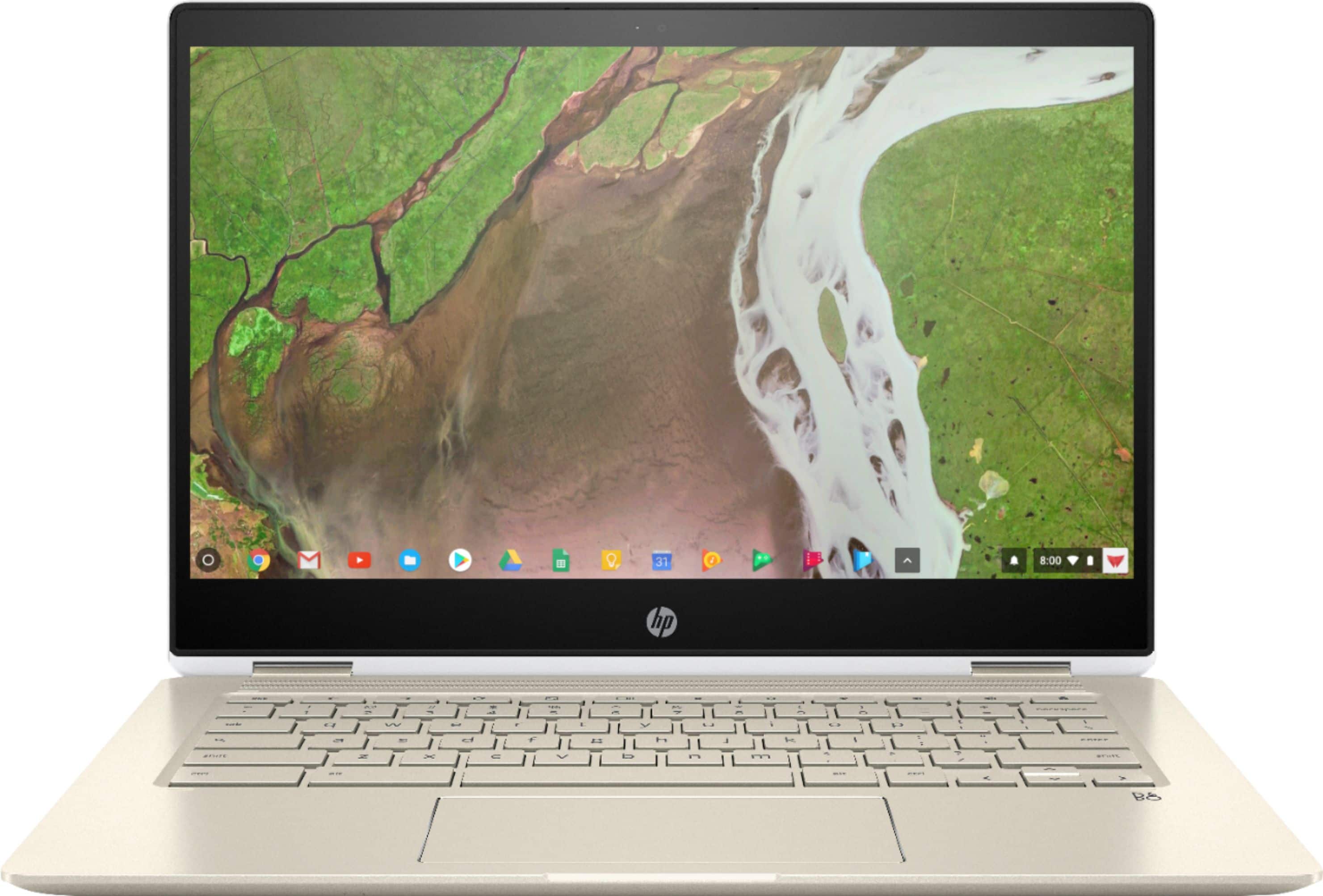
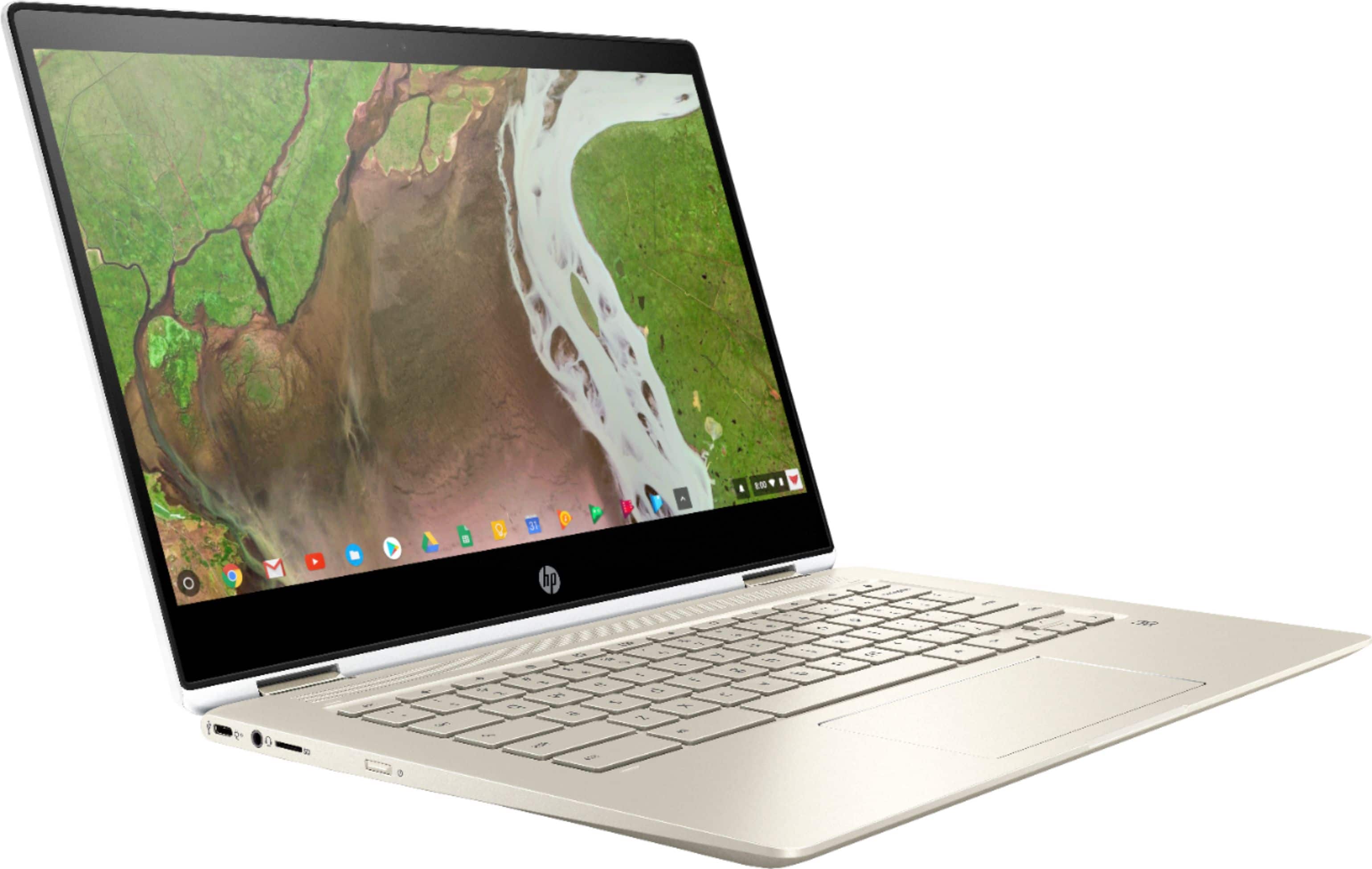
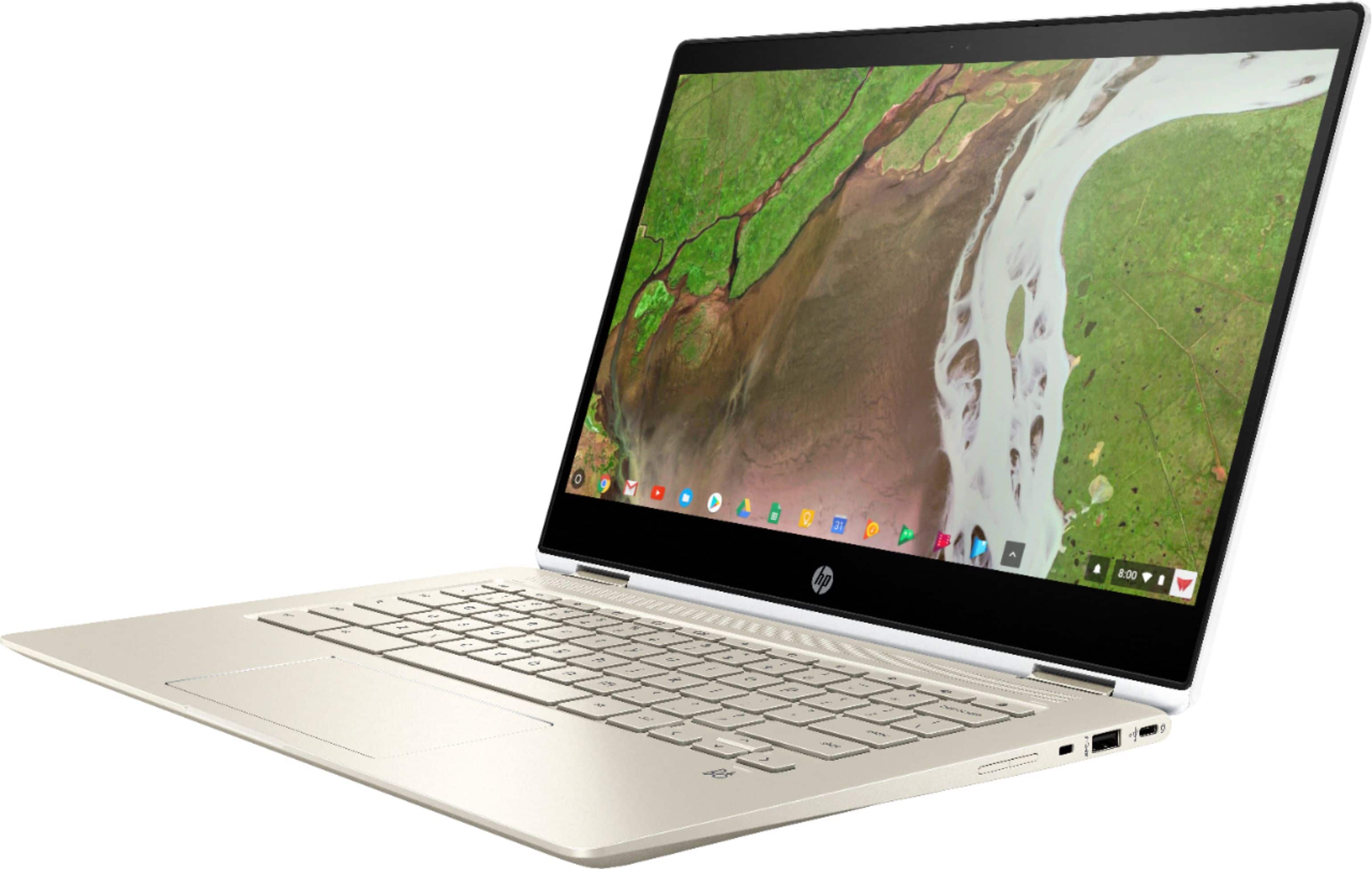
A:AnswerThe HP Rechargable USI Pen is compatible with this Chromebook. This link will take you to it. https://store.hp.com/us/en/pdp/hp-rechargable-usi-pen
A:AnswerThe light is indicating that the camera is on. It could be a zoom issue or configuration issue. Are you using the Android Zoom app downloadable from the Google Chrome store?
A:AnswerYou do not need to do anything to activate the built in anti-virus. It is a part of the Chrome operating system. Here is more information on the security on the Chromebook: https://support.google.com/chromebook/answer/3438631?hl=en
A:AnswerOnce you manually adjust the keyboard backlight, it should stay on until you restart the PC. To adjust the brightness locate the alt and the screen brightness adjustment buttons. Press and hold down on the alt key. Tap on either the screen brightness up or down buttons
A:AnswerSure (sort of). Stick with Google and you'll be able to:
- read any Office 365 doc (Word, Excel, Powerpoint) you're sent or download, and
- save any file you create on Google to Word, Excel, or Powerpoint before sending/uploading it
A:AnswerChickenlady, please buy your 6-year-old a Chromebook that is specifically built for kids, like the Asus C204. I strongly advise against giving the HP x360 14" Chromebook to a child. You will have a broken display and dented corners within a week.
A:AnswerThis is pretty new model, so it took time to produce and start selling hard shells. I contacted IPearl-Inc company, which sells mCover products, and requested shell for this model.
They just listed it on Amazon, their model: mCover-HP-CX360-14C-CA-CLEAR
Product description: mCover Hard Shell Case for late-2020 14" HP Chromebook X360 14C-caxxxx Series laptops (NOT Compatible with Other HP Chromebook & Windows laptops) (Clear)
Specifically listed this chromebook: Designed to perfectly fit the 2020 14-inch HP Chromebook X360 14C-CA0000 models ( like X360 14C-ca0053dx series, etc )
And finally the link, not sure, if it will be posted on final review: www.amazon.com/gp/product/B08QZNQYYG?th=1
I am buying those now for my kids' two chromebooks!
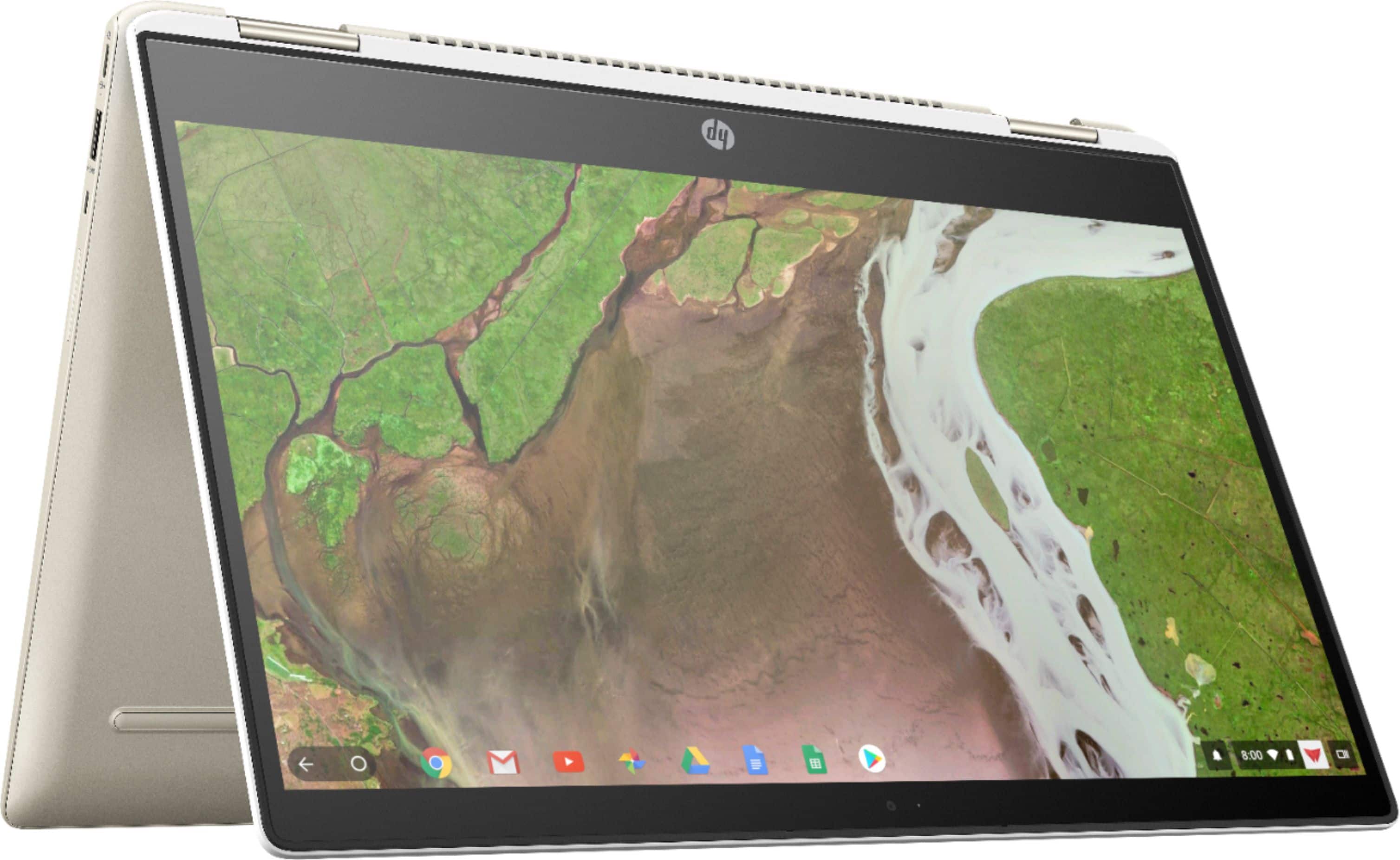
A:AnswerUSB drives are recognized as external drives -- no issues whatsoever reading from and writing to them. Make sure to "eject" your drive (in the Files) app before unplugging it -- ChromeOS can get angry if you don't disconnect your drive properly.
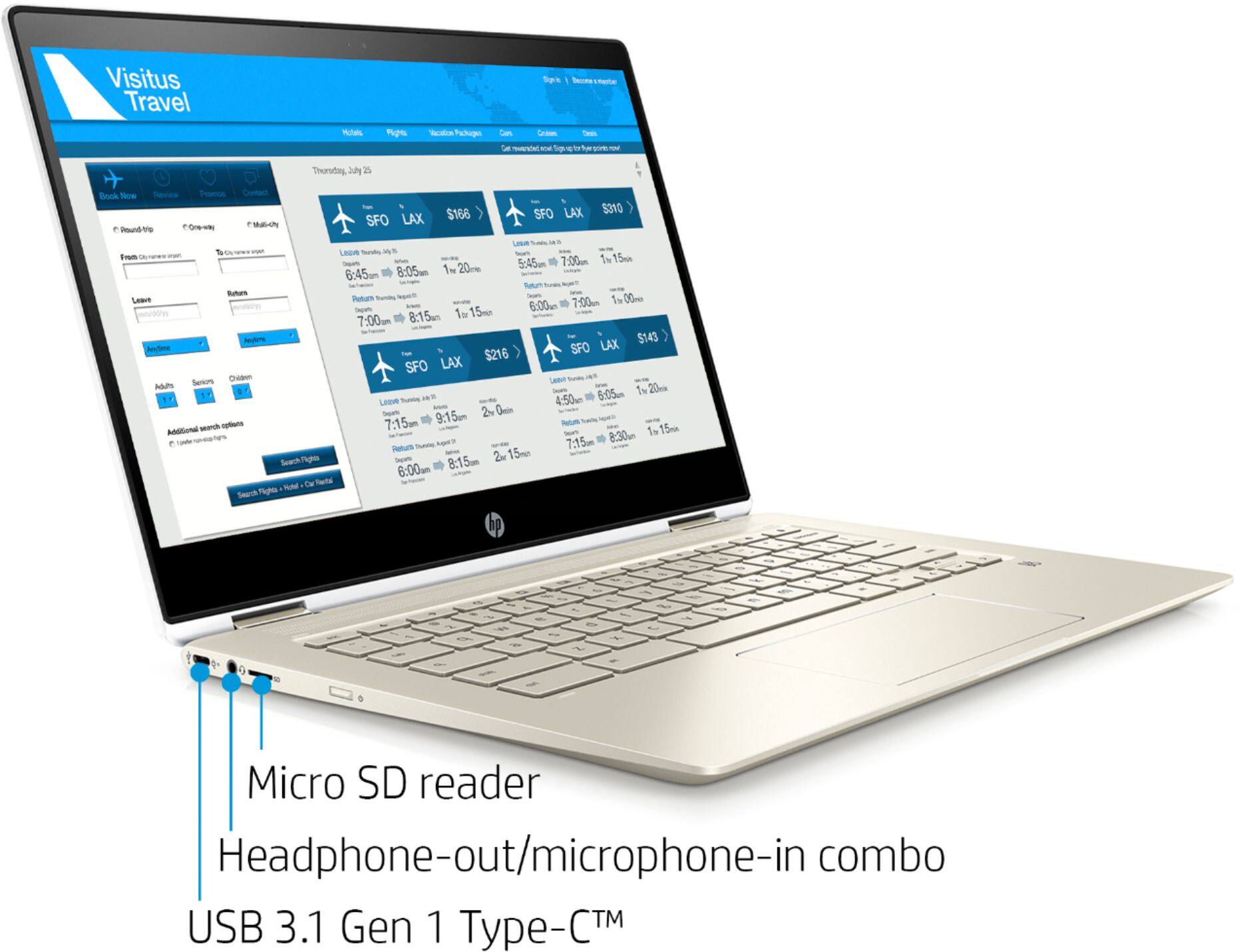
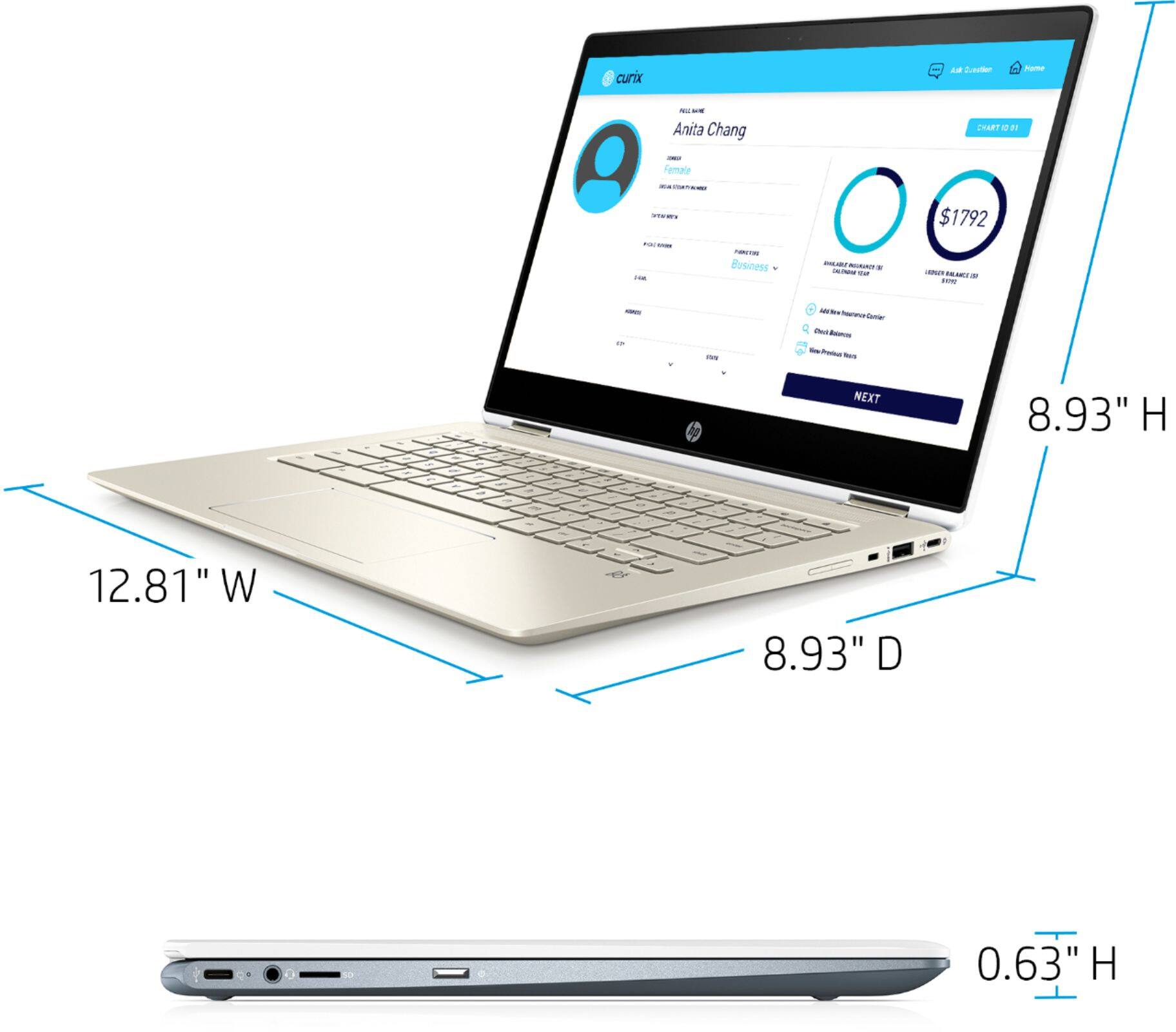
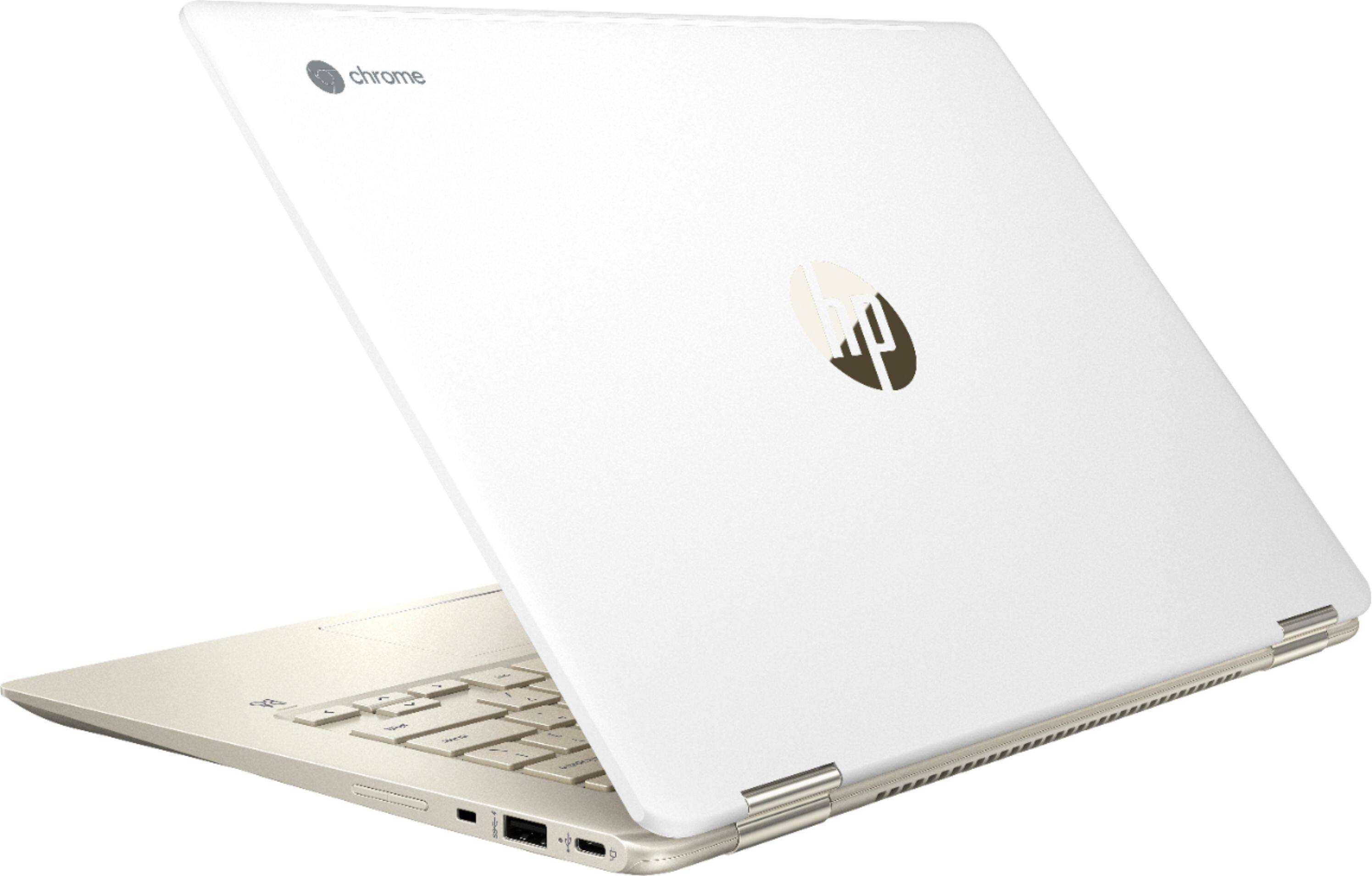
By the way, note that this particular model has both USB C and A ports (2 and 1, respectively). I've also used A-to-C adapters with no issues.
A:AnswerKeyshla, this particular laptop is only compatible with a new model of stylus (USI, for universal stylus imitative). You can also use a passive, capacitive stylus but I would strongly recommend not using one (it's no better than your finger). Unfortunately, USI styli are very difficult to find -- HP sells one but it is usually out of stock. Do not buy any that you see on Amazon -- they are fake. You may have to wait for another 4-5 months before other options are available.