A:AnswerShort answer: no.
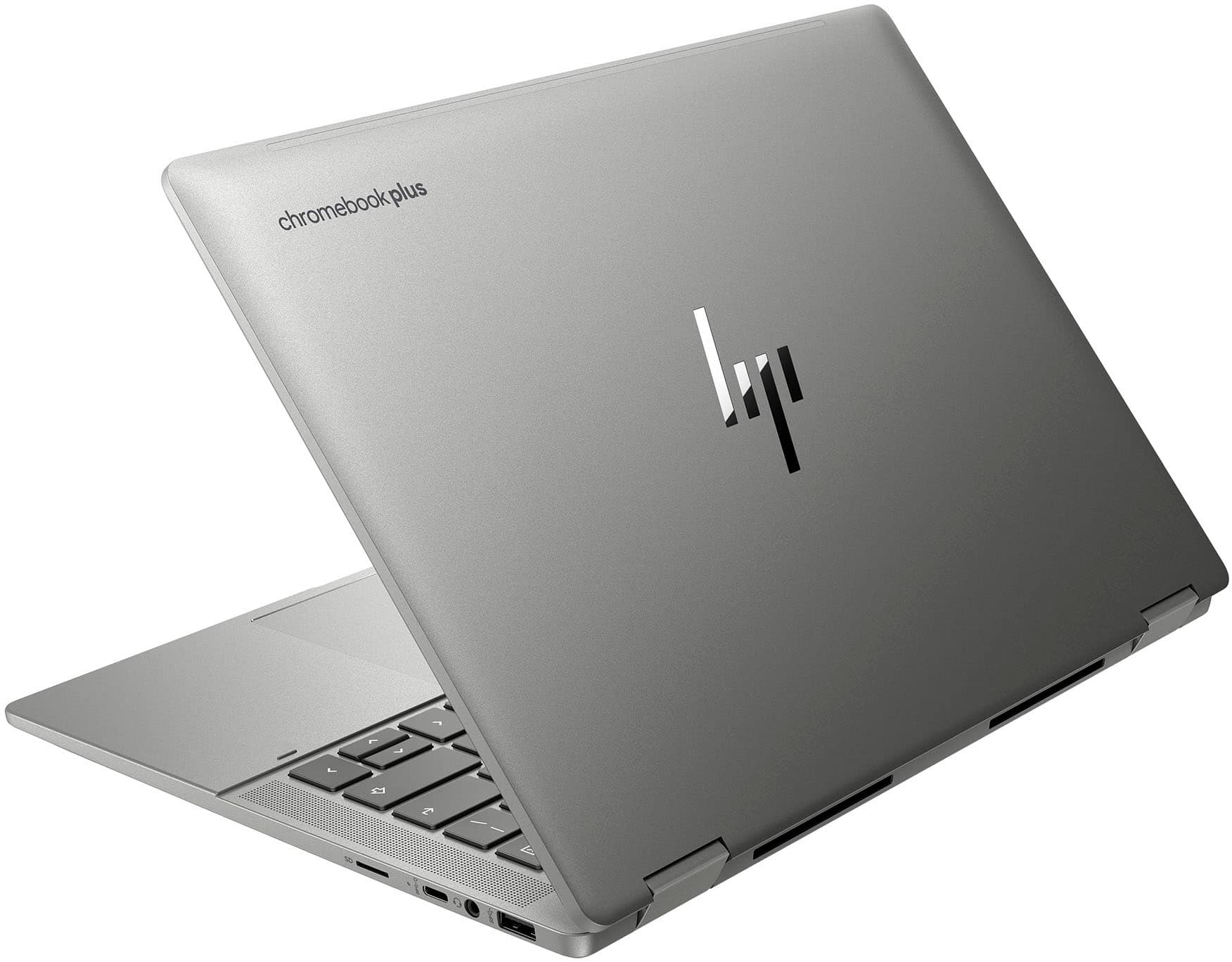
Longer answer: This is a Chromebook Plus device, in the top tier of Chrome OS devices. This is not a Windows device. It will be much more cost effective to find a device that has better specs than to attempt the work involved with changing the hardware. This is not designed to be user configurable. It would be similar to attempting to do a hardware upgrade on a phone or tablet: possible, but not practical.
A:AnswerYes, you can print from this device. There are multiple ways to do so. As one other reader posted, the HP Smart Print software is available. For a printer/scanner, if your printer has an embedded web server (most multifunction printers these days do), then you use your browser to initiate scan operations. Chromebooks run Android apps, so a printer's android app can be used. And lastly, Chromebooks run Linux, so the Linux CUPS printer services can be used.
What you can't run on ChromeOS is add-on software that printers might offer for Windows and / or Mac to add frilly picture frames to images, or other such effects.
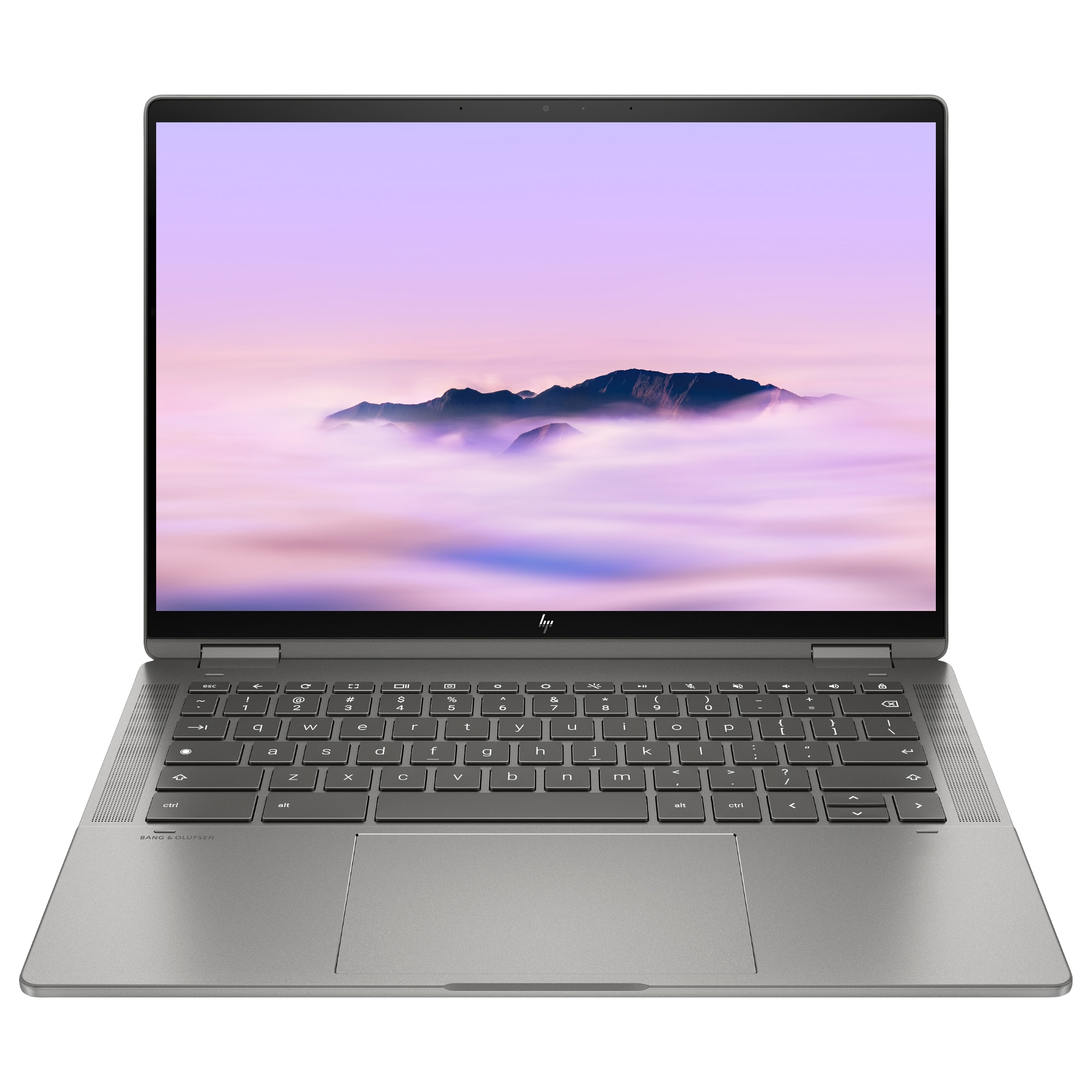
A:AnswerHello there! We would highly recommend speaking with HP Support or Best Buy's Geek Squad to ensure your HP Chromebook Plus gets up and running normally as quickly as possible. Thank you for your question and for being a valued HP customer!
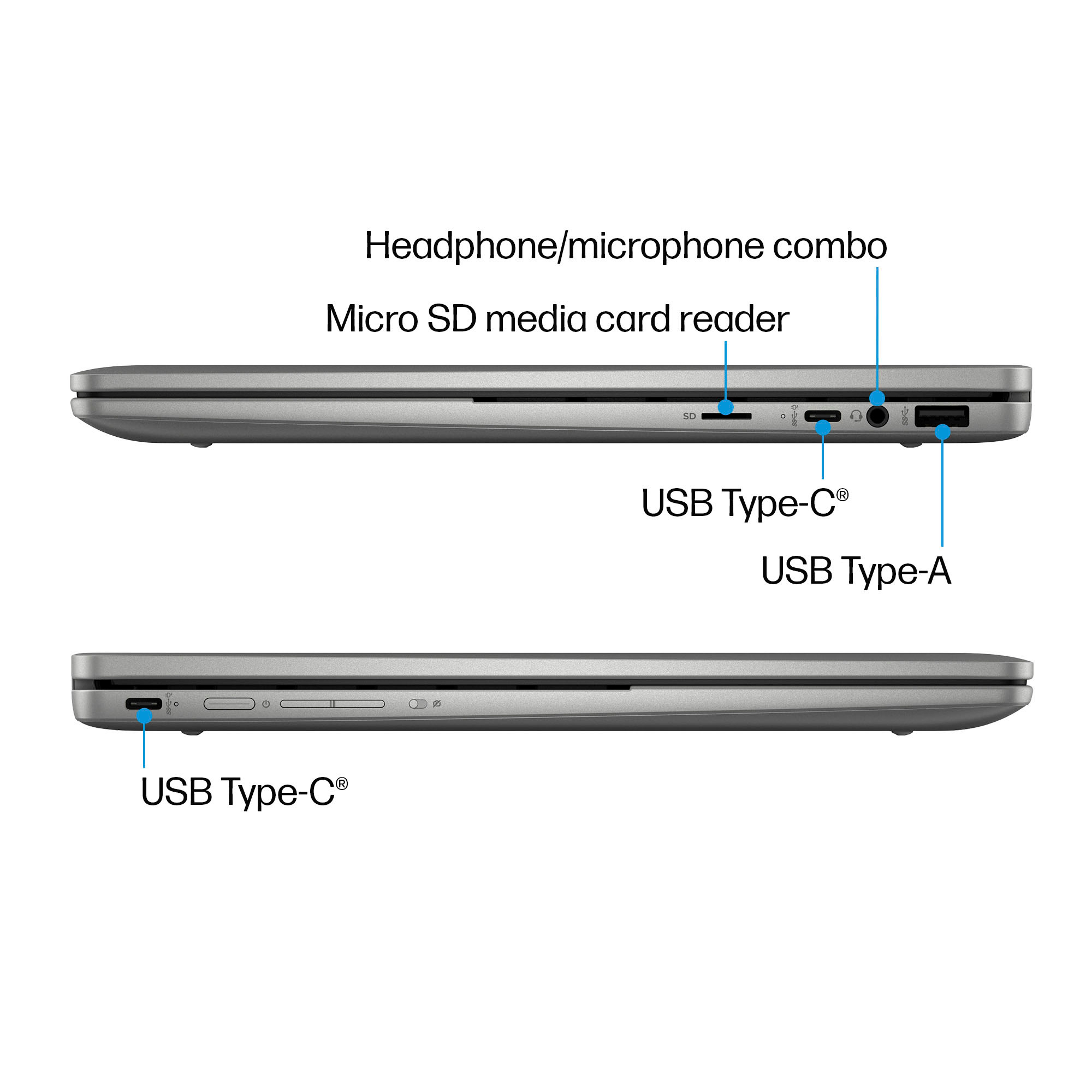
A:AnswerThank you for your question, Andrew! This HP Chromebook doesn't have a CD/DVD drive, so it can't play movies from discs. If you need that feature, you can either purchase an external CD/DVD drive or consider a Windows HP laptop, which supports external USB CD/DVD drives. They are available at Best Buy.
A:AnswerHello and thank you for asking. The HP x360 14c-cd0053dx Chromebook Plus laptop includes a 45 W USB-C power adapter in the box with the Chromebook..
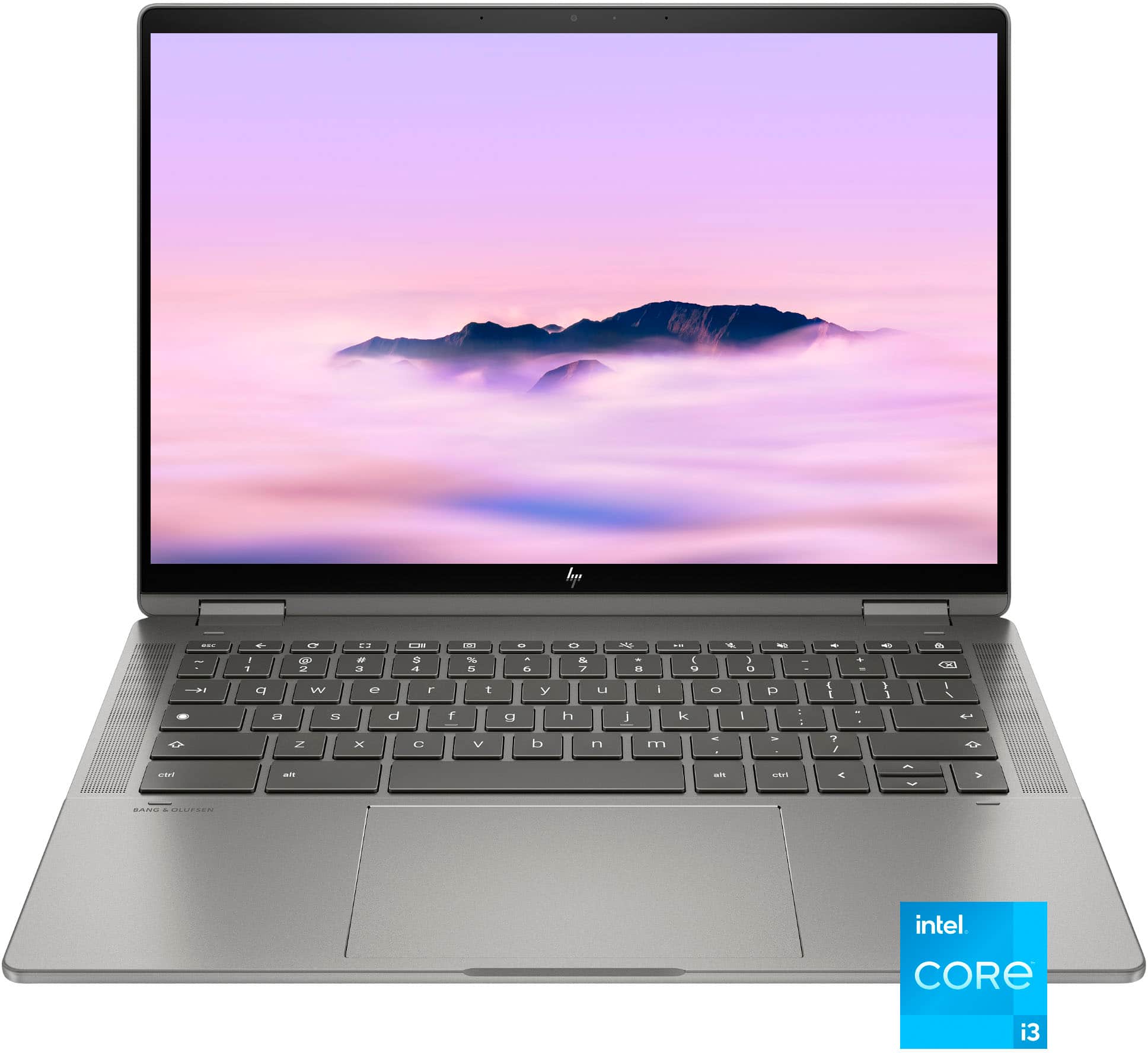
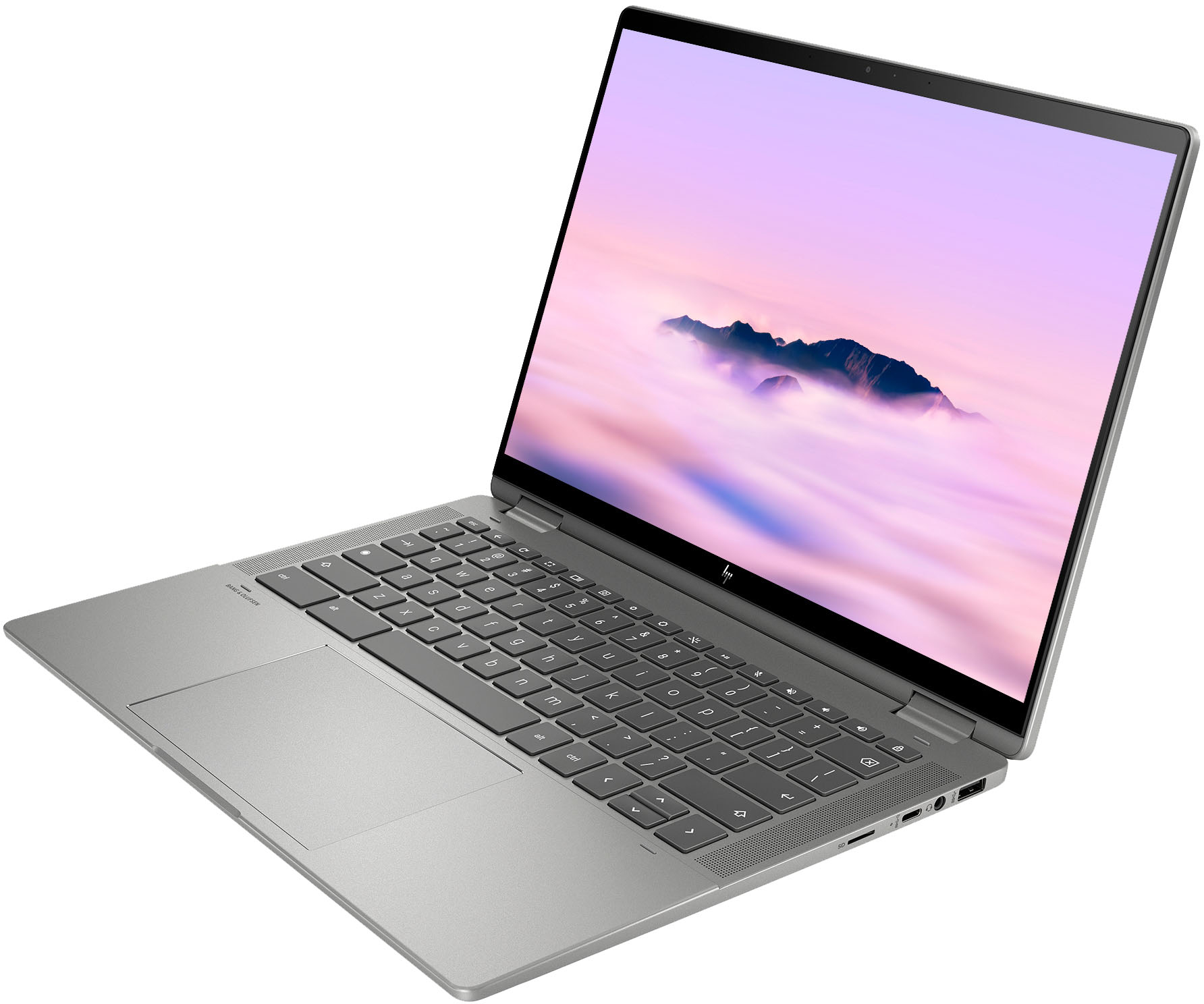
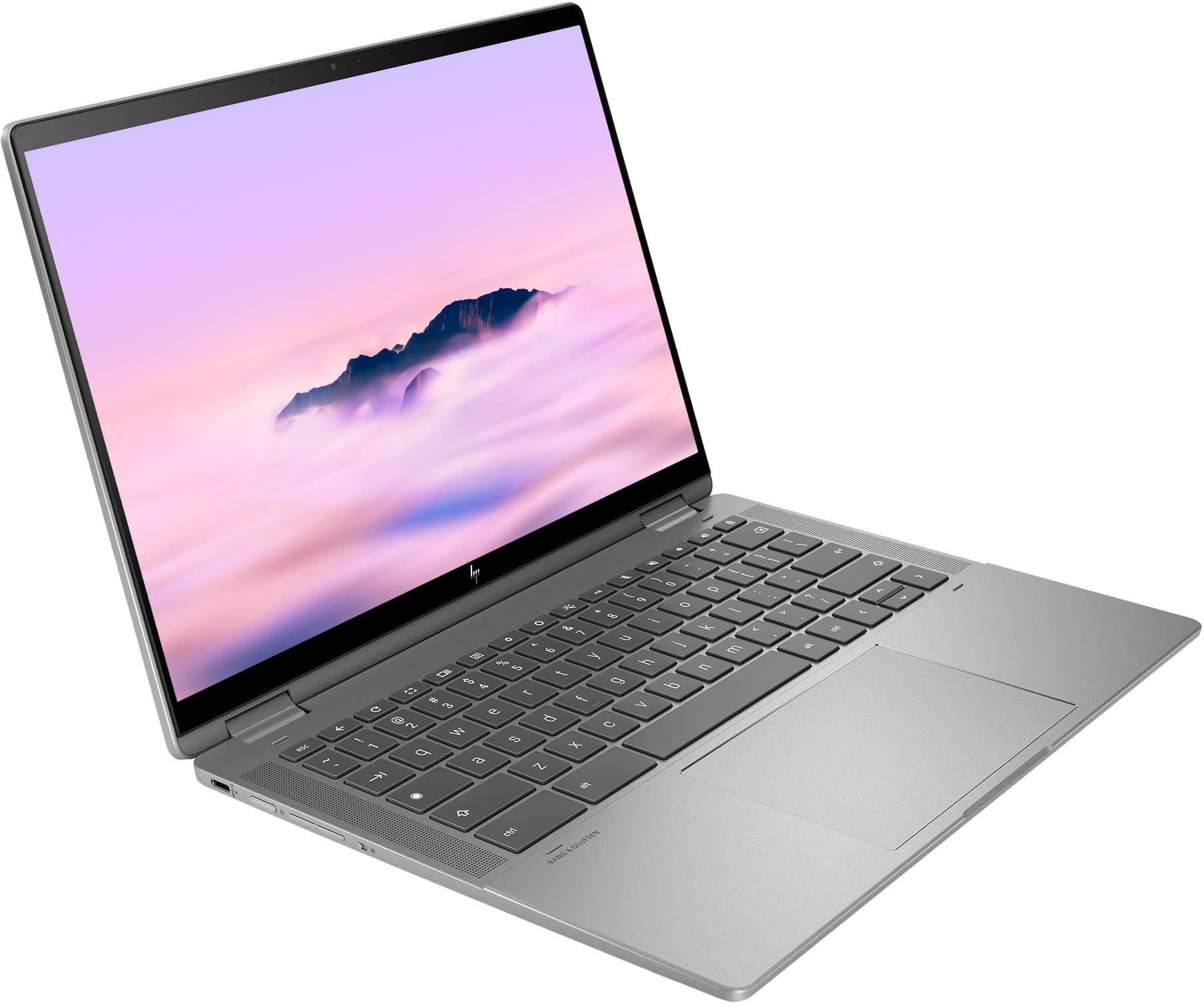
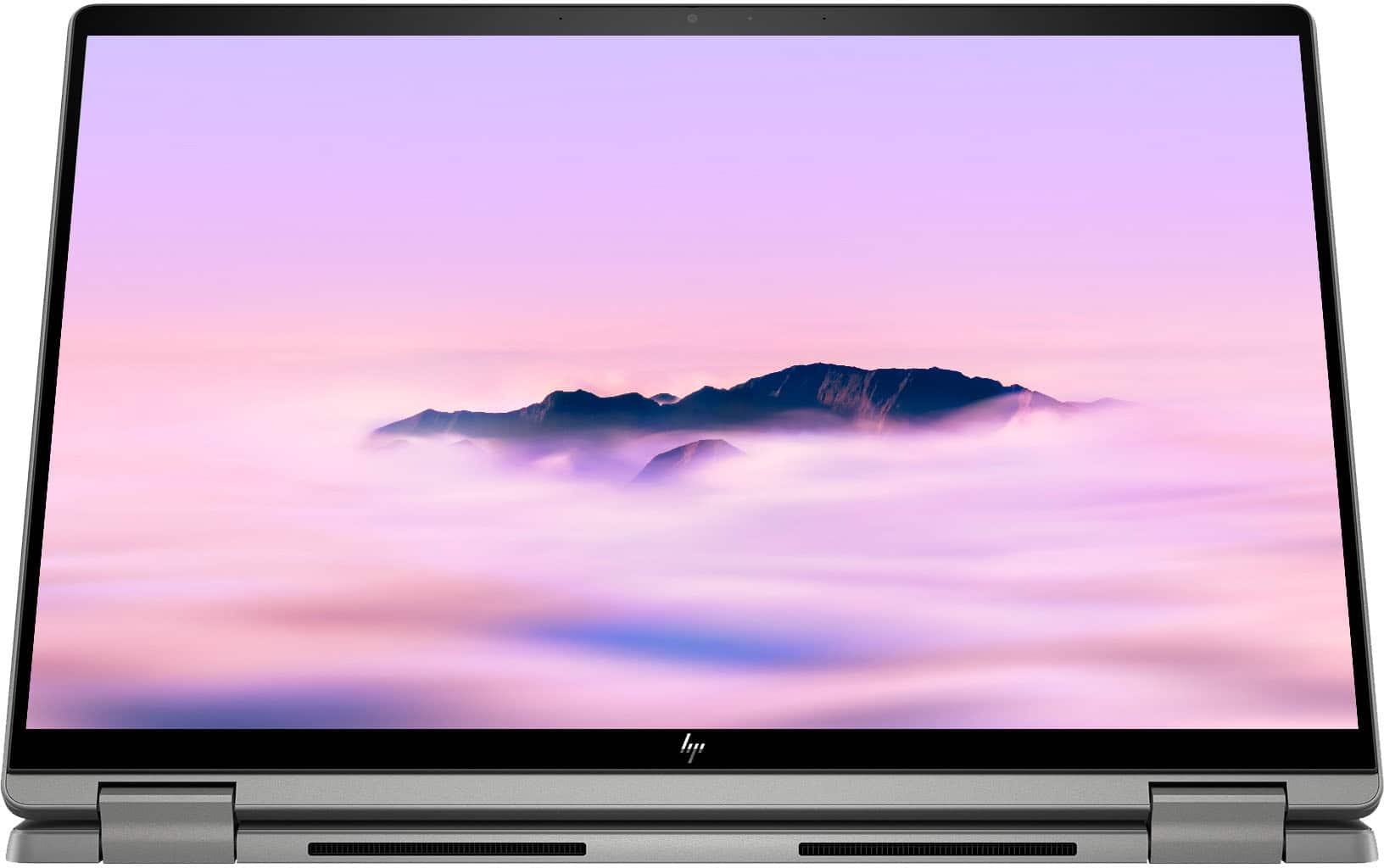
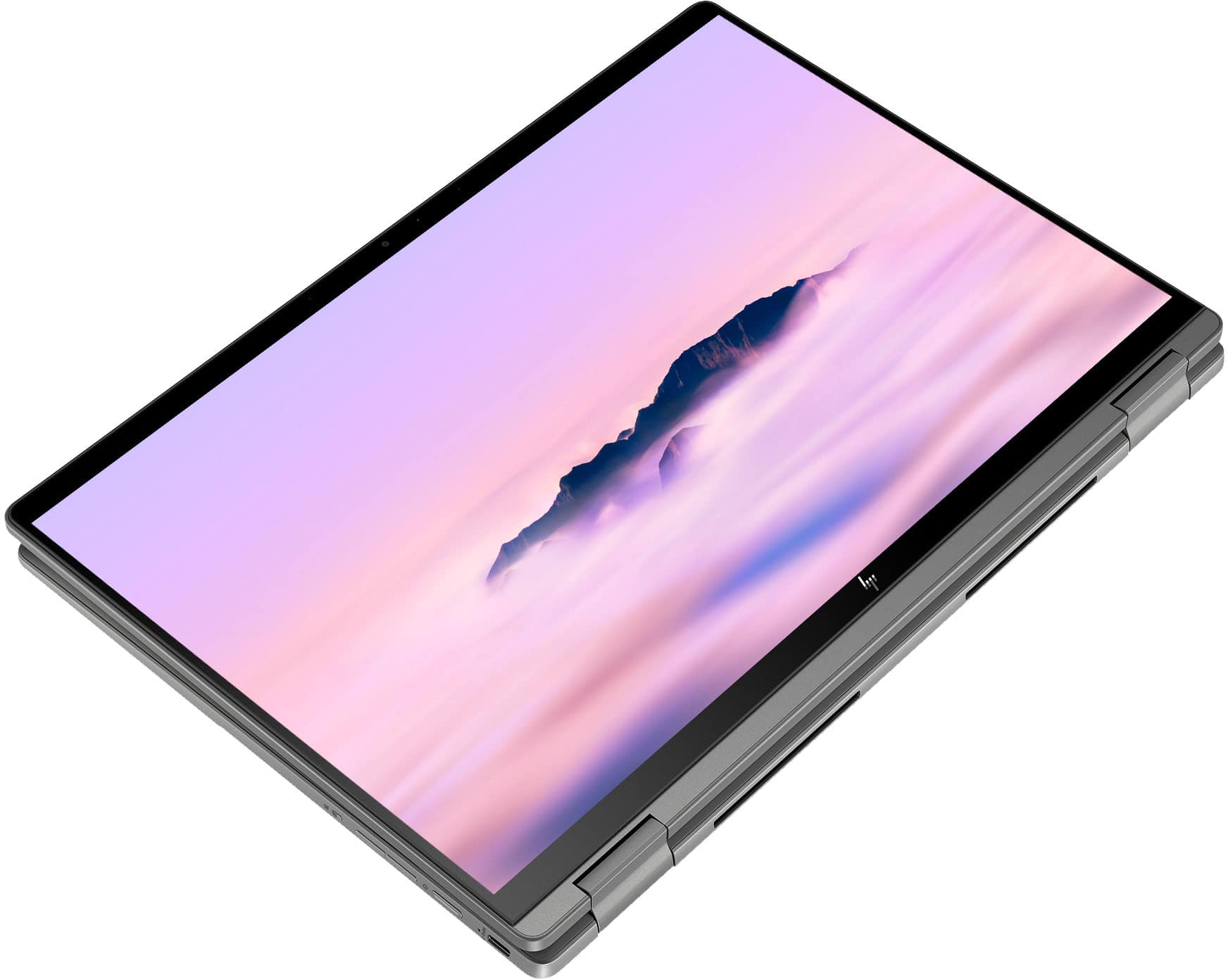
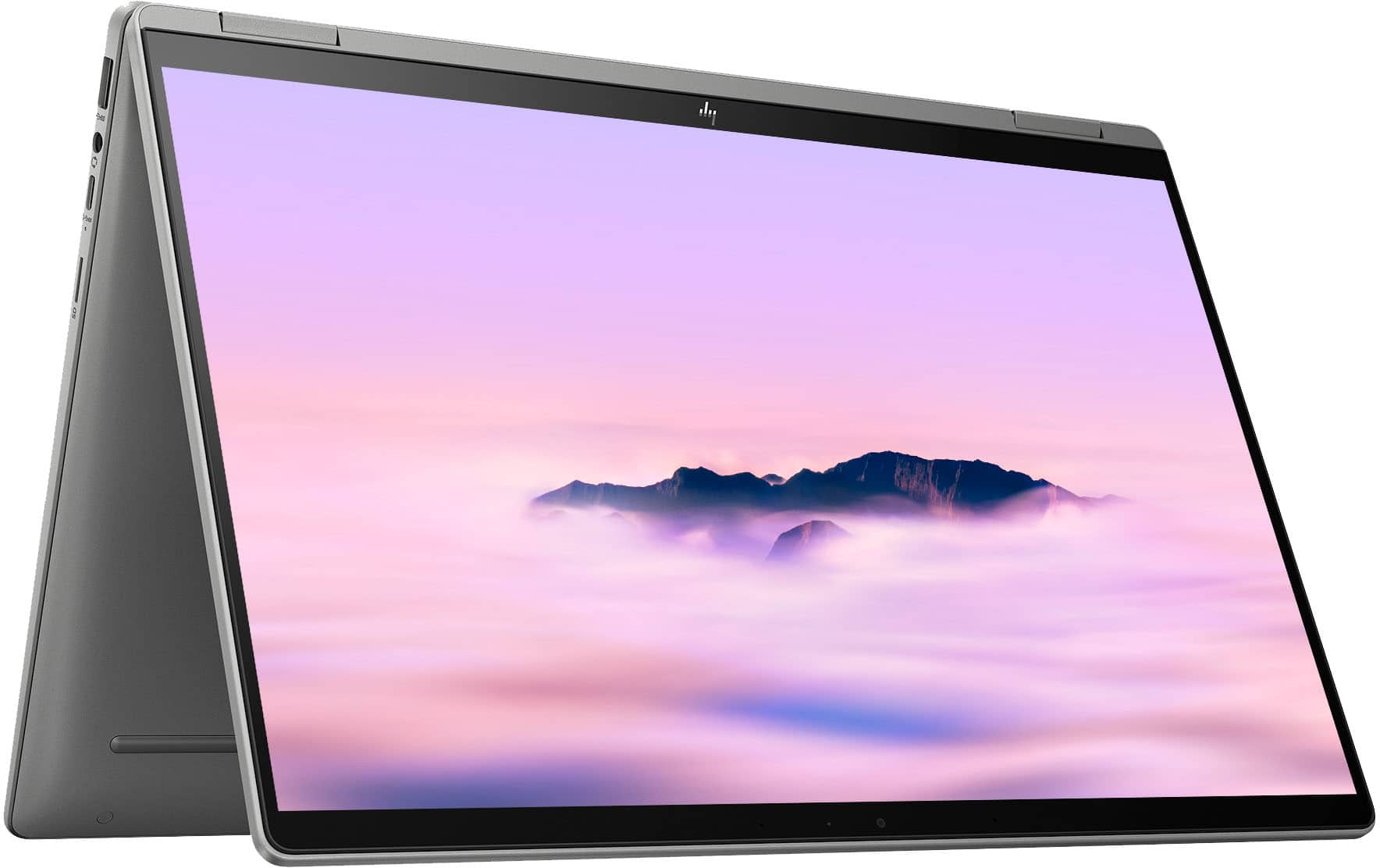
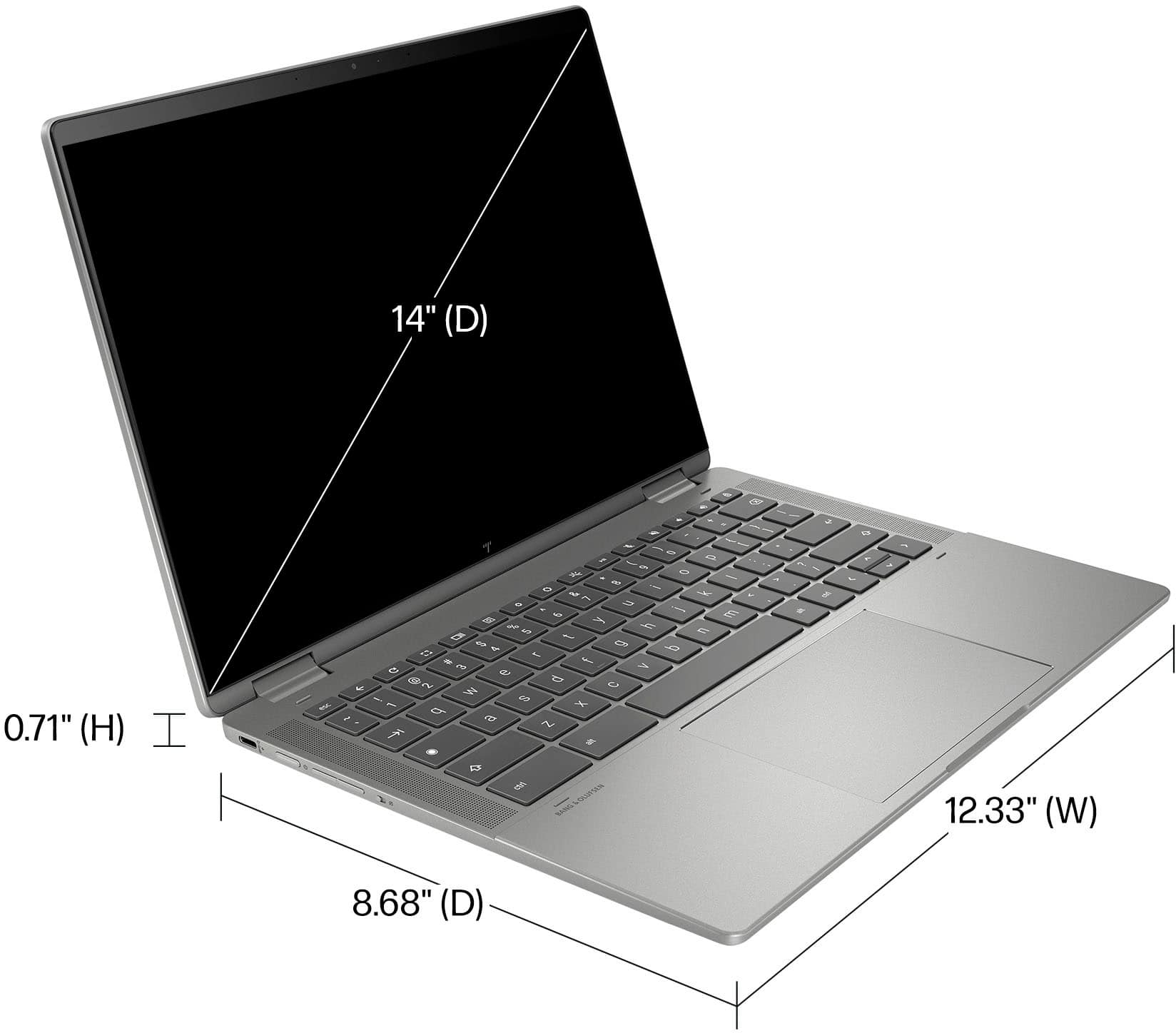
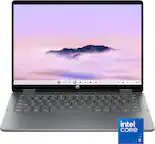
A:AnswerHello Chuck and thank you for asking. An HP 2-in-1 laptop like the 14c-cd0053dx can be used as a laptop, or you may fold the screen over and use it as a tablet as well.