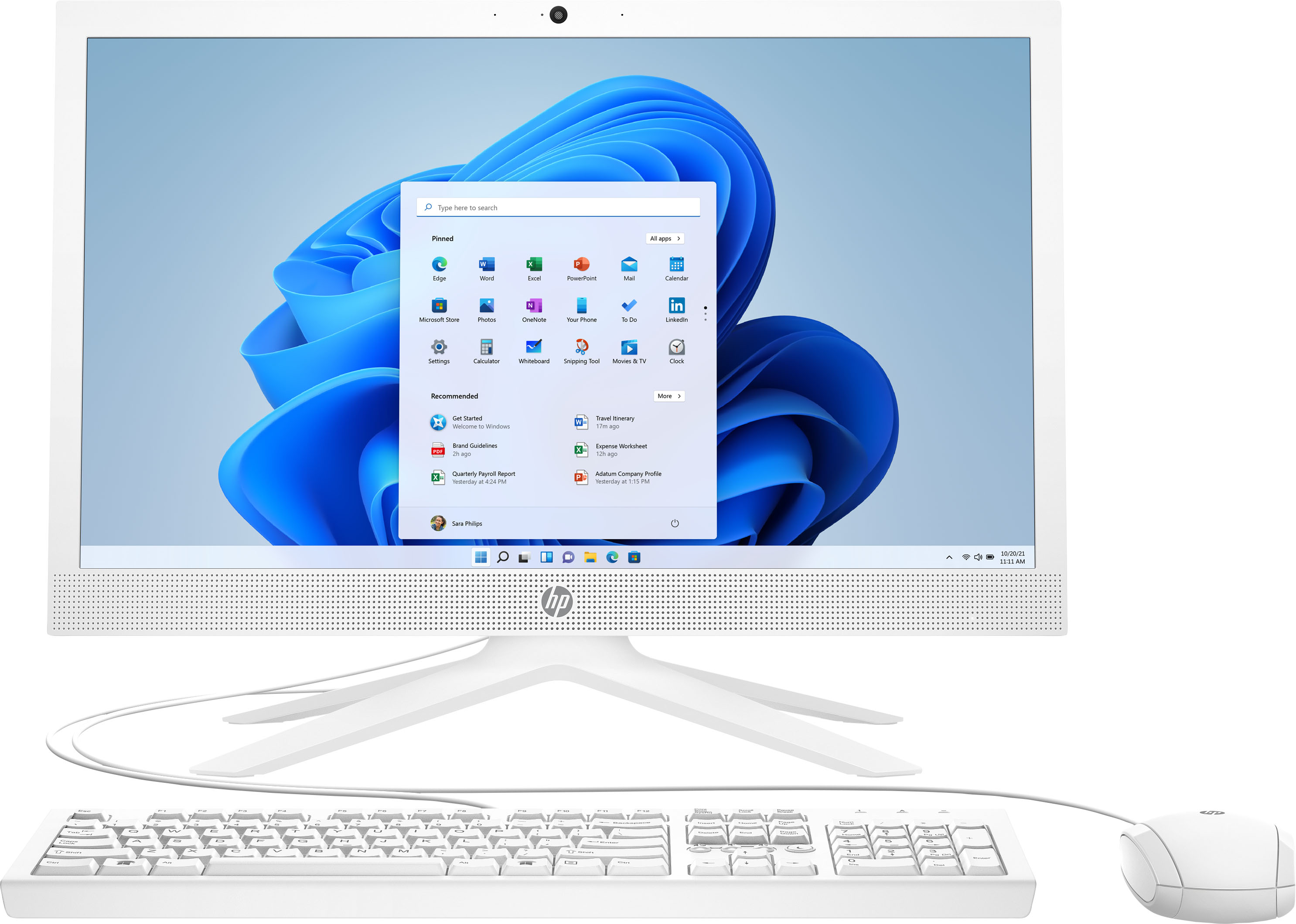
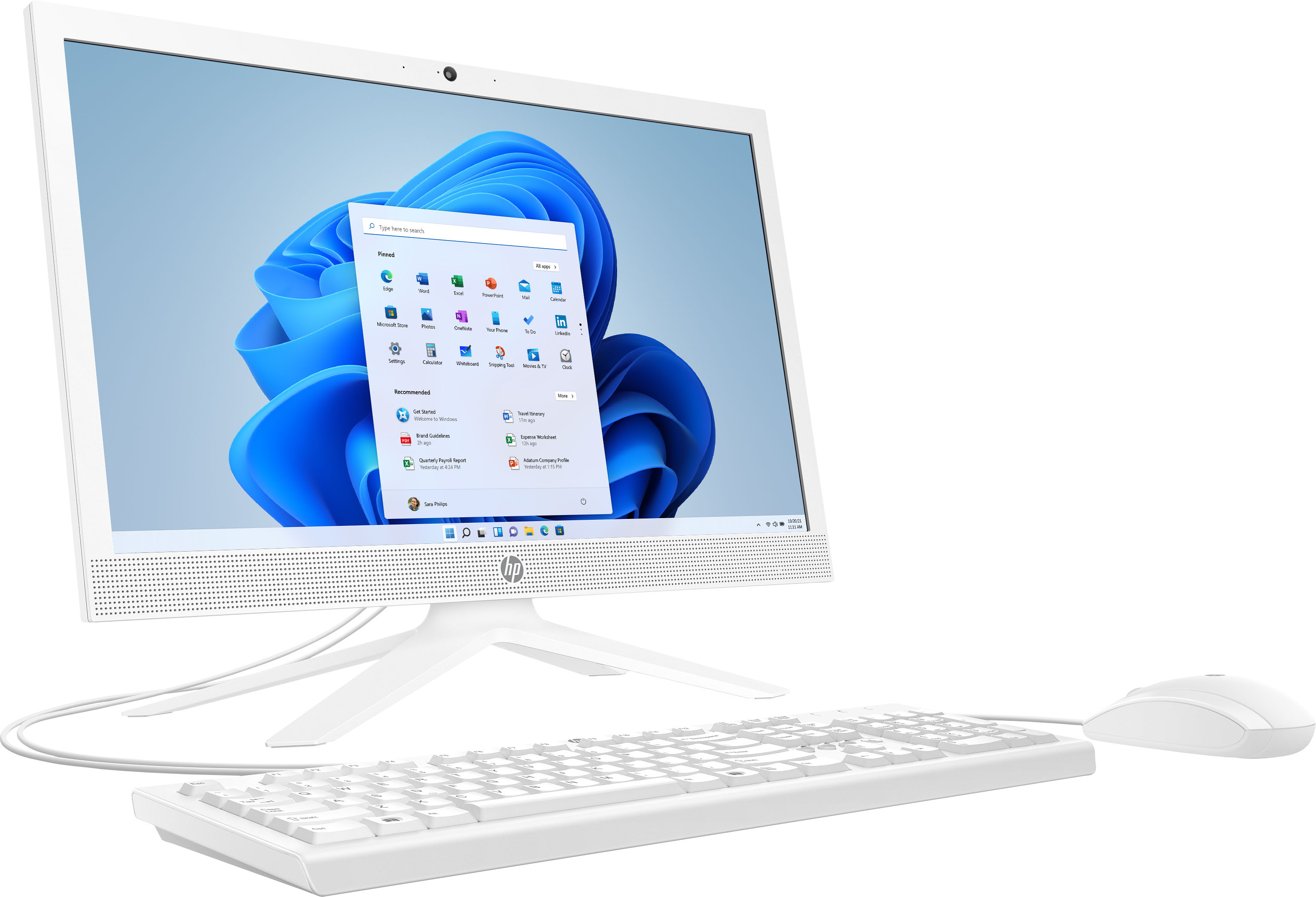
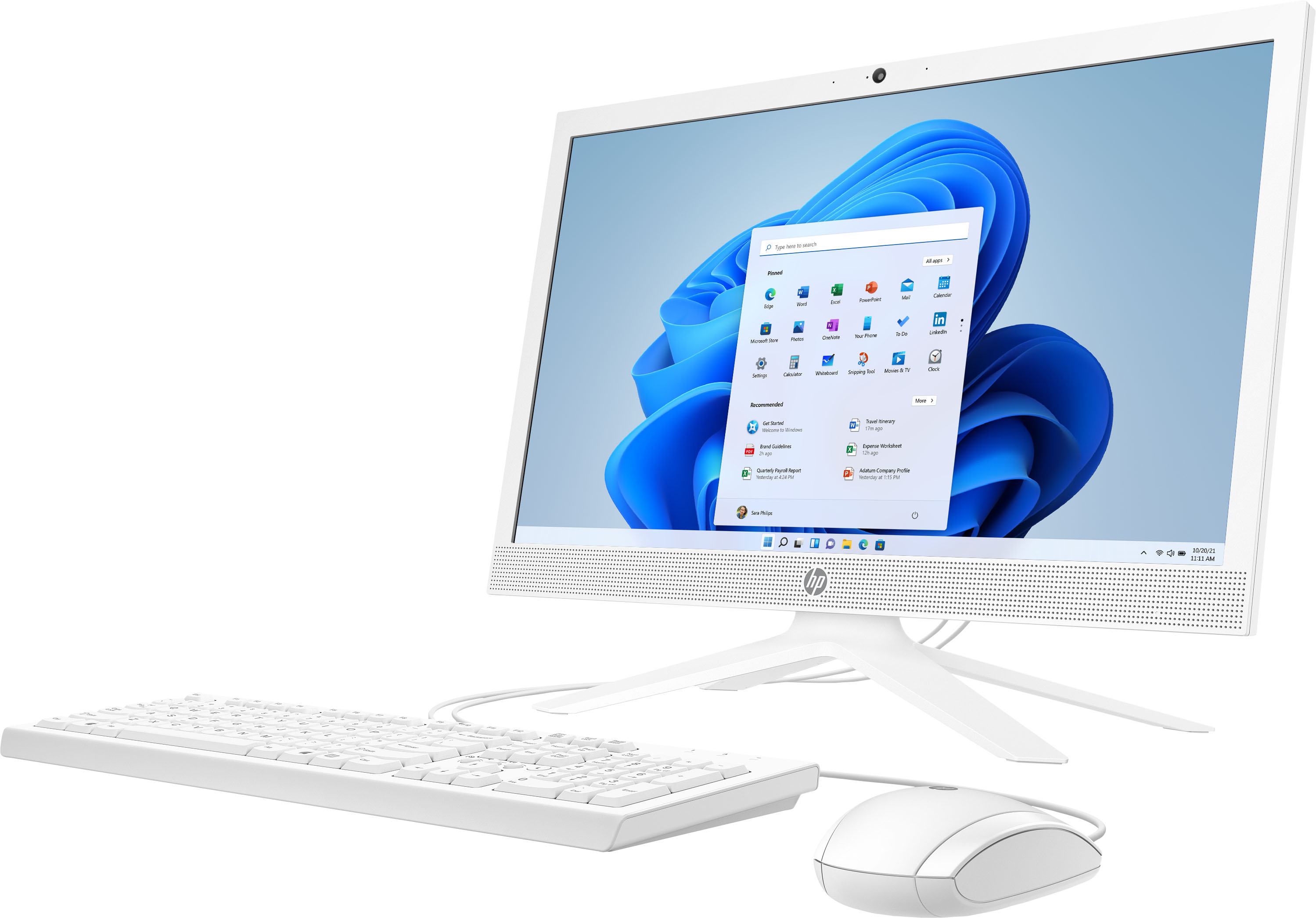
A:Answer Thank you for the question. To access the HP Camera program: Click Start, All Programs, HP, and select HP Camera from the resulting list. Or, if the HP Camera icon is displayed on the desktop, double-click HP Camera to start. When the program starts, the image from the webcam is displayed.