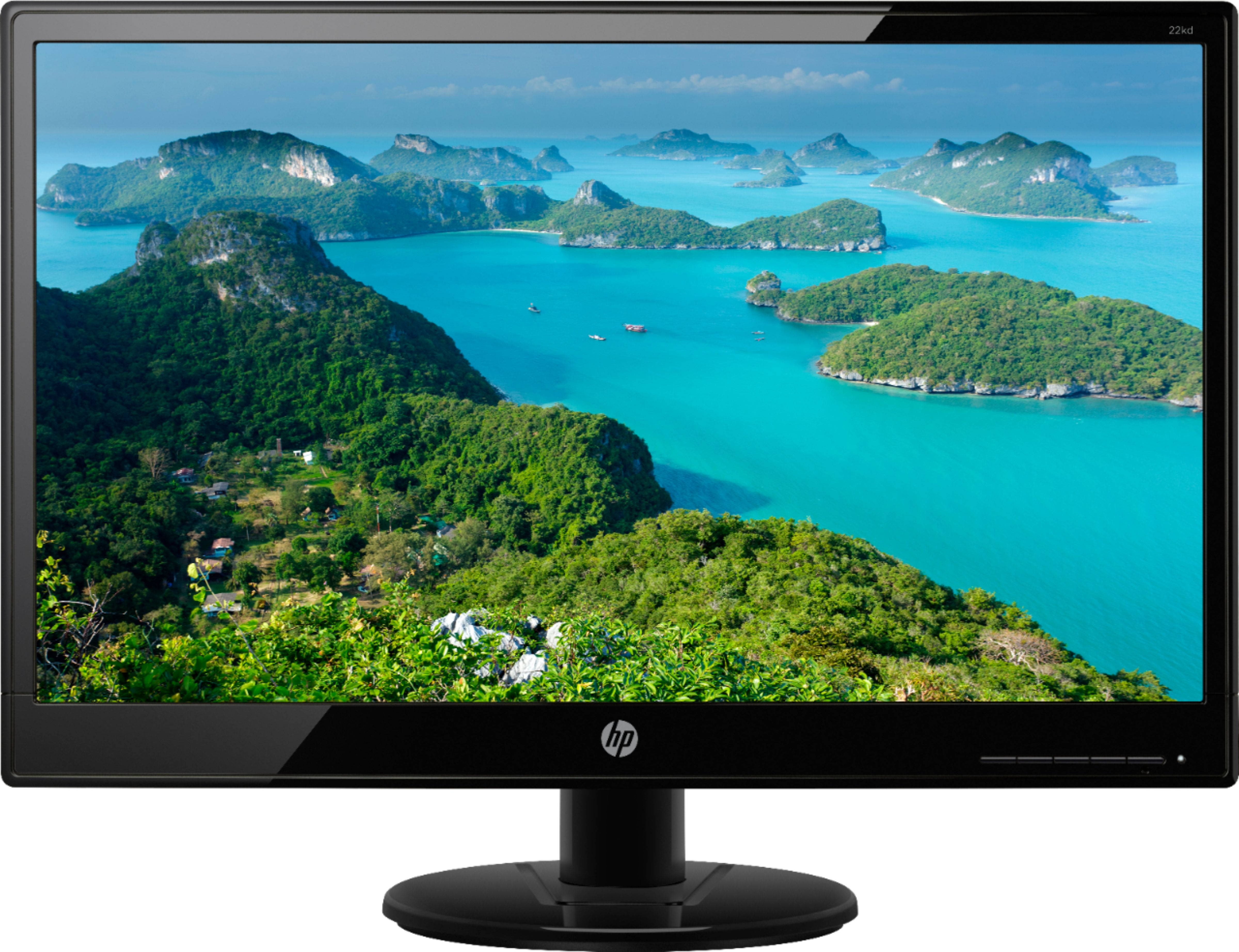
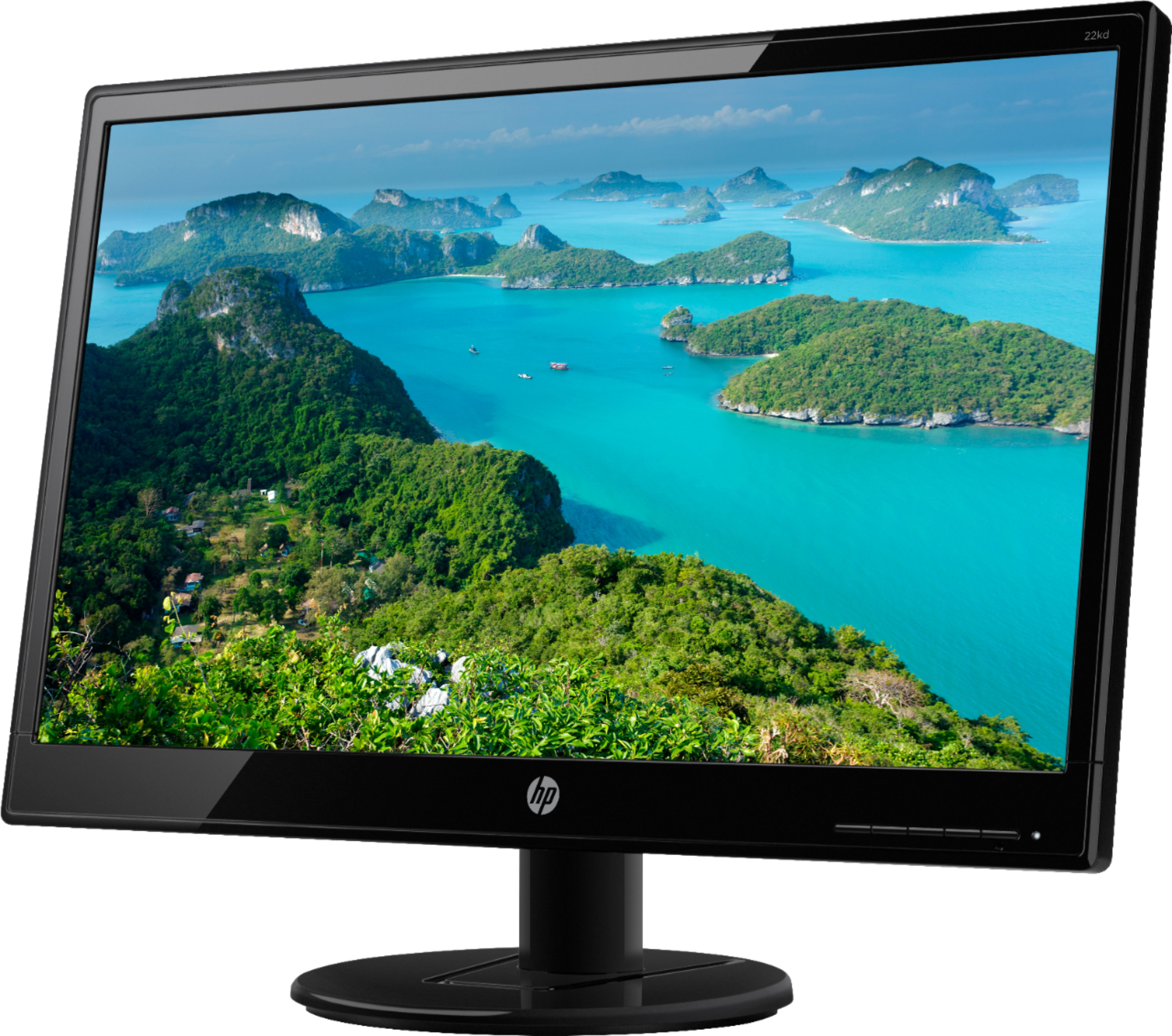
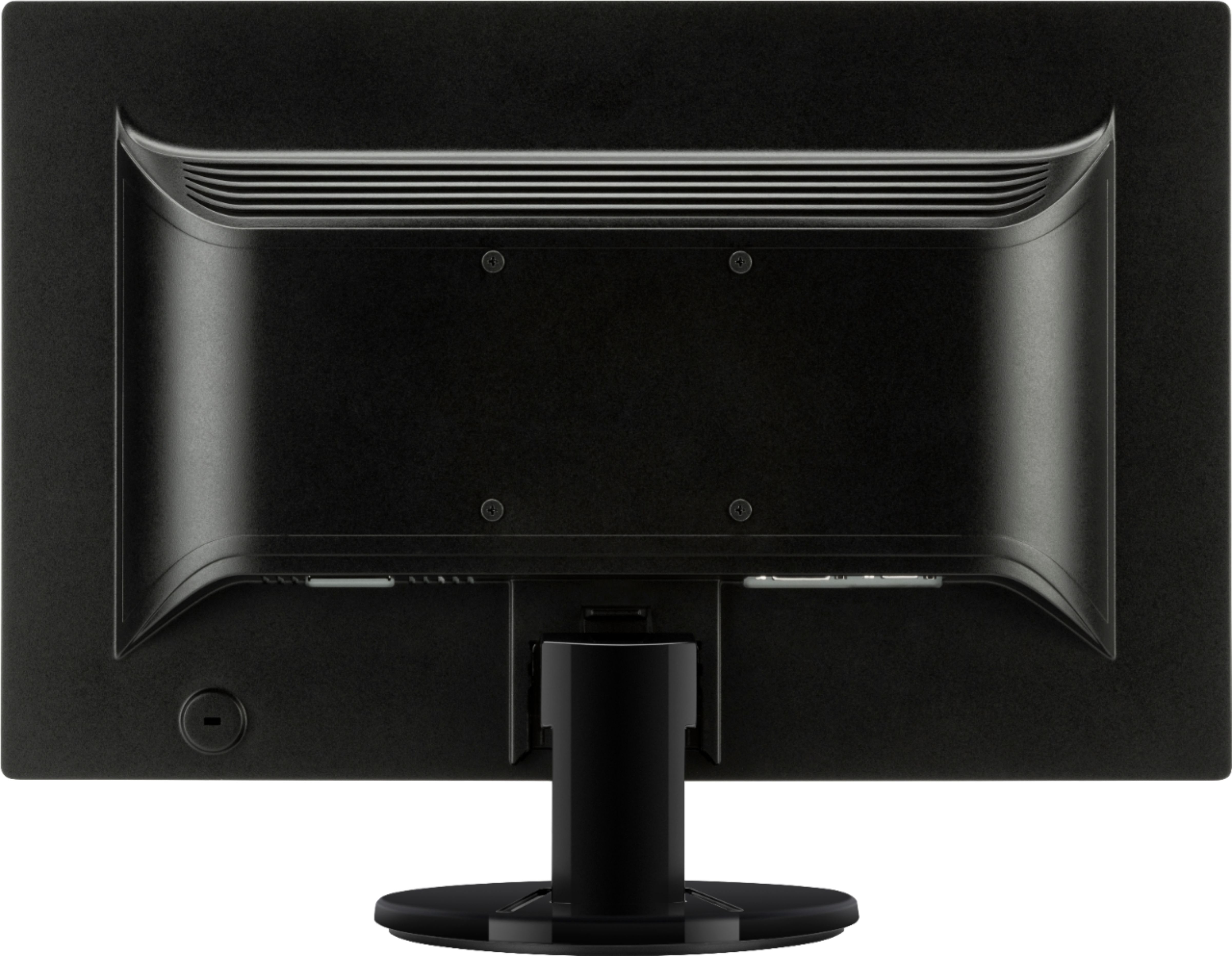
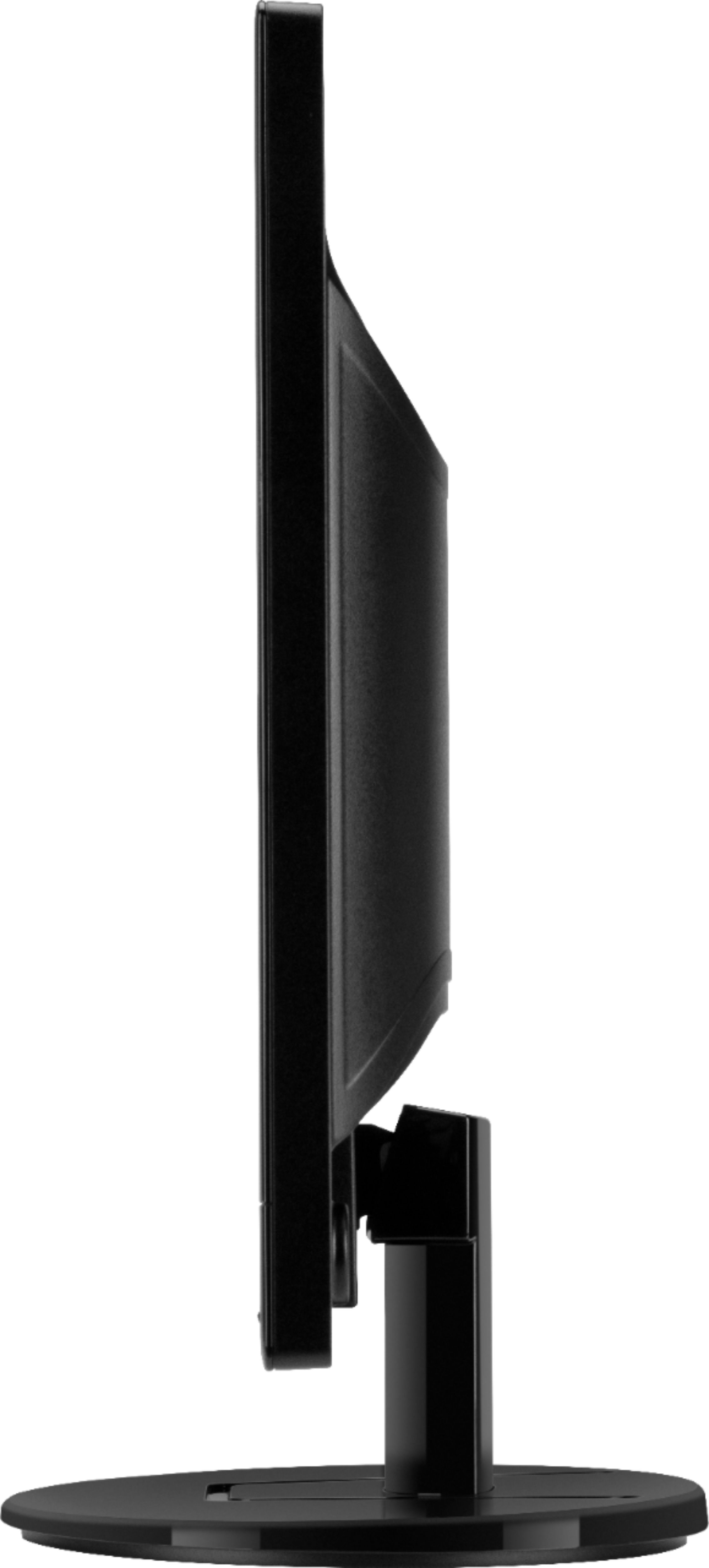
A:AnswerThis monitor comes with a cord for a VGA connection. While I only use a single monitor, this one came with everything I needed to plug into the single VGA input on my computer.
A:AnswerAbsolutely, yes! You'll want to make sure whatever desktop or laptop you're using has the available ports (splitters and docking stations are great companions for this!). In your computer settings, you will simply want to make sure that you "extend" the display (don't duplicate!).
A:AnswerYou should not really need anything else from HP, generally most monitors do not need anything once they do an auto update and driver install. You monitor may have come with a Disc with a driver on it or you could check on the HP site, you can go to the link below and download and install the driver just to be sure.
https://support.hp.com/us-en/drivers/selfservice/hp-value-20-inch-displays/7274733/model/10193416
A:AnswerHello Tyler! Thank you for your question on the accessories included with the HP 21KD monitor! The included VGA cable is 5 feet long. I hope this helps!
A:AnswerYou connect your computer to a printer, the monitor has nothing to do with printing. Most printers now are so-if and co e with simple connection instructions. If not look online.
A:AnswerYes, it does with my HP laptop. But this monitor doesn't have an HDMI port, so unless your HP laptop has DVI-I or VGA connector, you will need an HDMI-to-DVI-I or HDMI-to- VGA adapter.