Questions & Answers
- Model:
- 22-dd0224
- |
- SKU:
- 6477667
Highly rated by customers for: Ease of use, Size, Performance
$74.99Your price for this item is $74.99
Clearance
Comp. Value: $359.99
The comparable value price is $359.99
Page Showing 21-40 of 459 questions
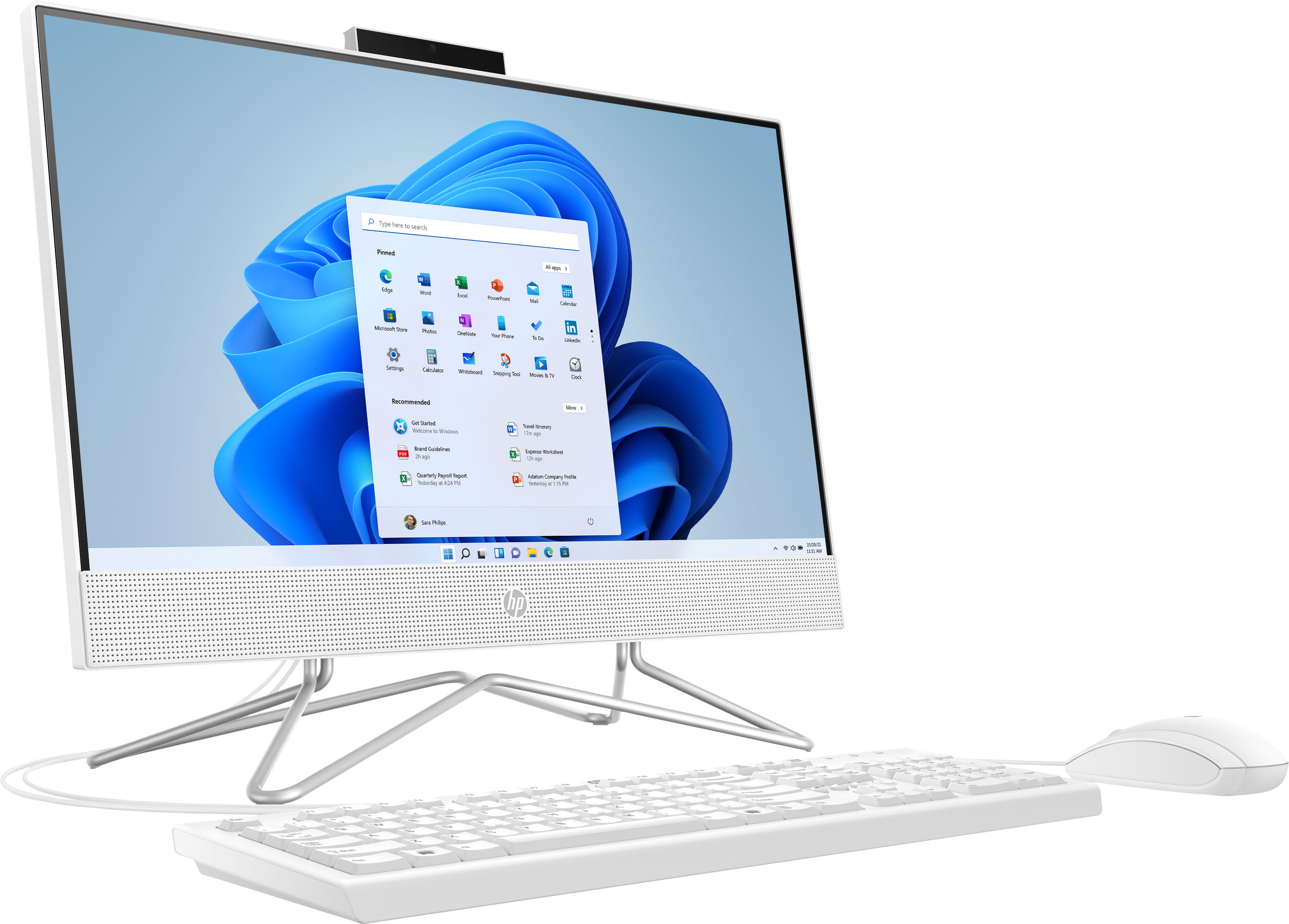
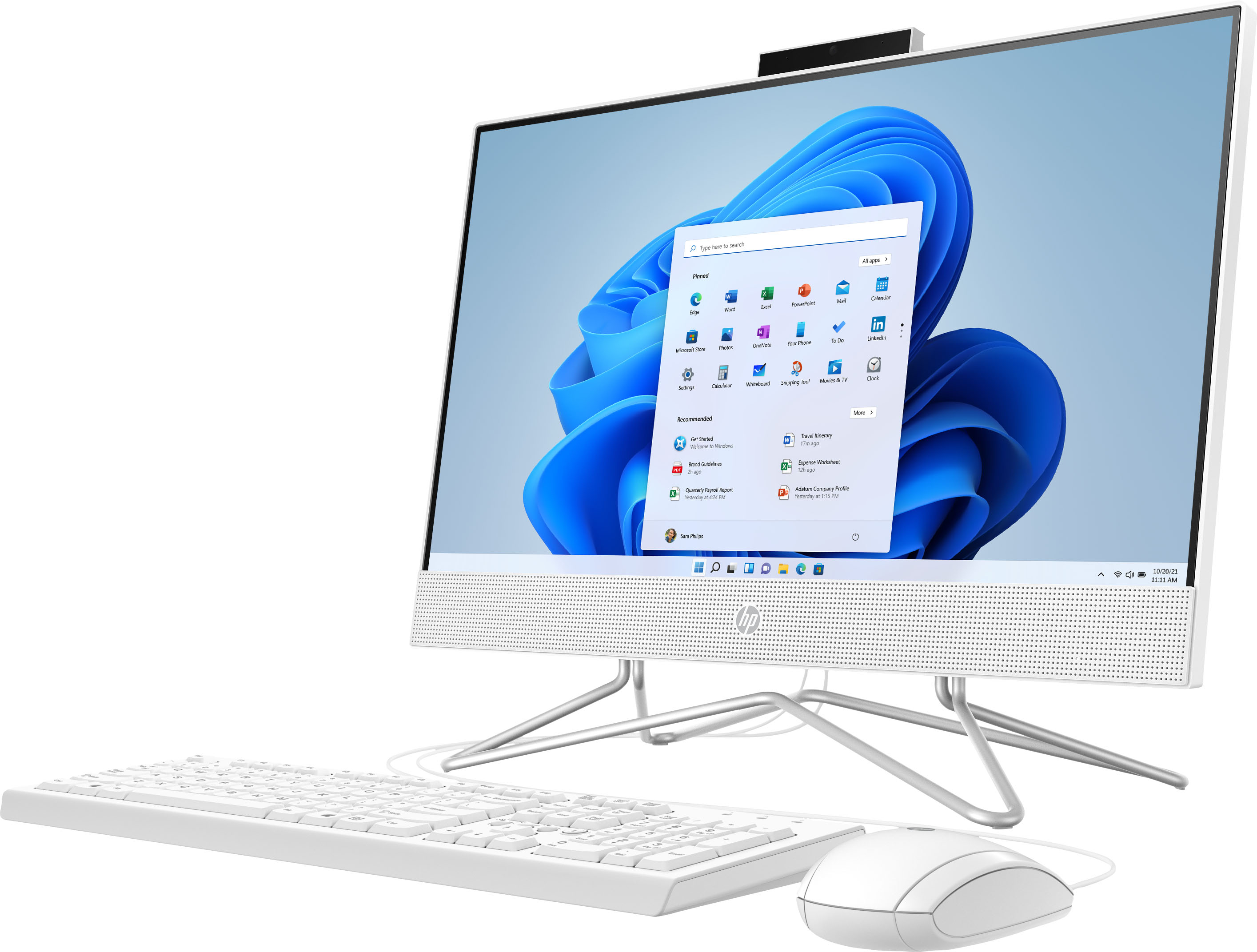
Q: Questionhow do i open the cd or disk drive on the side i dont have a eject button on it can somone please help me
Asked by kaylee.
- A:Answer There Isn't one, something they Failed to list.
Answered by PinkDoll
Q: QuestionI literally just need it for school. I’m taking online classes. Will this computer hold my work?
Asked by Tdog.
- A:Answer Unless you're taking classes in things like film editing (where you may work with very large files) you should have no problem keeping all your word on this all-in-one.
Answered by HP Team

Q: QuestionWould this computer run Genshin Impact?
Asked by Adonis.
- A:Answer Unfortunatley, no. Neither the RAM nor the video subsystem meet the minimum requirements.
Answered by HP Team

Q: QuestionIs it touch screen?
Asked by Erick.
- A:Answer No it is not. Very simple, fast, and good size screen. Bought for my elderly parent to replace his 16 year old laptop.
Answered by Anonymous
Q: QuestionWill this computer be able to handle any games? Roblox, Minecraft, any of the older Sims games?
Asked by KerryB.
- A:Answer "Any games" is a pretty broad category. It meets the minimum requirements for Roblox and Minecraft, and it should handle any similar sim games.
Answered by HP Team

Q: QuestionDoes this computer have the ability to handle video editing software like Videopad? Thanks.
Asked by Anonymous.
- A:Answer Thank you for the question. VideoPad is designed to use few resources and may be compatible with this All-in-One computer. However, as system requirements for software constantly change, we are unable to answer questions about software compatibility or performance. What is compatible today may not be in a few months. Please check the software manufacturer's website for the most current system recommendations.
Answered by HP Team

Q: QuestionCan you use a wired printer with this computer?
Asked by Powgenman.
- A:Answer Yes, I use my HP printer all the time.
Answered by TiB1
Q: QuestionCan I play cloud gaming on this computer like boosteroid or Geoforce now and Xbox beta etc
Asked by Elevatedsnail.
- A:Answer You can check the requirements for the software you would like to use by looking up the system requirements for it from the publisher's website. You will want to make sure that the device you want to use it on meets the minimum requirements. Updates and modifications can impact what settings you can run the software on or if you can use the software at all.
Answered by HP Team

Q: QuestionWhat is needed to get it running?
Asked by Chapa.
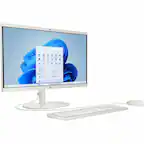
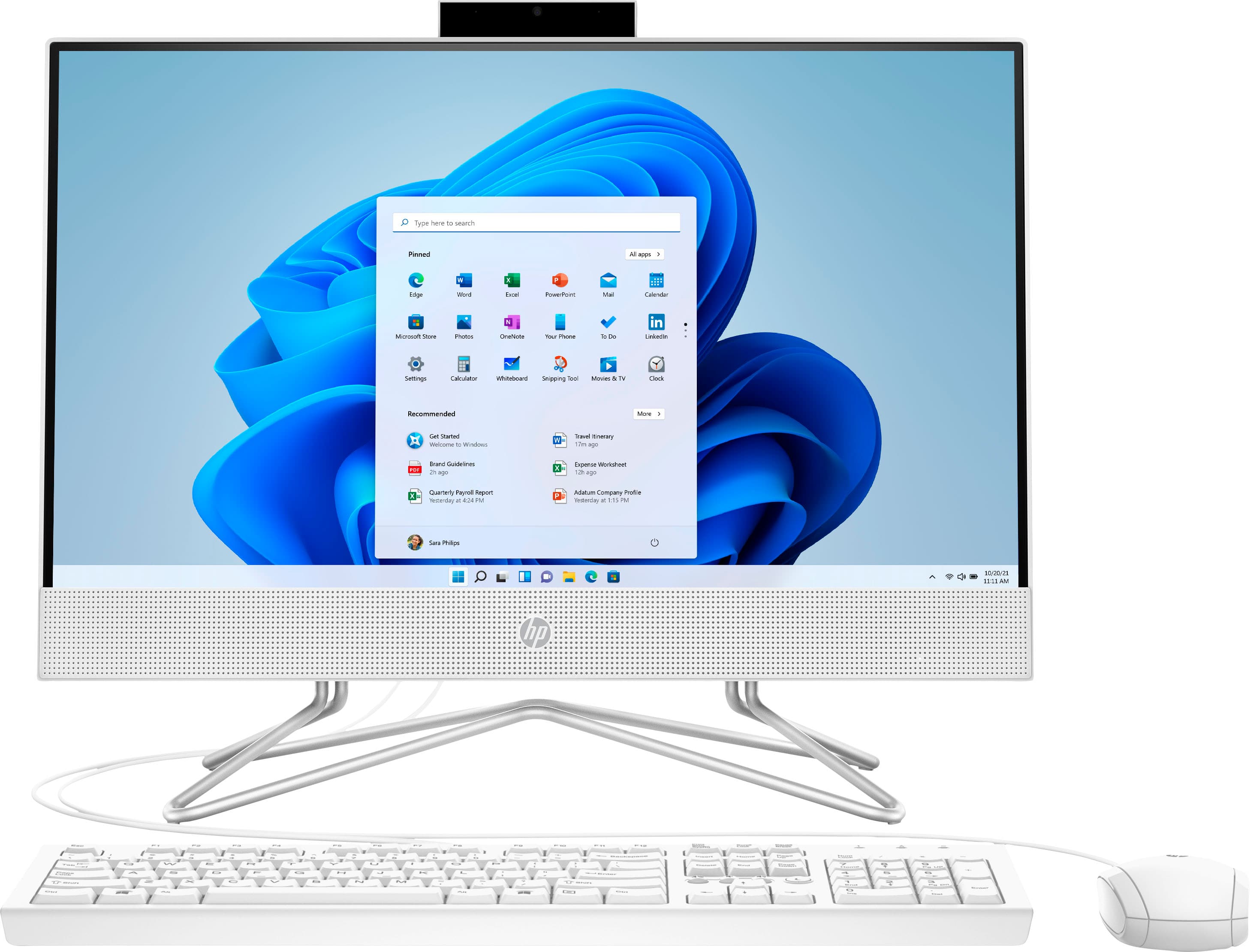
- A:Answer This computer is an All-in-One, so it comes with everything you need for a computer setup. As an All-in-One, it is both a monitor and a tower. It includes a mouse and keyboard as well, so you're ready to get started out of the box! If you have any other questions, don't hesitate to reach out to HP Support or your Best Buy Geek Squad.
Answered by HP Team

Q: Questionhello, how many USB ports are there?
Asked by Anonymous.
- A:Answer It has four USB-A ports. Two high speed ports and two normal speed.
Answered by HP Team

Q: QuestionIs this computer a good choice for someone taking online graduate courses from a university?
Asked by Fred.
- A:Answer Thank you for the question. Chances are that you would benefit from a model with a faster processor, more RAM, and more storage. Minimally, and if not multi-tasking, this all-in-one would work. We would recommend purchasing an external storage solution, such as this: https://www.bestbuy.com/site/crucial-x6-se-1tb-external-usb-c-usb-a-portable-ssd/6457929.p?skuId=6457929
Answered by HP Team

Q: QuestionCan you hook a wired printer to this ?
Asked by Lynn.
- A:Answer Hello, Lynn. Thanks for your question. Yes, you connect a wired printer to this HP all in one computer with the USB A to B 2.0 cable.
Answered by HP Team

Q: QuestionCan I hook this up to a television with an HDMI cord and display what’s on the computer onto the TV?
Asked by Output.
- A:Answer Thank you for the question. Yes, you can use your smart TV as an external monitor. Be sure to change the TV's input from Cable or (antenna, etc.) to HDMI/computer. These names may be pre-determined, or you may have the opportunity to name the inputs, depending on the brand of your smart TV.
Answered by HP Team

Q: QuestionCan I disable bluetooth and still connect to my wifi network?
Asked by tim.
- A:Answer Hello, yes you can choose not to use, as well as disable, the bluetooth option through the Settings section on your device. WiFi and Bluetooth are two separate entities. Thank you for being an HP customer!
Answered by HP Team

Q: QuestionFor someone who knows nothing about computers, do I need a tower to use this computer?
Asked by Gwen.
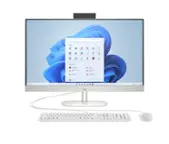
- A:Answer Hi Gwen, thank you for asking. You don't need a tower - his is all you need. The computer, monitor, speakers and camera are integrated, and a mouse and keyboard are included. You'll be able to use out of the box in just a few steps.
Answered by HP Team

Q: QuestionHow many USB ports does it have?
Asked by Sandra.
- A:Answer This All-In-One has the following ports: Headphone/Microphone Combo, Rear: 2 SuperSpeed USB Type-A 5Gbps signaling rate, 2 USB 2.0 Type-A, HDMI Out.
Answered by HP Team

Q: Questiondoes this work with consign pro program?
Asked by Tom.
- A:Answer Yes, this All-In-One meets the system requirements to run ConsignPro.
Answered by HP Team

Q: QuestionHow do you transfer data from my old computer or does it have to be done in the store?
Asked by Geo.
- A:Answer Hi Geo, thank you for the question. There are a couple of ways to transfer files. You can transfer your files from the old computer by uploading them to the cloud and downloading them to the new computer, using a flash drive, or using a transfer cable. Learn more here: https://www.hp.com/us-en/shop/tech-takes/how-to-transfer-files-from-pc-to-pc
Answered by HP Team

Q: Questionwhat is the cover in the right side for? how easy is it to upgrade the hard drive?
Asked by chris.
- A:Answer Hi Chris, thank you for the question. The cover on the right (left in rear view) is for adding an optical drive, if you'd like. Upgrading the hard drive and other components is relatively simple for experienced DIYers and technicians.
Answered by HP Team

Most-viewed items
- Black Friday Deal$429.99Your price for this item is $429.99
- $489.99Your price for this item is $489.99
- Black Friday Deal$299.99Your price for this item is $299.99
- $459.99Your price for this item is $459.99$559.99The comparable value for this item is $559.99
- $1,269.99Your price for this item is $1,269.99$1,519.99The comparable value for this item is $1,519.99
- $1,499.99Your price for this item is $1,499.99$1,719.99The comparable value for this item is $1,719.99
- $849.99Your price for this item is $849.99
- Black Friday Deal$309.99Your price for this item is $309.99
- $349.99Your price for this item is $349.99
- $309.99Your price for this item is $309.99
- $499.99Your price for this item is $499.99
- $659.99Your price for this item is $659.99
- $1,319.99Your price for this item is $1,319.99
- $749.99Your price for this item is $749.99
- $509.99Your price for this item is $509.99
- $1,799.00Your price for this item is $1,799.00
- $899.00Your price for this item is $899.00$1,289.00The comparable value for this item is $1,289.00