A:AnswerThank you for the questions. Yes, you can connect an external drive to play compatible games. Note that downloading could be limited by the 128GB storage on this laptop.
A:AnswerBecause this computer is running Windows in "S Mode" it can only download and run apps that are in the Windows Store. Fortunately, Roblox is one of the apps in the store, so you can download there and run it.
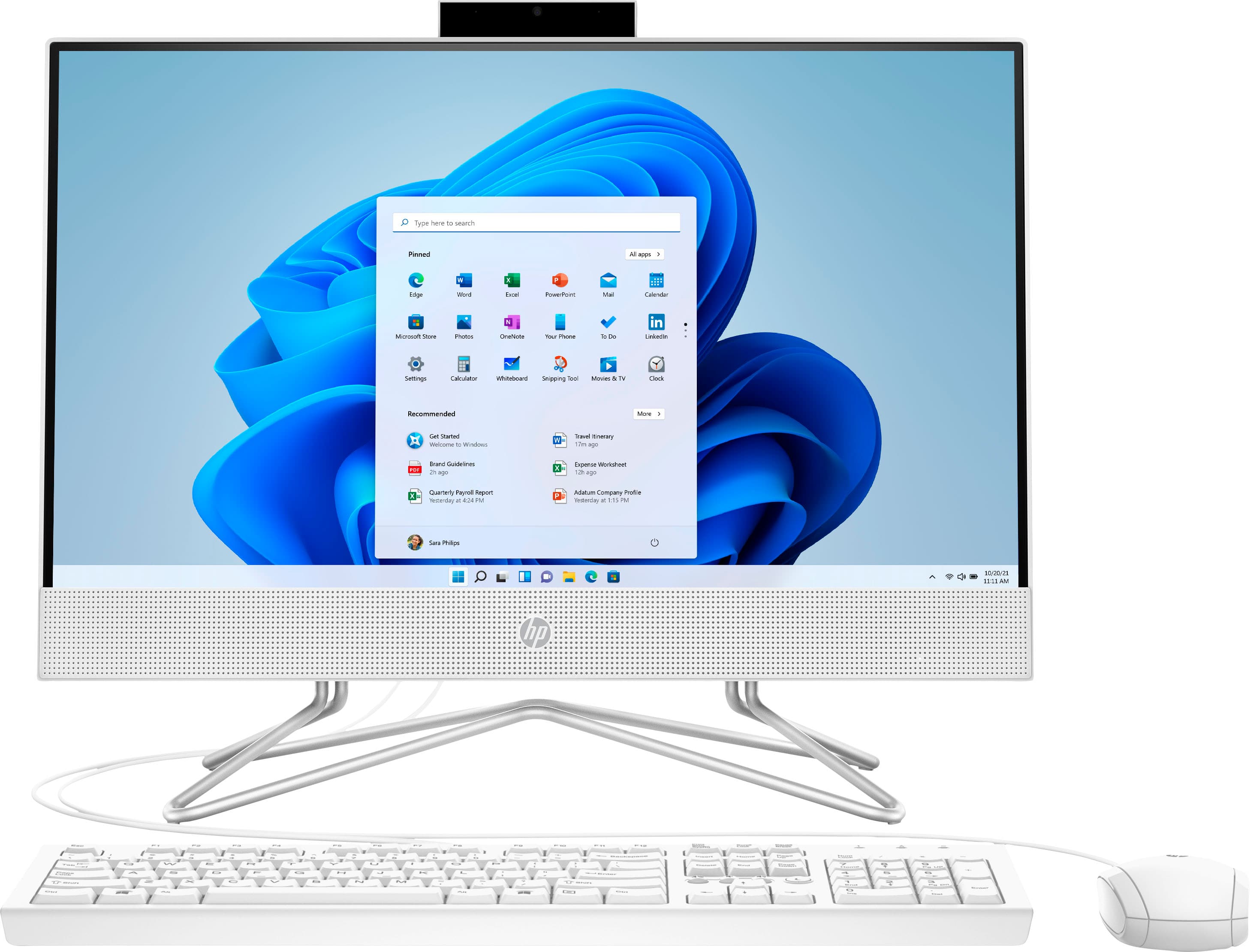
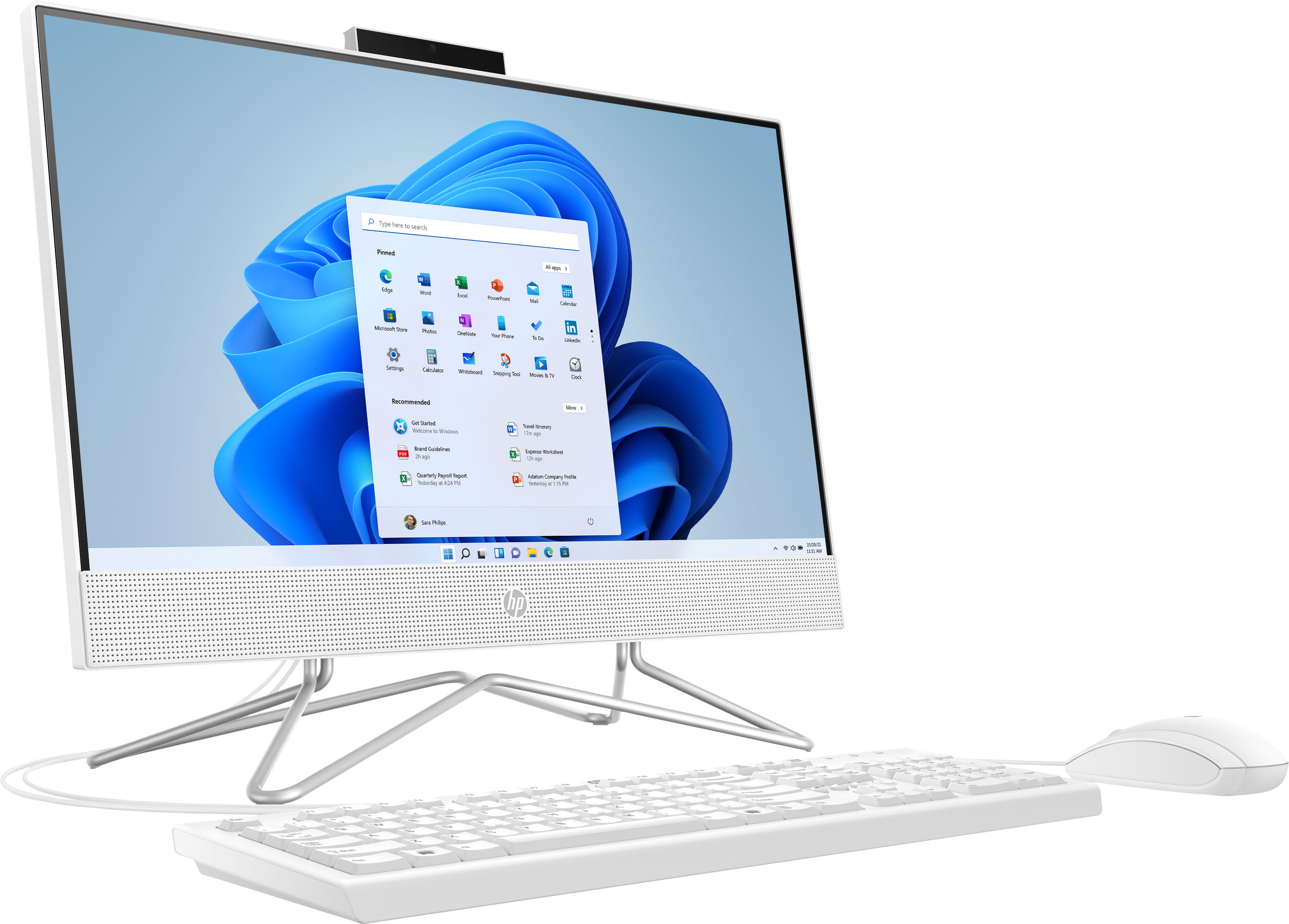
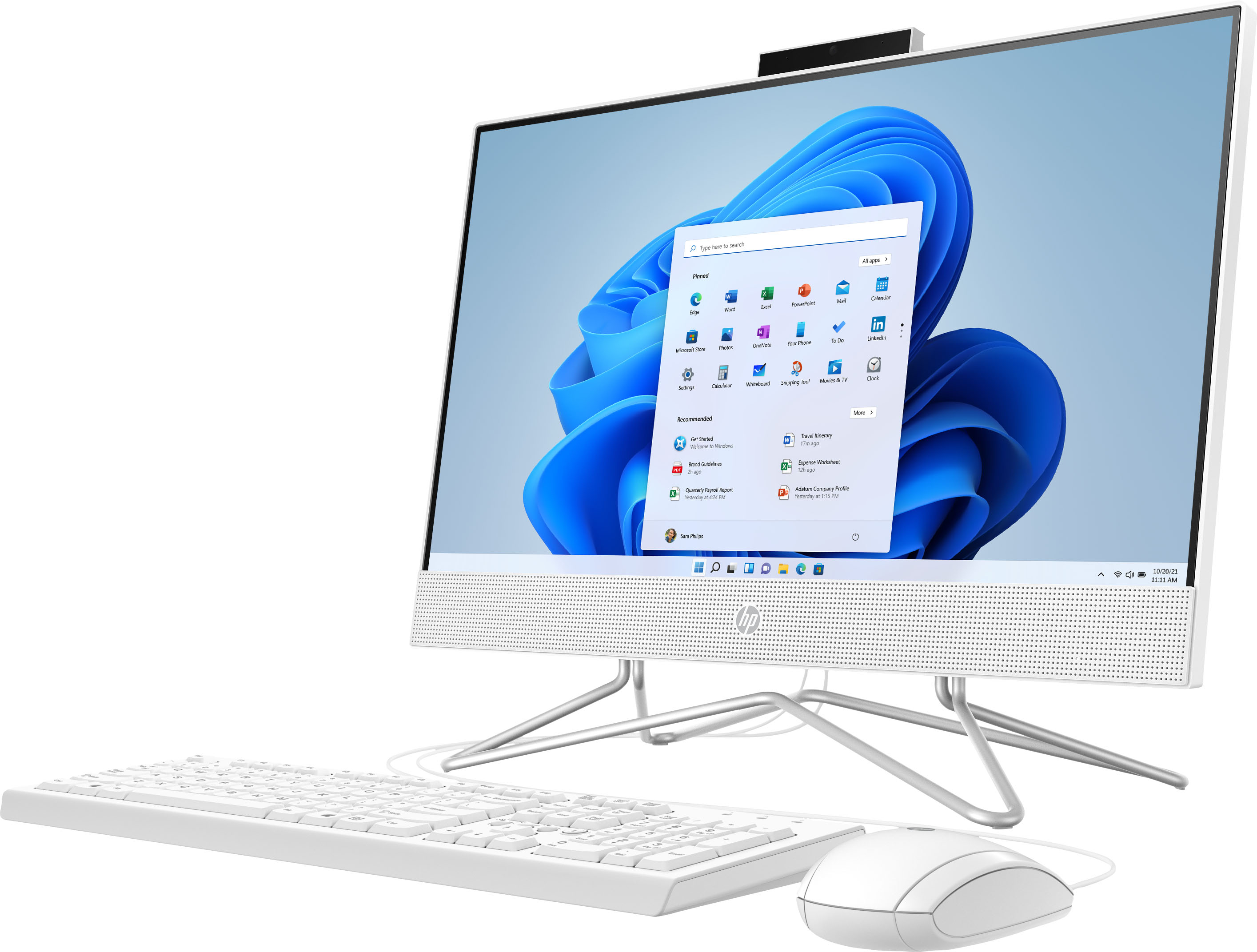
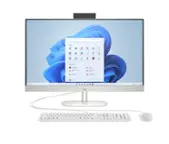
A:AnswerHello. Thanks for your question. Yes, the RAM on this HP All-in-One 22-dd0224 computer can be upgraded up to 16 GB DDR4-2400. There are two memory slots on this computer. You can also add another solid state drive (SSD) to the available M.2 slot. Or you can upgrade the existing 128 GB SATA M.2 SSD
A:AnswerHi Sarah, thank you for asking. The power button is on the back of the all-in-one desktop, slightly above the right bottom corner (when facing the computer).
A:AnswerHello and thank you for asking. The HP 22-dd0224 All-in-One PC has a combination headphone/microphone jack that can be used to connect wired speakers.