Questions & Answers
- Model:
- 22-dd0224
- |
- SKU:
- 6477667
Highly rated by customers for: Ease of use, Size, Performance
Page Showing 161-180 of 459 questions
Q: Questioncan we use a usb port with this computer
Asked by YVONNE.
- A:Answer Yes, It's actually a good computer
Answered by AllieL
Q: Questiondoes it have touch screen?
Asked by anneg.
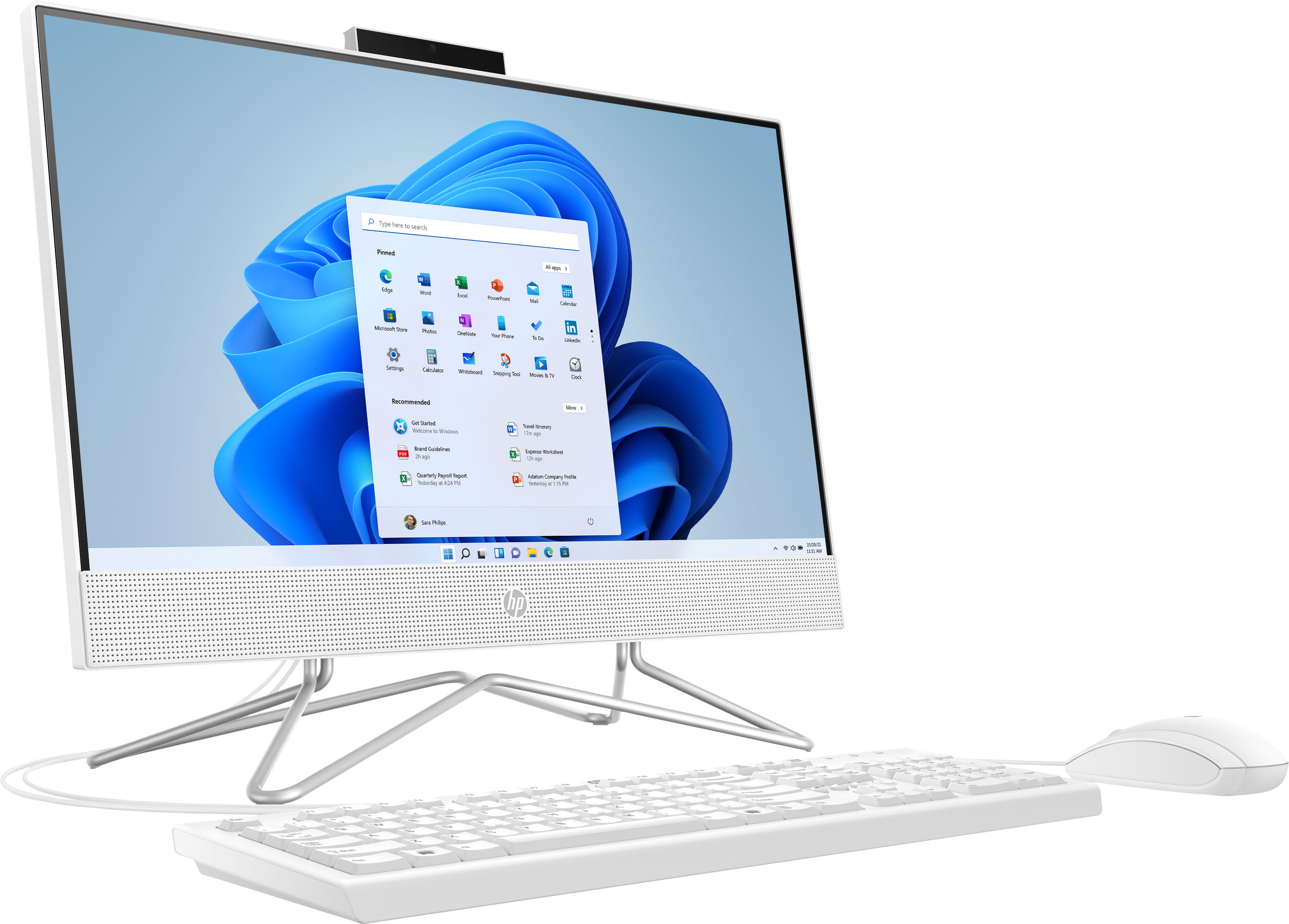
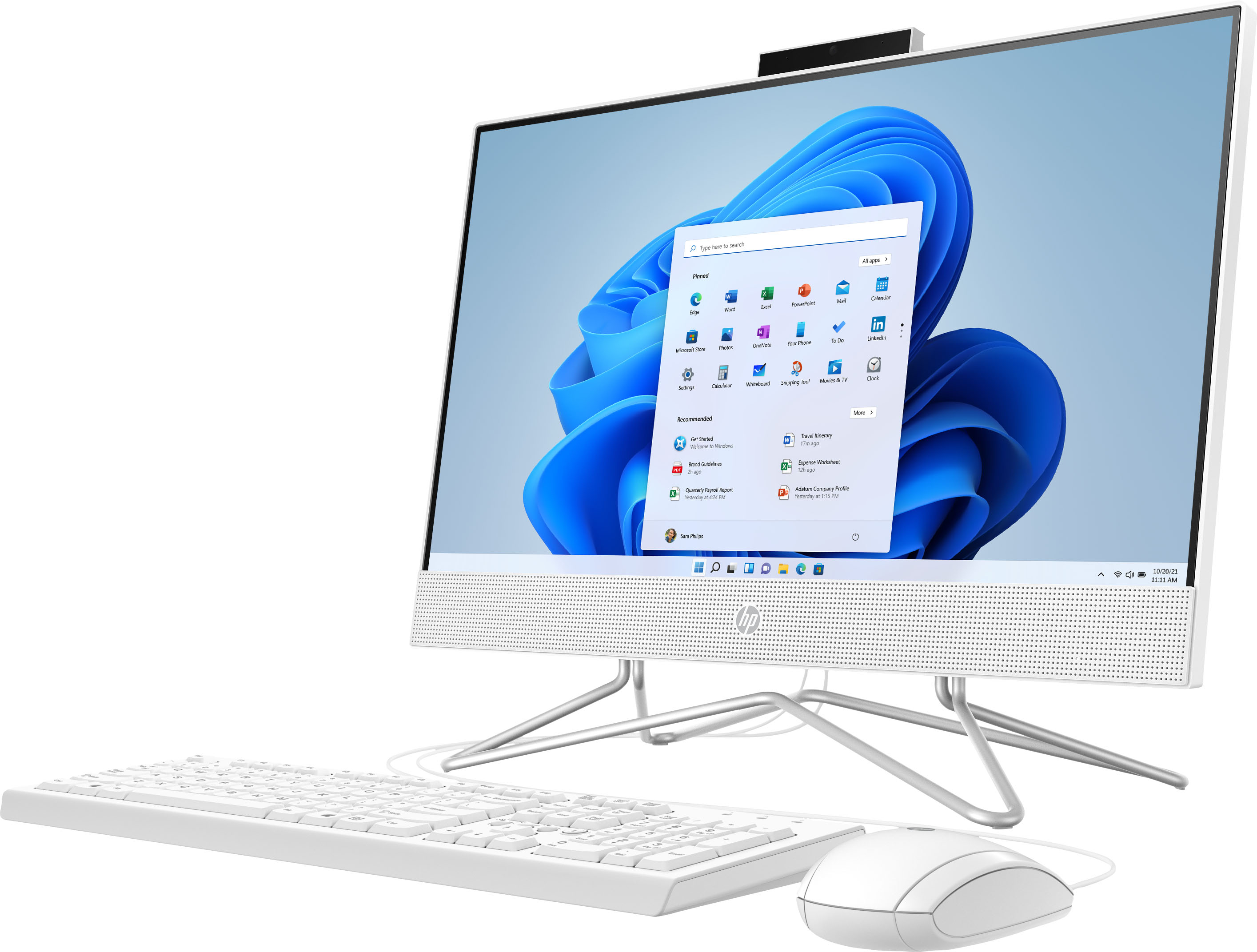
- A:Answer No, this All-In-One computer does not have a touch screen.
Answered by HP Team

Q: QuestionIs there a specific GB memory card and SSD for this computer example I want to replace 4GB to 16GB and the SSD card from 128 to 256GB.
Asked by Neama.
- A:Answer Hello, this device is not accessible to the user to upgrade the RAM or SSD. Thank you for being an HP customer!
Answered by HP Team

Q: QuestionDoes this have Bluetooth
Asked by Gracie.
- A:Answer 802.11 a/b/g/n/ac (1x1) Wi-Fi and Bluetooth combo, MU-MIM0 supported (19a)(26)
Answered by Softshl
Q: QuestionHello, is there a disc drive compartment on the monitor somewhere? If so, how do I open it?
Asked by Gypsy.
- A:Answer No...it does not have a CD nor DVD drive
Answered by Softshl
Q: QuestionDoes this computer allow for virtual background or blurred background when using zoom? Or is the hardware not strong enough
Asked by Paul.
- A:Answer Thank you for the question. You can use Zoom virtual effects. Launch your Zoom app and make sure you're signed in. Go to your profile icon and select Settings. Go to Backgrounds & Effects. From Virtual Backgrounds, choose the Blur option.
Answered by HP Team

Q: QuestionCan I run overcooked all you can eat?
Asked by jac.
- A:Answer Unfortunately, no. Because this computer is running Windows in "S Mode" it can only download and run apps that are in the Windows Store and there isn't a Windows version of the game in the store. In addition, the system requirements show that a dedicated video card is needed for proper gameplay, and this computer only has integrated graphics.
Answered by HP Team

Q: QuestionCan I play Genshin impact with minimum lag on here
Asked by Reggie.
- A:Answer Thank you for your question. As system requirements for software constantly change, we are unable to answer questions about game compatibility. What is compatible today may not be in a few months. Please check the game developer's website for the most current system recommendations.
Answered by HP Team

Q: QuestionI purchased two of these to use in our homeschool. They are very slow. What is a faster computer that is not too expensive?
Asked by Dem.
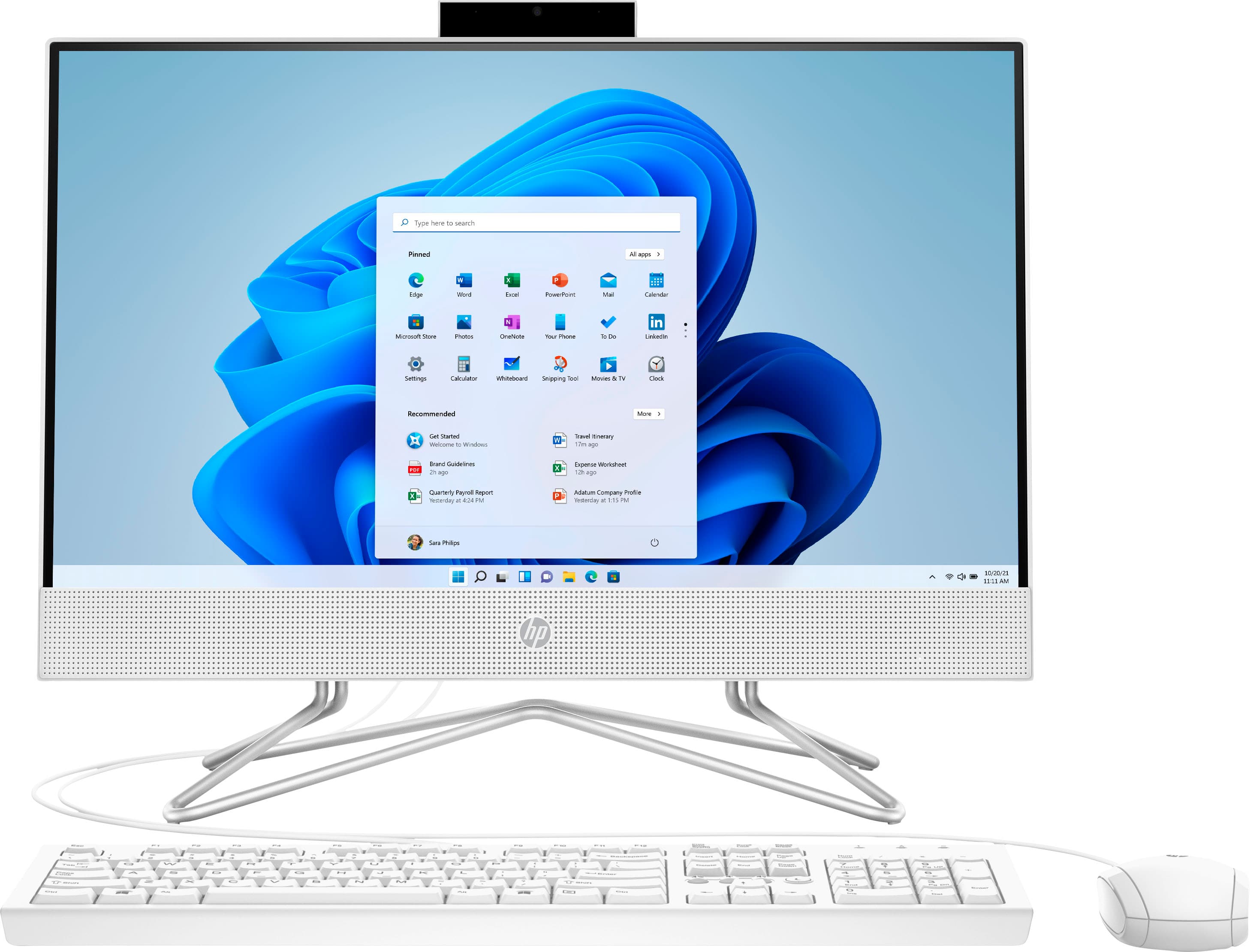
- A:Answer Thank you for the question. The Intel Celeron processor in this All-in-One should be adequate for student use. To increase responsiveness, you could upgrade the ram (this model supports up to 16GB, it comes with 4GB). If using WiFi, be sure that you have robust service and are not too far from the router. Ensure that there is nothing obstructing the WiFi signal (furniture, walls, a first floor location when the receiving computer is upstairs, etc.) If you want a faster processor, the i3 or i5 are very good for general home computing. For example: https://www.bestbuy.com/site/hp-24-touch-screen-all-in-one-intel-core-i3-8gb-memory-512gb-ssd-snow-white/6477672.p?skuId=6477672
Answered by HP Team

Q: QuestionWhat is the microprocessor type and speed
Asked by Kayla.
- A:Answer Thank you for asking. The HP 22-dd0224 All-in-One desktop computer has an Intel® Celeron® processor, J4025 (2.0 GHz base frequency, up to 2.9 GHz.) The processor base frequency refers to its regular operating point, while the maximum frequency refers to the maximum speed the processor can achieve using Intel® Turbo Boost Technology.
Answered by HP Team

Q: QuestionI have not purchased a desktop in many moons. But since this is an all in one do I need the tower?
Asked by Justme.
- A:Answer No. I hadn’t purchased a computer in ages also and this one is great! No tower! Fits into a much smaller space and fits all my needs.
Answered by Jan1
Q: QuestionCan I adjust the display so I don't have blue light blaring at me all day? My current HP I leave in nighttime mode so the bright LED doesn't bother my eyes.
Asked by Puddin.
- A:Answer Thank you for the question. You can place the all-in-one in sleep mode and awakwen it by moving the mouse.
Answered by HP Team

Q: Questiondoes it have built-in speakers?
Asked by Anonymous.
- A:Answer Hello. Thanks for your question. Yes, this HP all in one computer has built in speakers.
Answered by HP Team

Q: QuestionIs it this touchscreen?
Asked by Sousa.
- A:Answer No, this All-In-One computer does not have a touch screen.
Answered by HP Team

Q: QuestionIs this product touch screen?
Asked by Anonymous.
- A:Answer I have no idea, it seems very hard for me to learn. I can't understand why the computer and Canon printer has a 1 year warranty, yet they told me that I need to pay 200.00 for a one year warranty or the geek squad will charge me maybe 300.00 to come out. So I paid the 200.00 but did not want to. Then when we called the geek squad they said the sales people should not of told me that I had to pay the 200.00, and that the Geek squad gets blames for it as they donot come out. I don't get that.???????????
Answered by Anonymous
Q: QuestionIs this computer compatible with sublimation printers?
Asked by Anonymous.
- A:Answer As long as the printer will work with a computer running Windows 11 in "S Mode", you shouldn't have any problems.
Answered by HP Team

Q: Questiondoes this computer have a hard drive or chip blocker
Asked by twetty.
- A:Answer Hello, this All in One has the Intel Celeron processor with 128GB solid state drive internally. Thank you for being an HP customer!
Answered by HP Team

Q: QuestionHow do I install my zoom app?
Asked by Ella.
- A:Answer Hello, you can go to the Microsoft Store and download the Zoom app directly from there or go to the Zoom website and download it from there. Thank you for being an HP customer!
Answered by HP Team

Q: QuestionI simply want a dedicated all in one unit for word processing. I'm writing a book and also on occasion prepare legal documents. Would this computer be a good fit?
Asked by DDP.
- A:Answer Yes, this All-In-One is compatible with Microsoft 365 software including Word.
Answered by HP Team

Most-viewed items
- $549.99$549.99The price was $649.99
- $1,079.00$1,079.00The price was $1,319.99
- $729.99$729.99The price was $819.99
- $305.99$305.99The price was $329.99