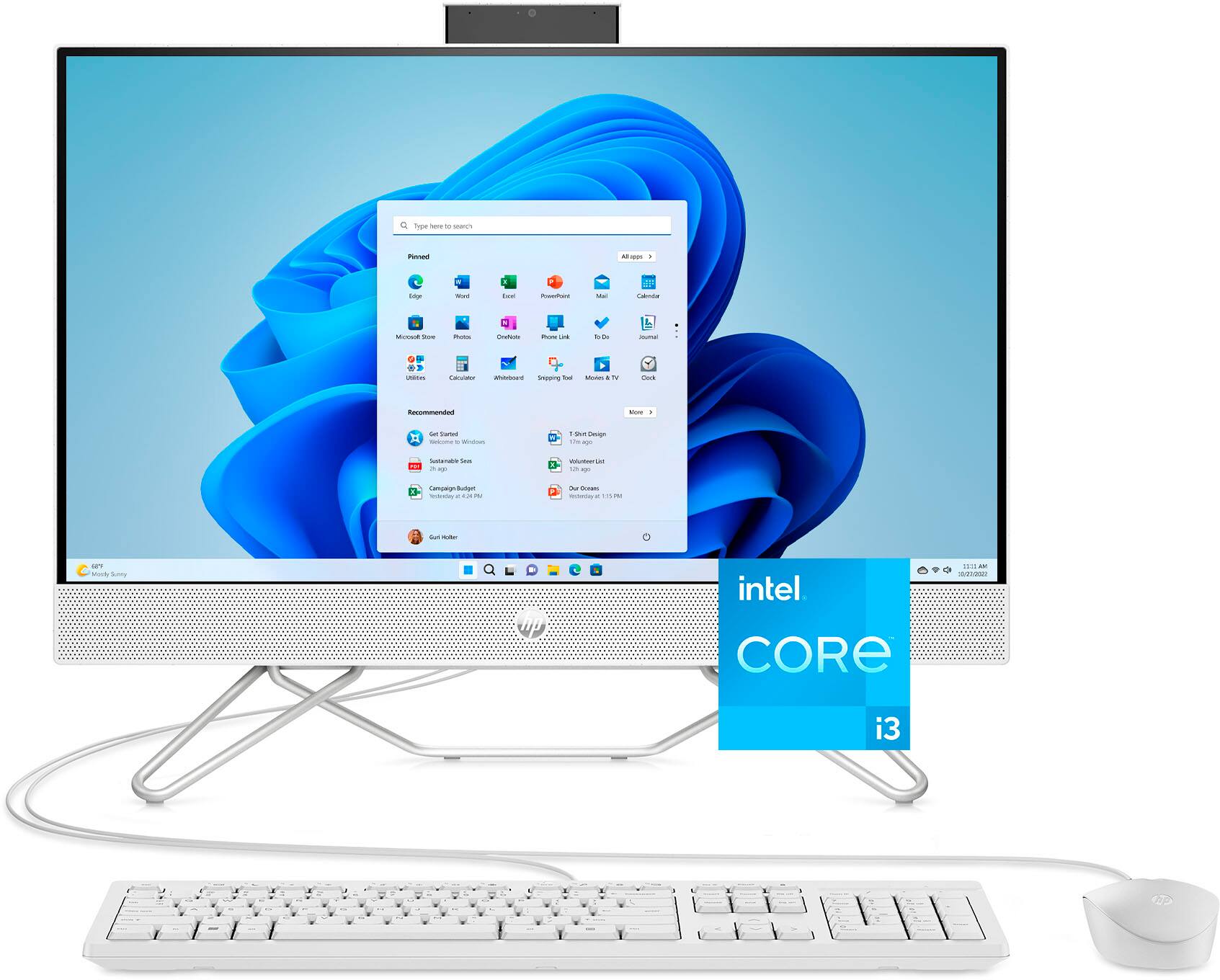
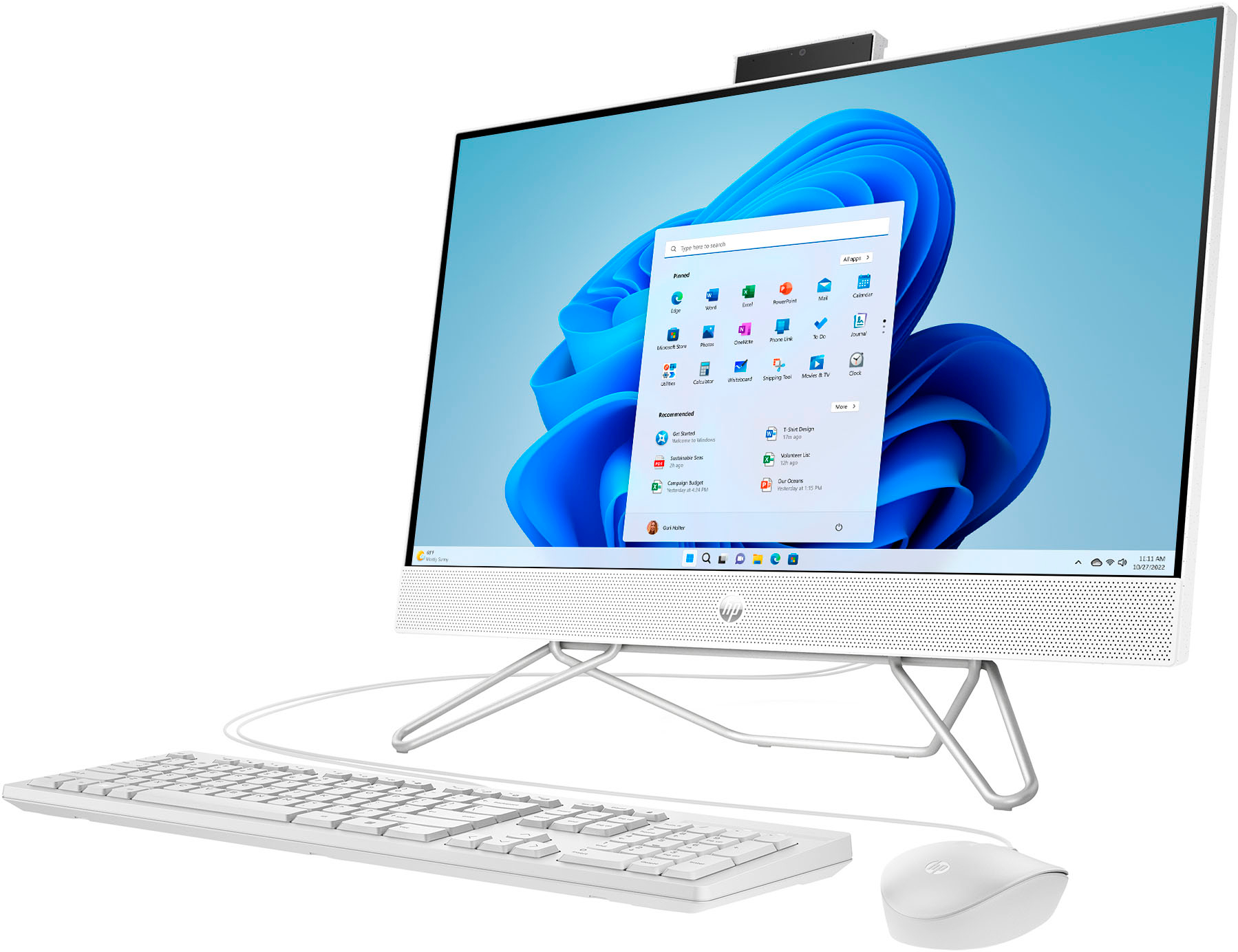
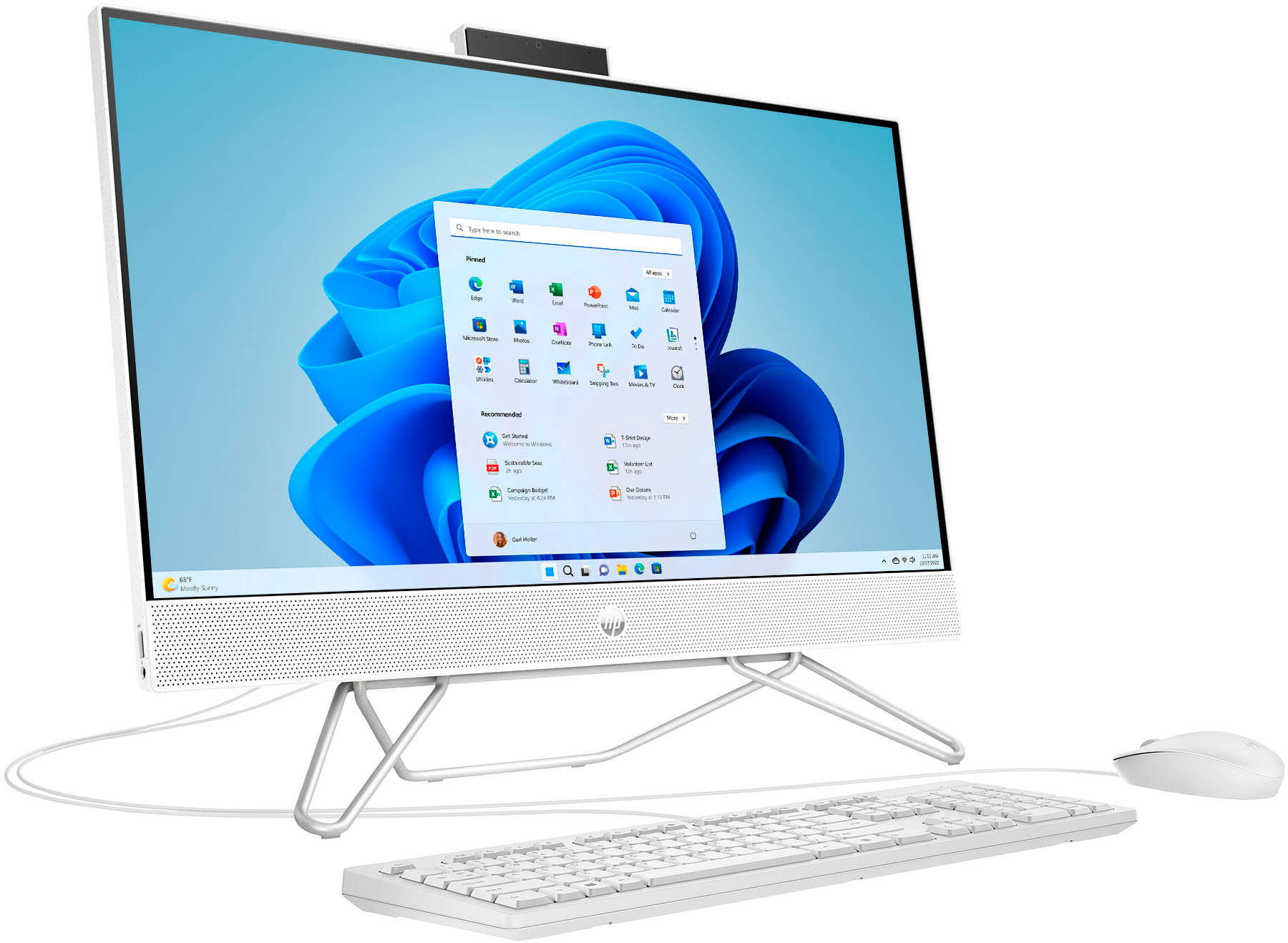
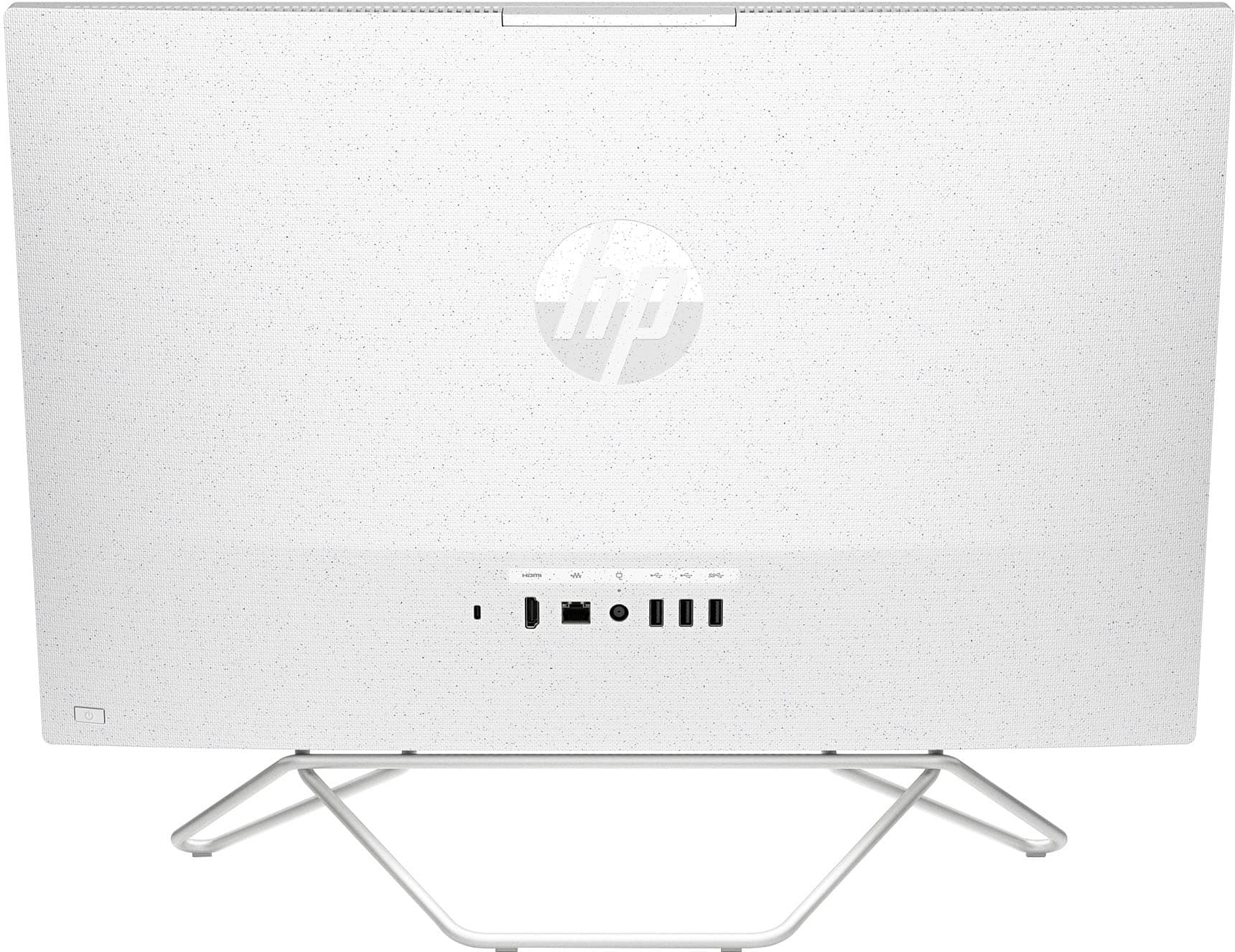
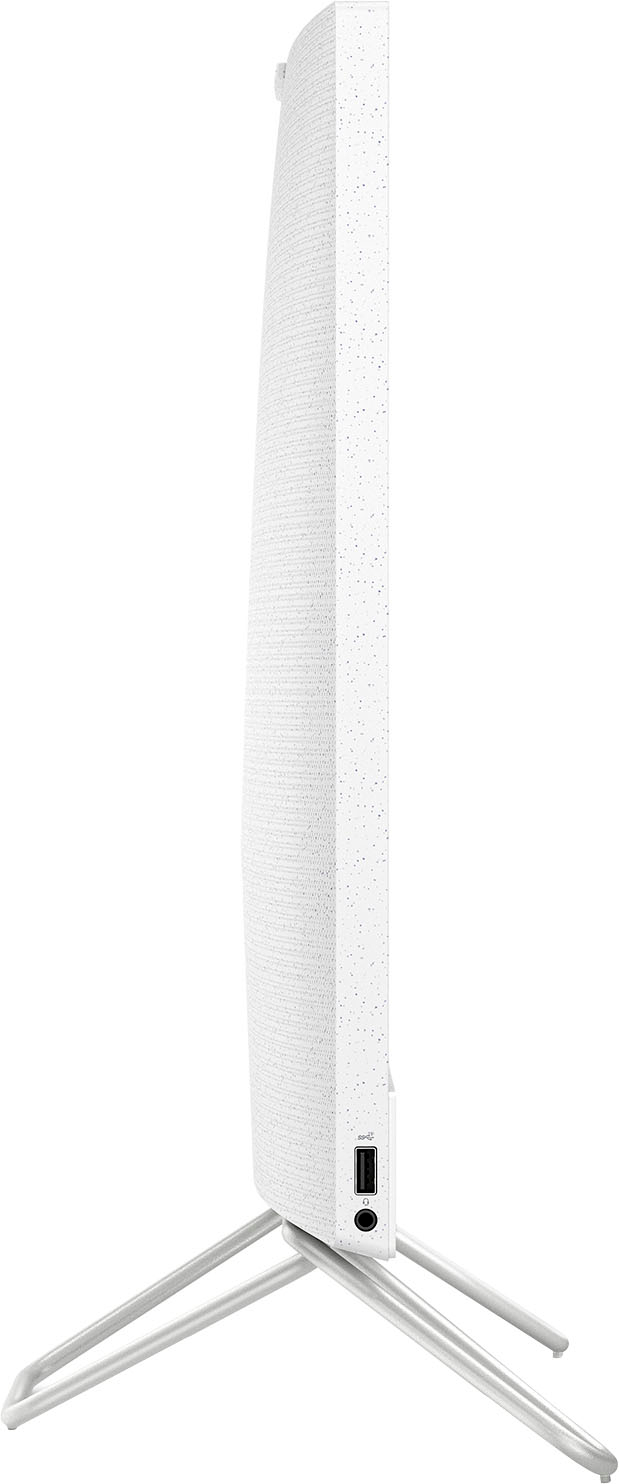
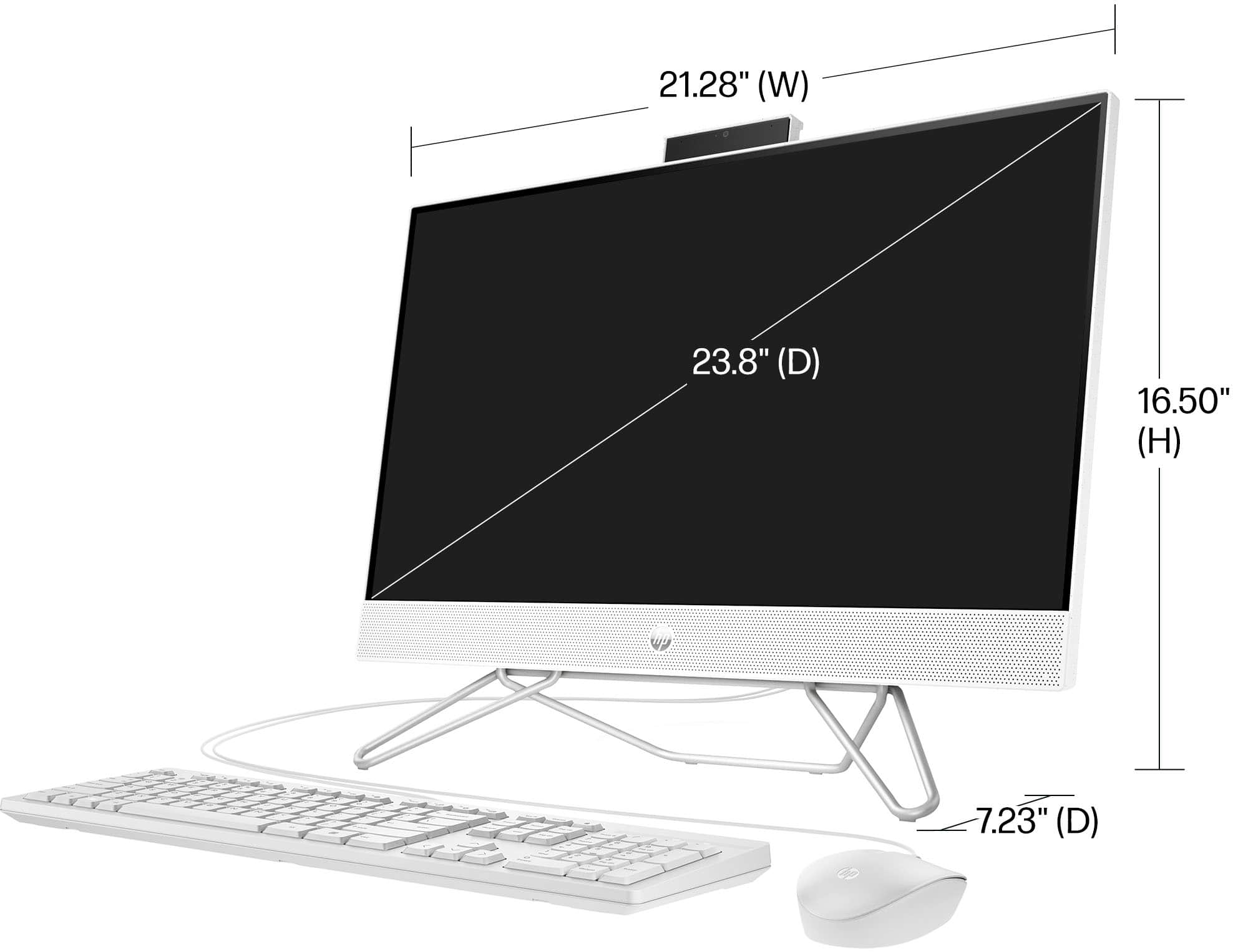
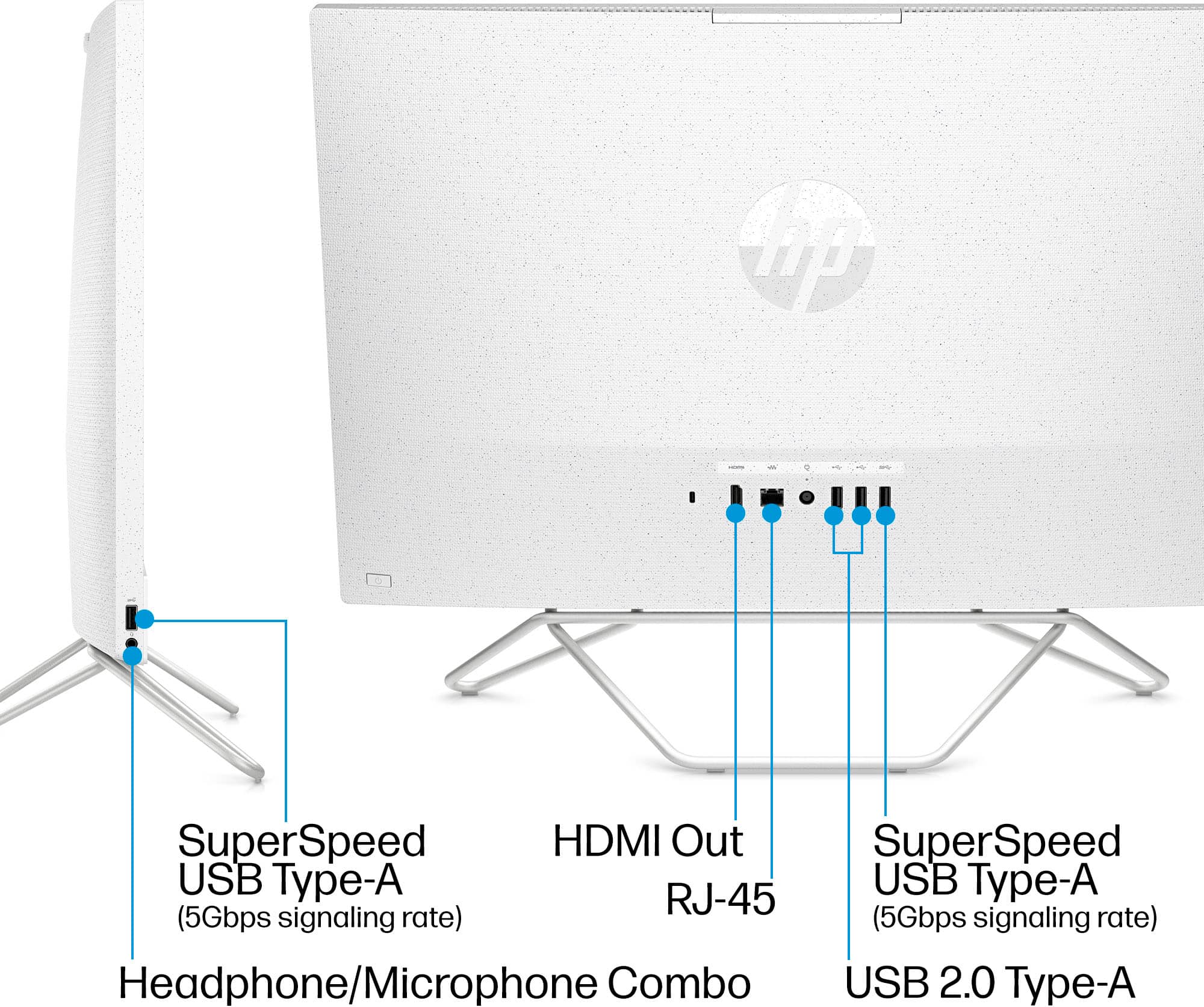
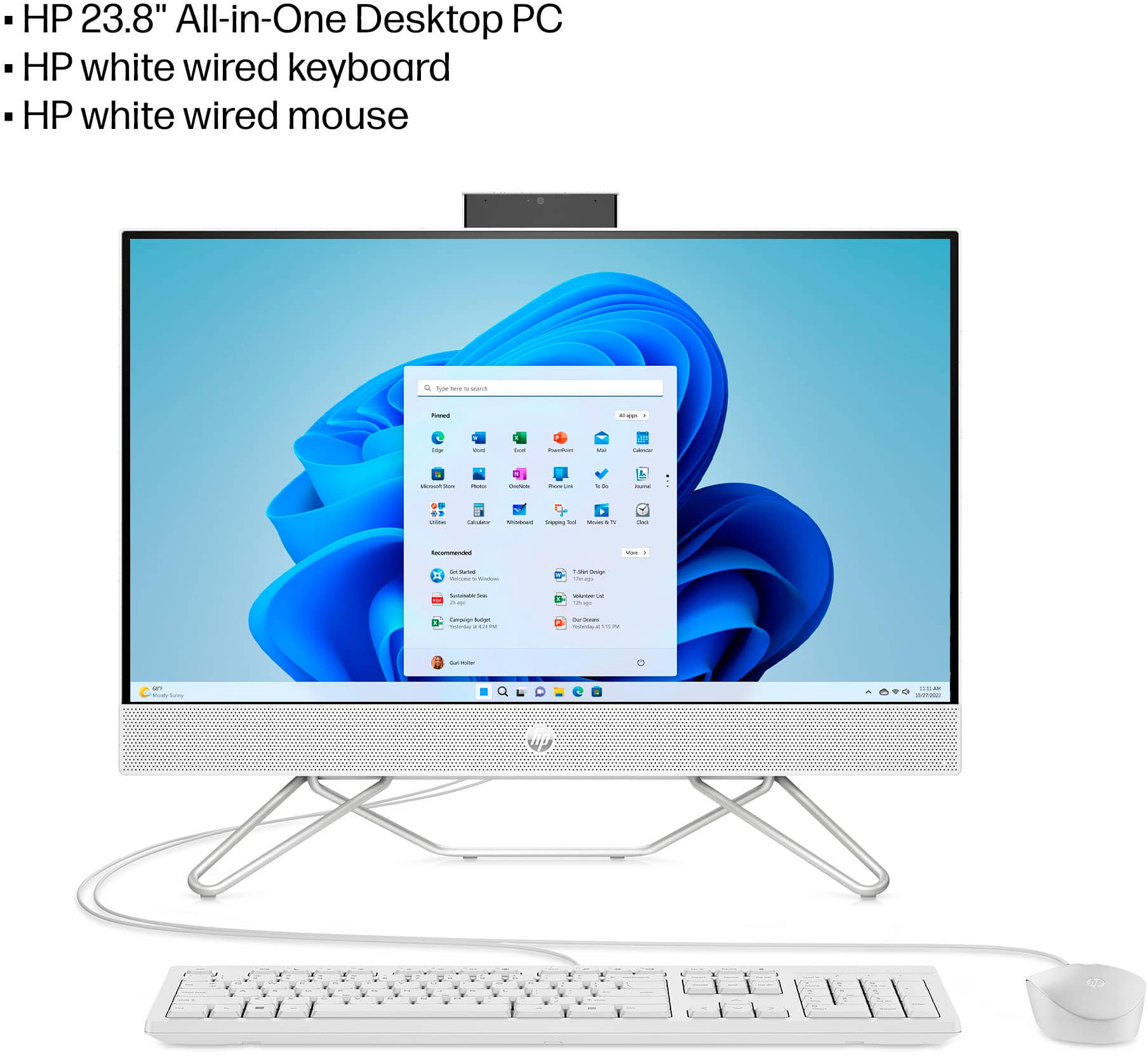
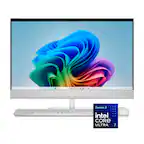
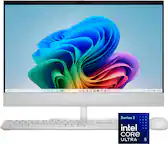
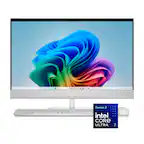
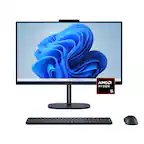
A:AnswerThank you for the question. The HP 24-cb1124/8L9D0AA All-in-One desktop has one HDMI 1.4 port to connect one monitor. The desktop has three USB Type A ports and with a good quality hub having a HDMI port, or a USB-Type A to HDMI adapter, you could connect a another monitor. The i3 processor and the NVIDIA GeForce MX450 graphics card support three displays, however, running resource-intensive applications across three monitors may require more than 8GB of RAM for smooth performance.
A:AnswerApologies, we do not understand your question. There is no Pathlon monitor in the HP product line. Are you needing a power cord for an all-in-one computer that has an ATHLON processor? Please see the model number labeled on the rear of the product and resubmit your question. We'll be happy to assist.
A:AnswerHello and thank you for asking. The HP 24-cb1124 All-in-One Desktop computer does not have an internal CD/DVD drive. If you need that capability, we suggest purchasing an external USB CD/DVD drive. They cost about $40 and up and are available at Best Buy.
A:AnswerFor any software, you would want to check the system requirements from the publisher's website and make sure the device you want to run it on meets the requirements for the setting you would like to use. Updates can change the requirements which can impact what settings you run it on or if you can run it at all. For software that always require online or for sections that are online, your connection type and speed can also affect how well it runs.
A:AnswerApologies for what you're experiencing. Shut down the PC, wait a few moments, and then power it up. This may solve the problem, but since it could be from a few issues, we recommend you contact HP Support to help.
A:AnswerYou can definitley connect thru your Home WiFi (Using your home modem/Router.
If you are just setting up computer, it should walk you thru the steps to connect.
If not , go to your settings, network & Internet, then see WiFi if there is the name for your Wifi network. if you click on that it should ask you for your modem/router password. Once you put that in, your computer will show that name in the network list. It should auto connect to it.
You can still connect the computer to the Modem/Router directly by using the Ethernet cord. But usually the cord is pretty short so you have to have computer very close to the Modem/Router. But you can get pretty long ones on Amazon. The upside of connecting with Ethernet is that it will result in even fast and more stable connection since the info doesnt have to be sent thru the "air".
Good Luck!
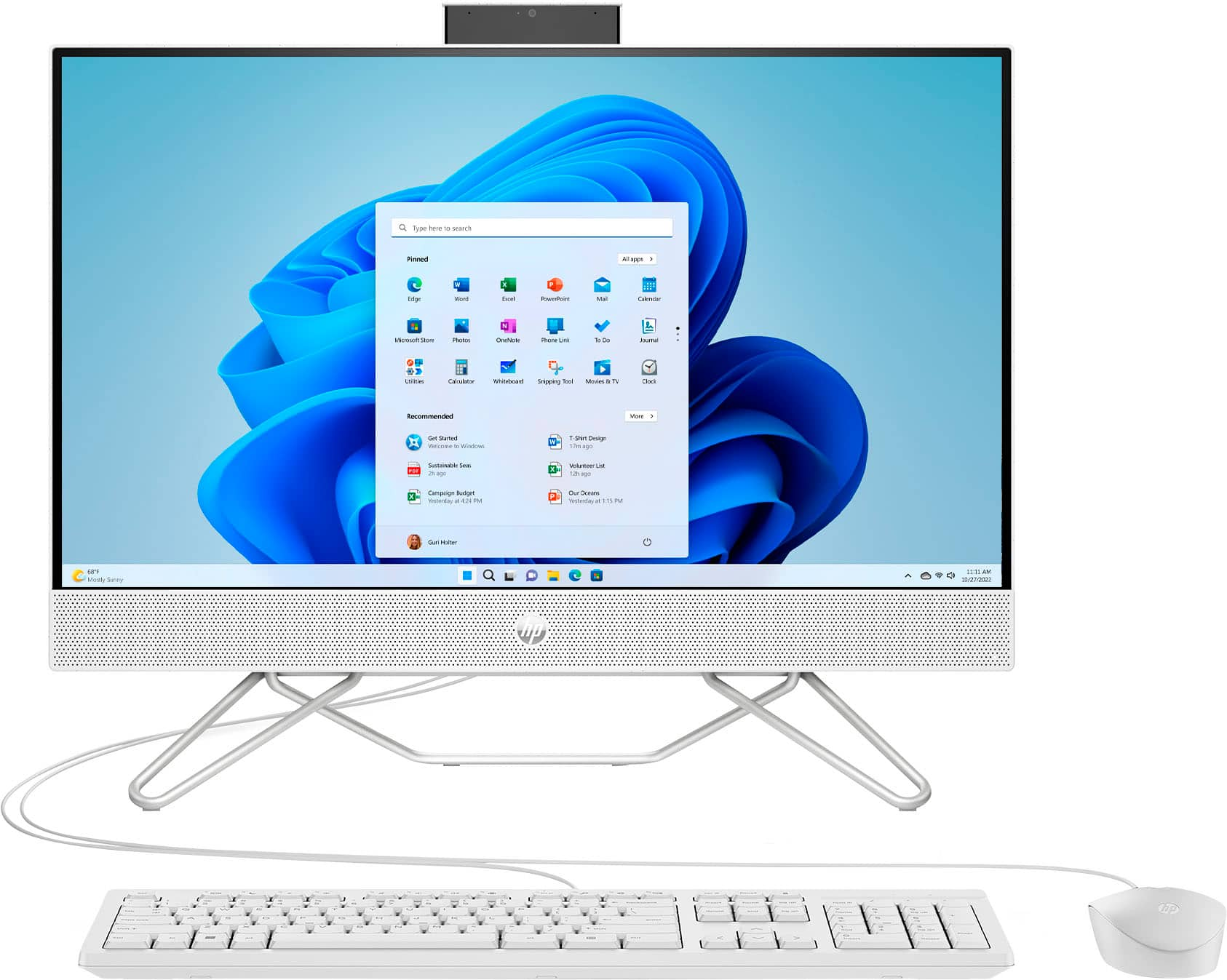
A:AnswerThank you for your question. The 8L9D0AA#ABA All-in-One computer does not run on a battery and includes 90 days limited technical support for software and initial setup (from date of purchase).
A:AnswerYes you can, if the keyboard and mouse is bluetooth capable.
You just have to pair them to the new computer thru Bluetooth & Settings in the Settings.
A:AnswerBonner, thank you for your question about this HP touchscreen desktop! Best Buy can do that as a part of their setup for a charge. You can also use flash drive or some type of external drive.