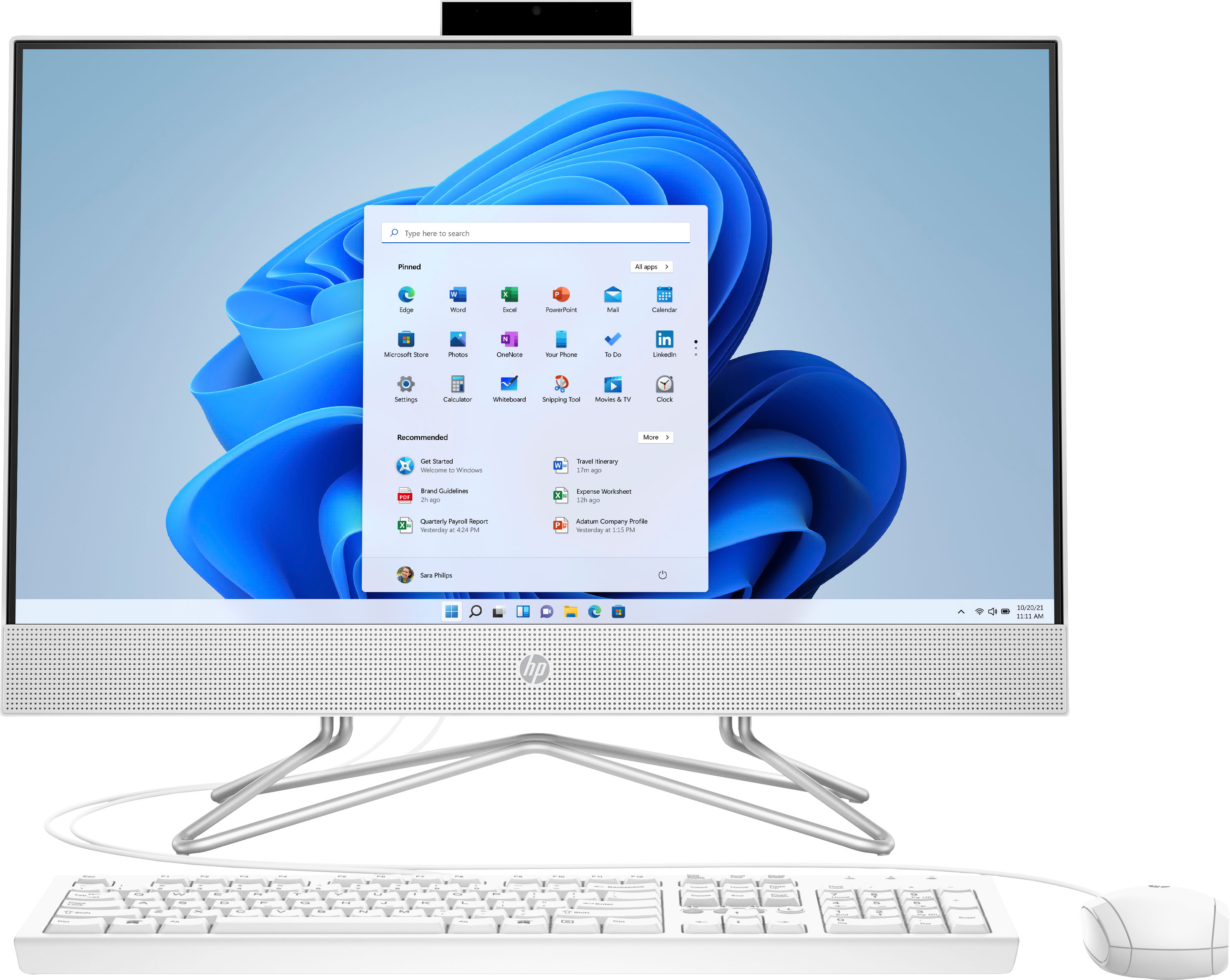
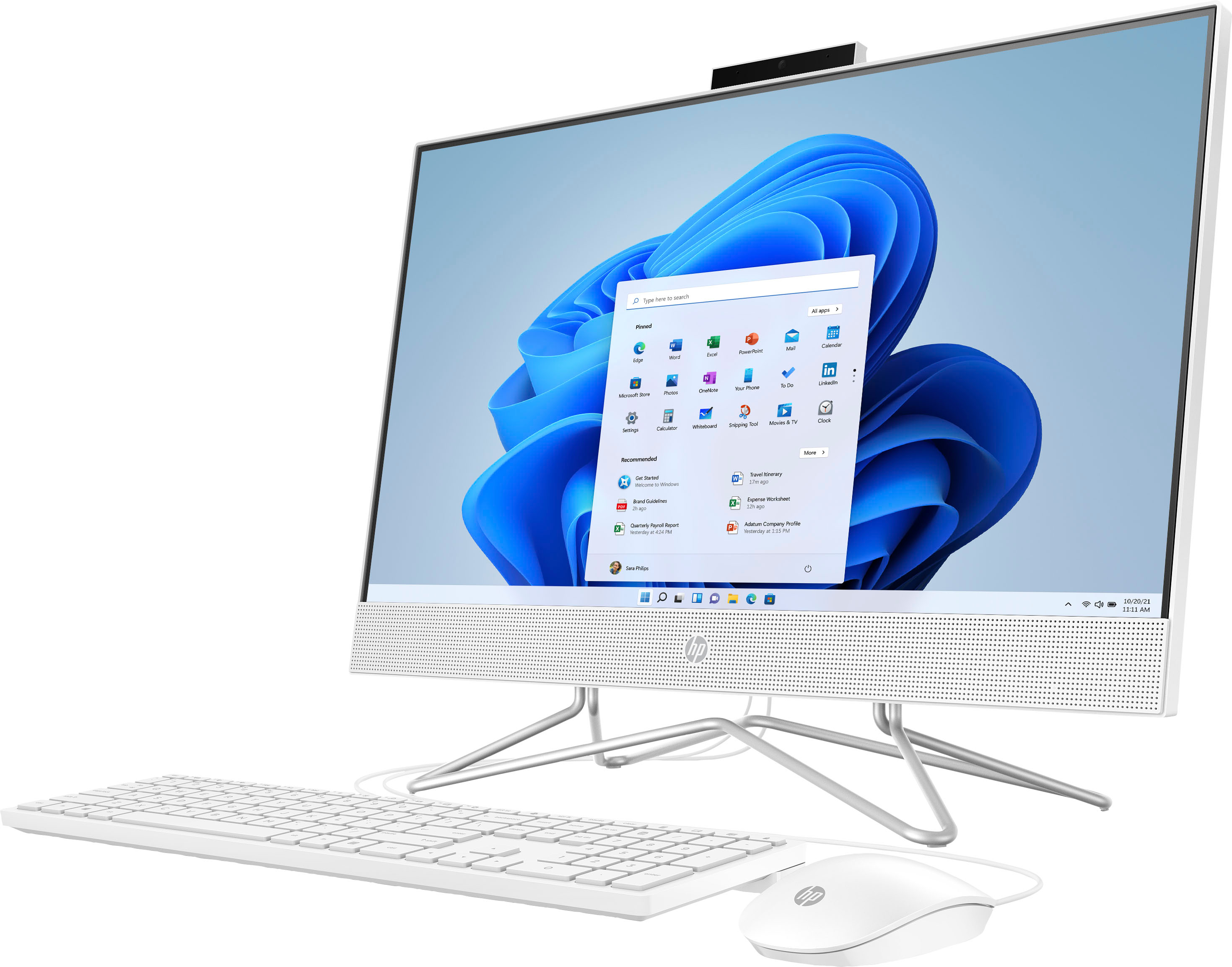
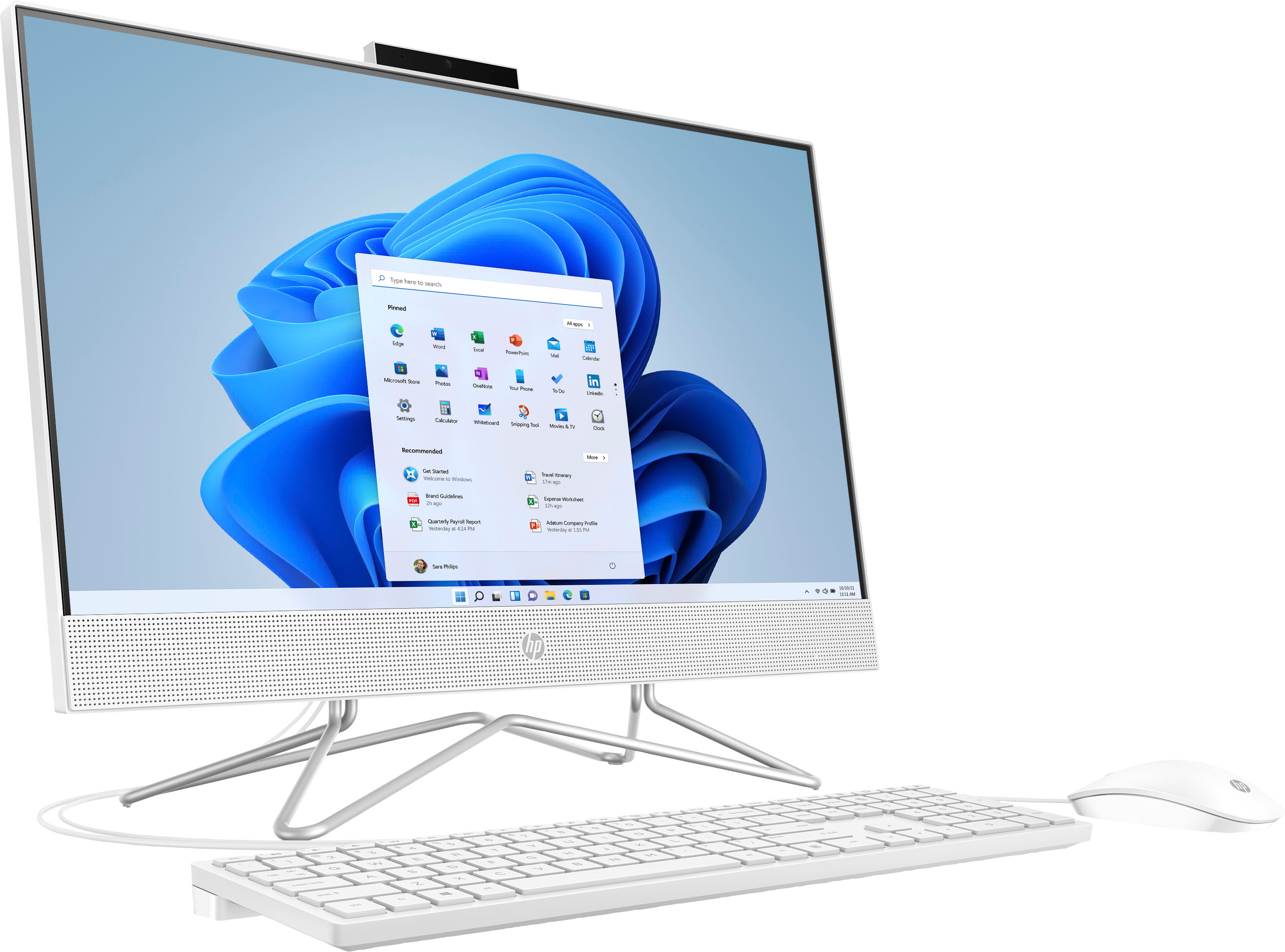
A:AnswerThank you for your question regarding the HP - 23.8" Full HD Touch-Screen 24-df1254. For any software, you would want to check the system requirements from the publisher's website and make sure the device you want to run it on meets the requirements for the setting you would like to use. Updates can change the requirements which can impact what settings you run it on or if you can run it at all. For software that always require online or for sections that are online, your connection type and speed can also affect how well it runs.
A:AnswerHello, thank you for your question. You can check the requirements for the software (or hardware) you would like to use by looking up the system requirements for it from the publisher's website. You will want to make sure that the device you want to use it on meets the minimum requirements. Updates and modifications can impact what settings you can run the software on or if you can use the software at all.
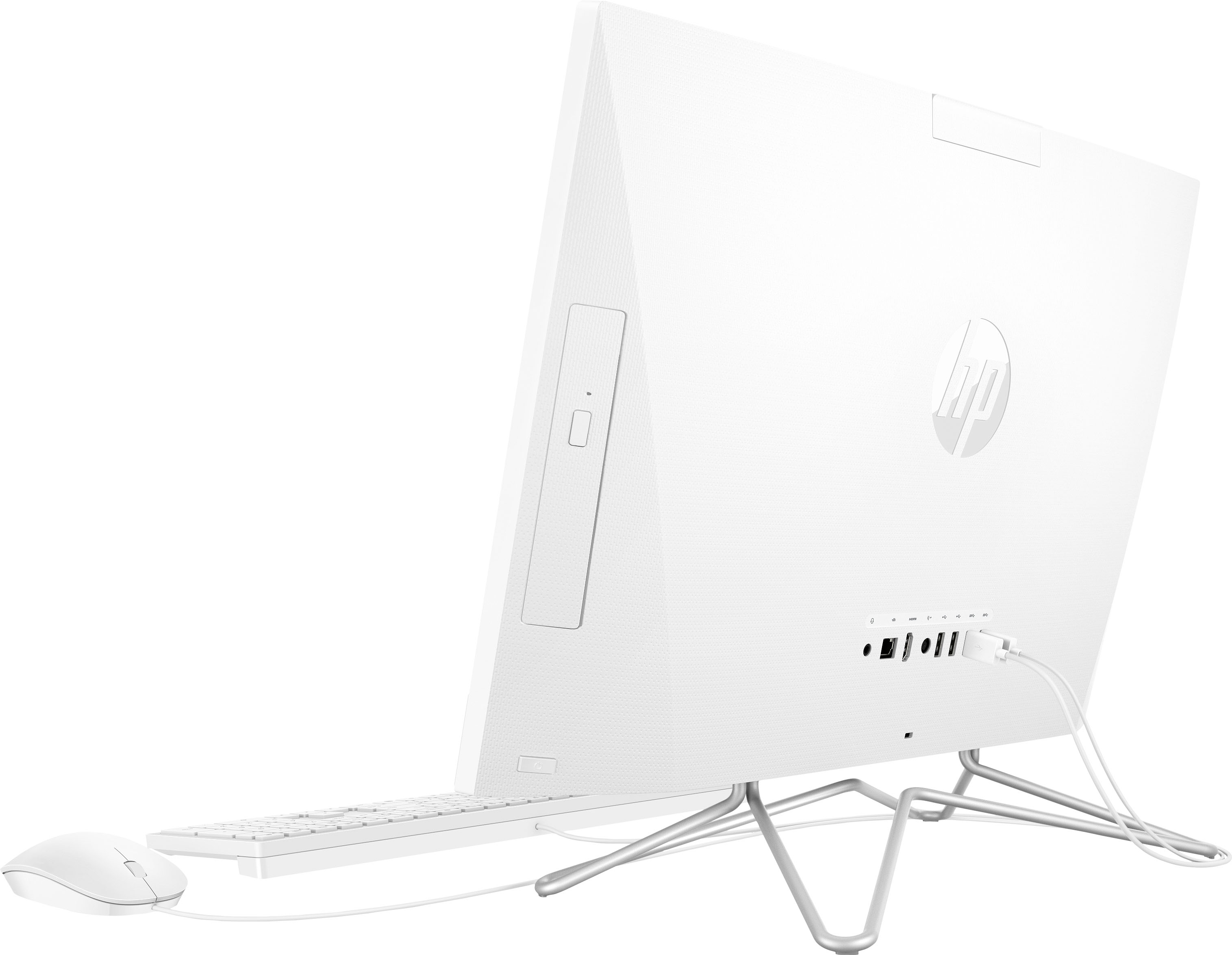
A:AnswerThis HP touch-screen All-in-One model has a 3-in-1 memory card reader and you would need the adapter that usually comes with a micro SD card to insert it into the reader. Thank you for your question!
A:AnswerHello Debbie, thank you for your question! As system requirements for software constantly change, we are unable to answer questions about software compatibility or performance. What is compatible today may not be in the future. Please check the software manufacturer's website for the most current minimum and recommended requirements.
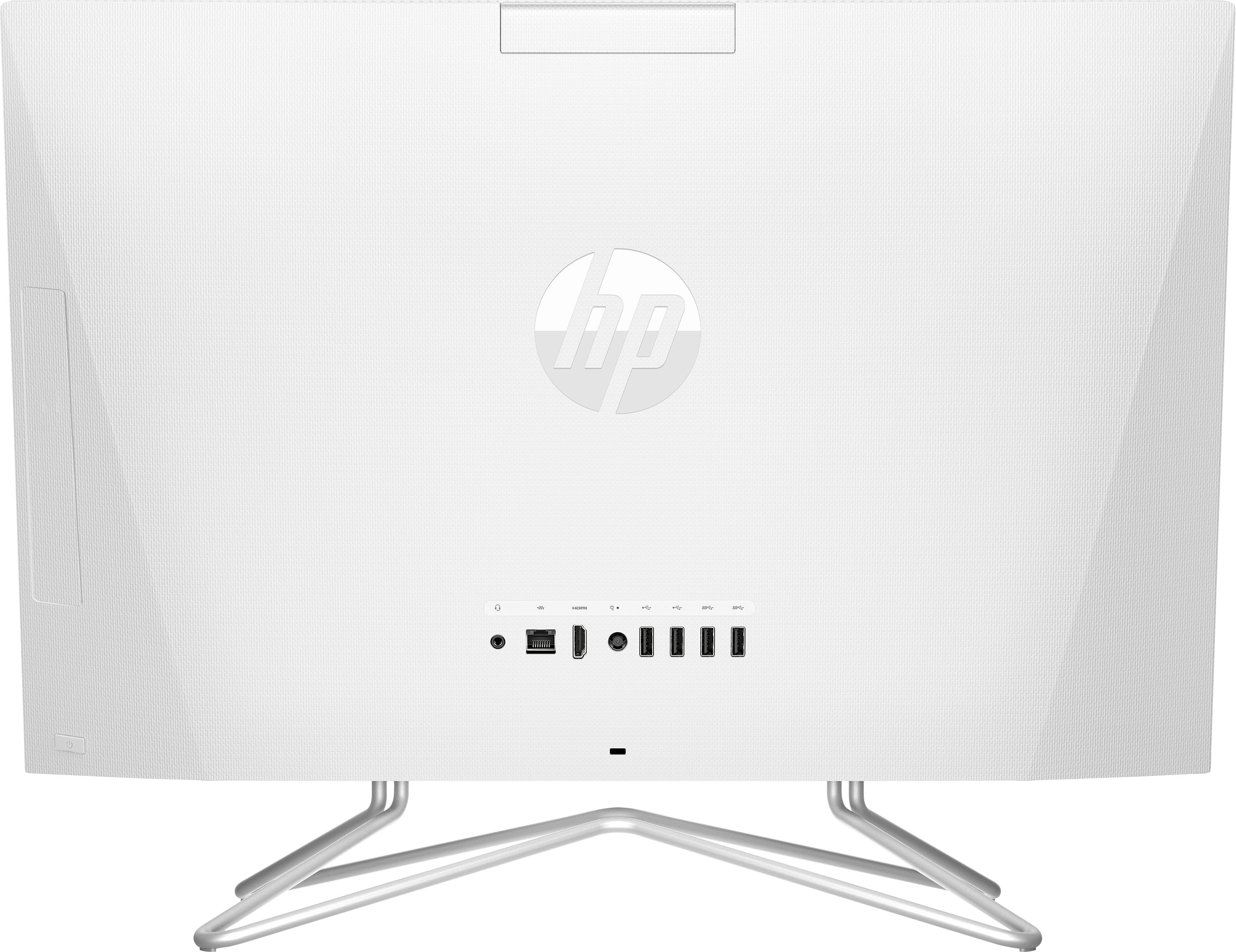
A:AnswerThank you for the question. No, the HP 24-df1254 All-in-One has an Ethernet port (RJ-45) to connect directly to your cable box, modem, or router. The Ethernet cable is not included with the PC.