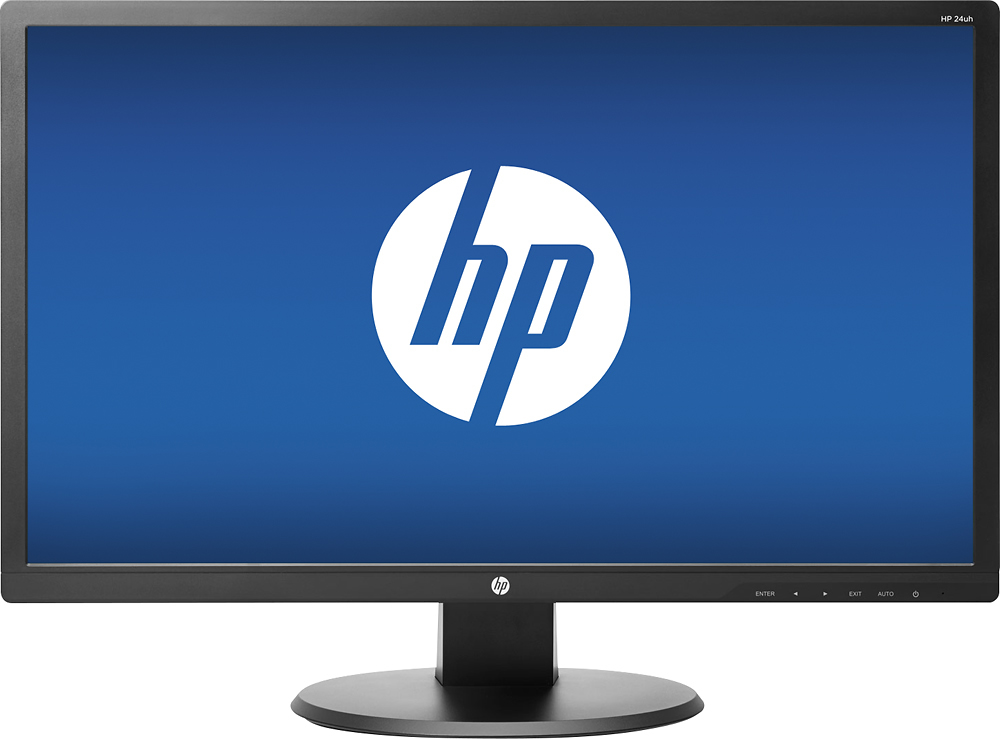
A:AnswerThis monitor has HDMI, DVI, and VGA ports. Your laptop would need one of those types of ports, or you will need to use an adapter to connect it to the MacBook.
A:AnswerThe adapter for your laptop will depend on the parts available. If you have an HDMI port on your laptop, you can use an HDMI to VGA adapter. If you have USB-C, you'll need a USB-C to VGA adapter.
A:AnswerThe monitor has a Standard parts-and-labor hardware 1-year warranty. Contact HP Consumer Support 24x7 at 800-334-5144 US for HP technical phone support during the warranty period. See www.HP.com/go/support for details.
A:AnswerThe HDMI port is the right next to the power cord plug. Here is the diagram on page 5 of the manual: http://h10032.www1.hp.com/ctg/Manual/c06236316