A:AnswerWhile you could certainly play lightweight games on this computer, we would recommend referencing the developers recommended specifications to ensure the computer will meet your needs.
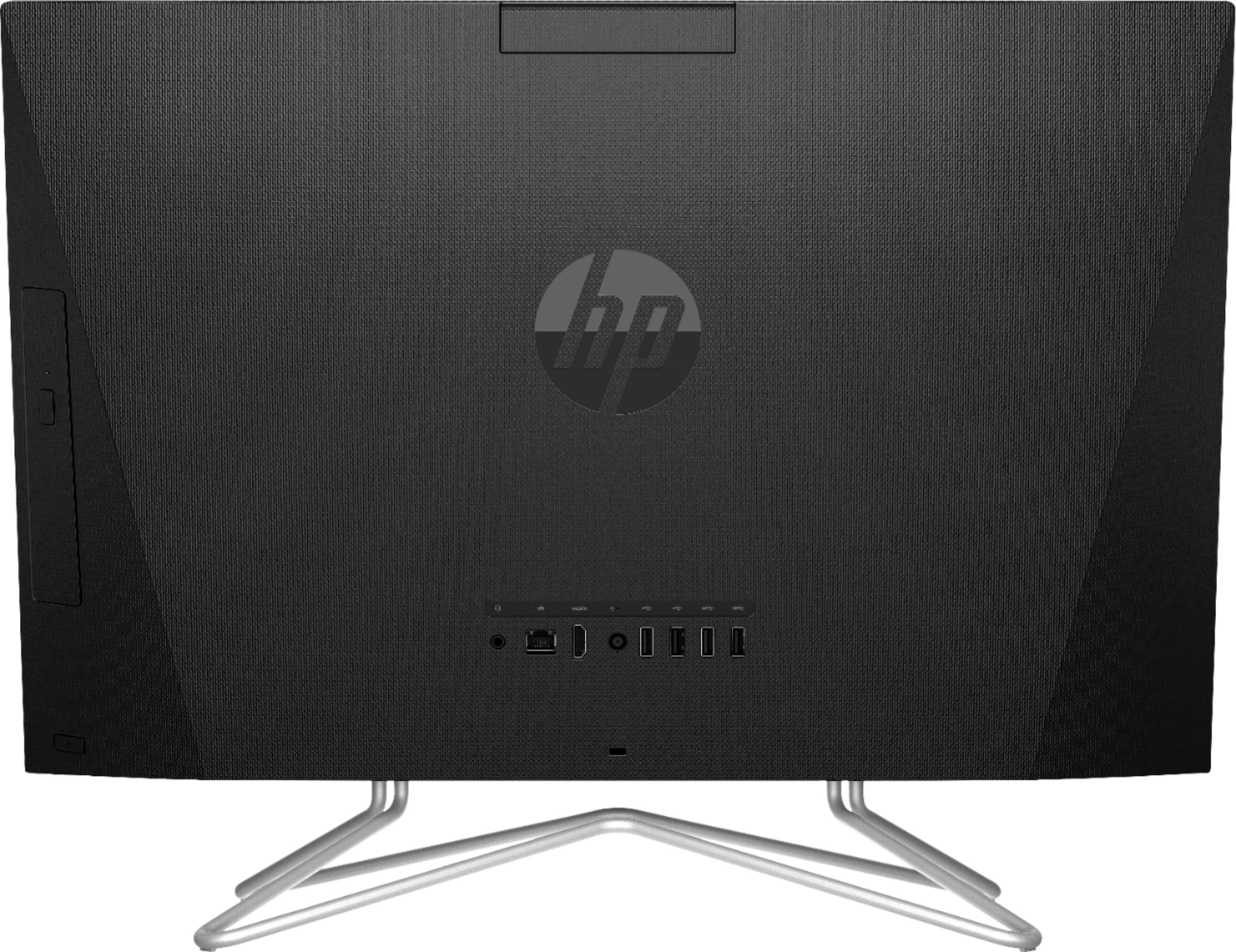
A:AnswerThe model number, product number, and serial number are found on the product identification label on the back or on the stand of HP All-in-One computers. When you have found the label, find the product number shown next to Product or Product #.
A:AnswerHi! This comes with a 1 year manufacturers limited warranty from HP and 90 days of software support. Here are HP warranty statements if you are interested:
https://www8.hp.com/us/en/privacy/limited_warranty.html
A:AnswerYou would want to look at the system requirements for any software from the developer's website. Updates can change the requirements which can affect which settings you can run the software on or if you can run it at all.
A:AnswerYes, that is the only way to access the motherboard to upgrade the RAM. If you are uncomfortable with upgrading the RAM, I would recommend reaching out to the Geek Squad at Best Buy and ask them about the cost of upgrading the RAM.
A:AnswerYou'll need to contact the Geek Squad directly to see how to add it to your existing coverage. You can create a user profile for your son to log into so that he only has access to the media player
A:AnswerYes it is. You will need an analog converter from your VHS-C camcorder to USB and software.
Here is an example of that:
https://www.bestbuy.com/site/roxio-easy-vhs-to-dvd-3-plus-windows/6183731.p?skuId=6183731
A:AnswerGenerally, all-in-ones are more convenient and take up less space, because everything is in one unit. They're also a good choice for someone who doesn't already have a monitor, because it's built it. They tend to be a little harder to work on if they need repairs and upgrades.
I'm not sure why an all-in-one would not be acceptable for remote work unless it didn't meet the required specifications.