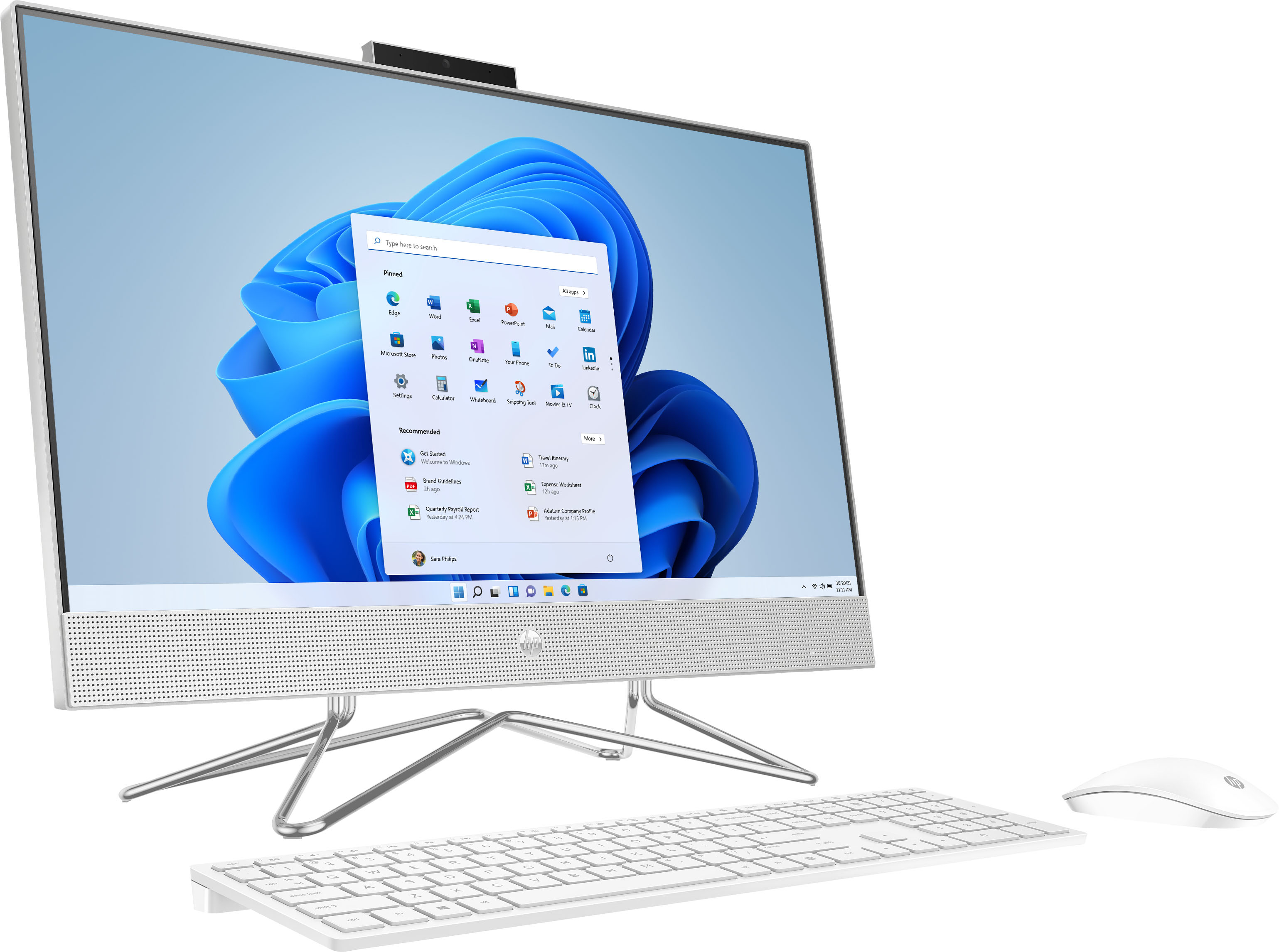
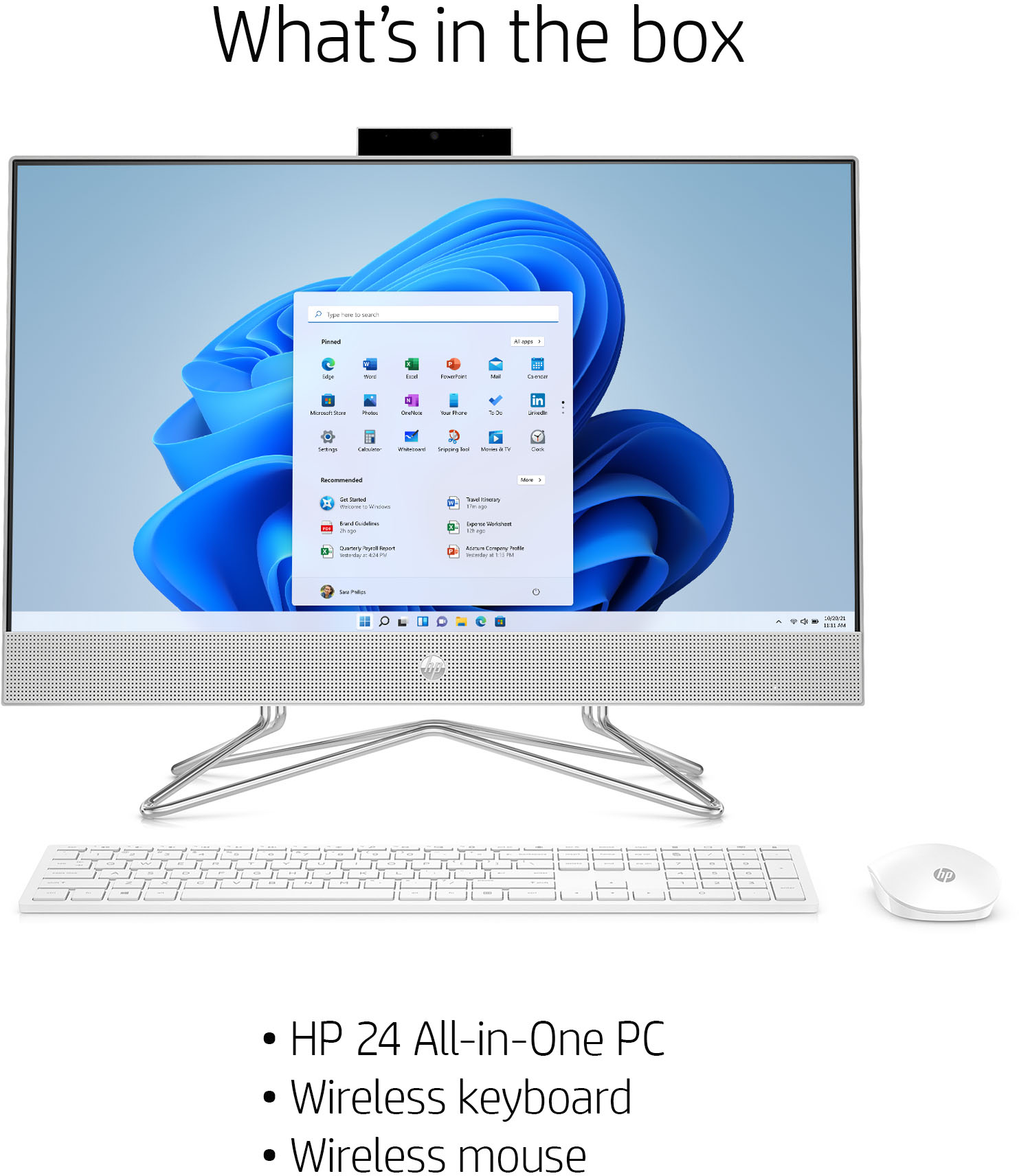
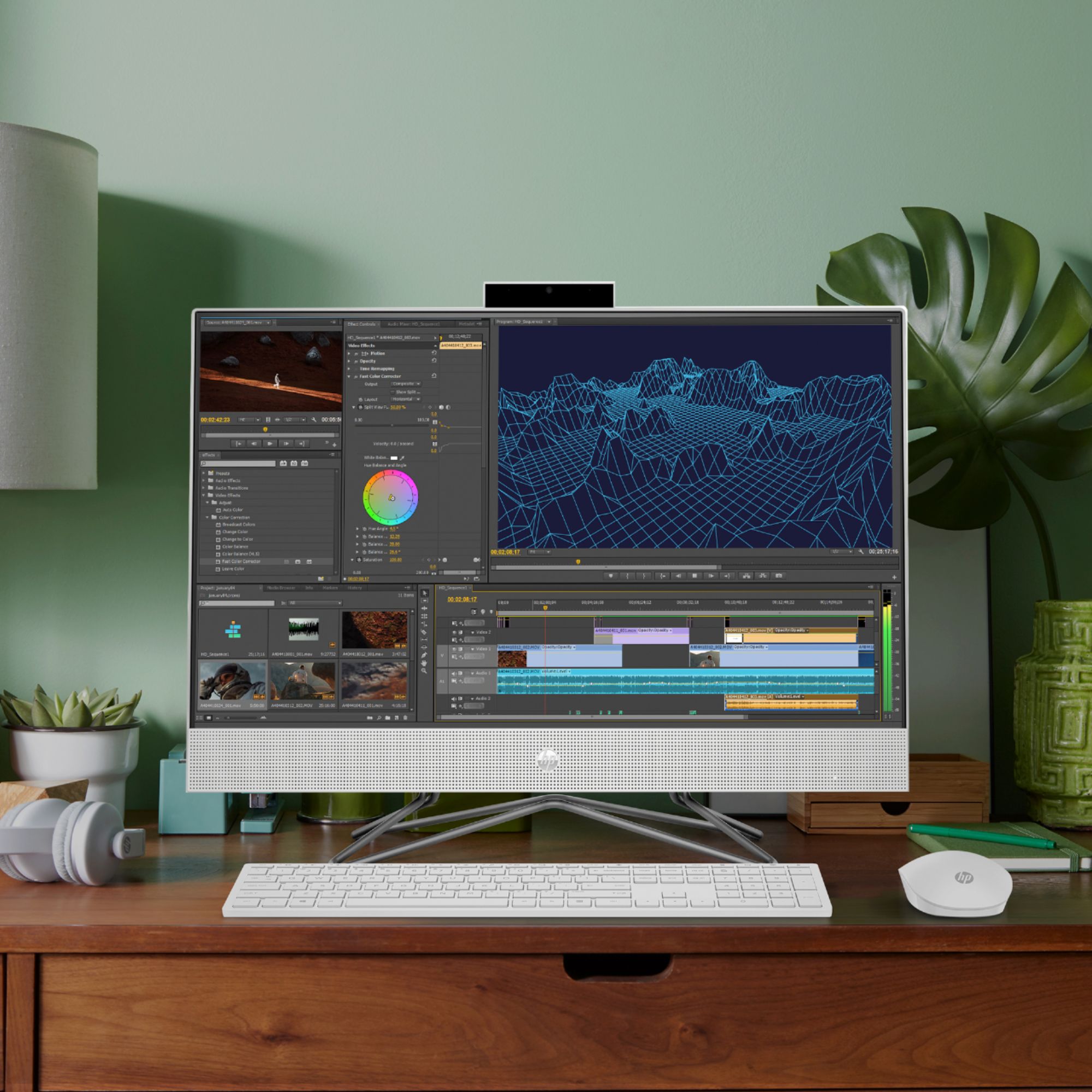
A:AnswerThis model only has an AMD Ryzen 5 4500U CPU with integrated graphics. You would need to check some benchmarks of that CPU to see if it can run the games you want.
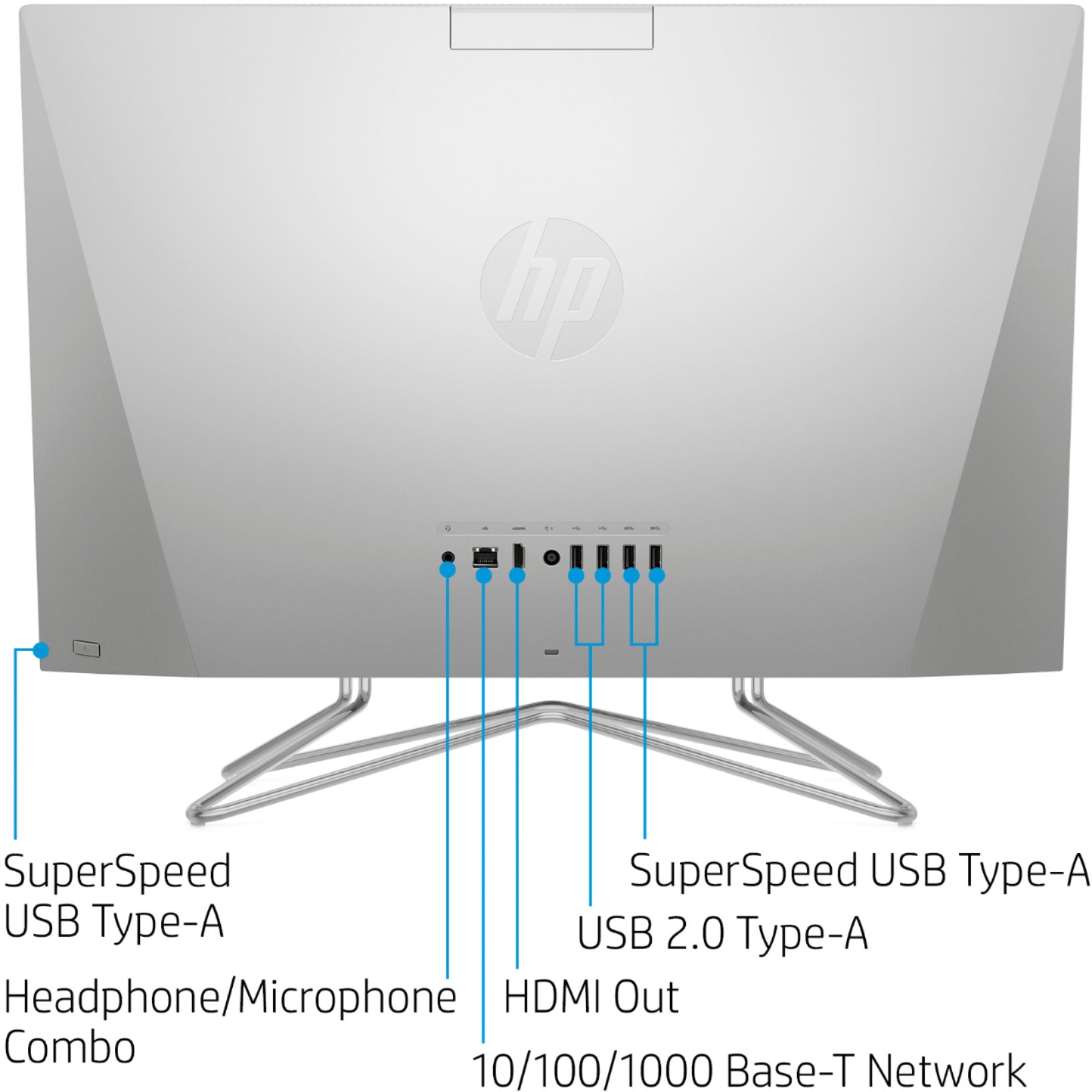
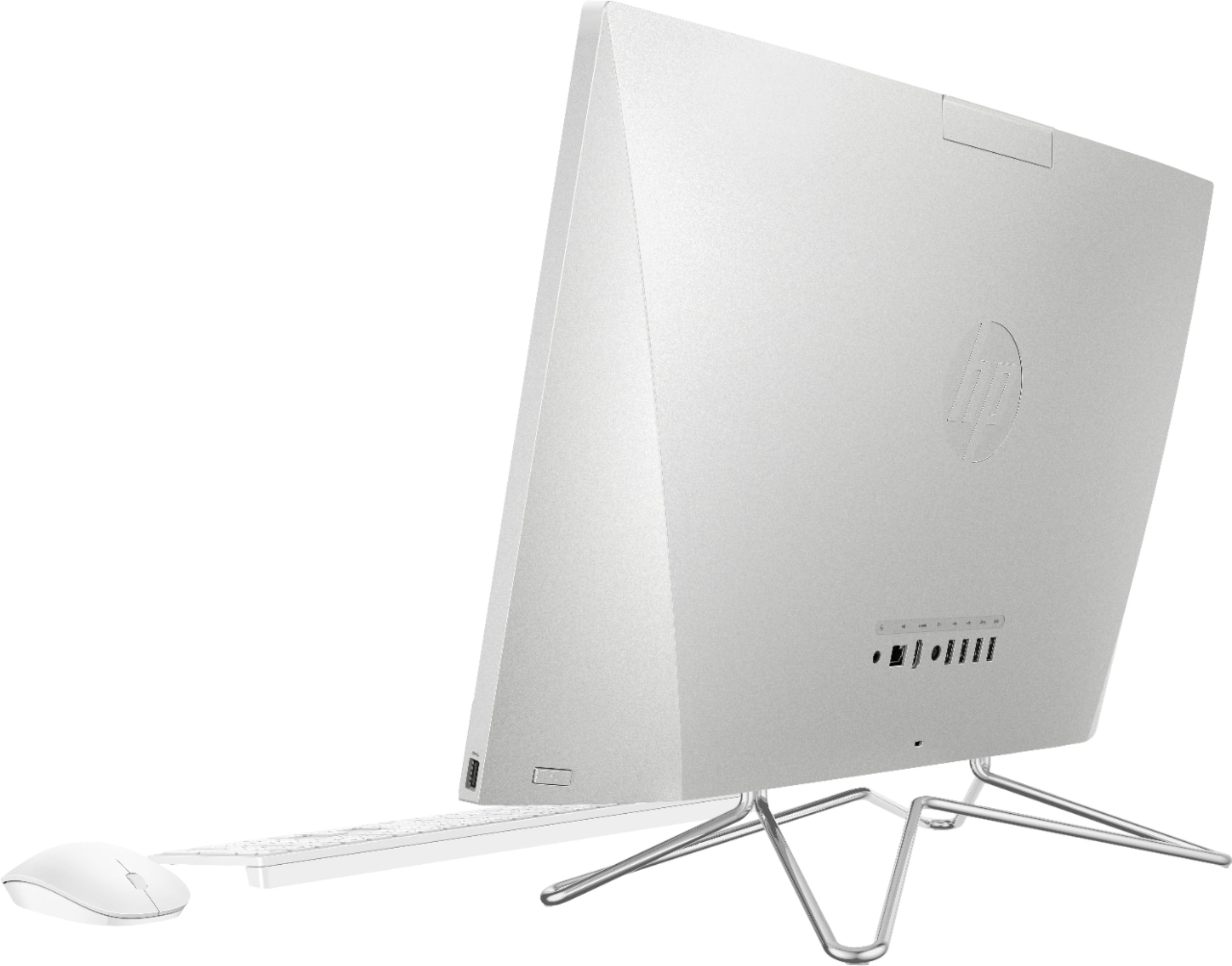
A:AnswerI'm not aware of any alternative stand that will work with this computer. And the computer doesn't have built-in VESA mounting points, so you can't connect it to a monitor arm.
A:AnswerVRAM is video RAM, meaning the game wants to see more video memory. Because the computer's graphic system is integrated on the motherboard, it uses system RAM for video memory. Depending on how short it is of what the game wants, you may be able to close out programs and things you're not using at the moment to free up enough.
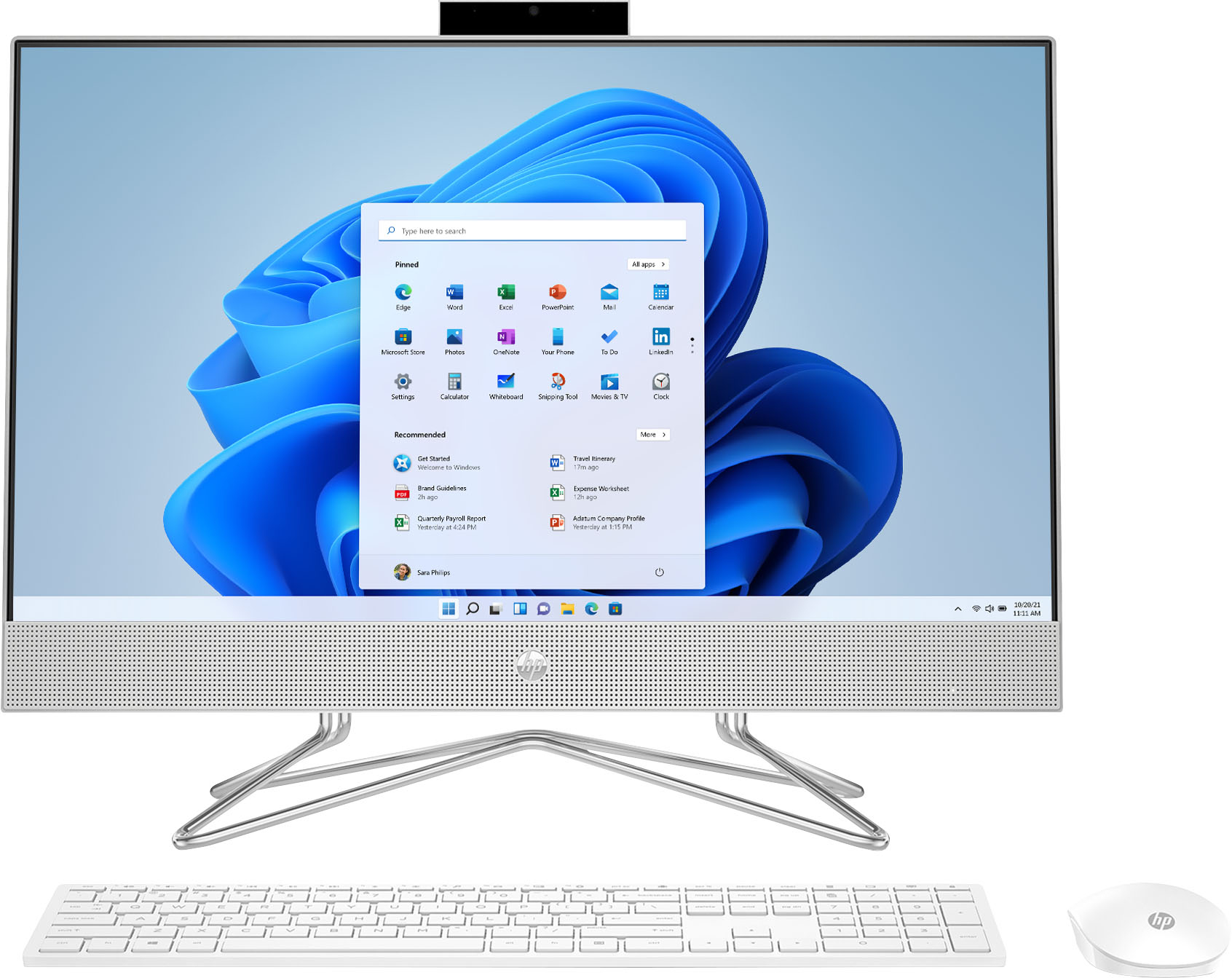
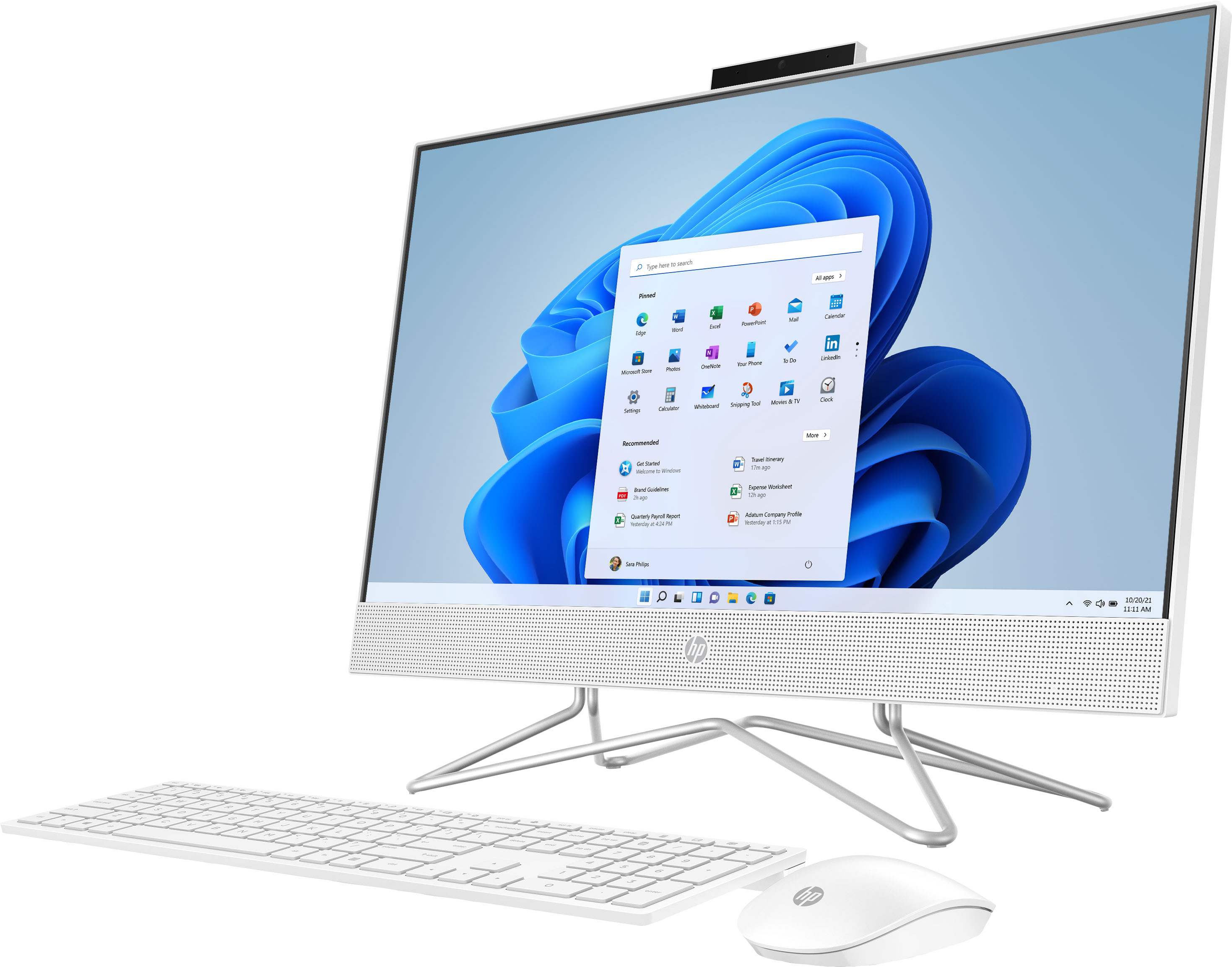
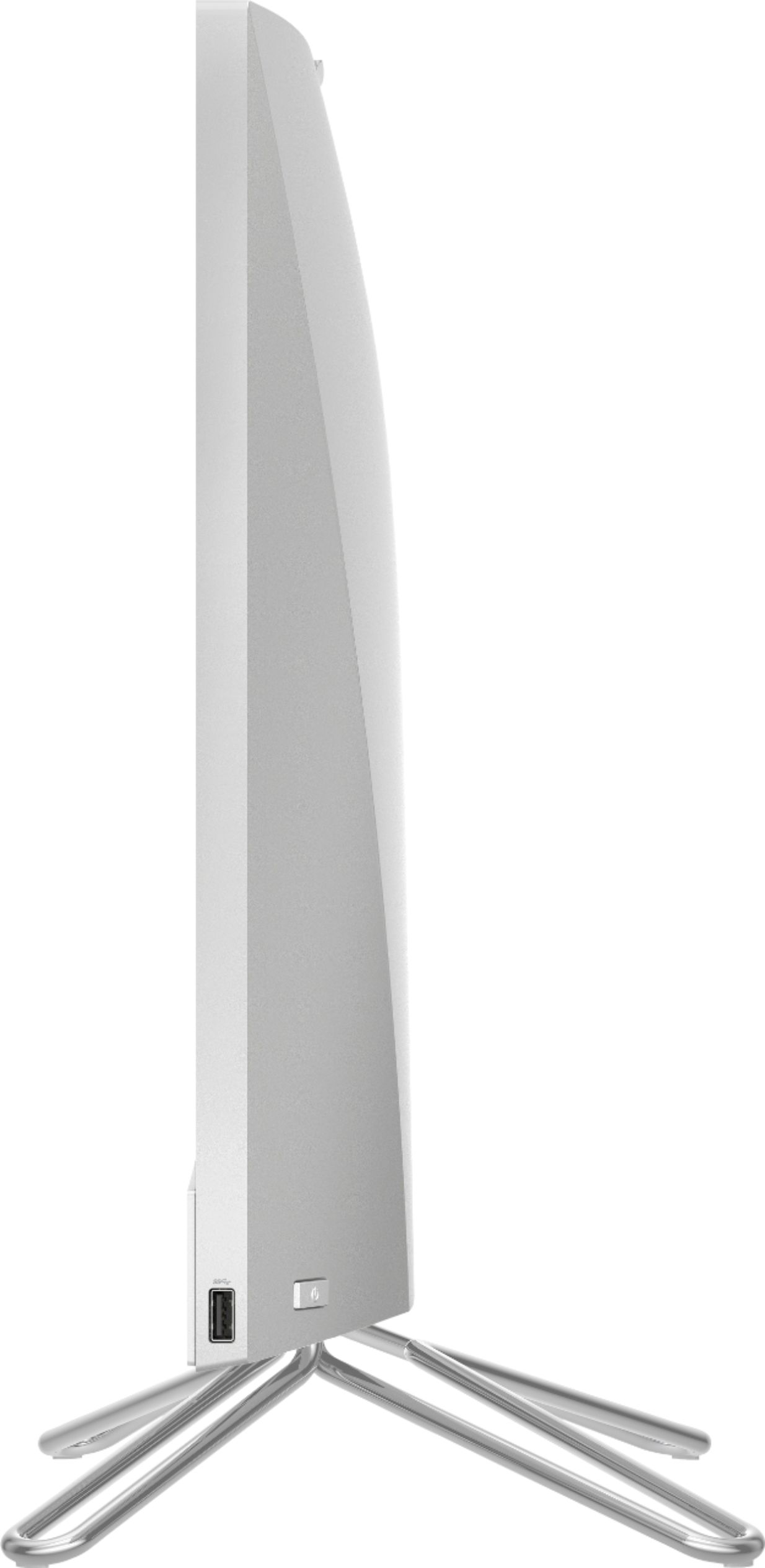
A:AnswerThe legs will not move. The whole computer will tilt forward and back. You should be able to grab the computer from the top and push forward and back.
A:AnswerNo, in fact I asked that question when they came to do my set up. Their answer was due to the system being an actual computer itself and not a monitor they couldn’t be linked.
A:AnswerYou might have to contact HP Support directly or Geek Squad in order to get a link to a manual that you can download for this particular model. They can also answer questions you might have about the unit and help if there are areas of concern.