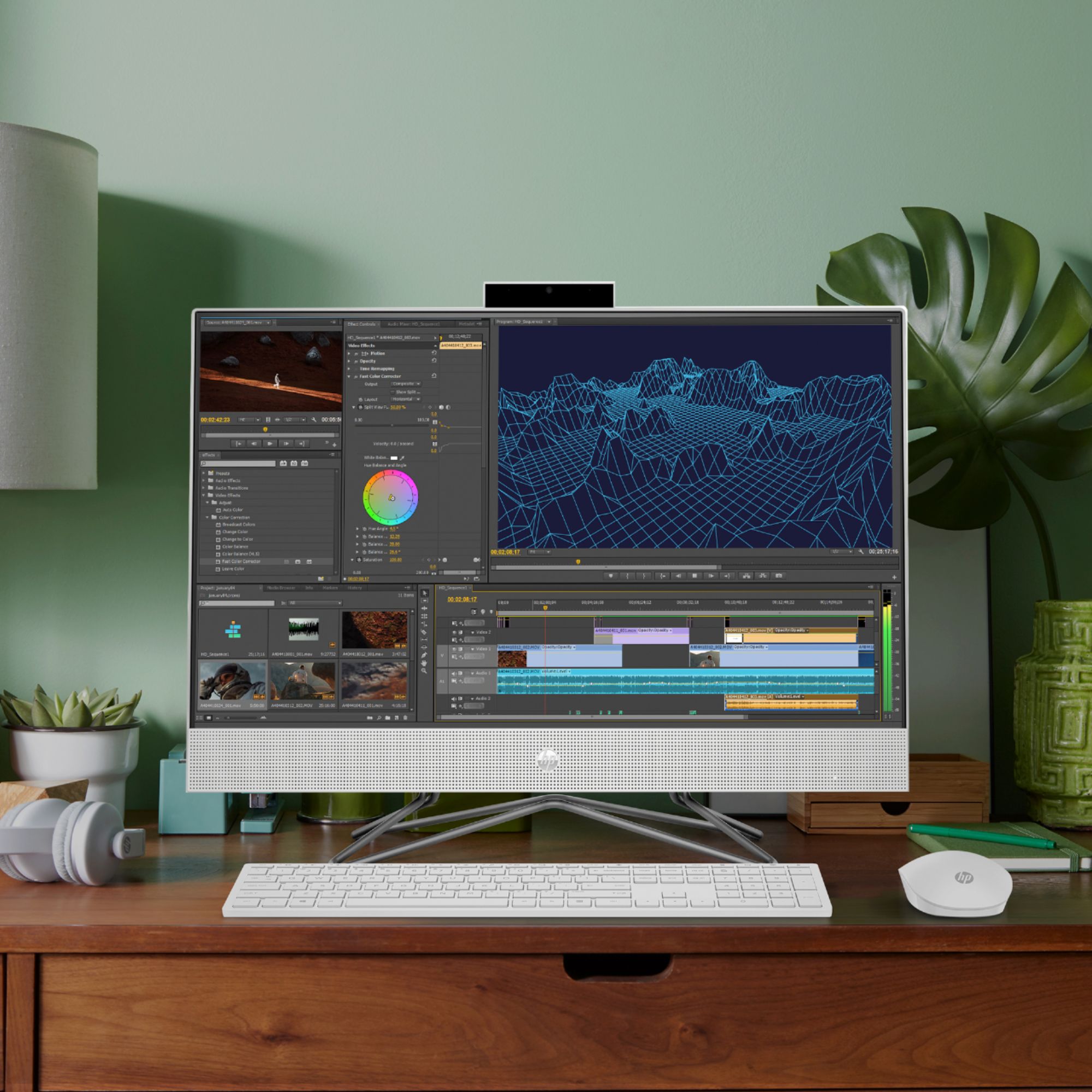
A:AnswerThank you for the question. The AMD Ryzen 5 processor and 8GB RAM should be more than adequate for your needs. Please verify Adobe's system requirements for the version you intend to use.
A:AnswerHello, Gabe. No. This HP All-in-One 24-dp0224 computer can be upgraded up to 16 GB DDR4-3200. There are 2 RAM slots. So, you can add an additional 8 GB DDR4-3200 to this computer.
A:AnswerHello. Thanks for your question. There is a 30 day trial of Microsoft Office on this HP computer, which includes Word, Excel, and PowerPoint. We recommend purchasing Microsoft Office with this computer.
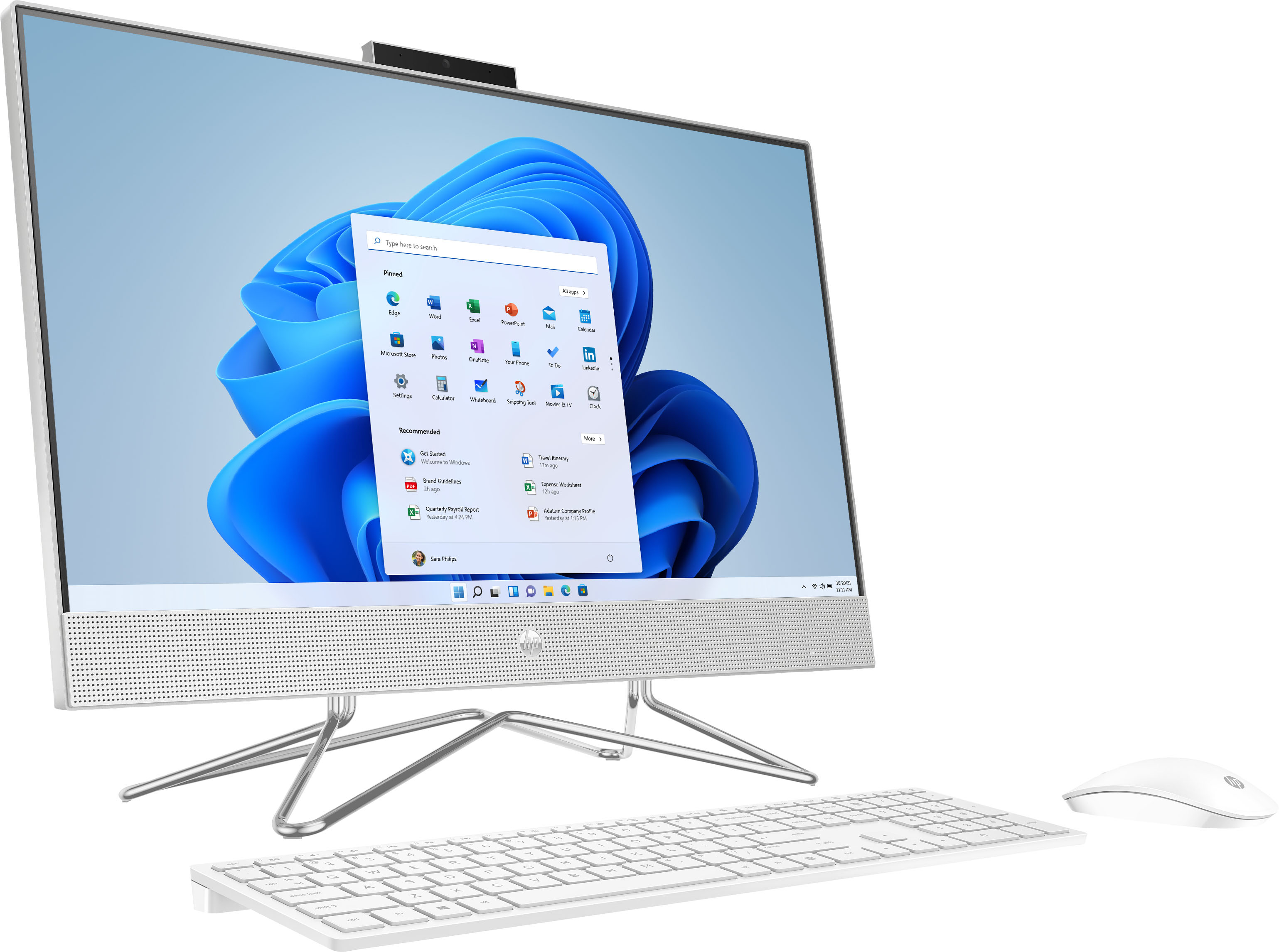
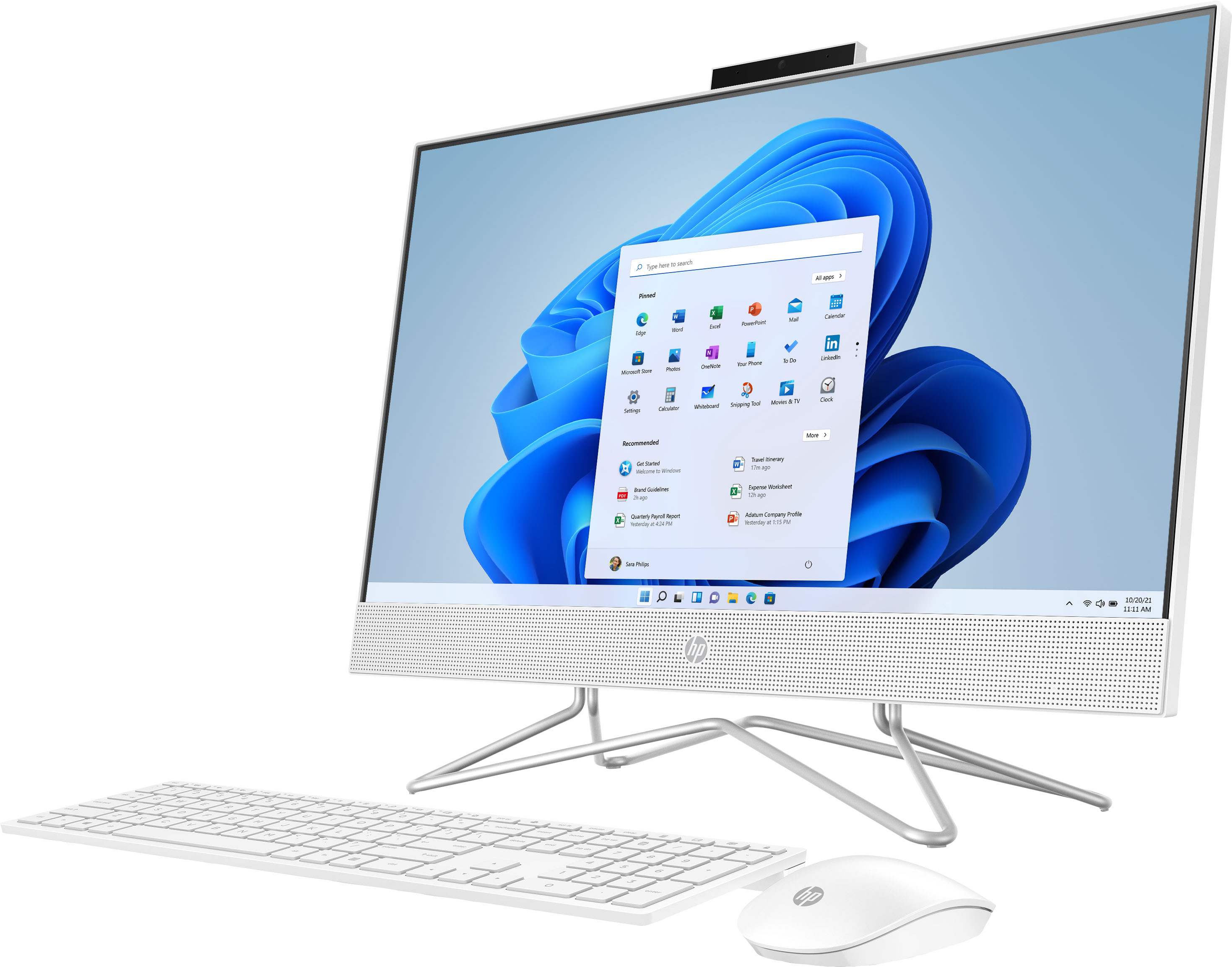
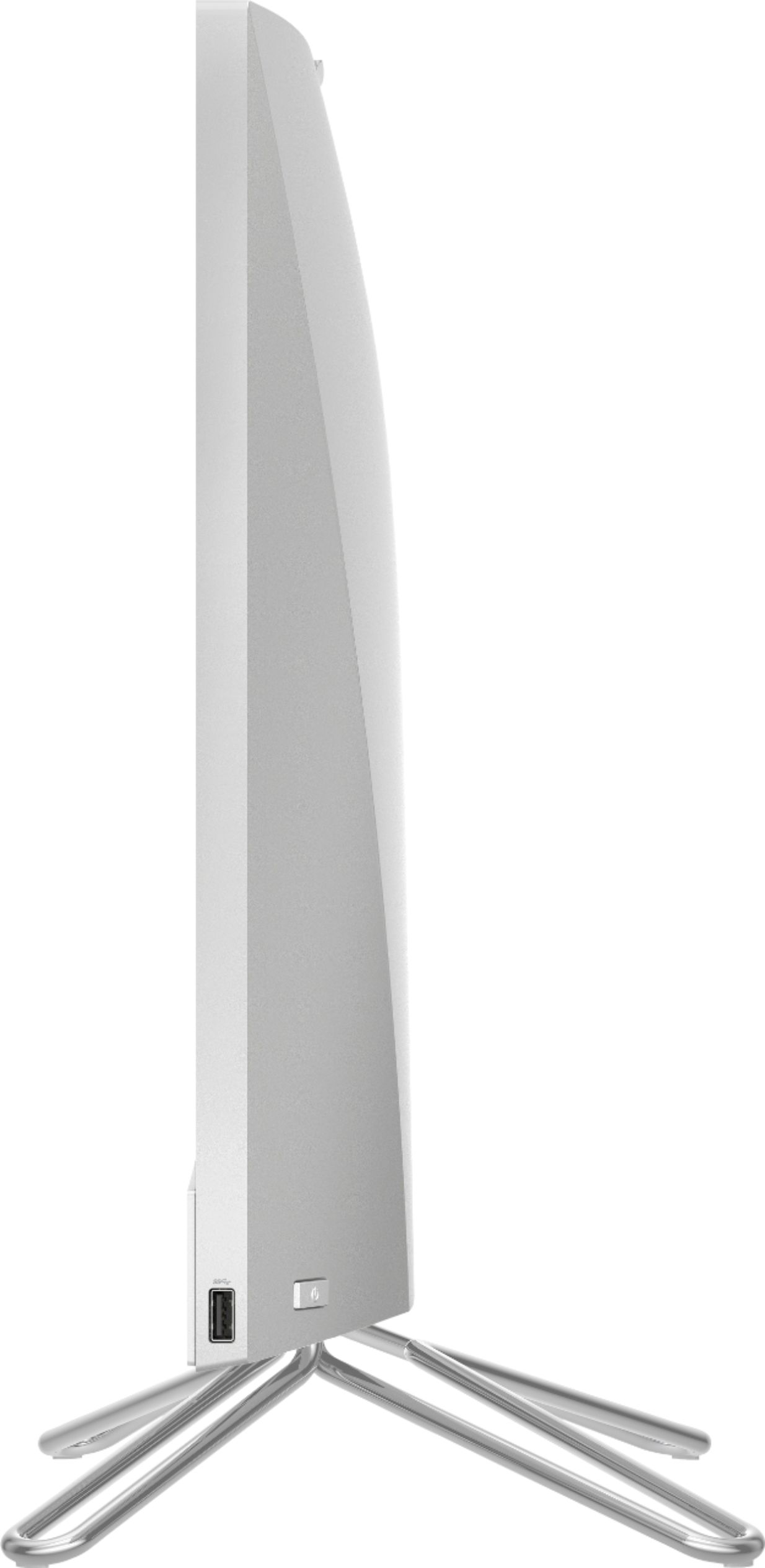
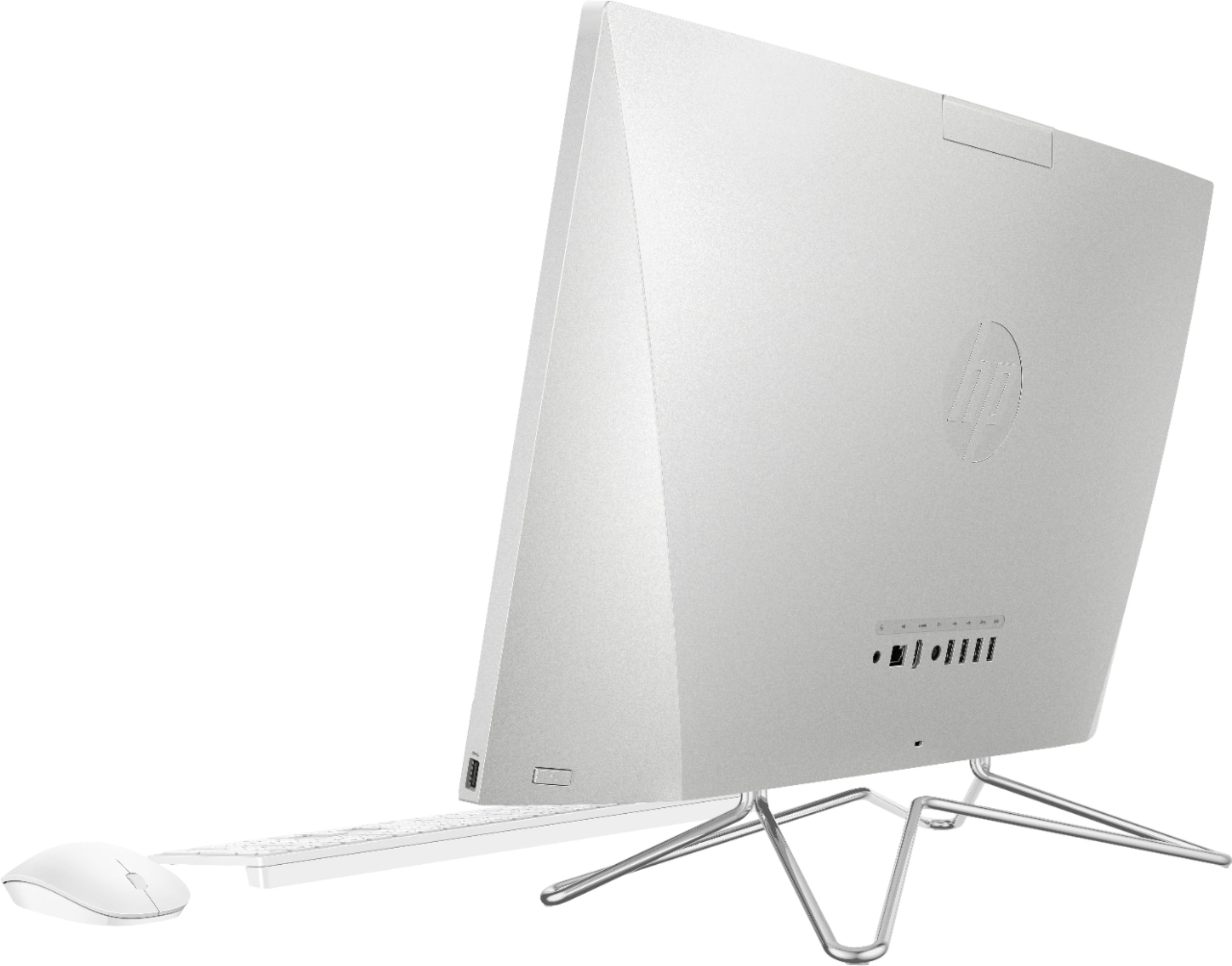
A:AnswerThe camera is actually in the back of the computer and can "pop up" for use. You can disable it by pushing down on it so it's in the "stowed" position on the back of the computer.
A:AnswerI believe ... if you already own the Microsoft office suite (Word, PowerPoint, Excel), it can be migrated from your old desktop/laptop to your new computer at no additional charge. If you don't own it, the Microsoft suite needs to be purchased separately.
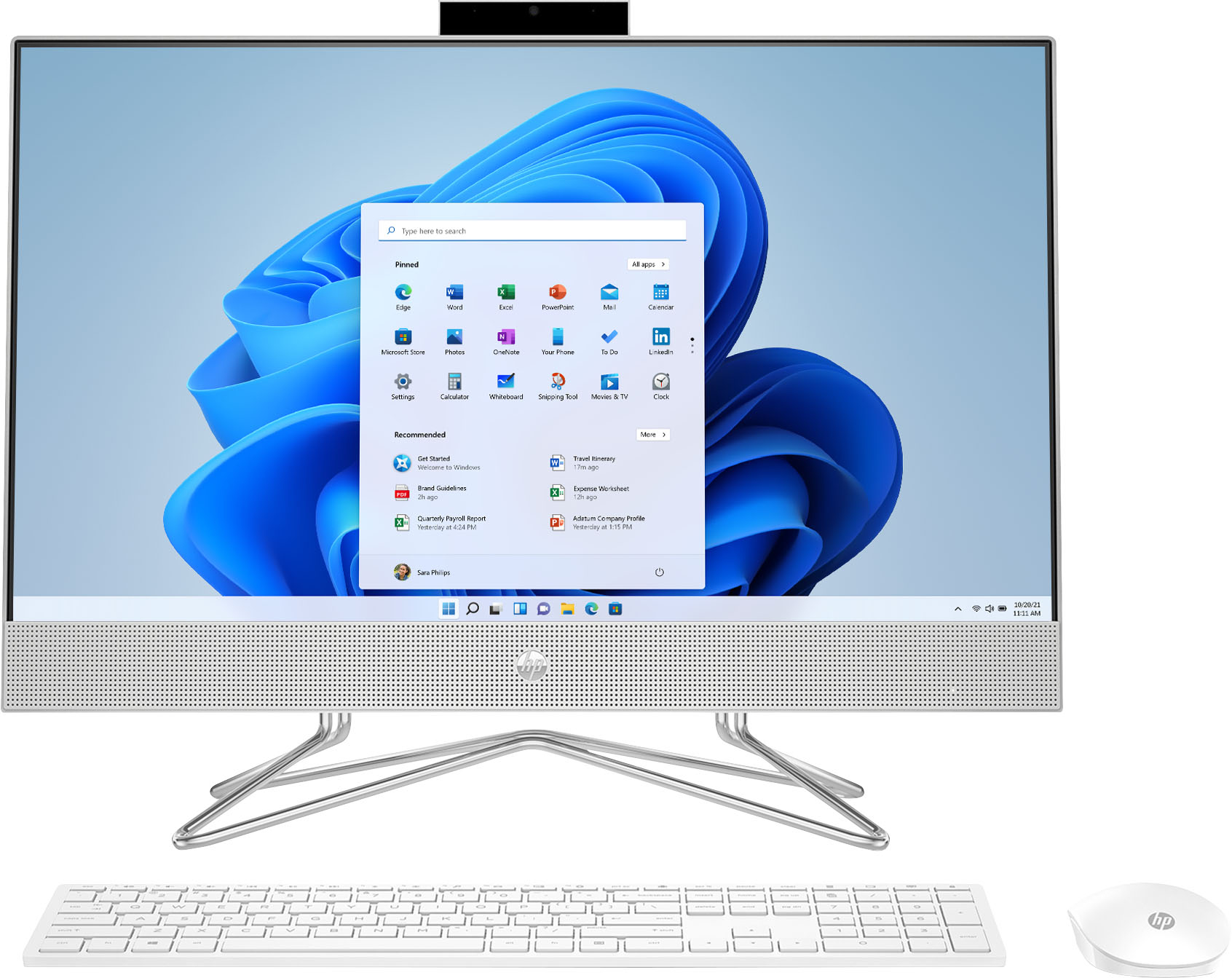
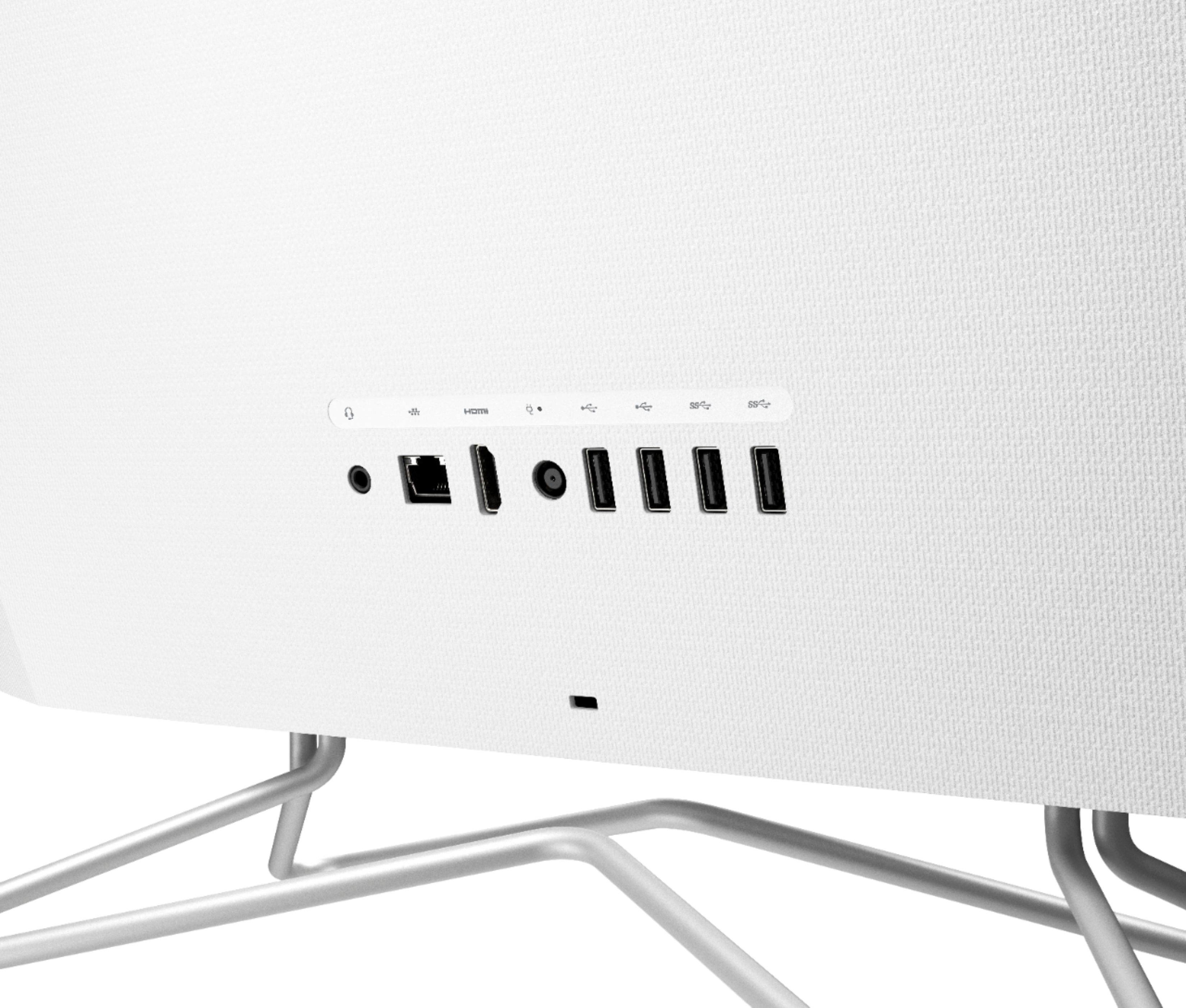
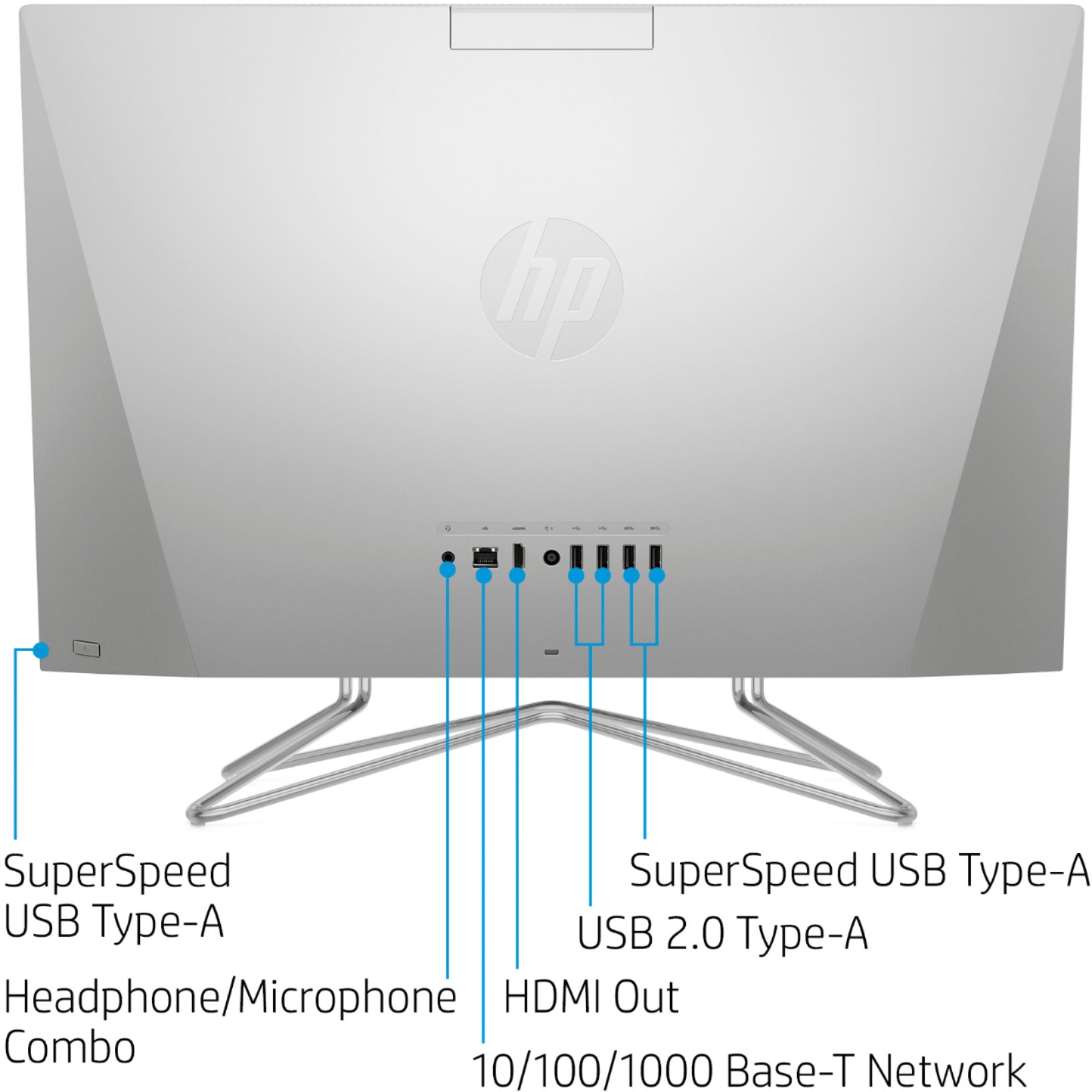
A:AnswerUnfortunately, this computer does not have an HDMI input to take a signal from a laptop. And because this is an all-in-one computer (meaning the computer is built into the back of the monitor), if all you're looking for is a secondary monitor, it will be a lot cheaper to buy a standalone monitor than a computer that can accept a video input from your laptop.
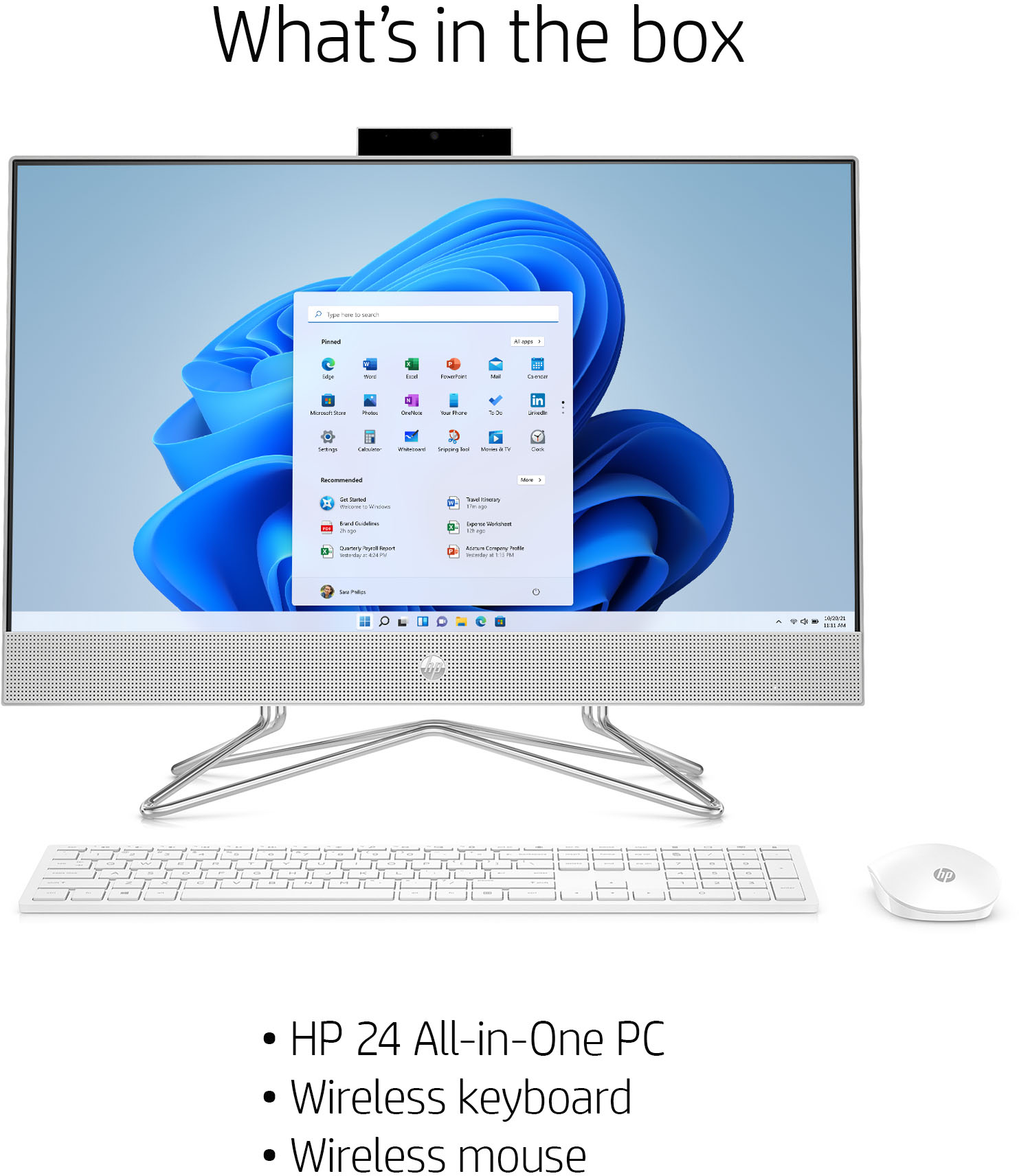
A:AnswerYes. It comes with a keyboard, mouse and reader but they are pretty flimsy. I purchased an inexpensive Logitech to use instead and they are much better.