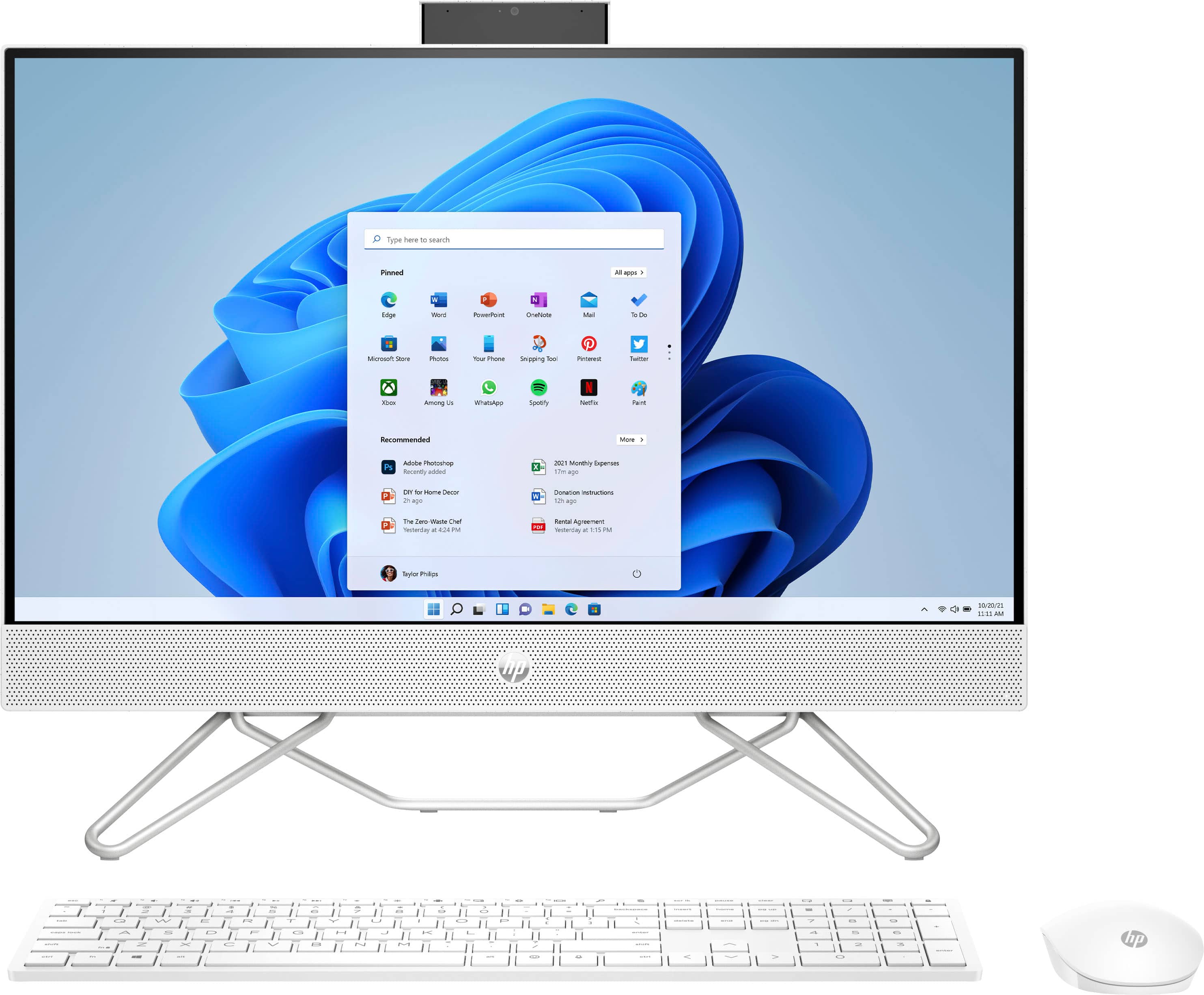
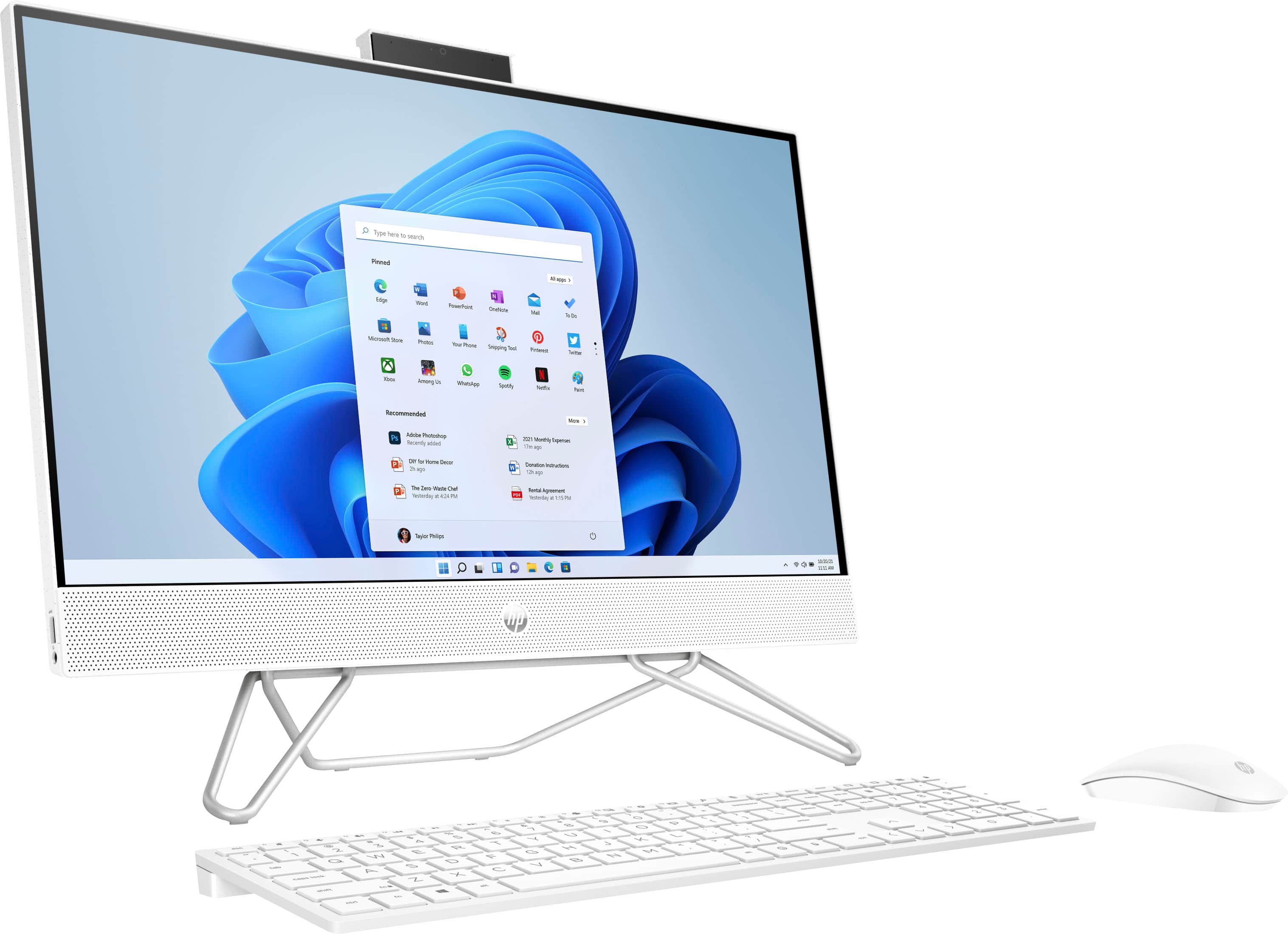
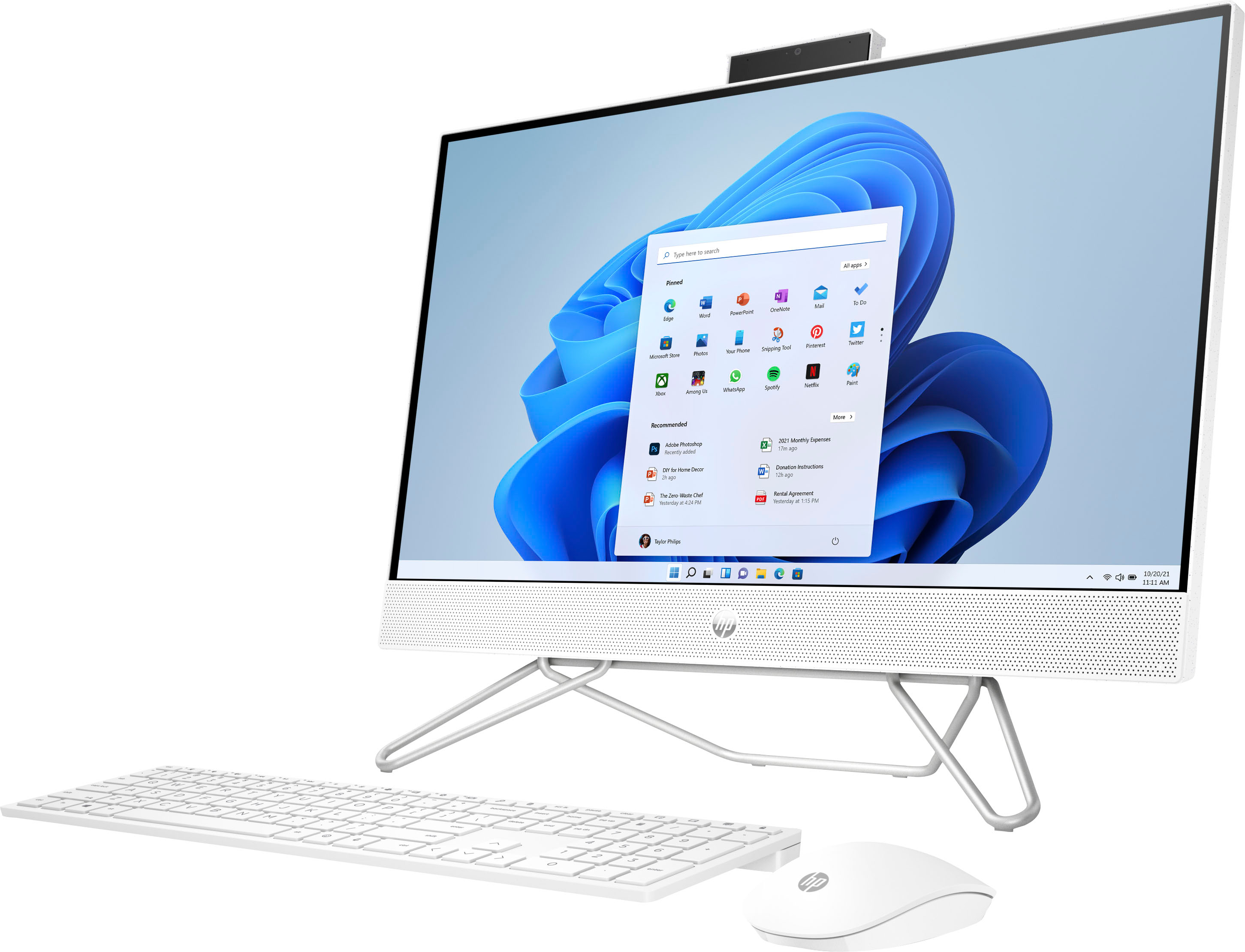
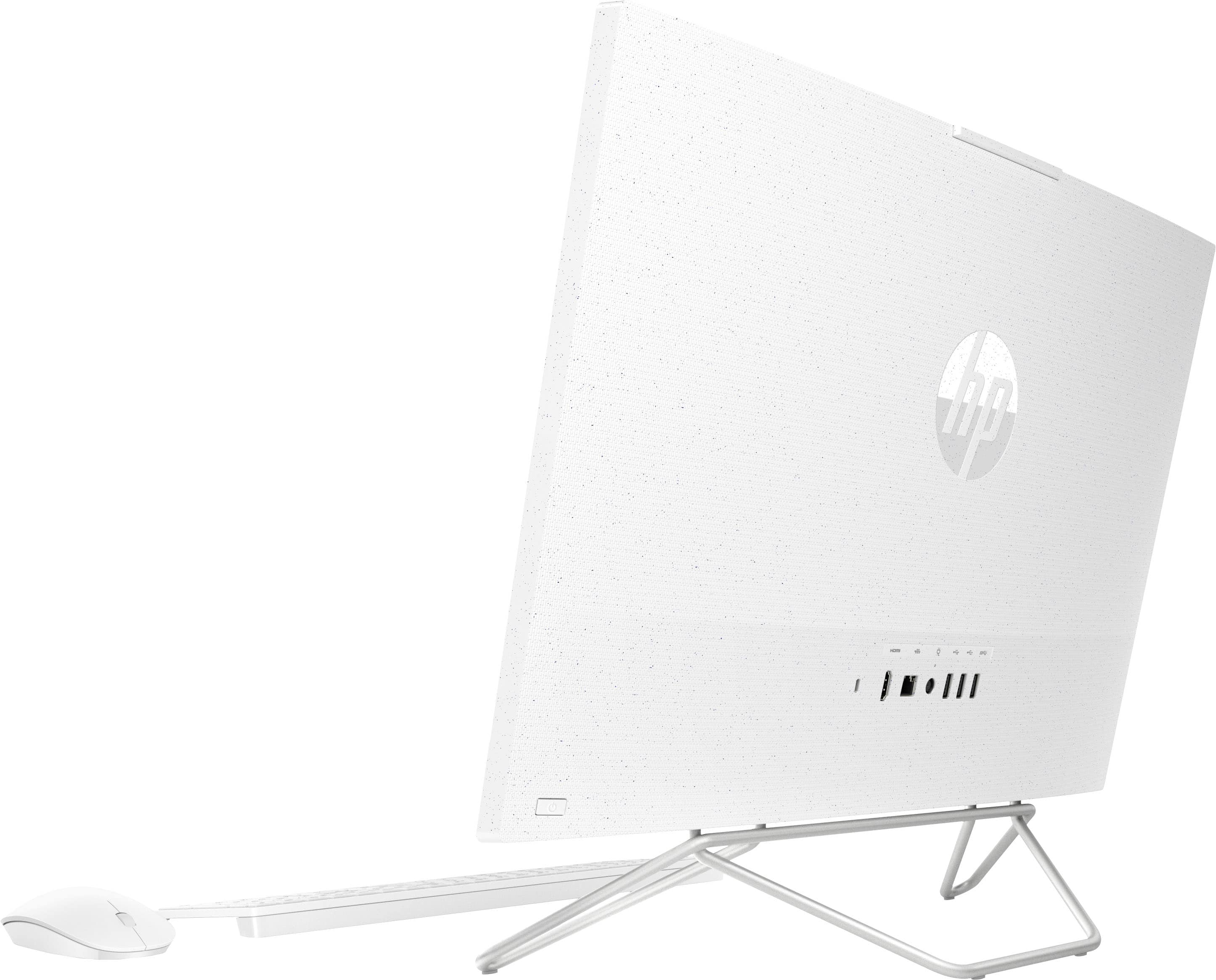
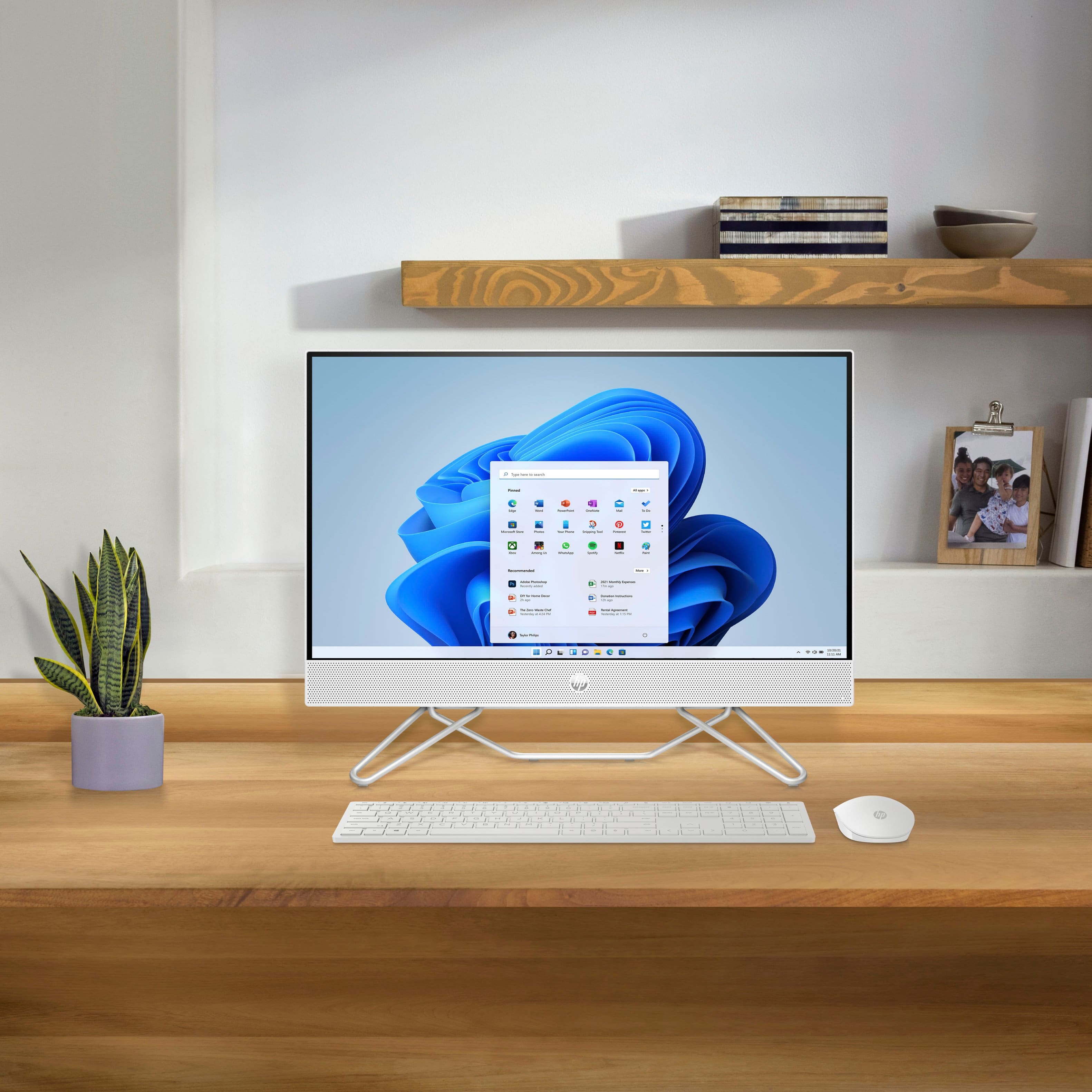
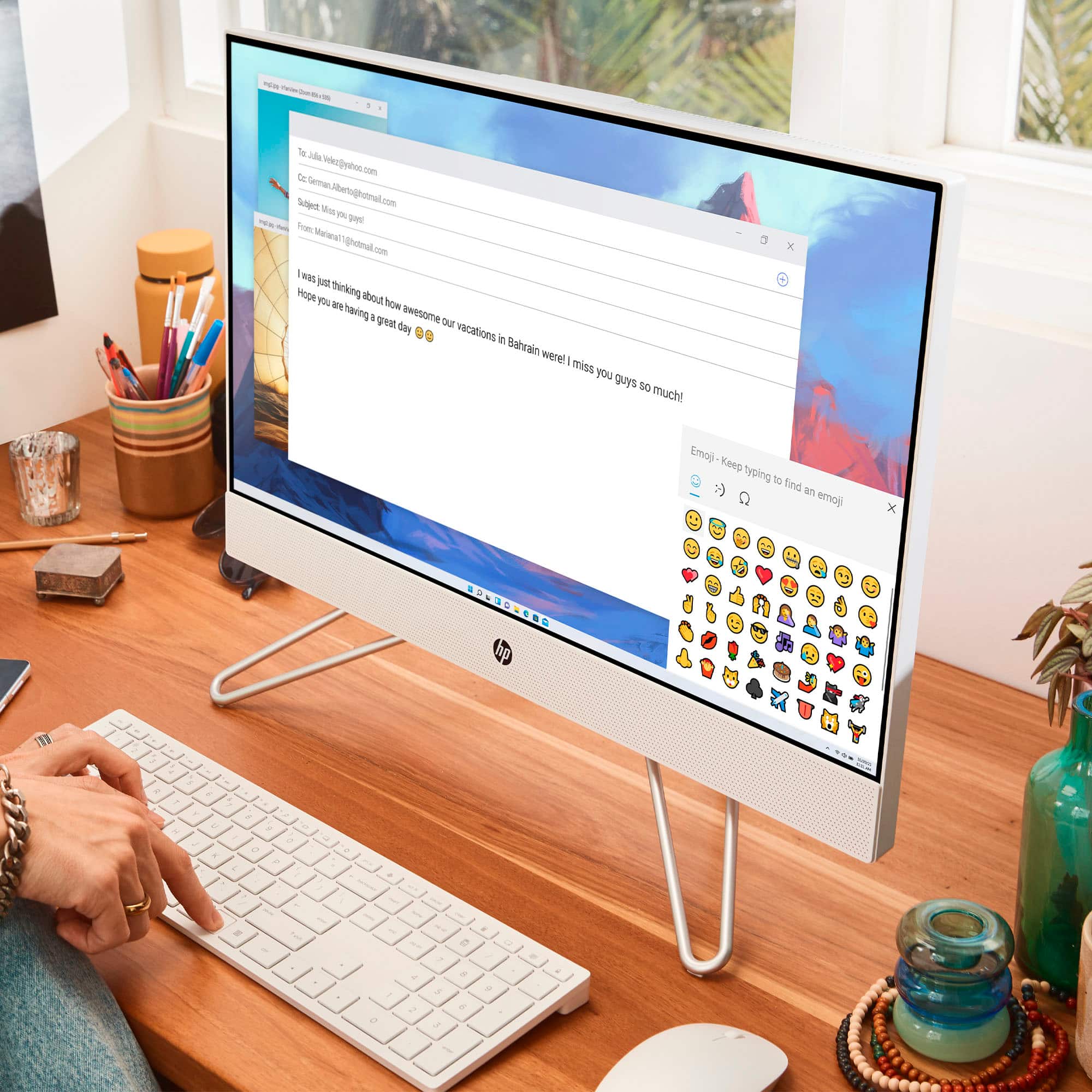
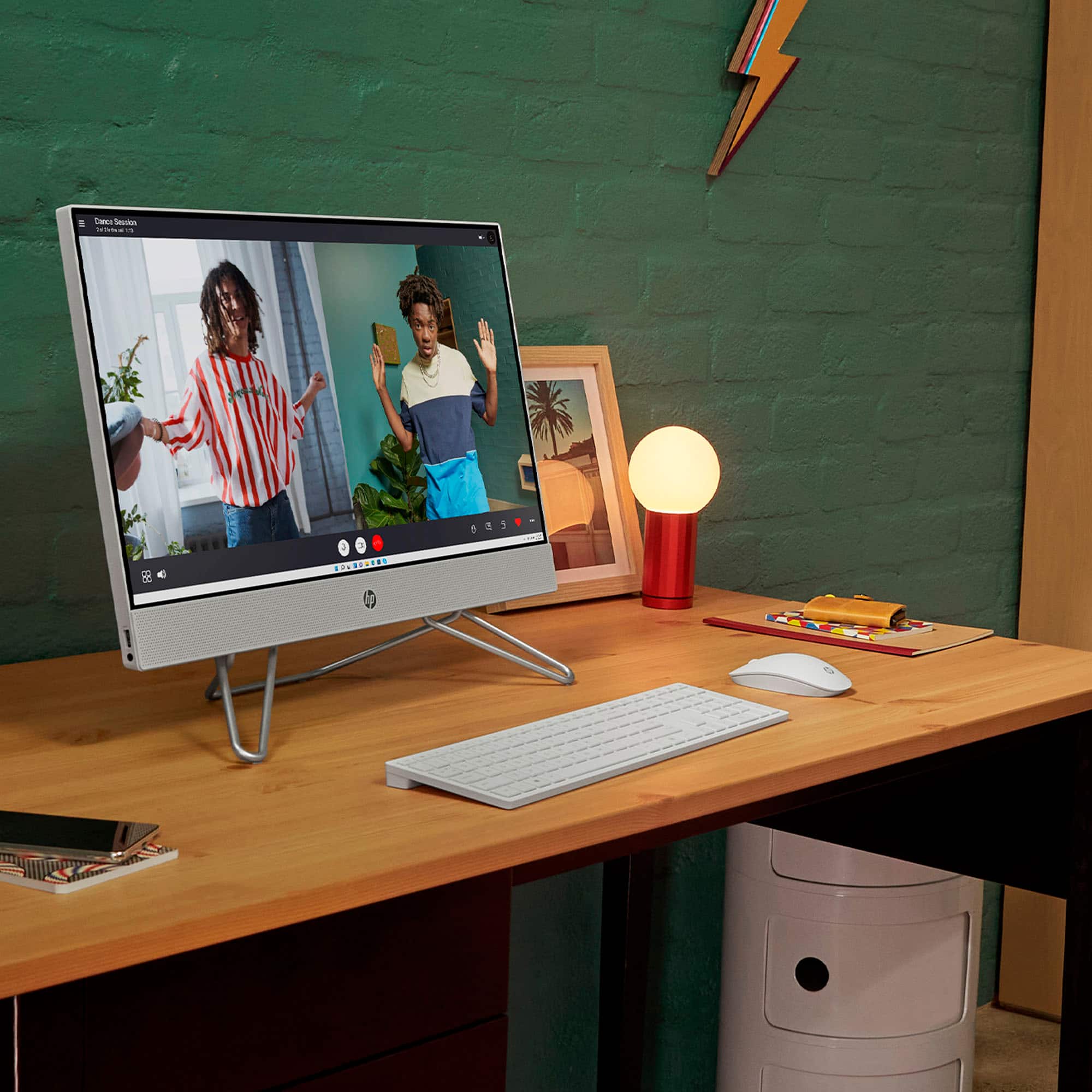
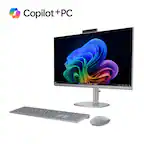
A:Answer Thank you for the question. The 24-cb1224 All-in-One PC comes with a wireless keyboard and mouse. These work by connecting the receiver to a USB-A port. The receiver will either be inside the mouse's battery compartment, or inside a separate slot in the box that the mouse came in. Once plugged in, and batteries are installed in the mouse and keyboard, slide the on/off switch on each to "on". These are plug-and-play and should work right away, no other connection is required. If you need more assistance, please reach out to Support.HP.com.