A:AnswerYou can check the requirements for the software you would like to use by looking up the system requirements for it from the publisher's website. You will want to make sure that the device you want to use it on meets the minimum requirements. Updates and modifications can impact what settings you can run the software on or if you can use the software at all. For running two demanding programs at once, you'll typically want more RAM available - for graphics-heavy programs, it can help to have a dedicated GPU with its own dedicated memory.
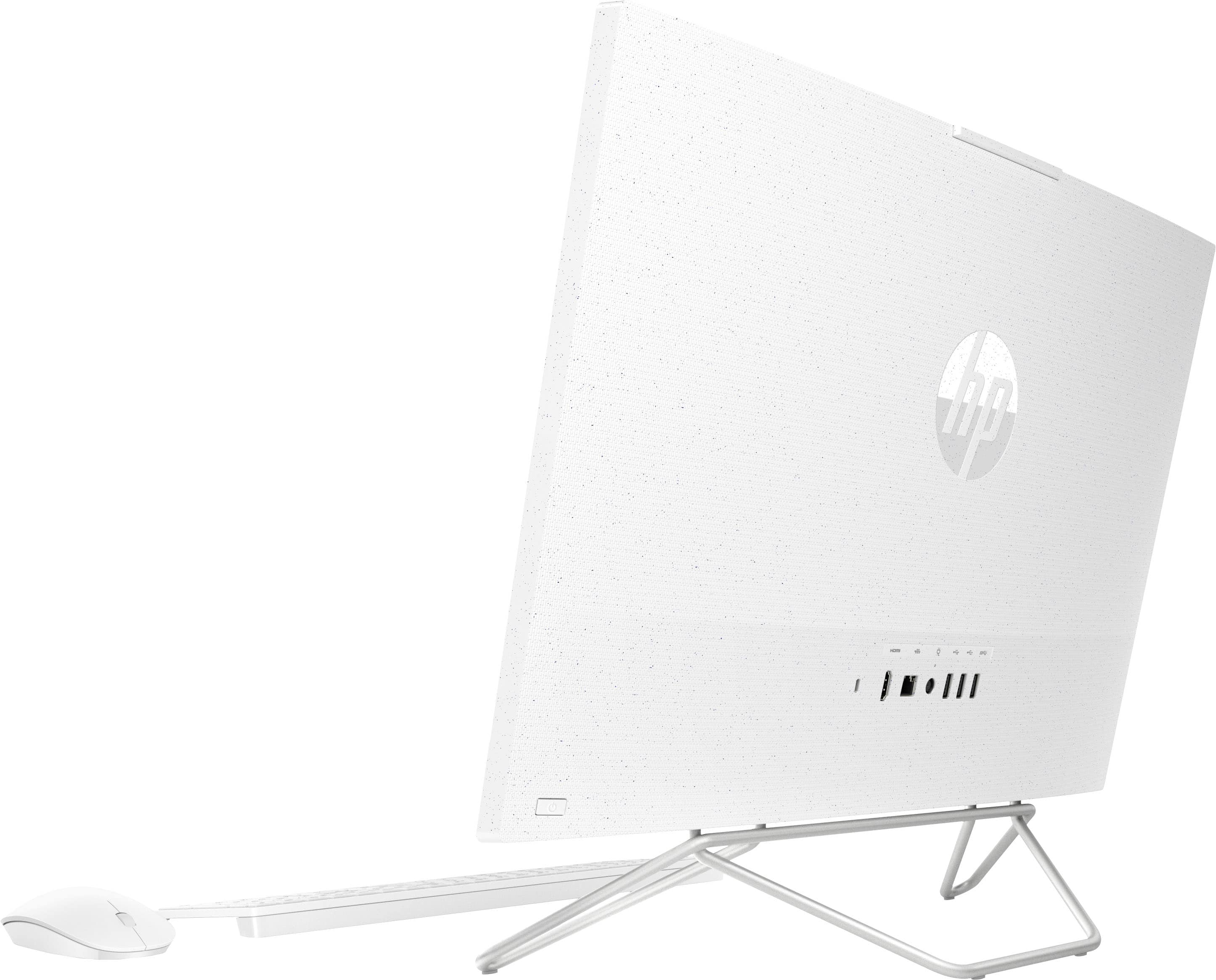
A:AnswerIt doesn't look like that would work as the bars go directly into the monitor case. There is nothing visually to indicate they can be popped out, like a button.
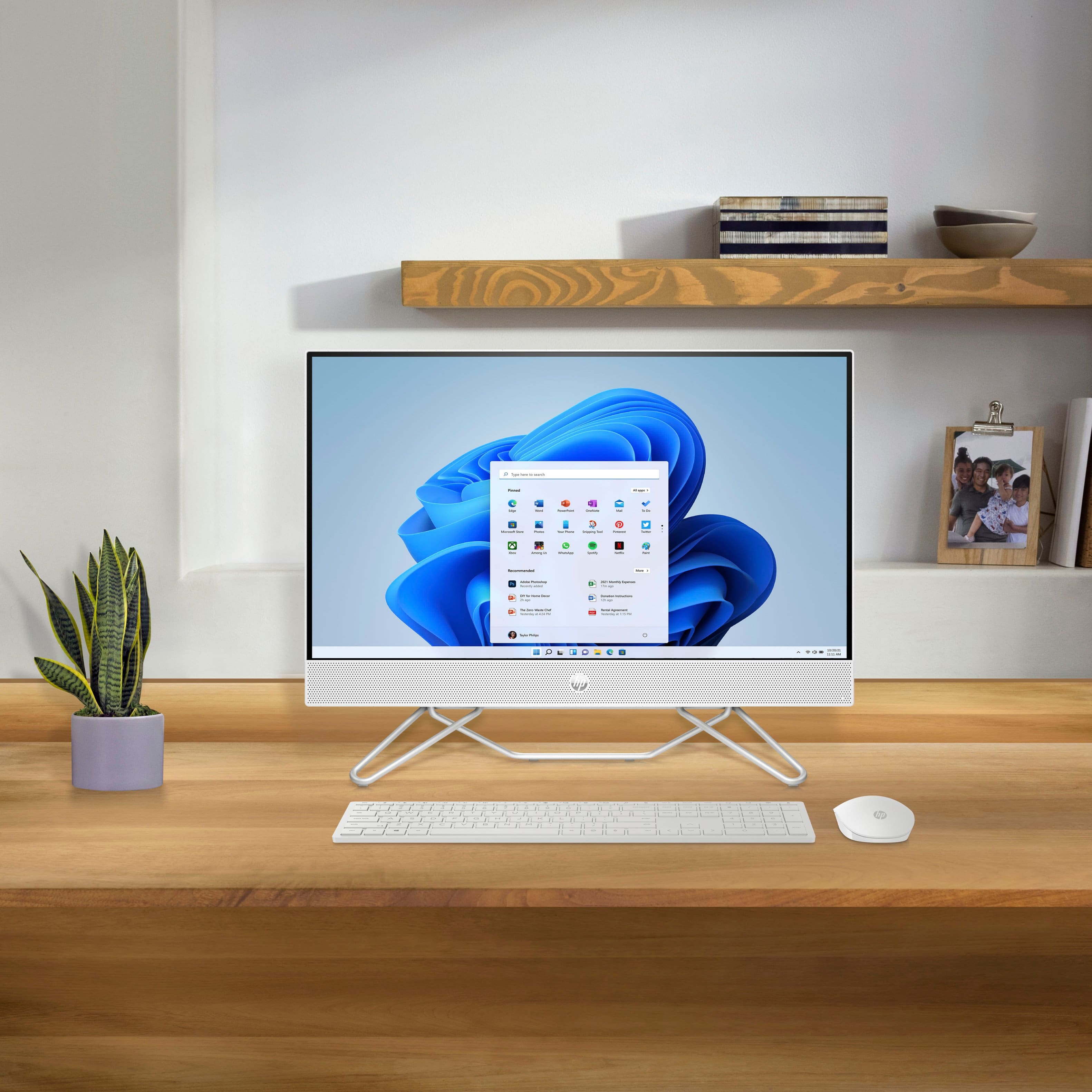
A:AnswerThe computer's depth is 7.2 inches. The width of the feet isn't listed, but the entire computer is 21.2 inches wide, and the feet are several inches narrower than that.
A:AnswerAs system requirements for software constantly change, we are unable to answer questions about Valorant or any gaming compatibility. What is compatible today may not be in a few months. Please check the developer's website for the most current system recommendations.
A:AnswerIn Windows, search for and open Control Panel, and then select Sound. Click the Recording tab on the Sound window. Select the microphone you want to use, click Set Default, and then click OK.