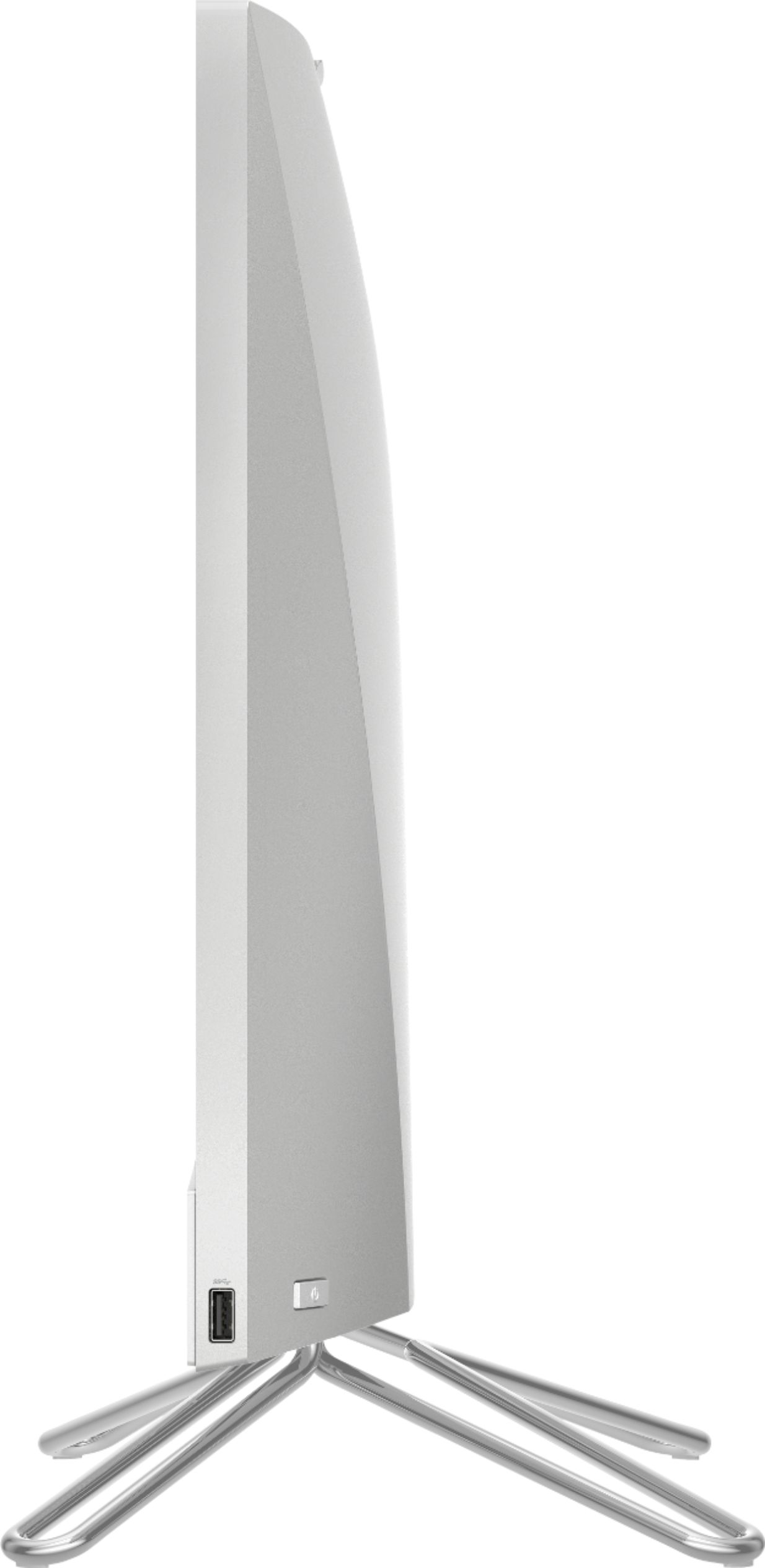
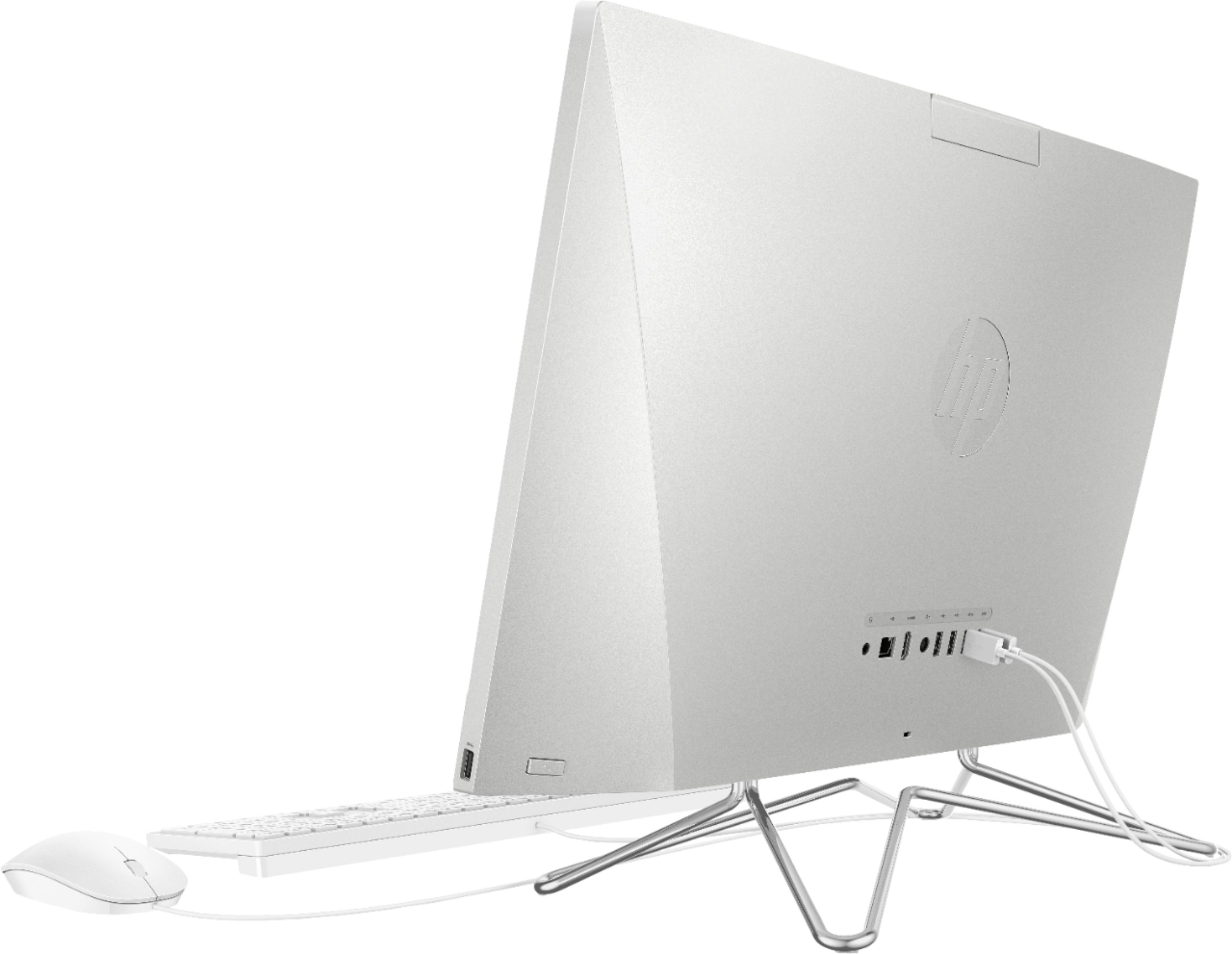
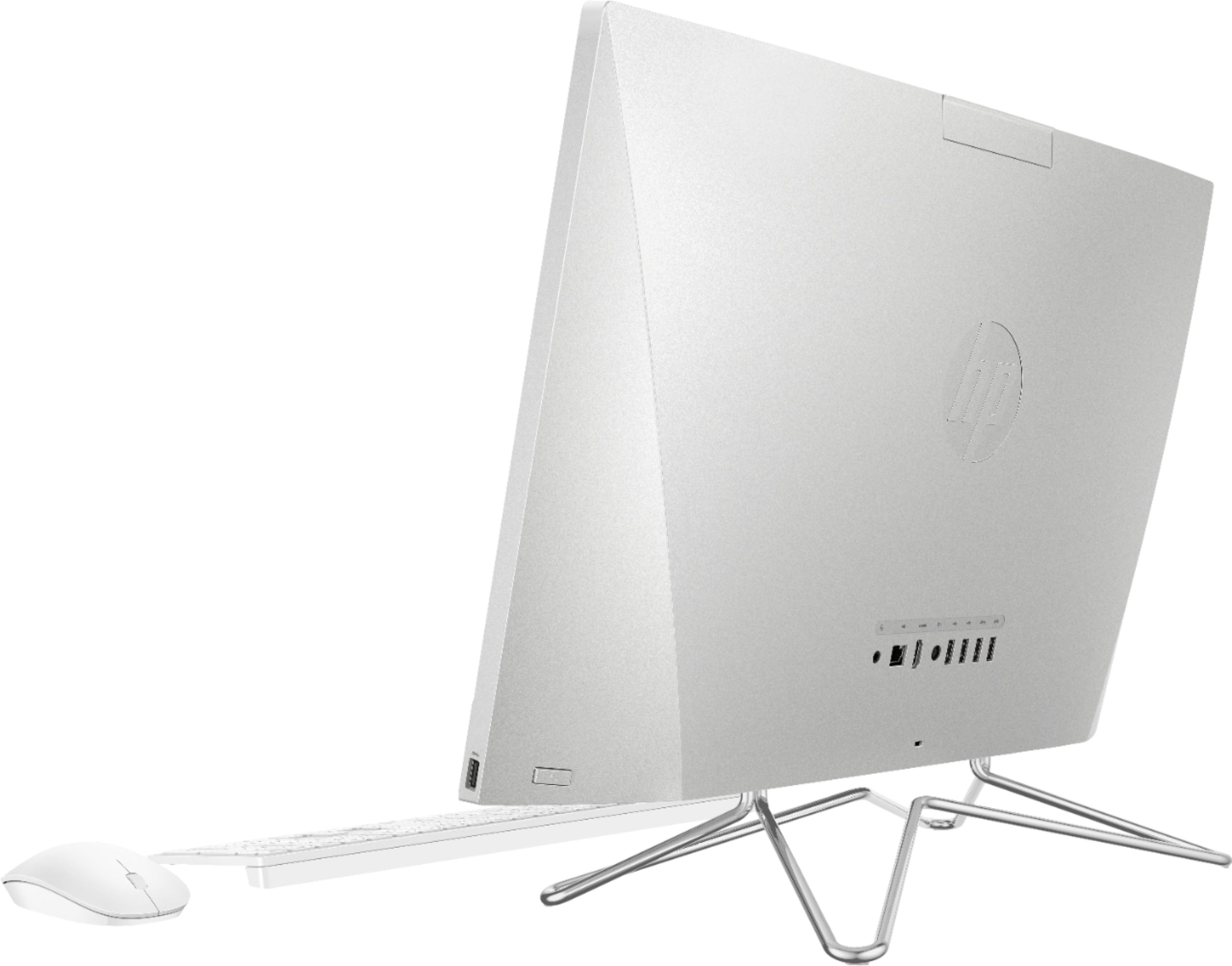
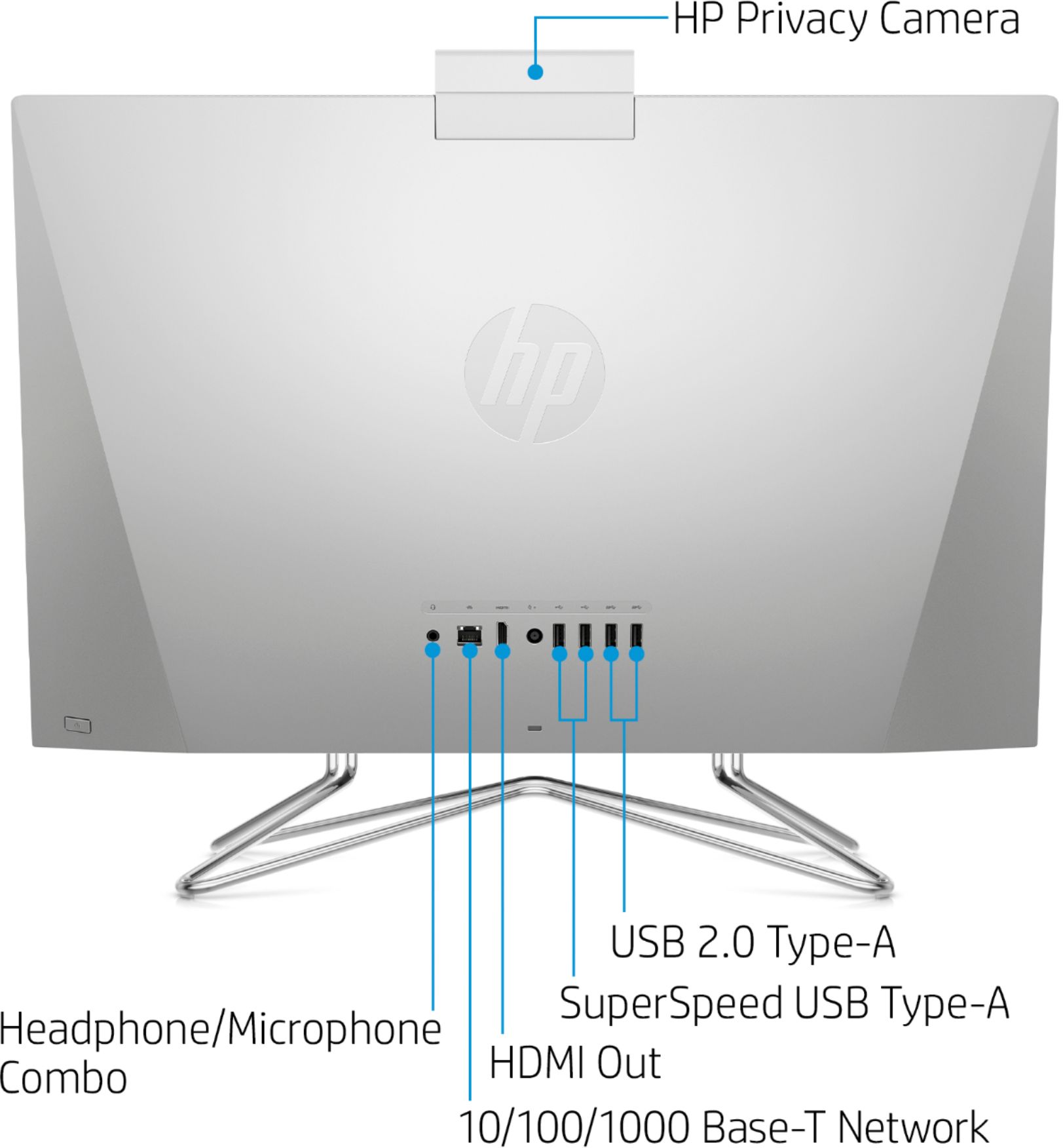
A:AnswerAnswer from HP is not true. The memory slots have a cage cover soldered over it & cannot be removed from the motherboard. HP documentation for AIO 24 dp0014 does not show this. HP video shows RAM slots are in the open, but that is not the case. This may be be the case for all units, but it is for mine. I cannot fix RAM, which has errors, so if RAM problems get worse, this AIO will be a brick.
A:AnswerHp office jet pro 8710 works awesome with mine. It’s a wireless printer scan etc. you can even printer front and back of pages easily. It does all the work.
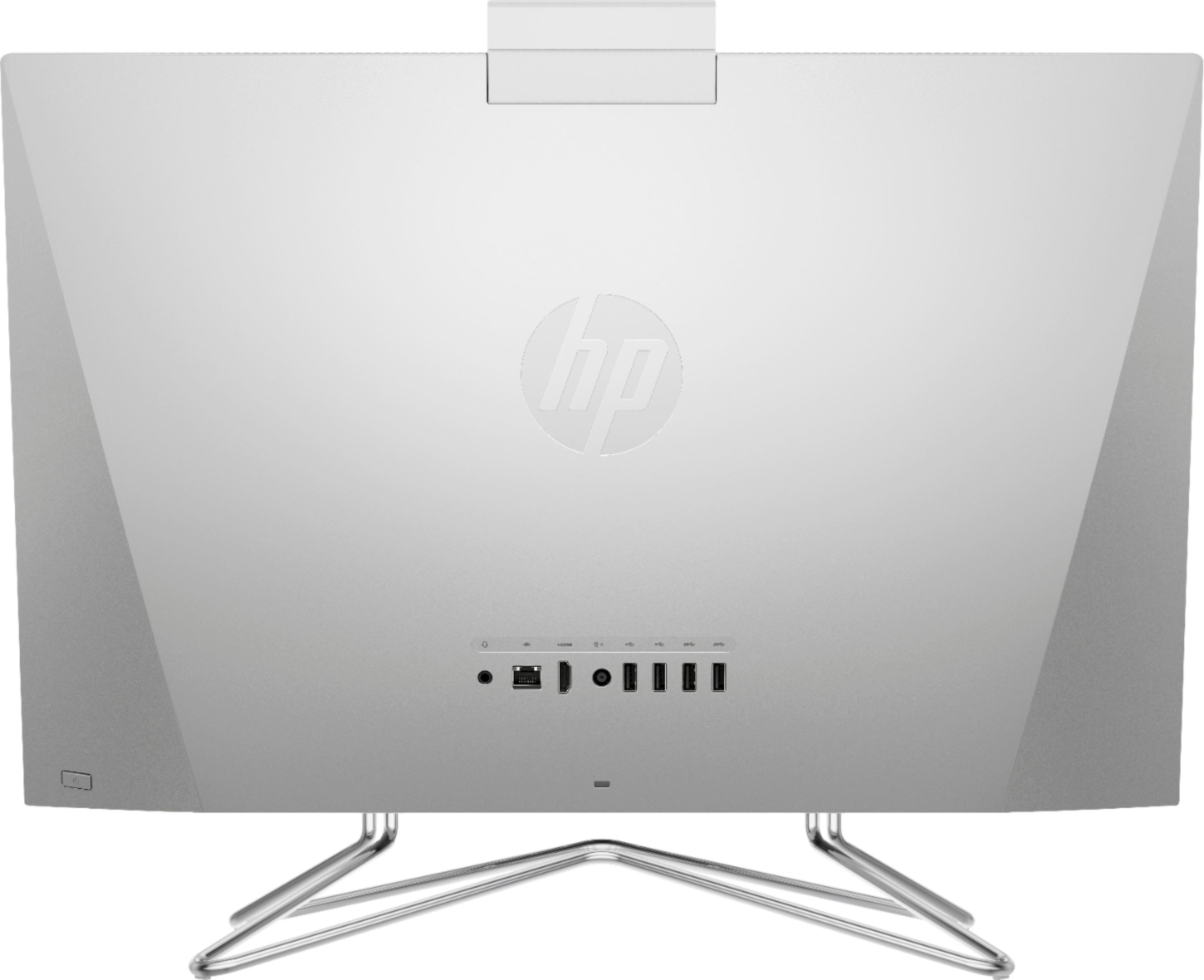
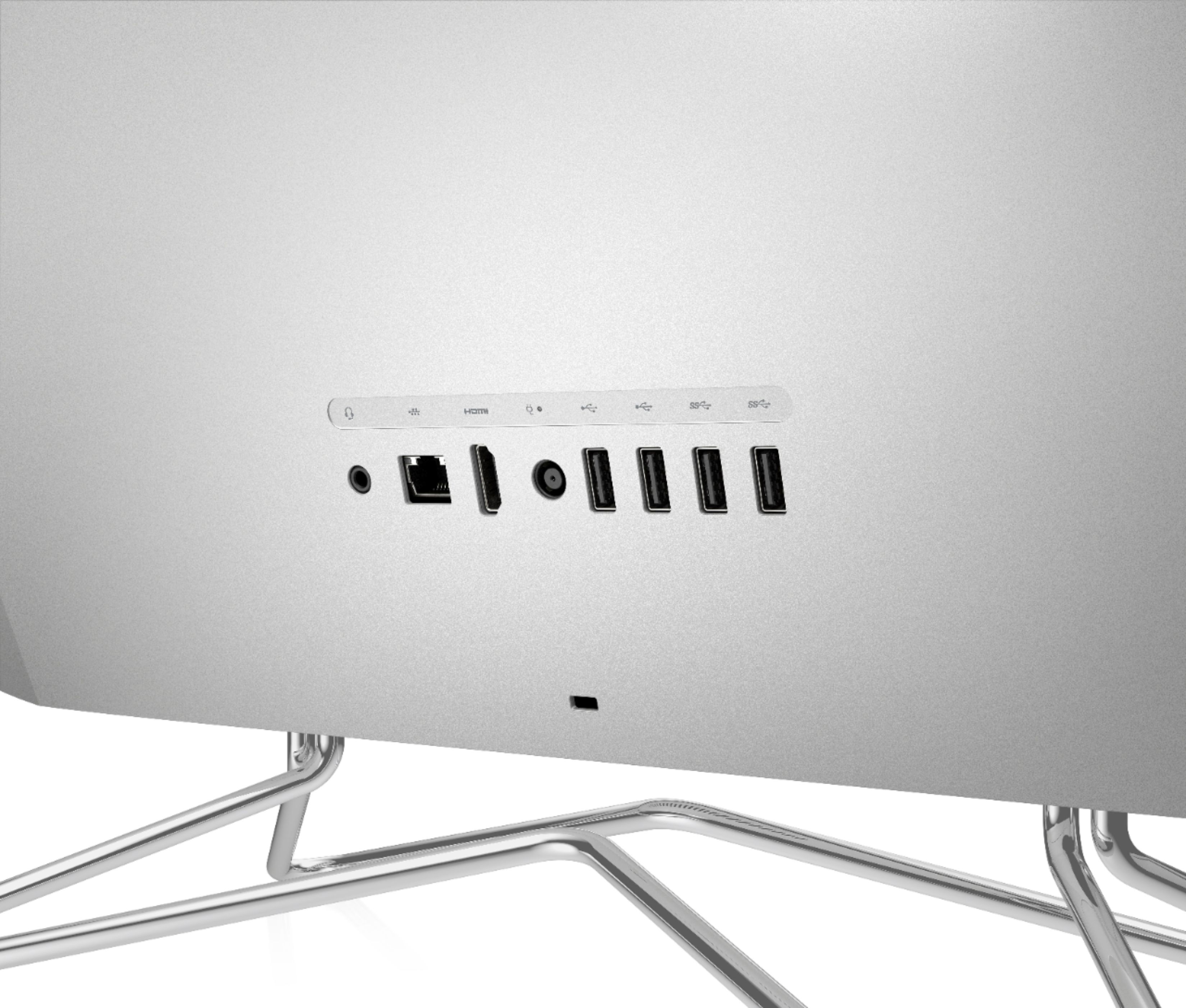
A:AnswerHello. This HP Pavilion all-in-one has both USB A and USB C ports, but we recommend that you check the manufacturer's website to see what they list as their supported PC connectivity requirements.
A:AnswerHi, thank you for the question. The 24-DP0014 All-in-One desktop has an integrated AMD Radeon™ Vega 8 Graphics card. You would do better selecting a unit with a dedicated graphics card (like on a gaming computer). This unit has the recommend RAM and storage, and a minimally acceptable processor speed. Please reach out to the developer of FiveM for more information.
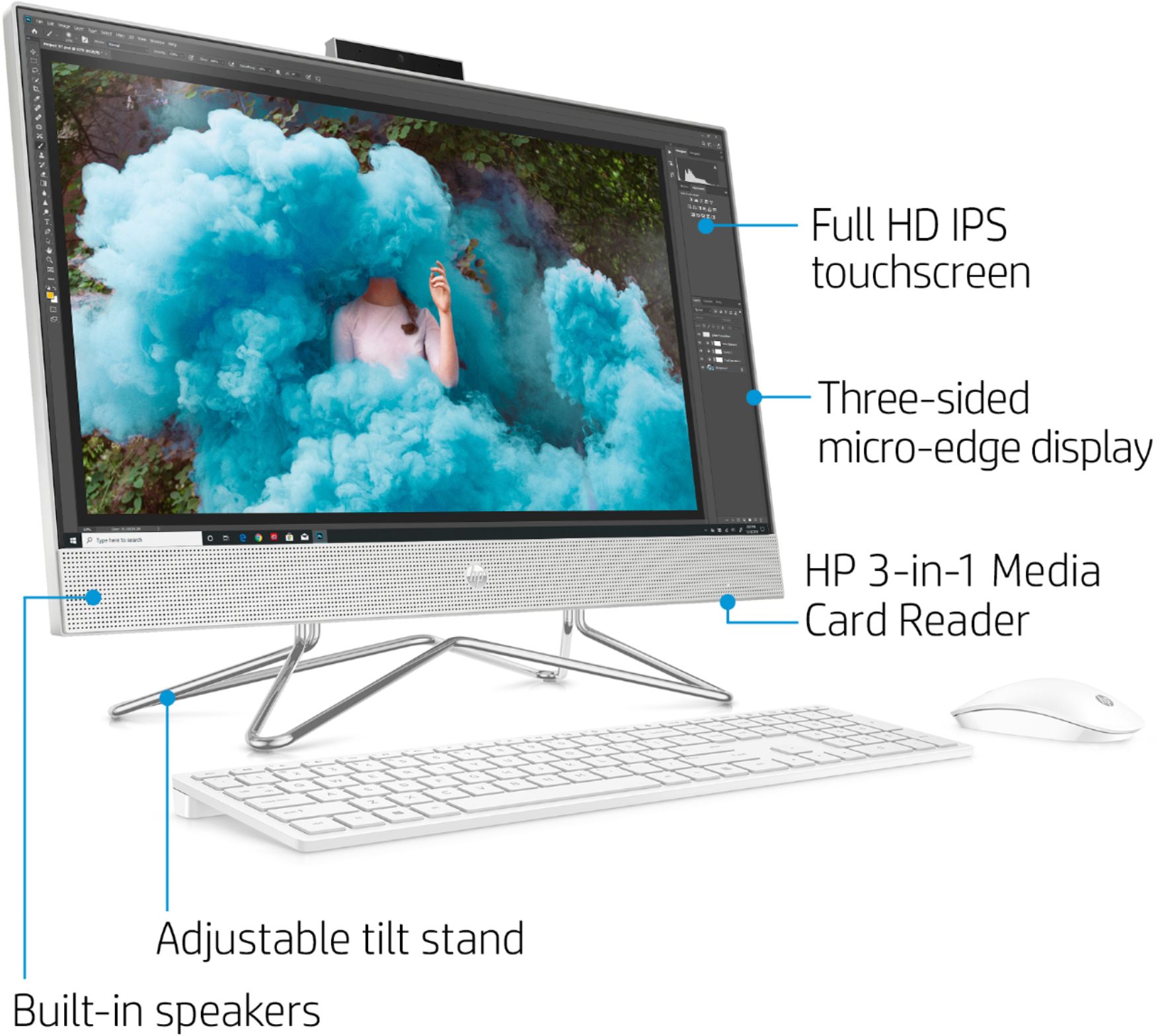
A:AnswerHello and thanks for your questions. The keyboard is full sized, and is designed with a raised portion at the rear for a great rise/tilt. It is easy to type on. It does not need an additional stand for the keyboard.
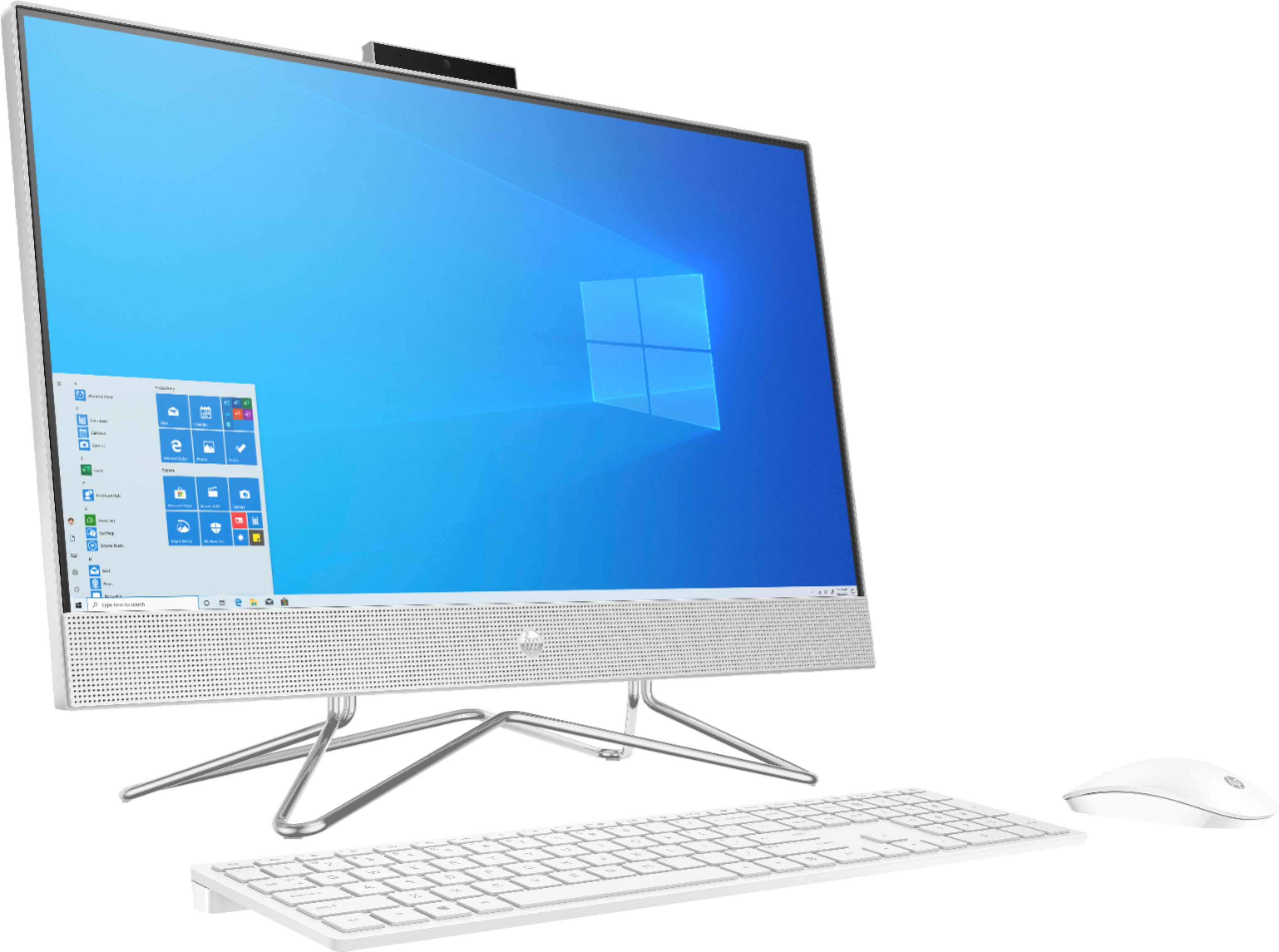
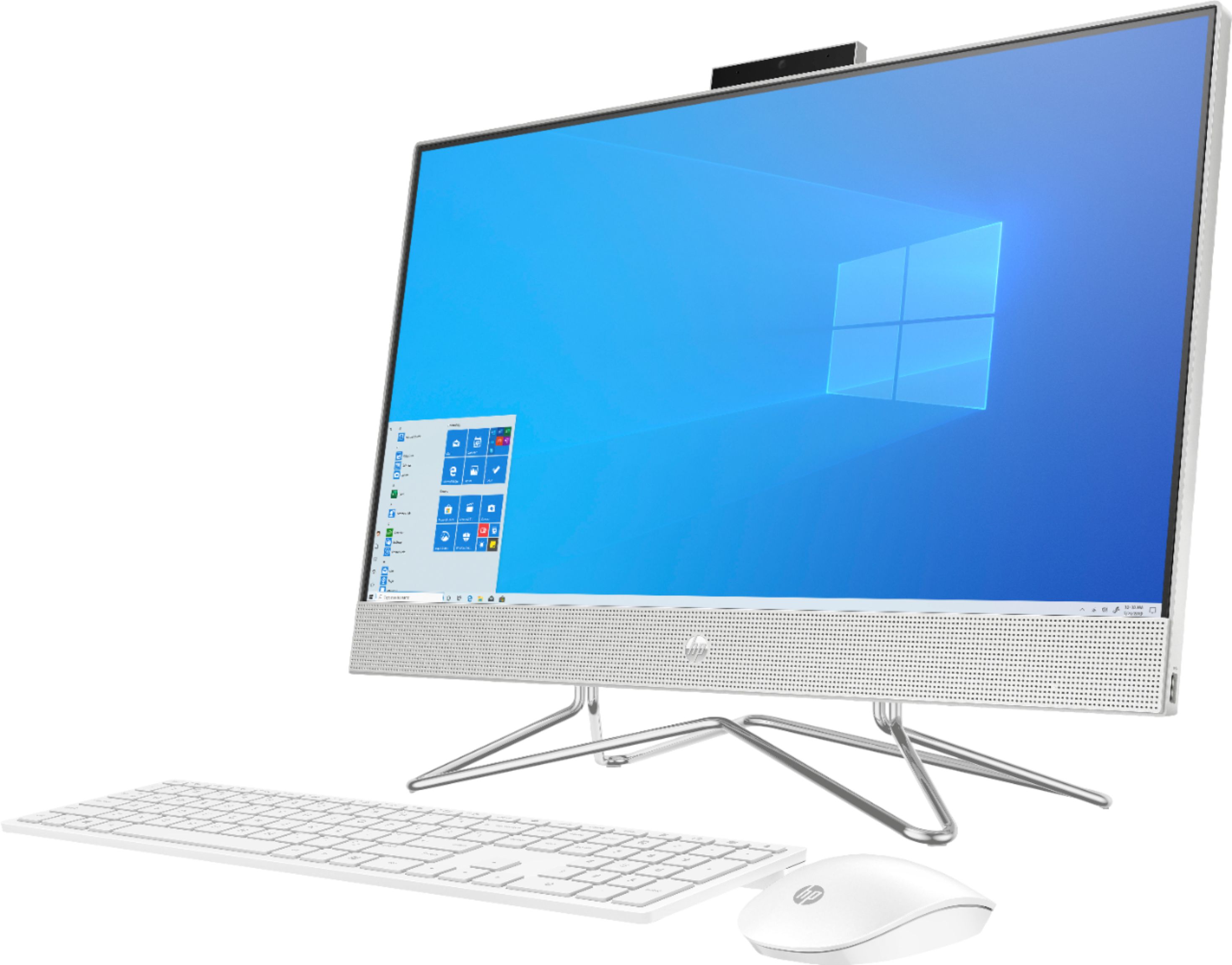
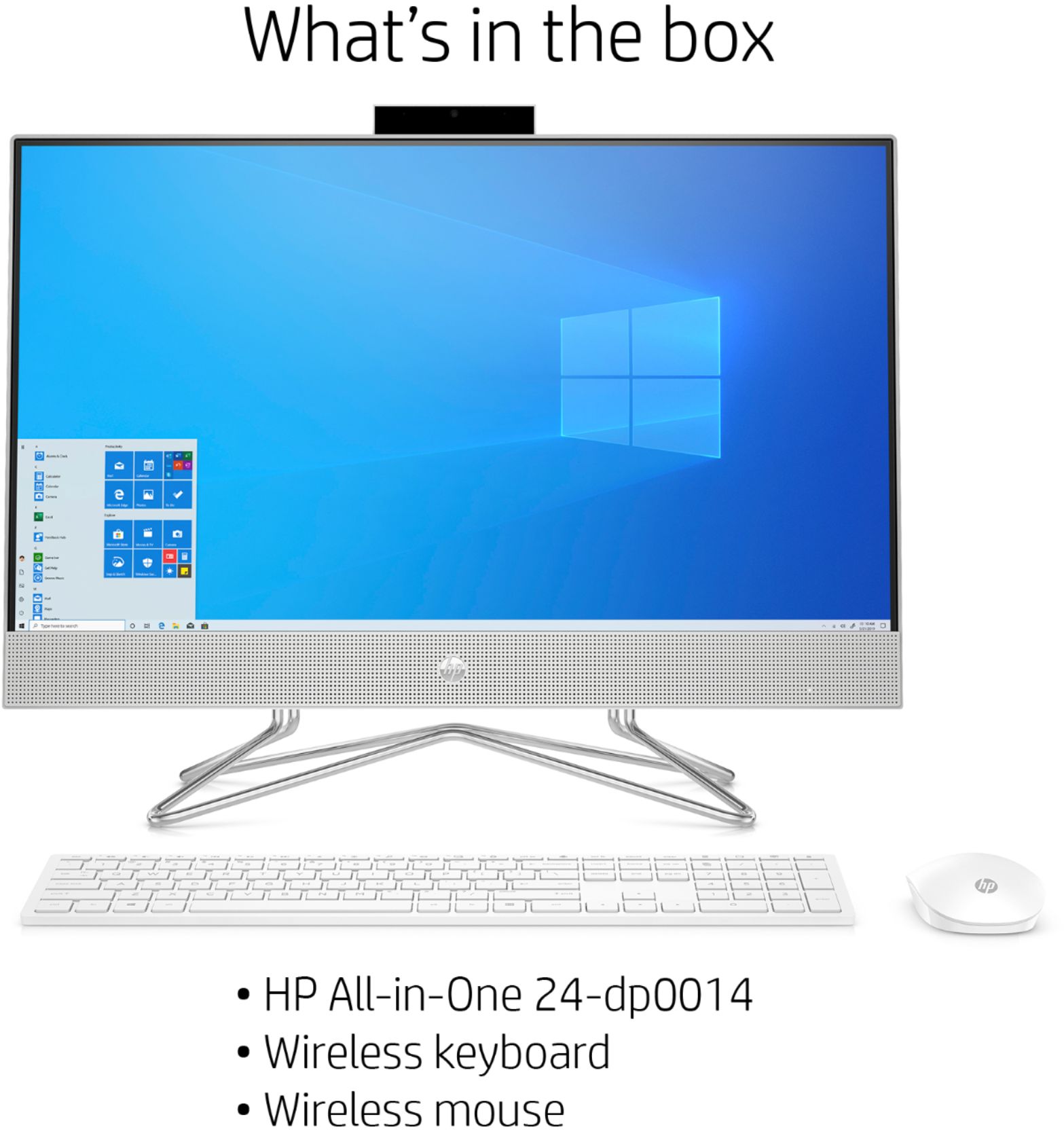
A:AnswerIn the short time that I have had this PC I have done several Zoom Meetings and a few Webinars - speed, clarity and versatility are remarkable. It's an "All-in-One", takes up no more space than a 23" monitor. The keyboard and mouse are wireless (a small USB transmitter plugs into the back of the unit).
A:AnswerHi Sebastian. No, sorry, this computer does not have a dedicated graphics card. Genshin Impact system requirements include a minimum Nvidia GTX 1030 dedicated graphics card.
A:AnswerYou can use an HP 5740 printer with this computer. Just make sure you install the most up-to-date drivers from the HP website. You can download the latest drivers for this printer at this link. https://support.hp.com/us-en/drivers/selfservice/hp-officejet-5740-e-all-in-one-printer-series/6617253/model/6617254