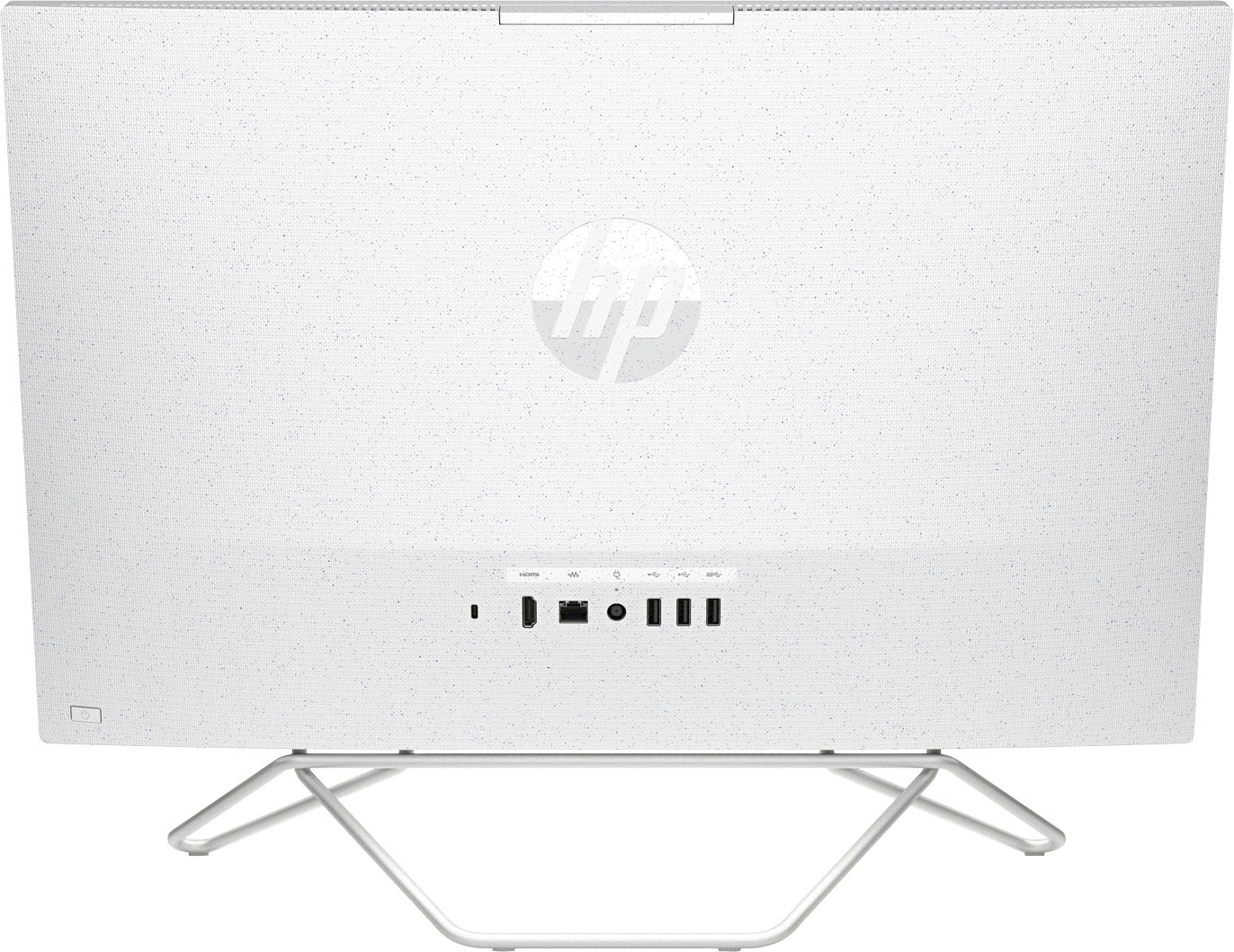
A:AnswerNot sure... What I did is purchased a 5TB LaCie external HD and it plugs in via USB C, you can get a USB C to A adapter for a few bucks on amazon or buy an A to C cable. The PC comes with enough 3.0 and 2.0 ports to still have empty slots for whatever else you need to plug in. Only down fall is they are all on the back, so pick up a USB 4 port expansion and it brings them to the front and adds more ports.
A:AnswerIt comes with a one-month trial of Microsoft 365, which contains those programs. After the trial period, you'll need to pay for it to continue using them.
A:AnswerThis model will not work for Autodesk Fusion 360. The recommended specs for this software say you should have a dedicated GPU with 1 GB or more of VRAM. I would look at some of the gaming desktop options. They will work great for Autodesk Fusion 360.
A:AnswerThank you for asking. The HP 24-cb0234 has integrated (shared) graphics. If your editing is not for a professional endeavor, this model has the memory and storage to suffice. Most software for editing on a professional level will indicate that discrete (separate) graphics are better for performance and results.
A:AnswerOn the Best Buy website if you click on Specifications and look under included, it will tell you if the device includes an optical disc drive. This particular model does not include one, but you can look into external options. Just make sure that the external supports the OS of the unit and that the unit meets the system requirements of the external optical disk drive.
A:AnswerYou would want to look at the system requirements for it from the developer's websites. Updates can change the requirements which can affect which settings you can run the games on or if you can run them at all. Some of these might have Cloud options which would not have as high requirements, but you would still have to look at the developer's site of the Cloud system to see the requirements for it.
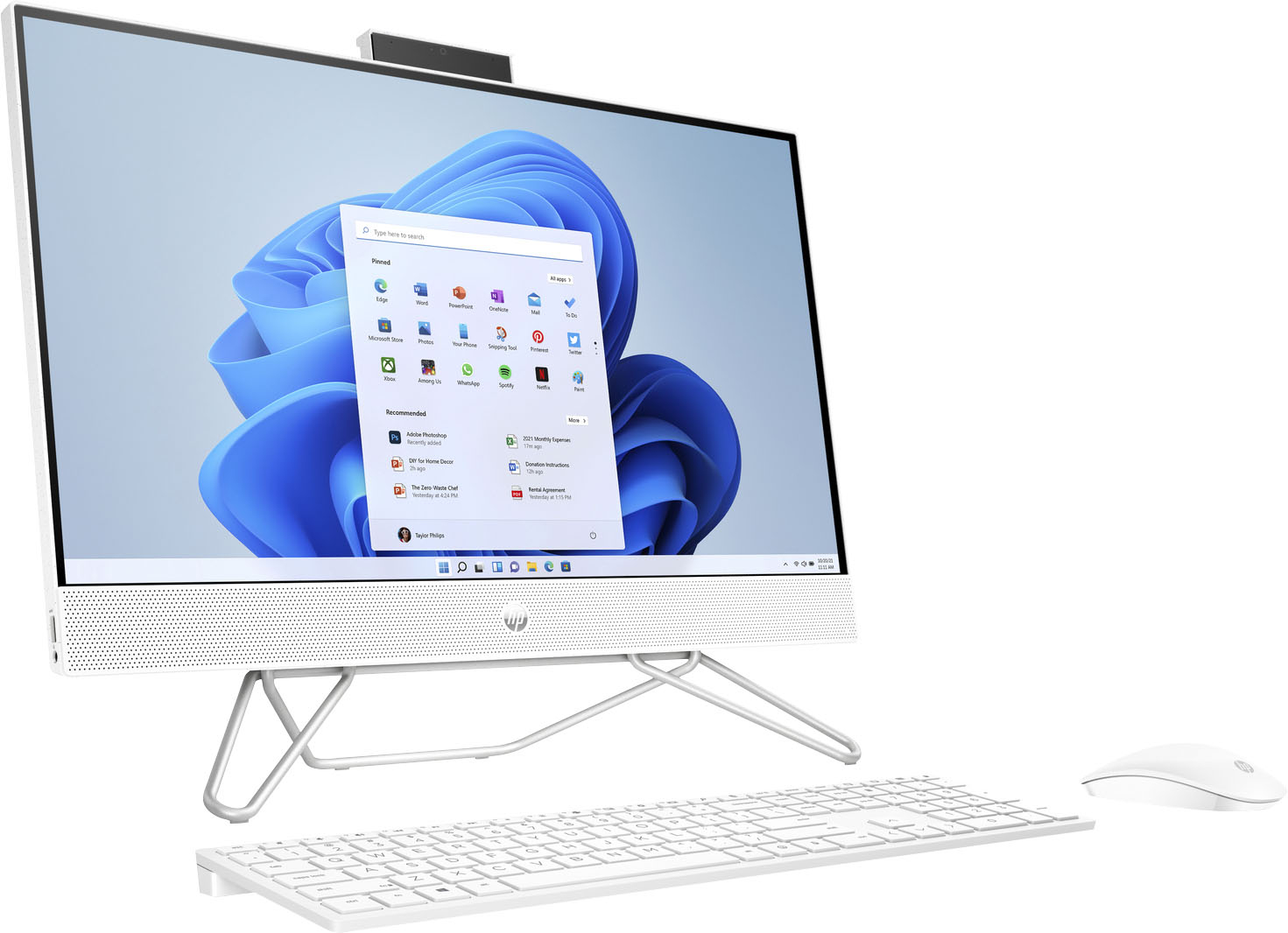
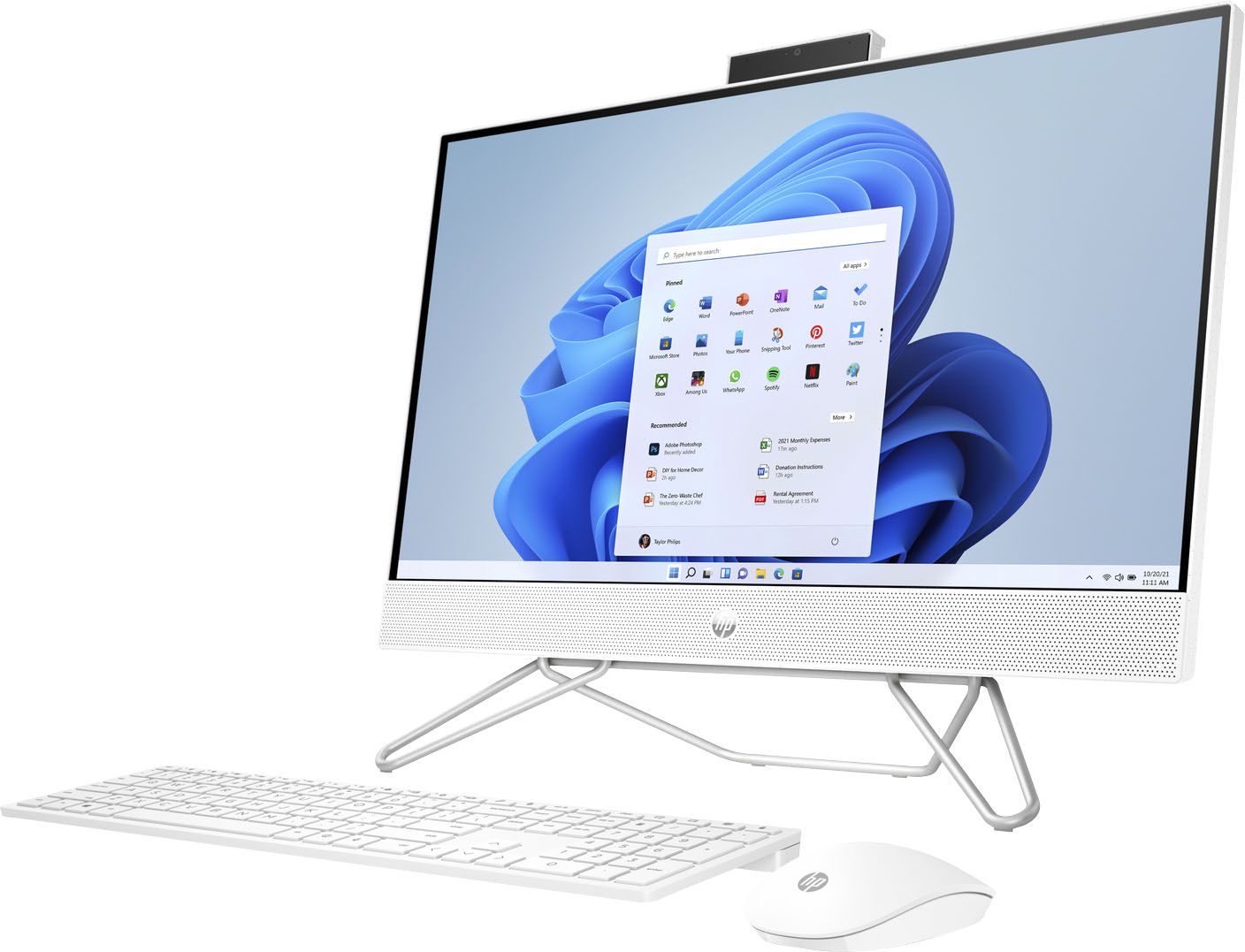
A:AnswerYes it does come with a camera and I like it due to the fact that it's the pop-up so when you're not using it you just have it down and when you need it you pull it up for it can be used
A:AnswerHello. Thanks for your question. First, be sure you have the webcam popped up for a video conference. The webcam is located at the top of the computer and in the middle. If you press down on the webcam, it will pop up. If you are still having issues, be sure that you have activated the video in the Zoom app. Here are some troubleshooting steps you can try: https://support.zoom.us/hc/en-us/articles/201362313-Testing-your-video If the webcam is not working at all, here are some other troubleshooting steps you can try: https://bit.ly/34m9rFf If you need further assistance, contact HP Support: https://support.hp.com