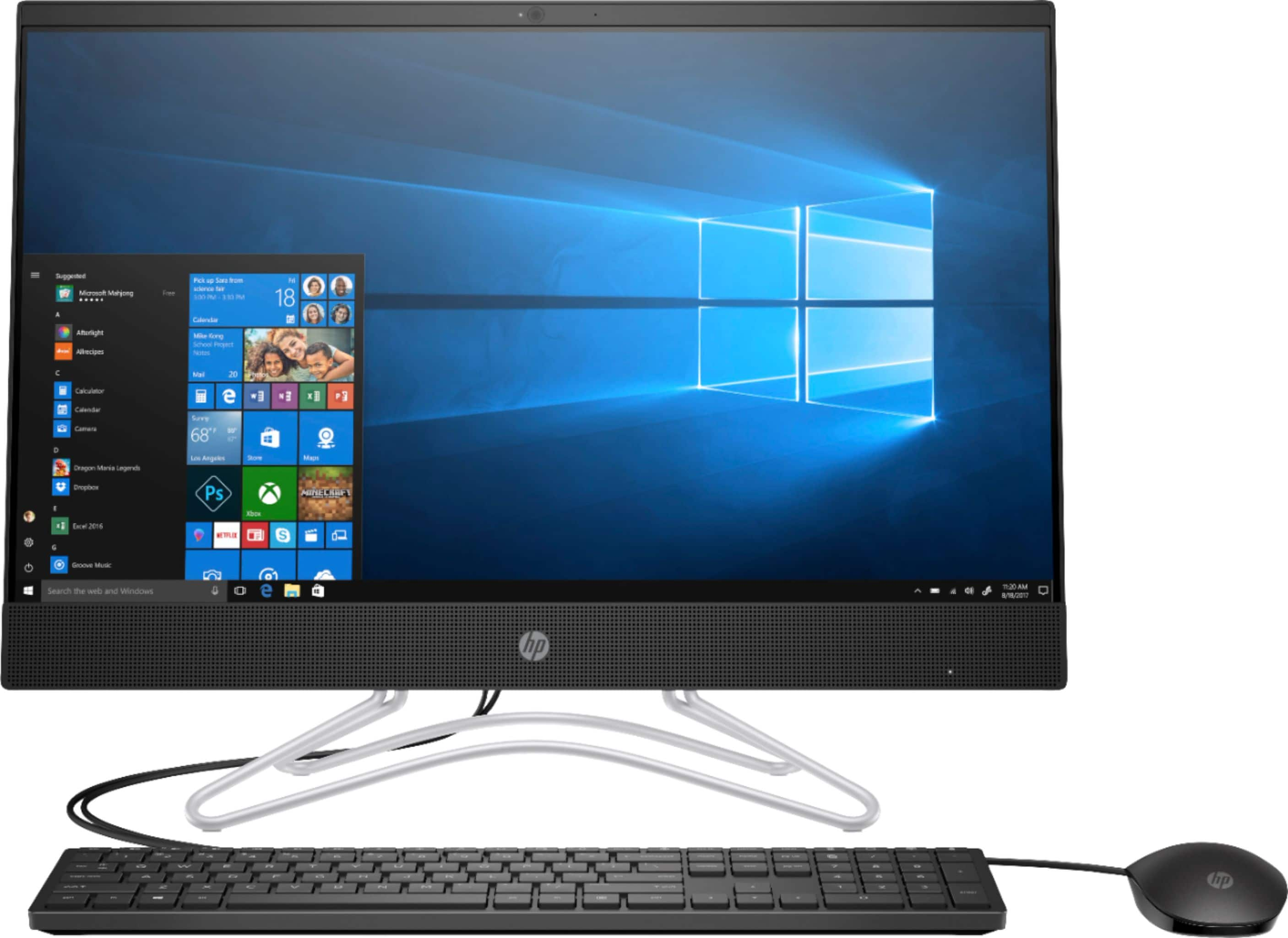
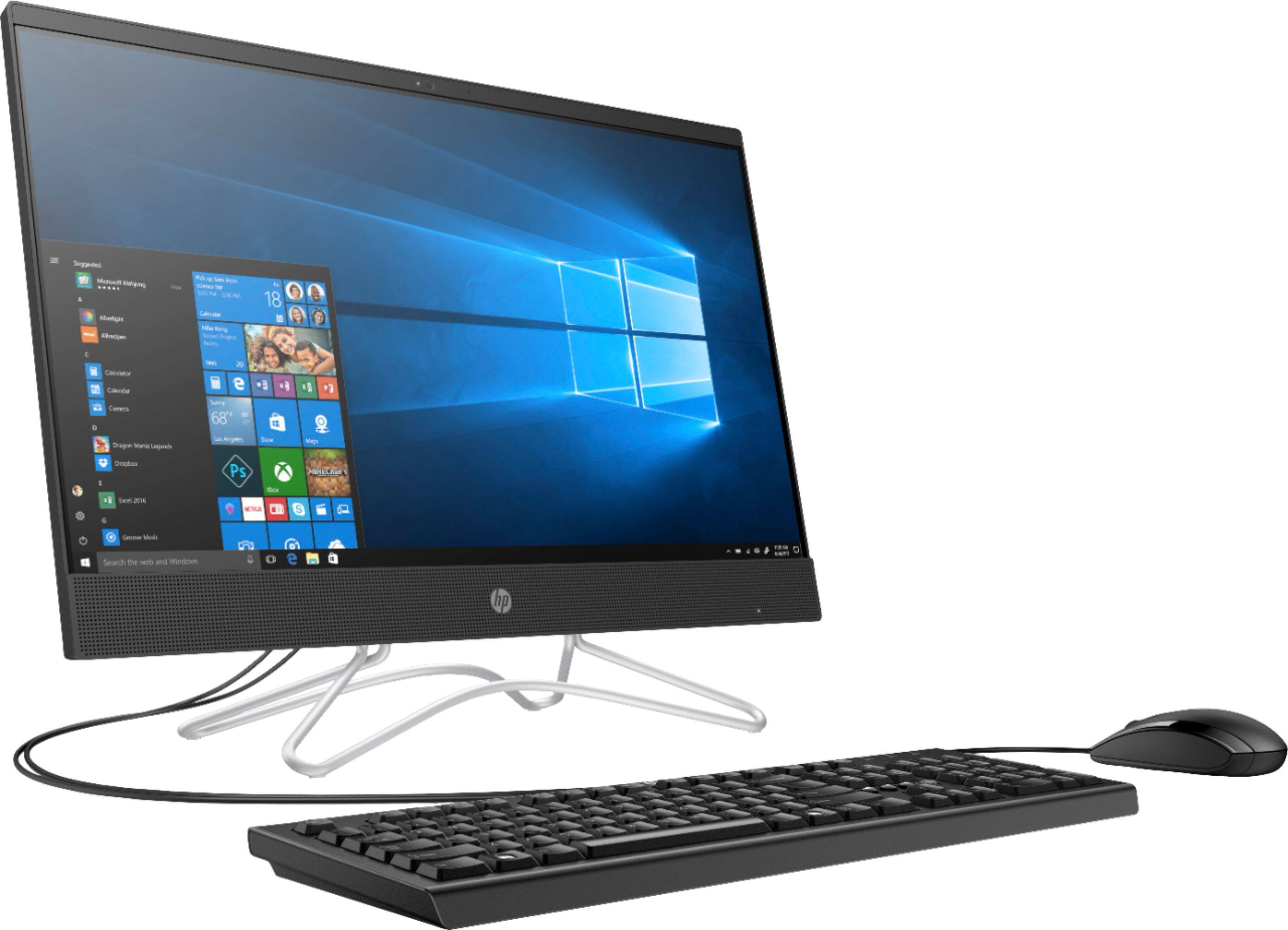
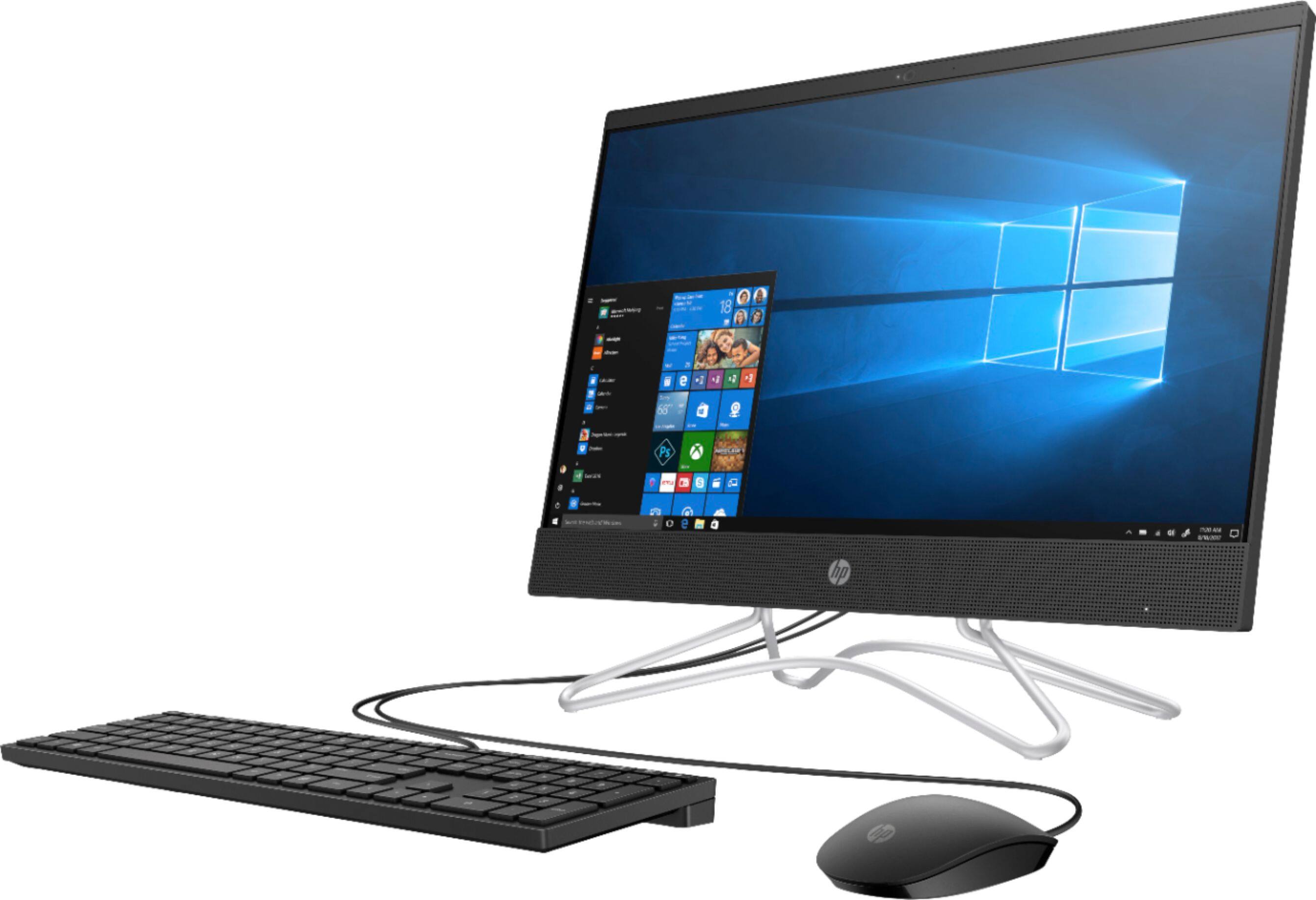
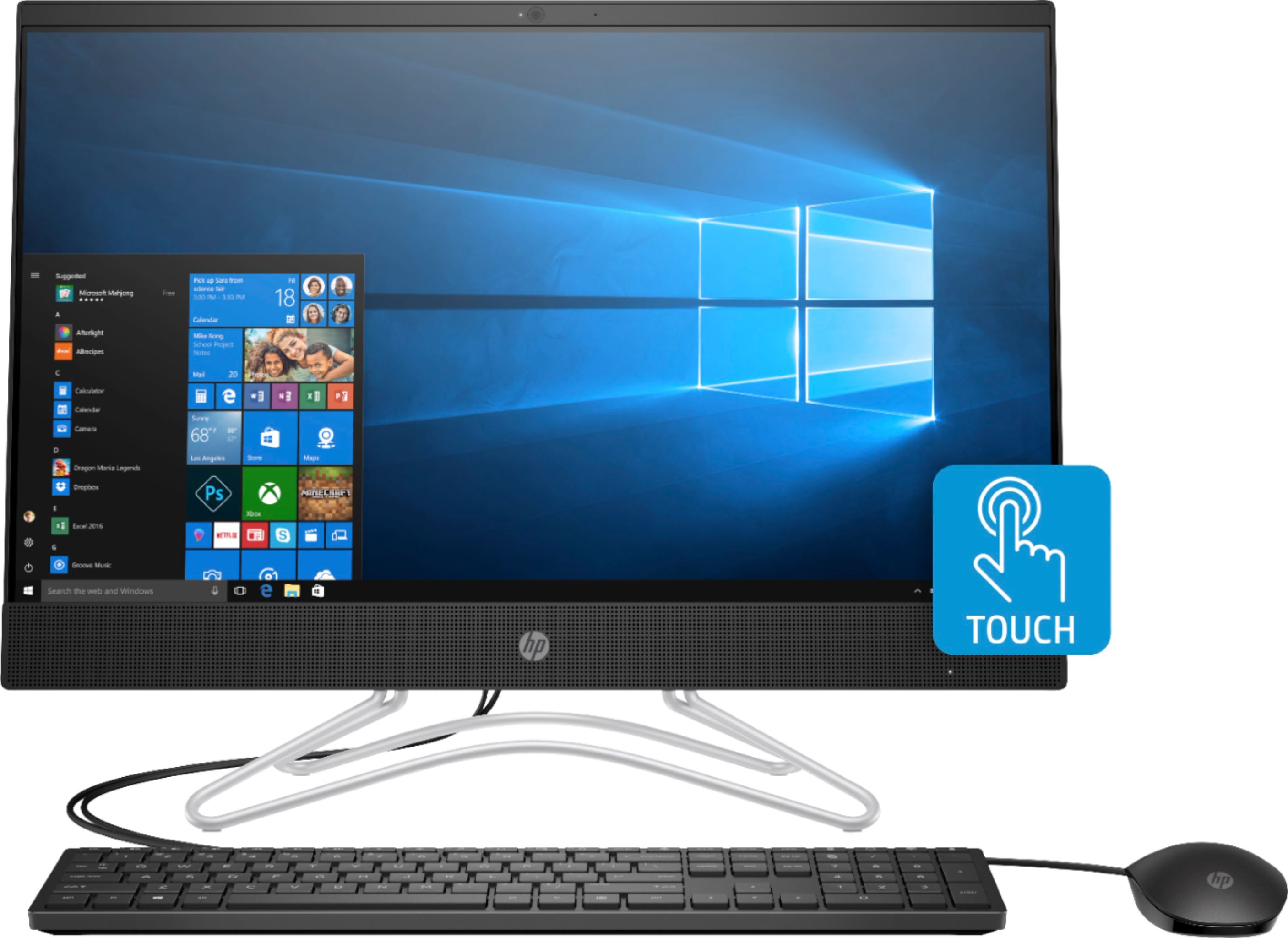
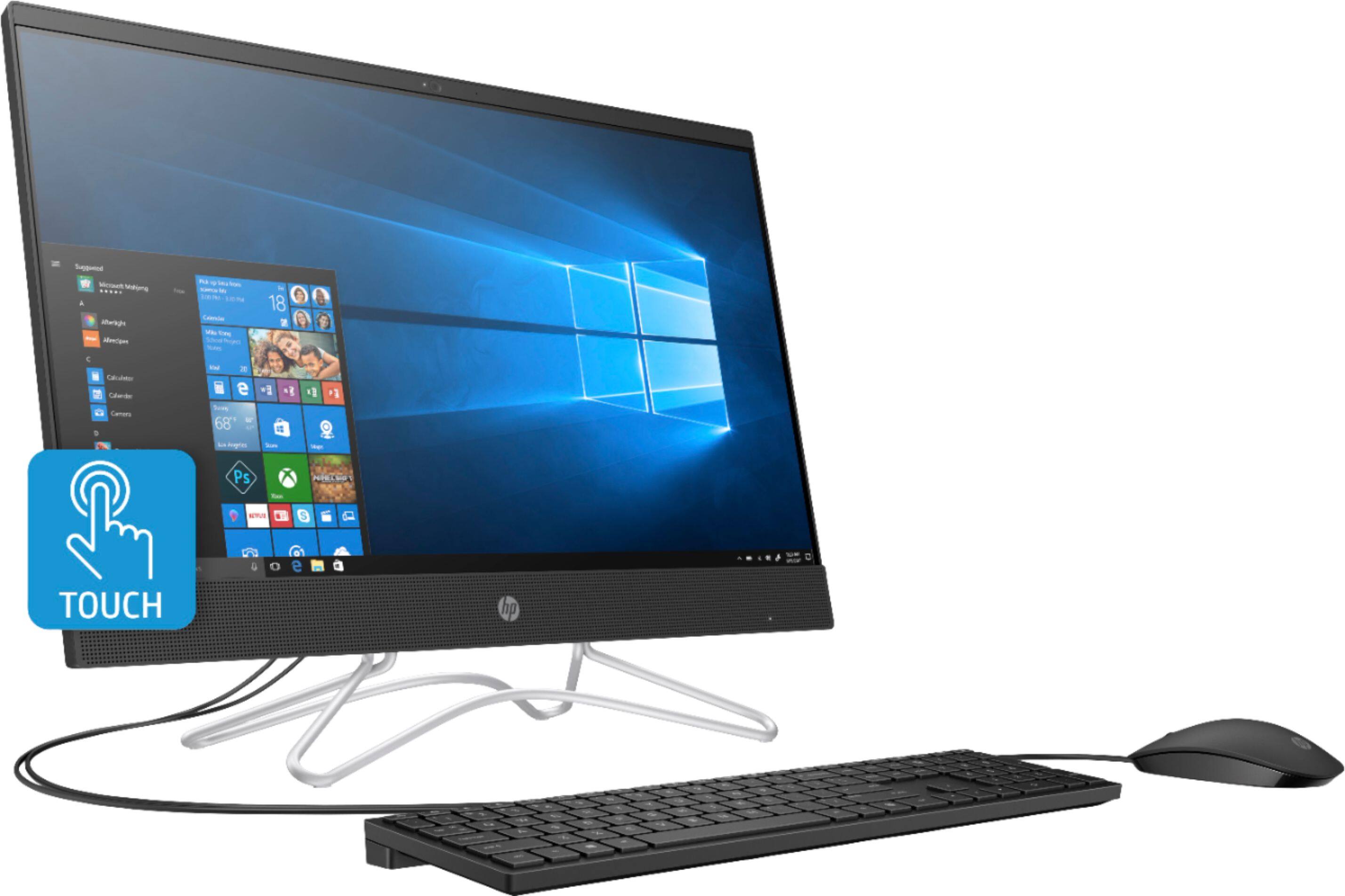
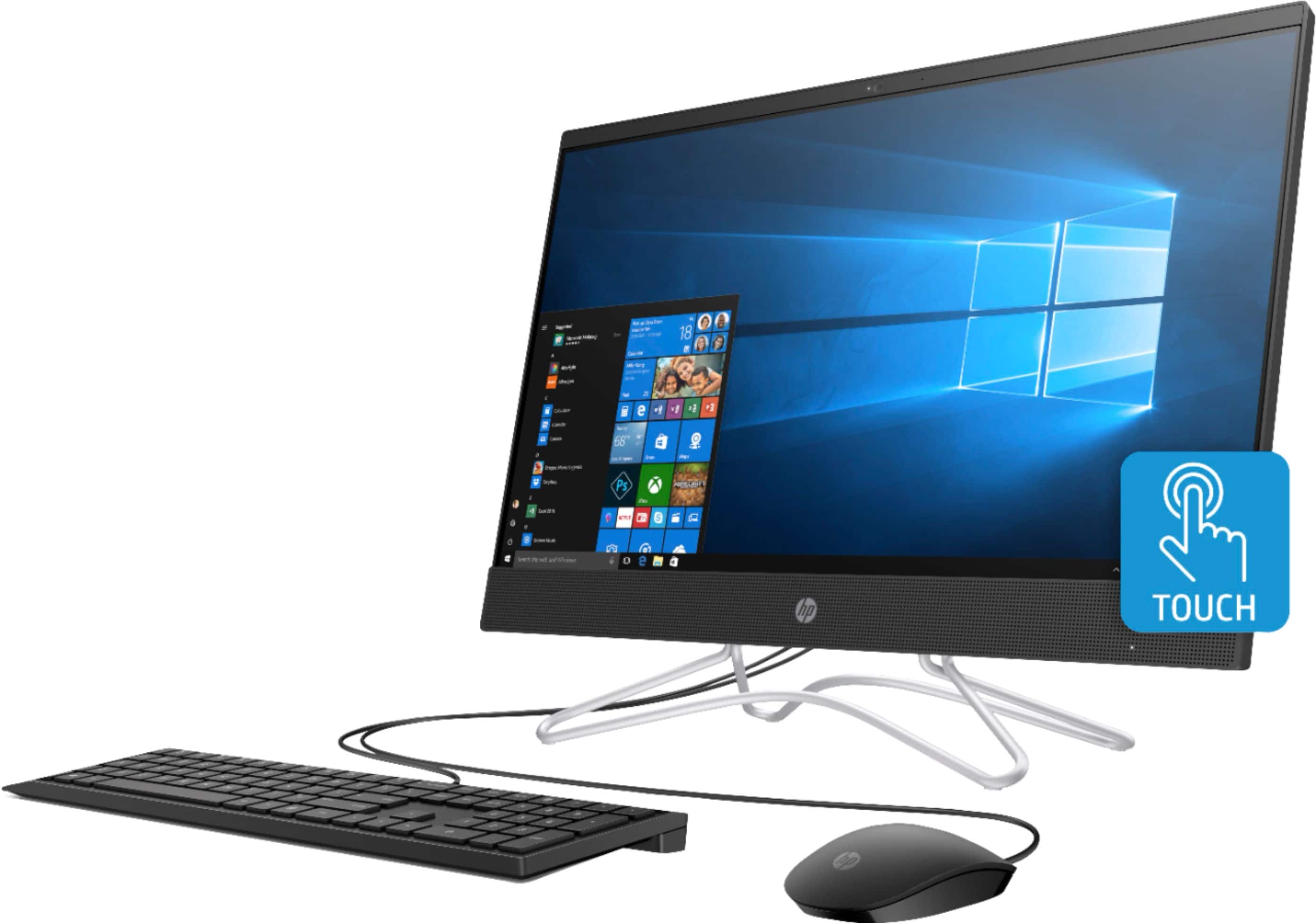
A:AnswerIn the photo it looks like there is a microphone to the right of the camera. The specs don't mention microphones. You can test to see if you have one using voice recorder - search for the app in the search window and run it to see if you can record yourself speaking.
In the users manual there are instructions about plugging in an external mic.
You might try to plug in a headphone with a mic or external mic to see if that helps.
A:AnswerI did everything that HP support and MS said to do. Still would not wake up. Had to turn off and back on.
Then I tried putting the monitors on never sleep but CPU going to sleep after 15 minutes. This has worked. It even makes the monitors (have 2) blank out when they receive no signal.
Just got another HP BIOS update though (had done one before). Hopefully, this won't change.
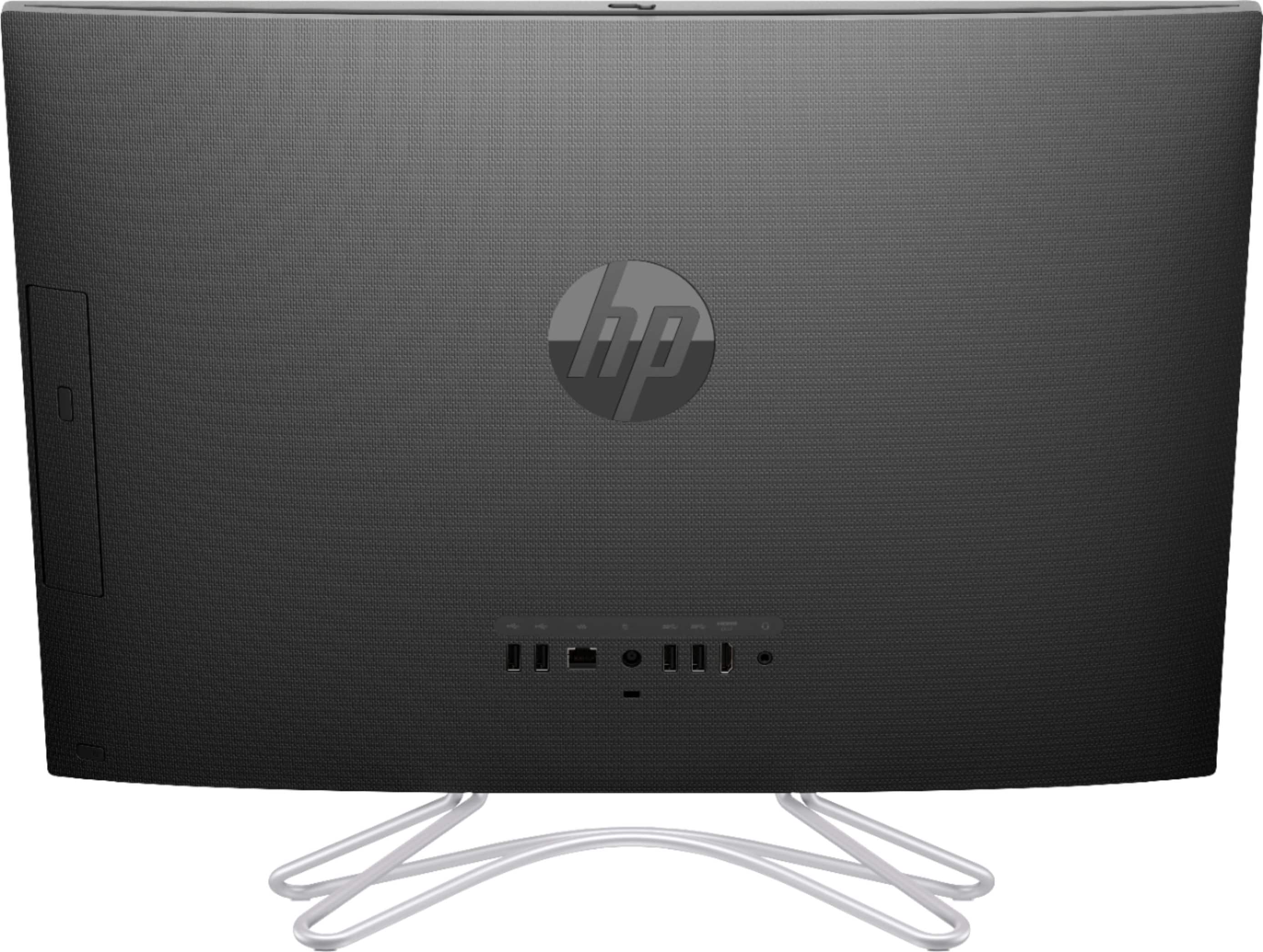
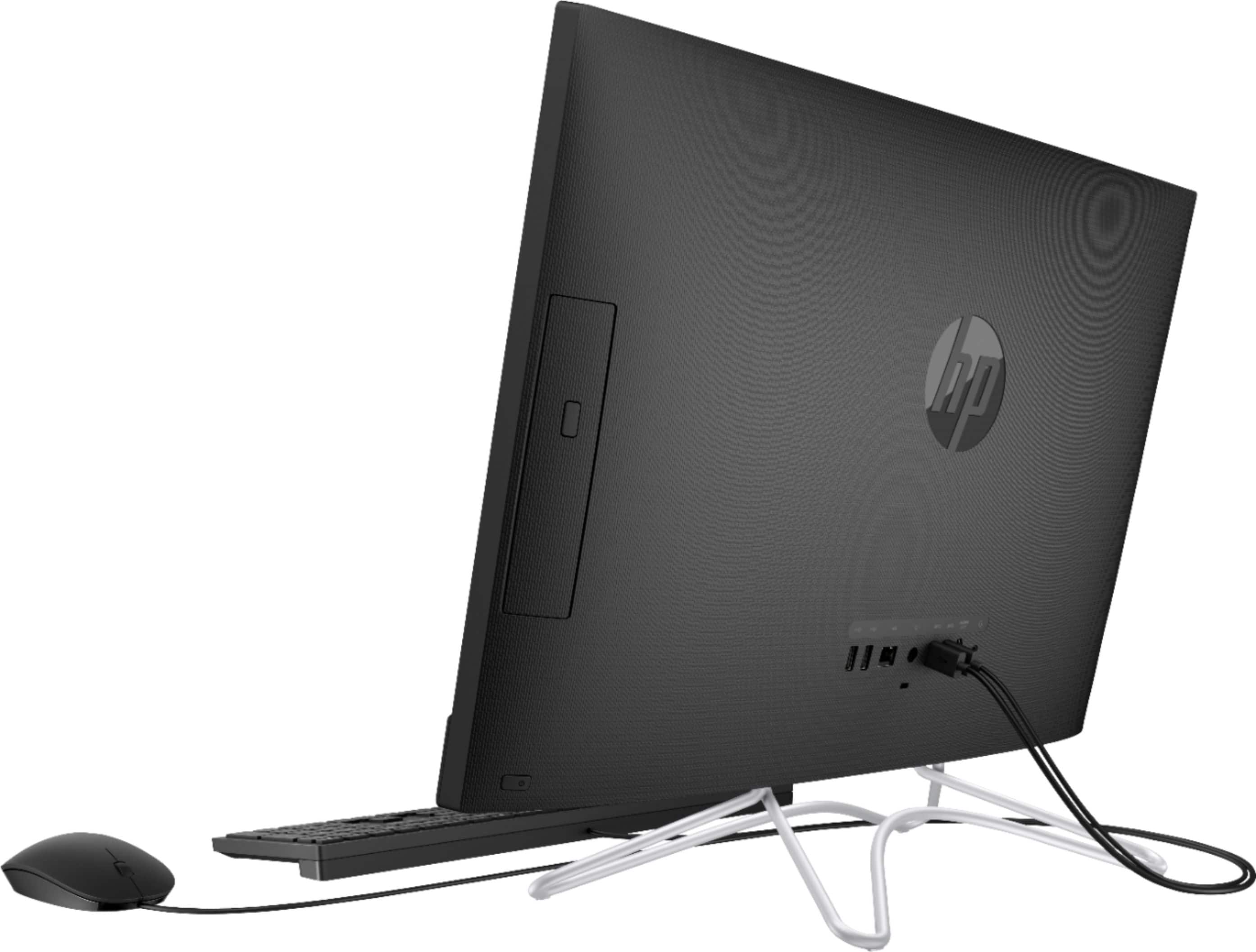
A:AnswerIt depends on what ports are available on the computer. You would need an HDMI out port to connect to a monitor. This computer does have the HDMI out port.