A:AnswerIf your console has a display port connection, kinda yes. Kinda no. You can set it to 144hz but the console will either lock it back in at 30-60 or you’ll get 60fps at a sliiiightly smoother than normal 60fps.
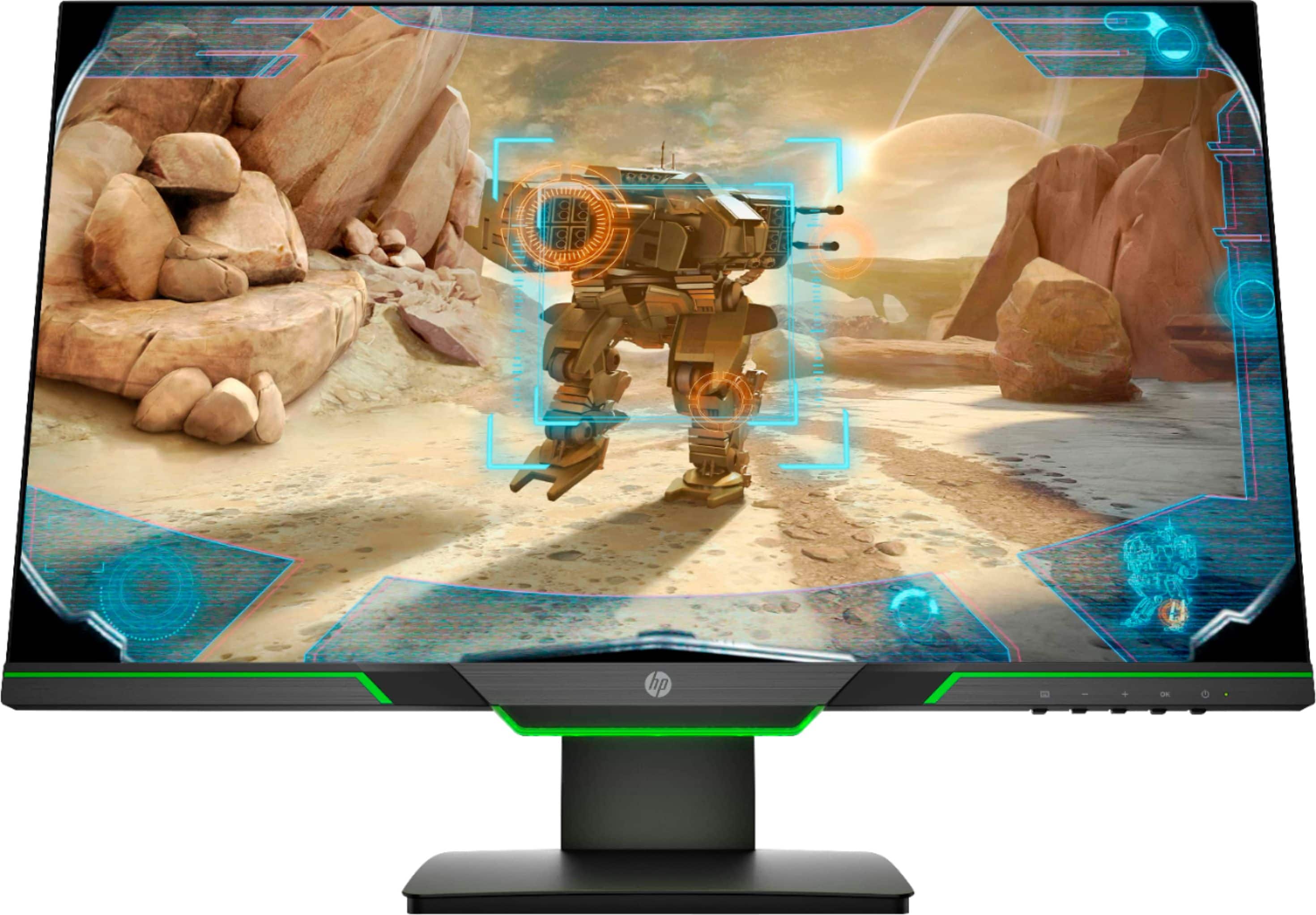
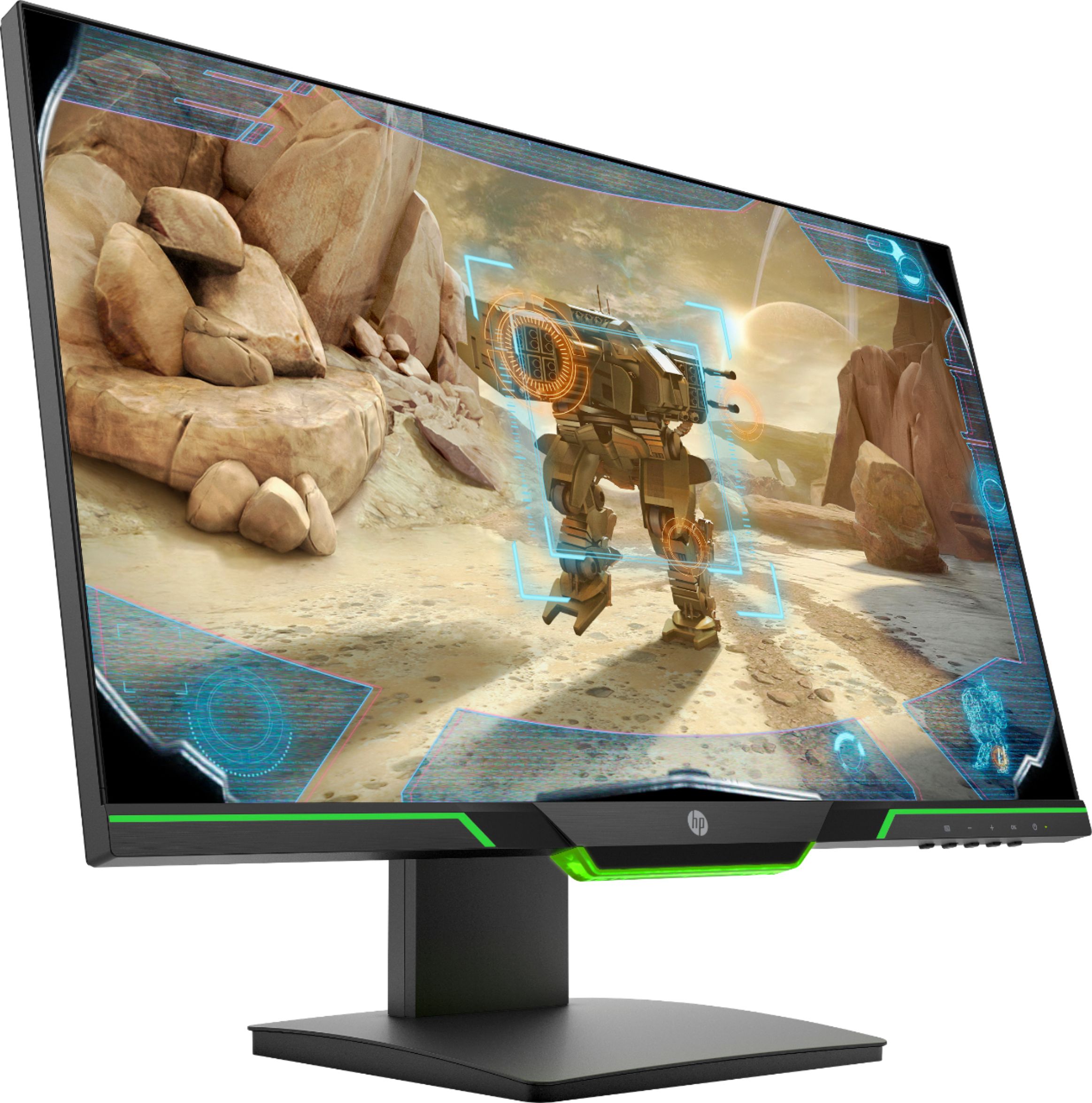
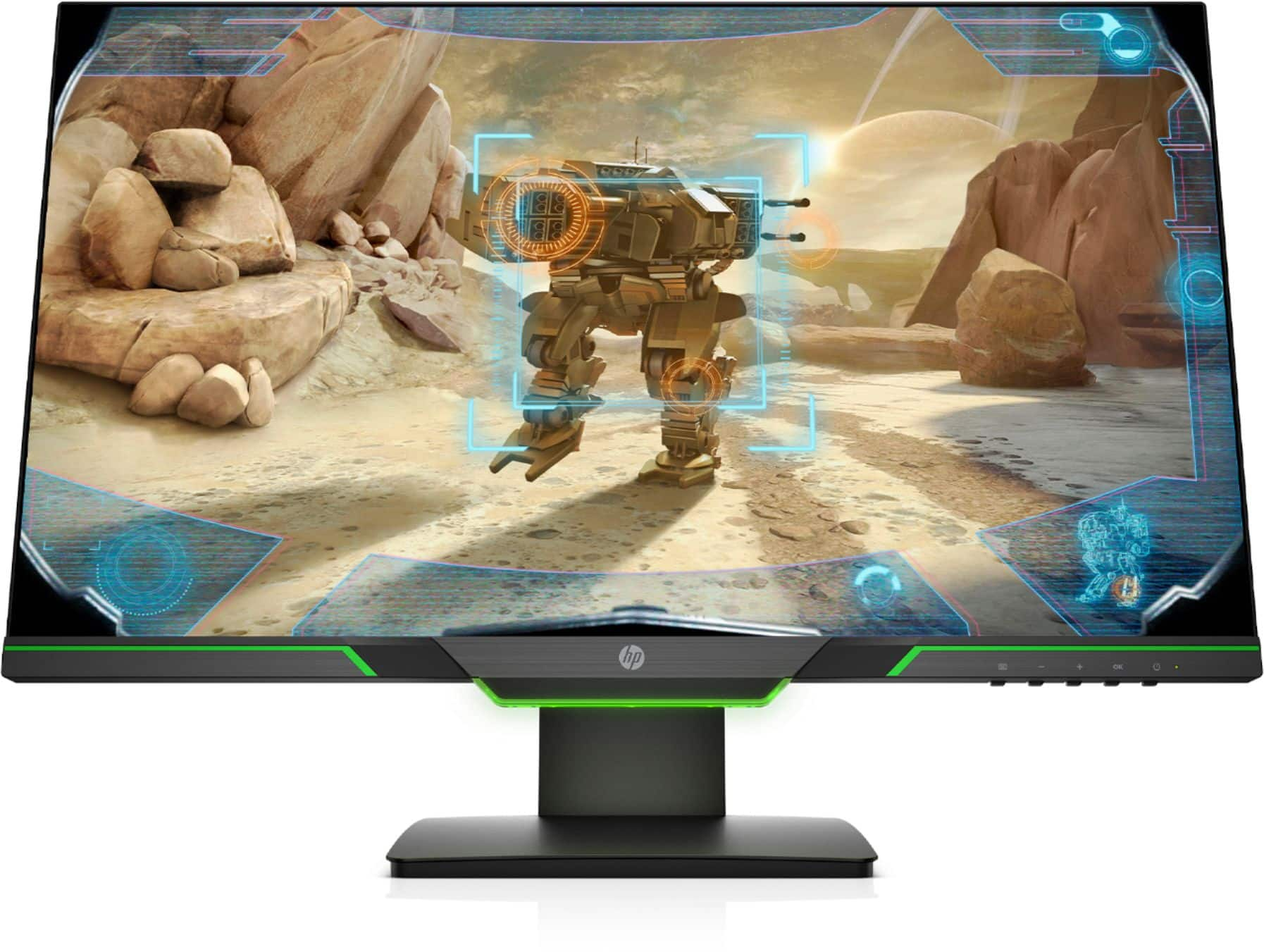
A:AnswerThere are buttons for adjusting the brightness and other features for the monitor. The buttons are located on the right side under the monitor screen.
A:AnswerI appreciate you taking the time to reach out. I would recommend reaching out to the Support for your PS4 to find information on making sure you are outputting the correct resolutions.
A:AnswerYou need to make sure the display settings are supported. Also make sure your adapter is the best quality. I recommend reaching out to The adapters manufacturer or HP support for troubleshooting.