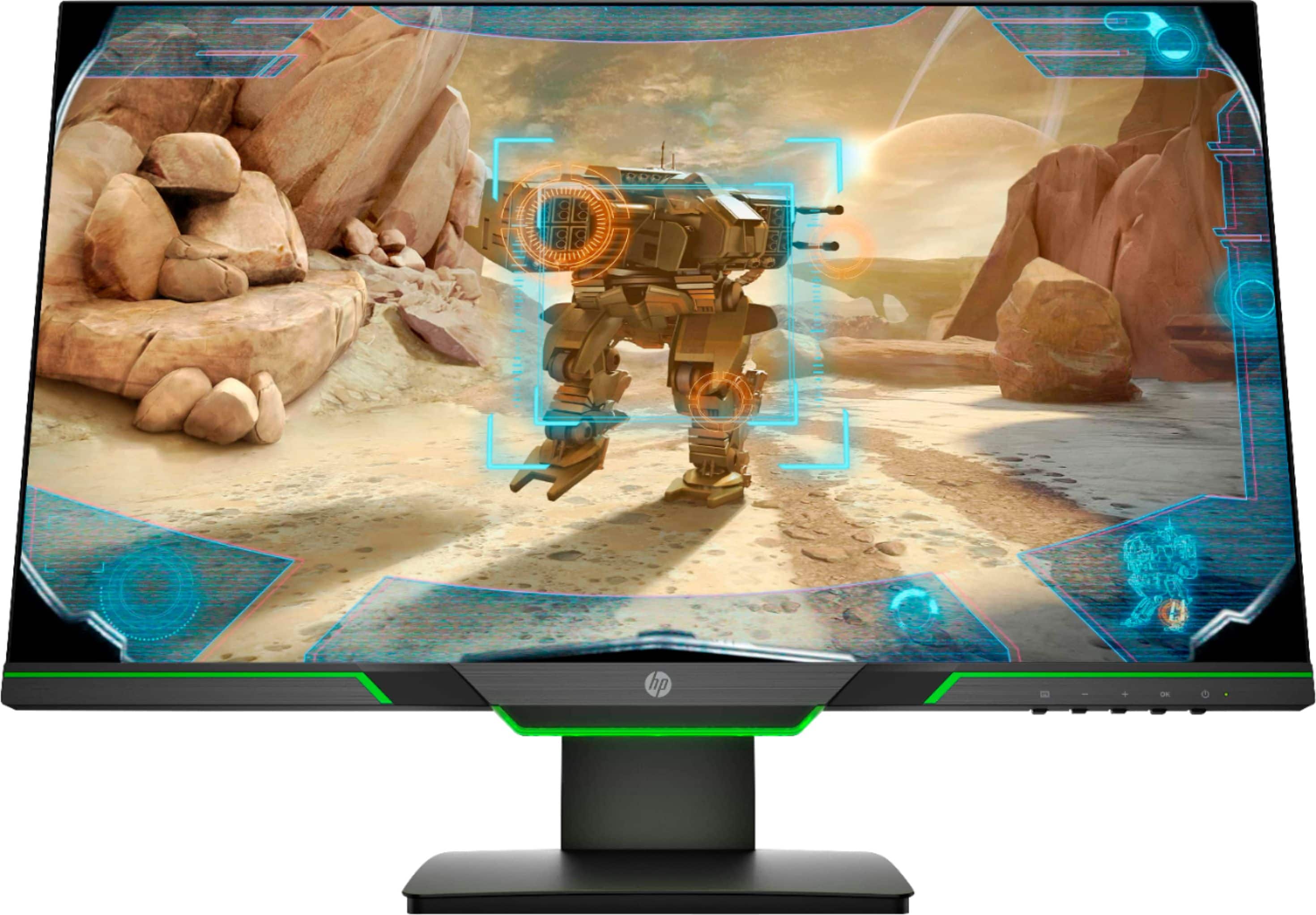
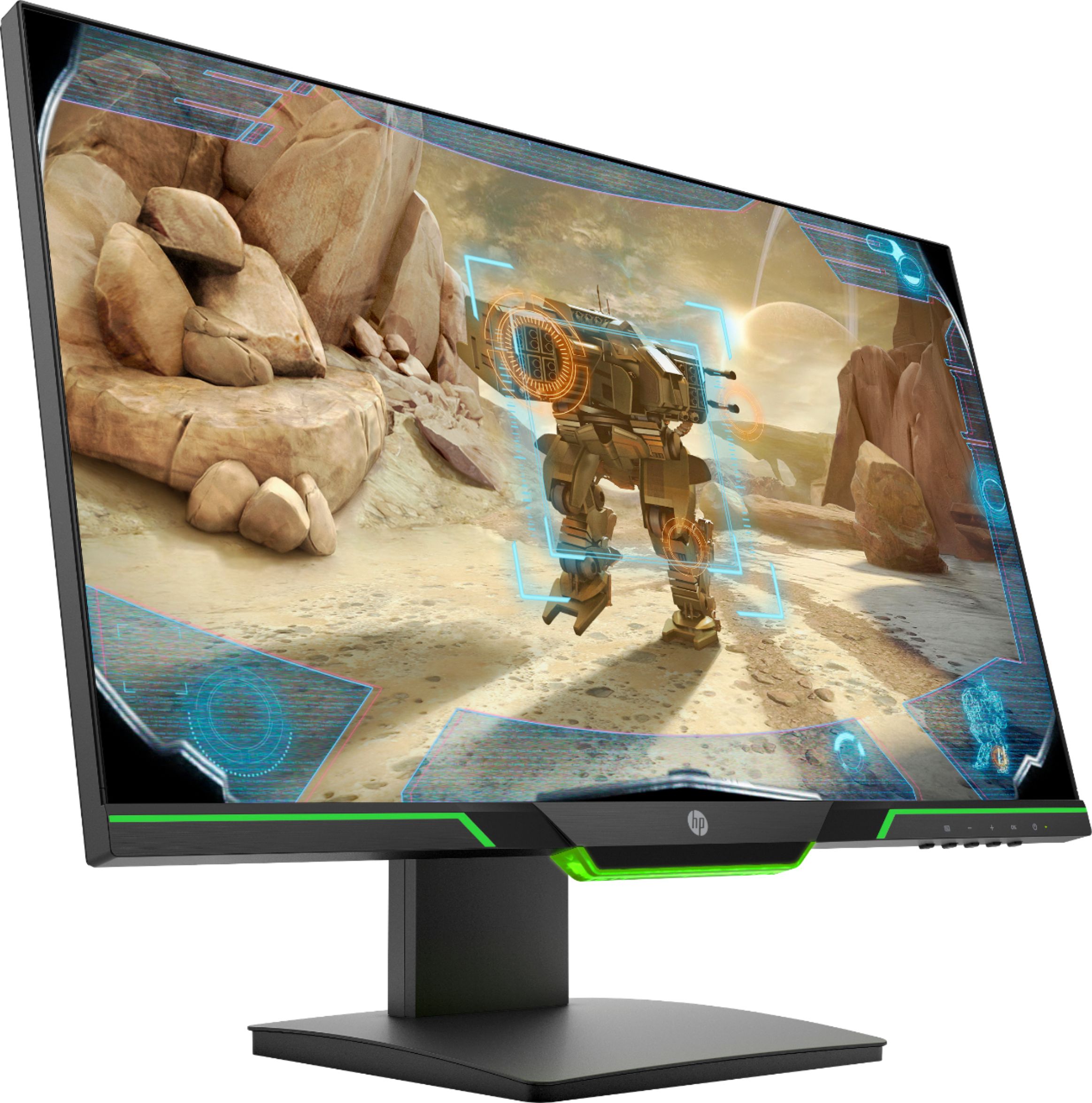
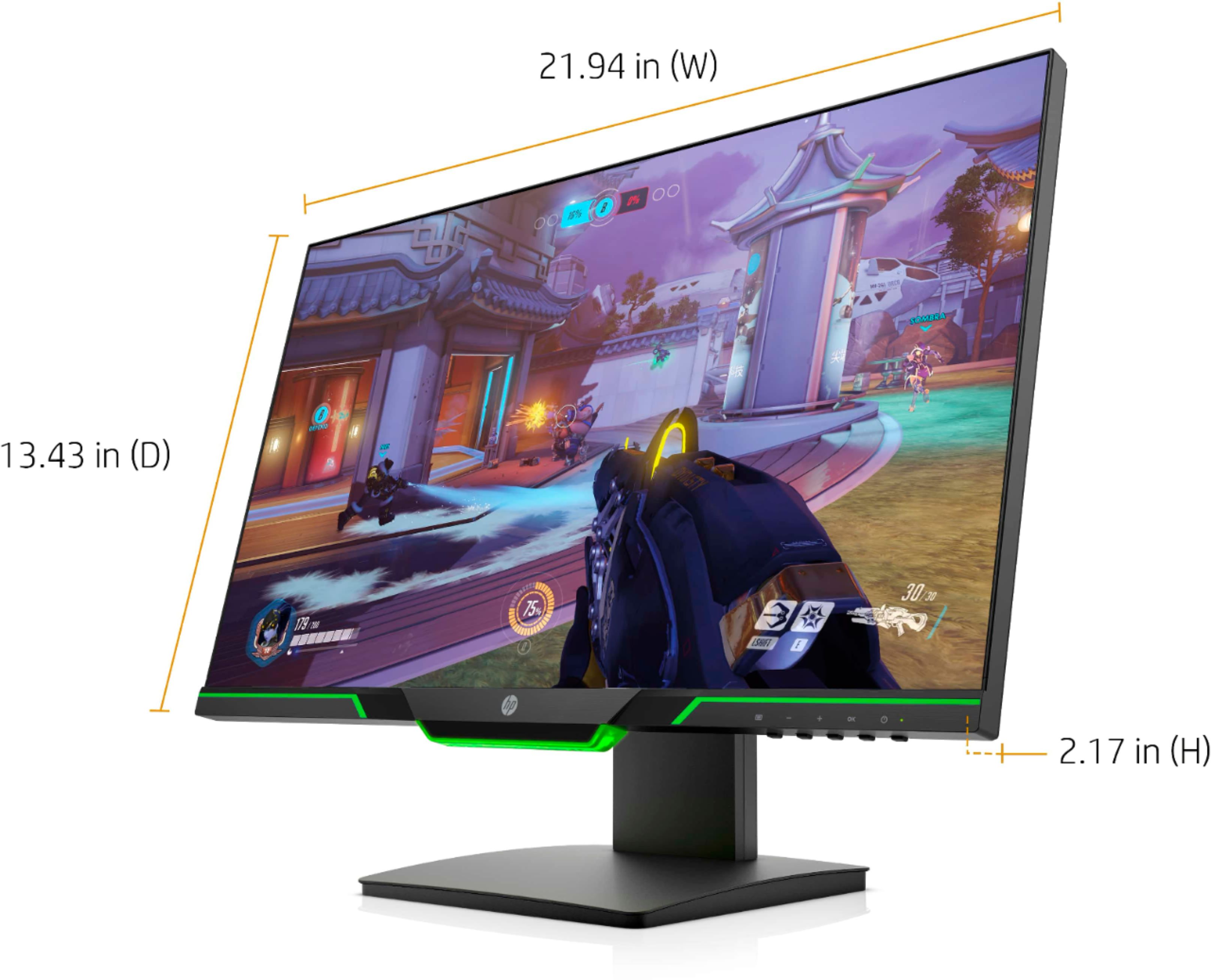
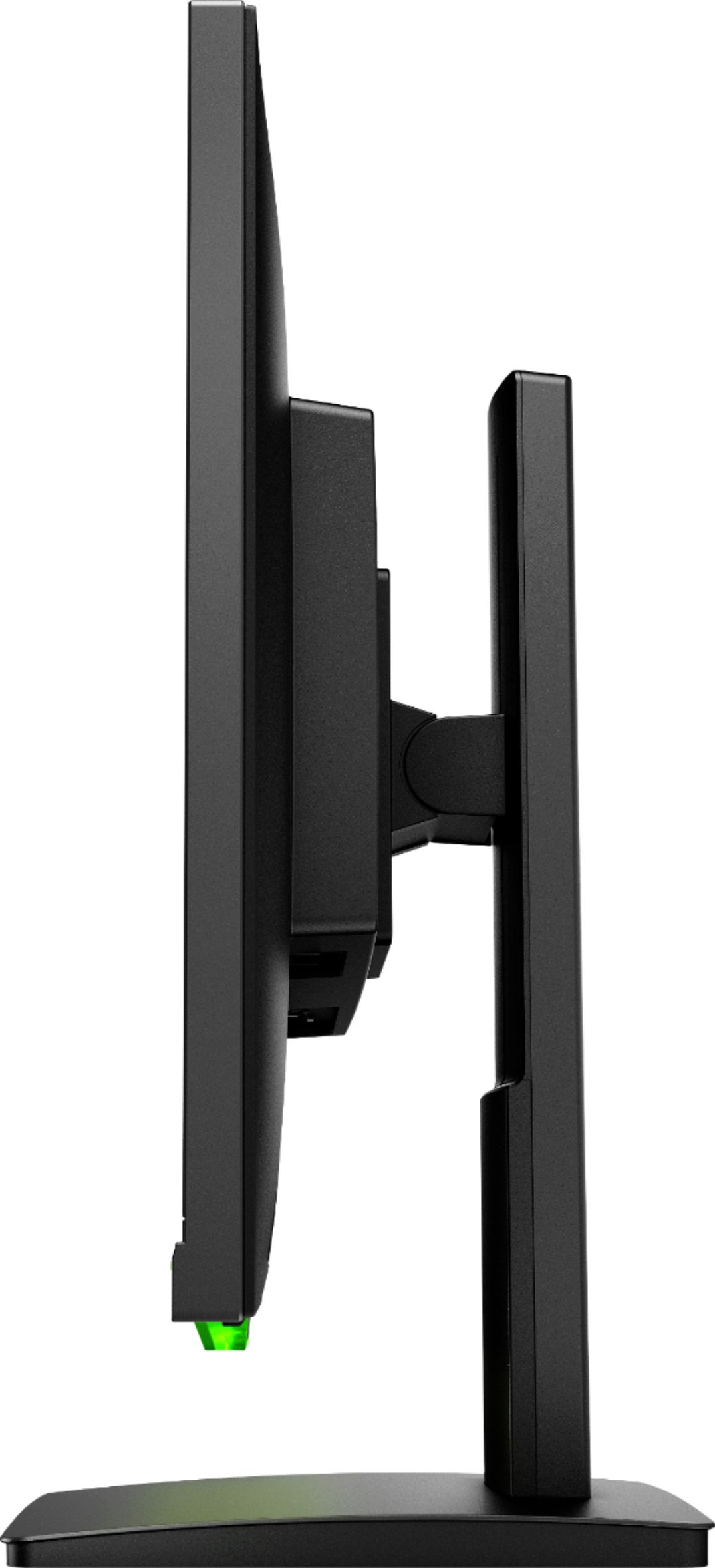
A:AnswerEach monitor will need its own port to plug into. Connecting the monitors together and running an HDMI cable to the dock will not work. You will need a dock that has multiple Displayport or HDMI ports.
A:AnswerThis model has HDMI and DisplayPort. If you laptop has one of those ports it will work. If it does not have those ports you would need top get an adapter.
A:AnswerThe resolution is 1920x1080 (1080p). You can adjust the refresh rate from 60 Hz to 144 Hz. Having G-Sync enabled will match the refresh rate to the frame rate of the PC.
A:AnswerYes, you can take the stand off of this HP 25x monitor so you can mount it on a compatible 100 mm x 100 mm VESA mount. Page 10 of the User Guide gives you instructions on how to remove the stand and attach the VESA mount: http://h10032.www1.hp.com/ctg/Manual/c06081133
A:AnswerHDMI sends both the audio and video signal out and Windows directs them both there. You can go into settings and force the audio out of the audio jacks, OR you can use something like this to remove the audio out for speakers:
https://www.bestbuy.com/site/insignia-hdmi-audio-extractor-black/6324750.p?skuId=6324750