A:AnswerIt comes with a DisplayPort and an HDMI port. If your computer has either of those, you can plug it directly into the computer without any sort of adapter.
A:AnswerIf you have an accidental damage coverage you should contact whoever issued that plan.
If not, please contact HP support at https://support.hp.com or call them a 1-800-HPINVENT.
A:AnswerWithout knowing what the problem is, it's impossible to say here. The Geek Squad at your local Best Buy should be able to see what the problem is and give you an estimate on what it would cost to fix it.
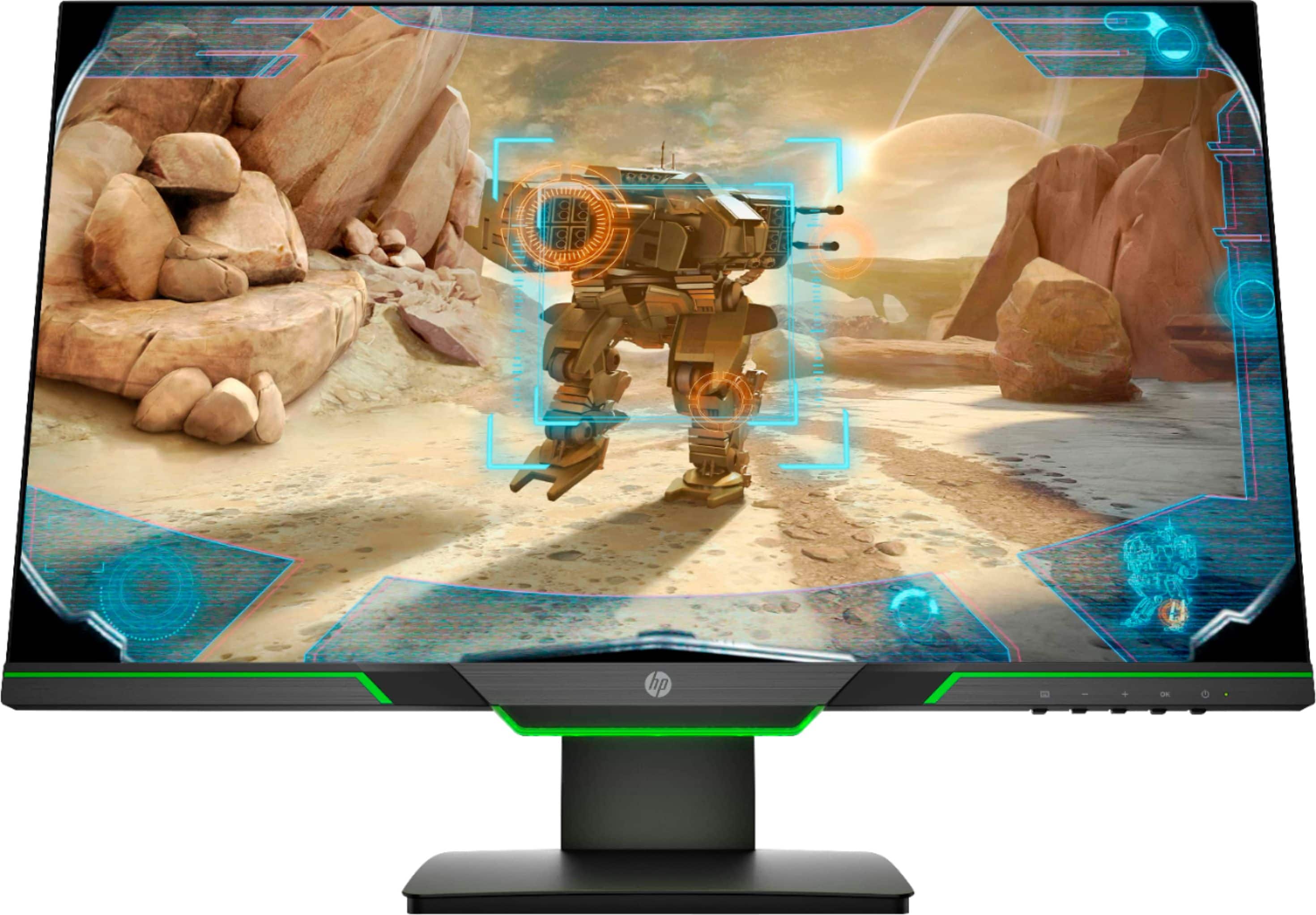
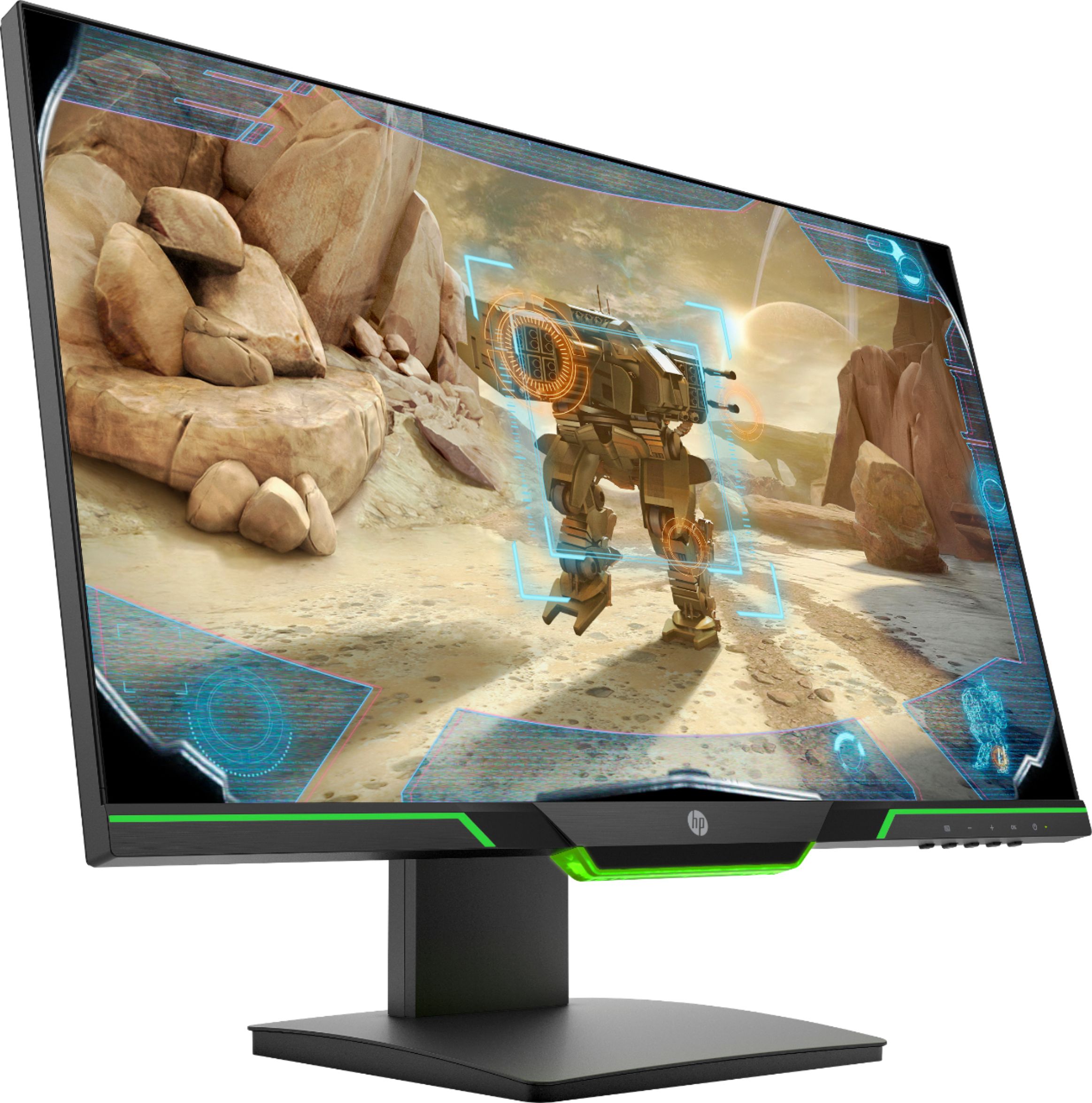
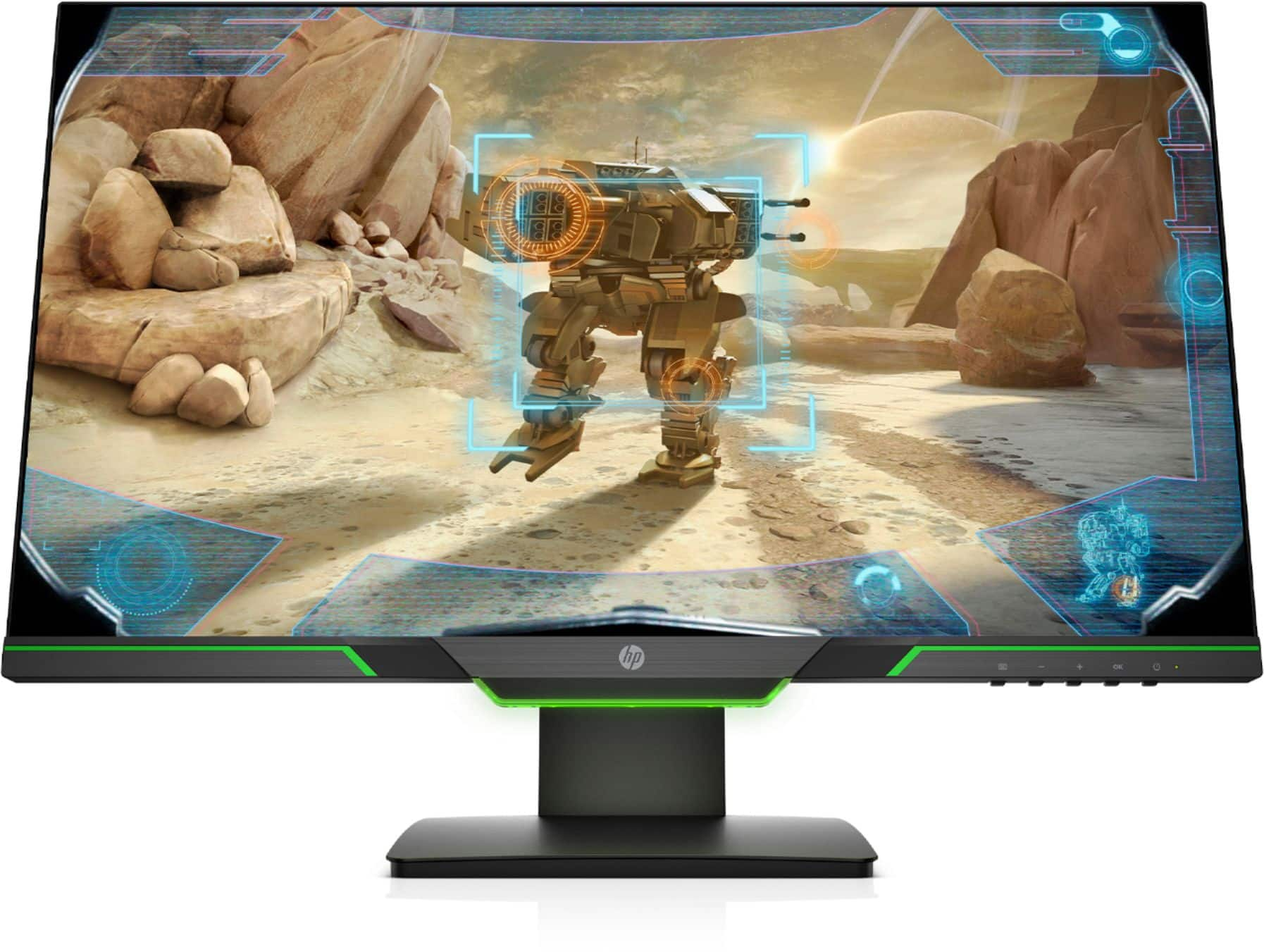
A:Answergreen lines on the bottom side are green stickers, kind of like the old pin-line (penline?) racing stripes on cars. Personally I find the green light distracting and so I am happy it doesn't stretch across the bottom of the monitor.
A:AnswerThis has happened to me a couple of times. I think it’s the graphics card interfering with the frame rates for the games—usually turning off the monitor and turning it on again fixes it which makes me think it’s the adjustment from low to high frame rates that makes it flicker
A:AnswerHey!! Got the same monitor since feb 1 and it doesn’t happen to me. I play Call of duty on PC and the only time it goes black and tell me to check my video is when i turned off the PC. Probably or is the HDMI u have or is the monitor.