A:AnswerThank you for the question. Go to settings and be sure the audio is turned on. If so, check the keyboard hot keys (indicated with a speaker icon) to adjust the volume to your liking.
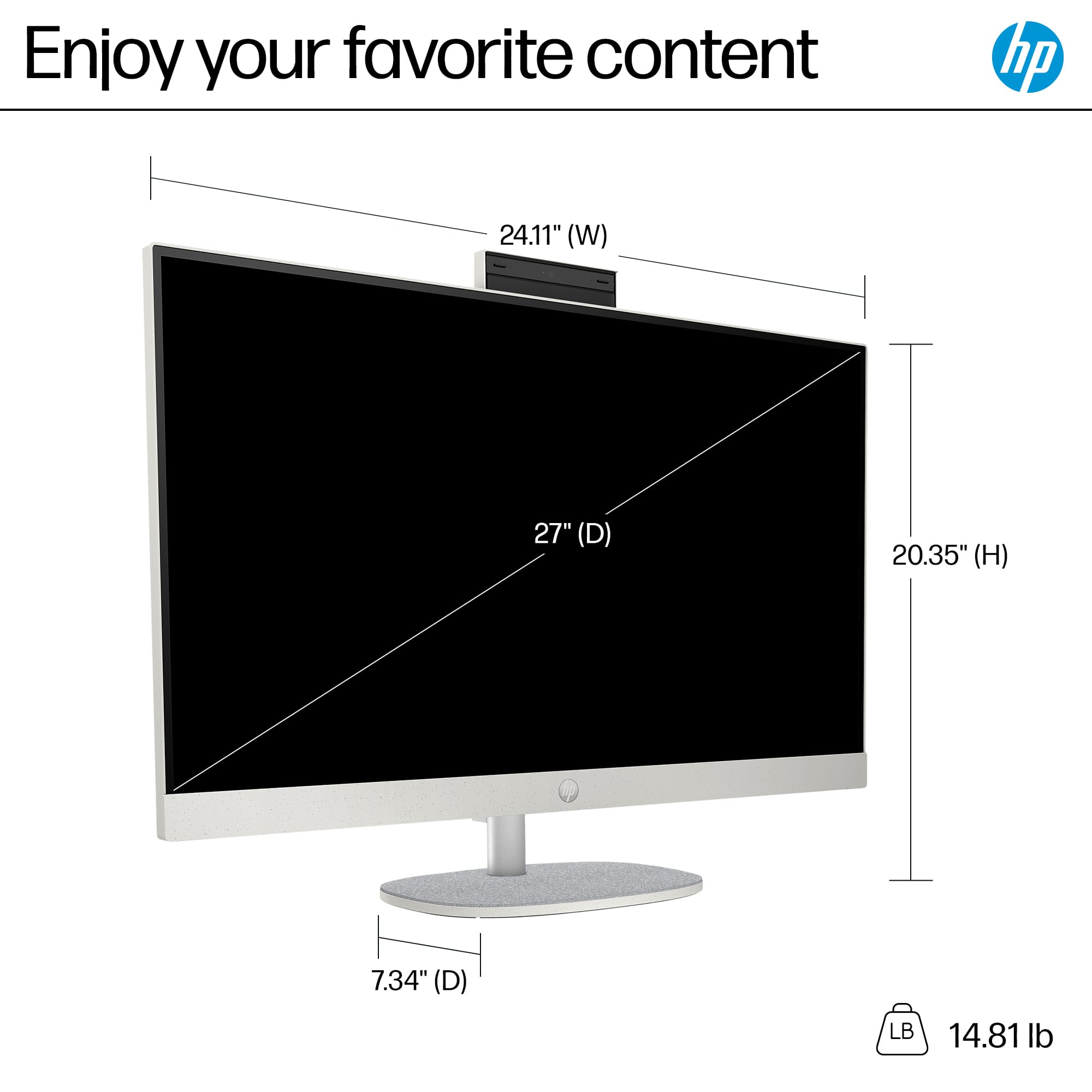
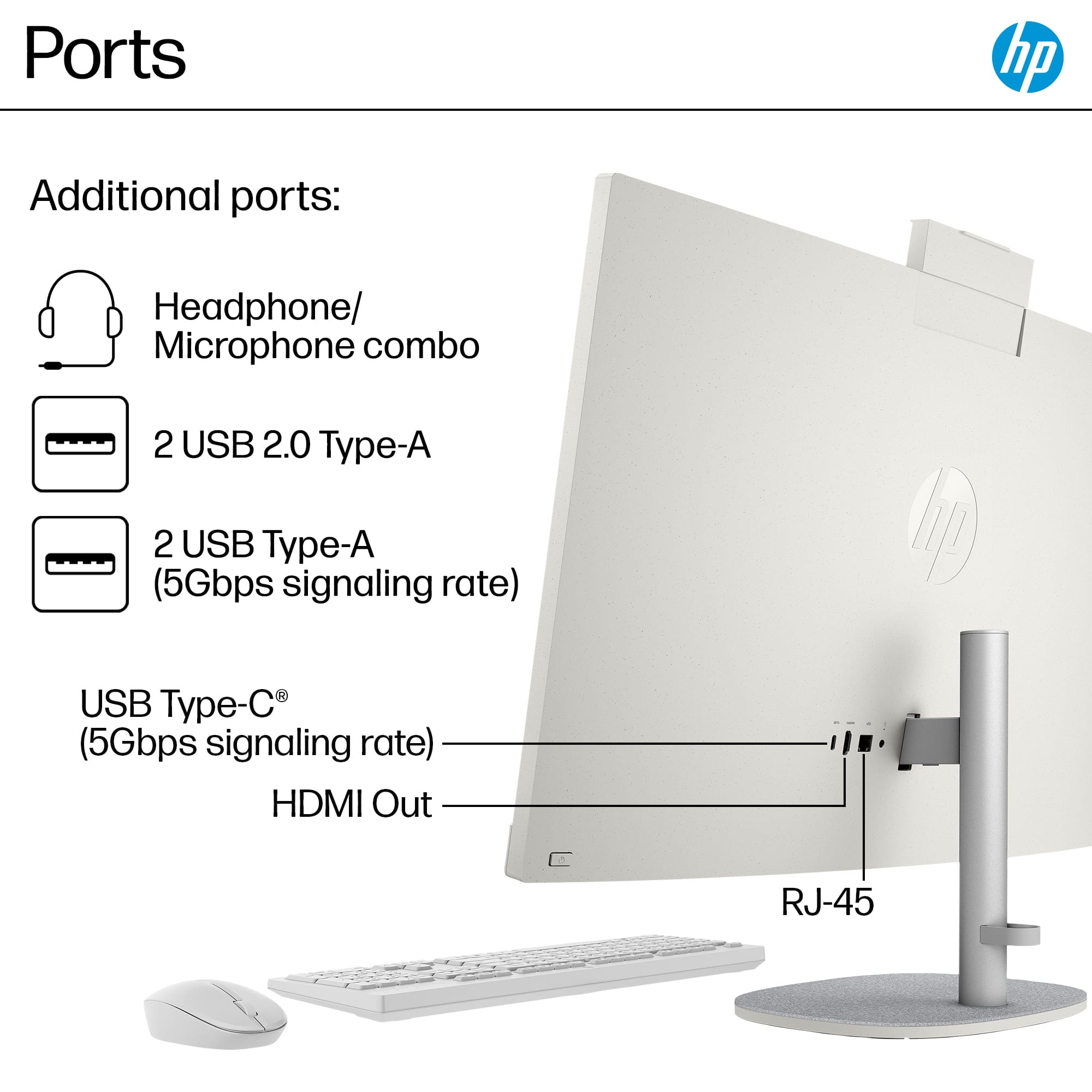
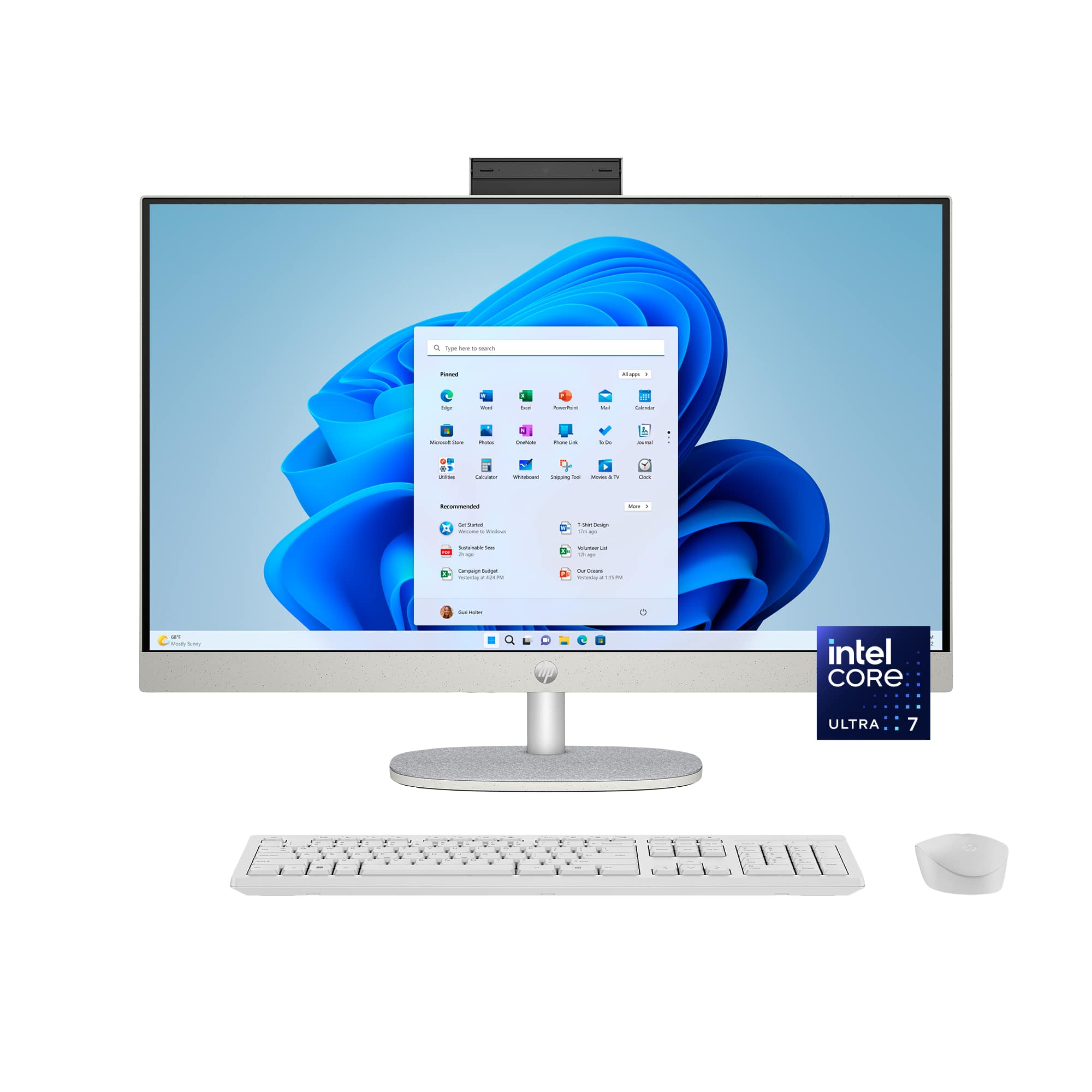
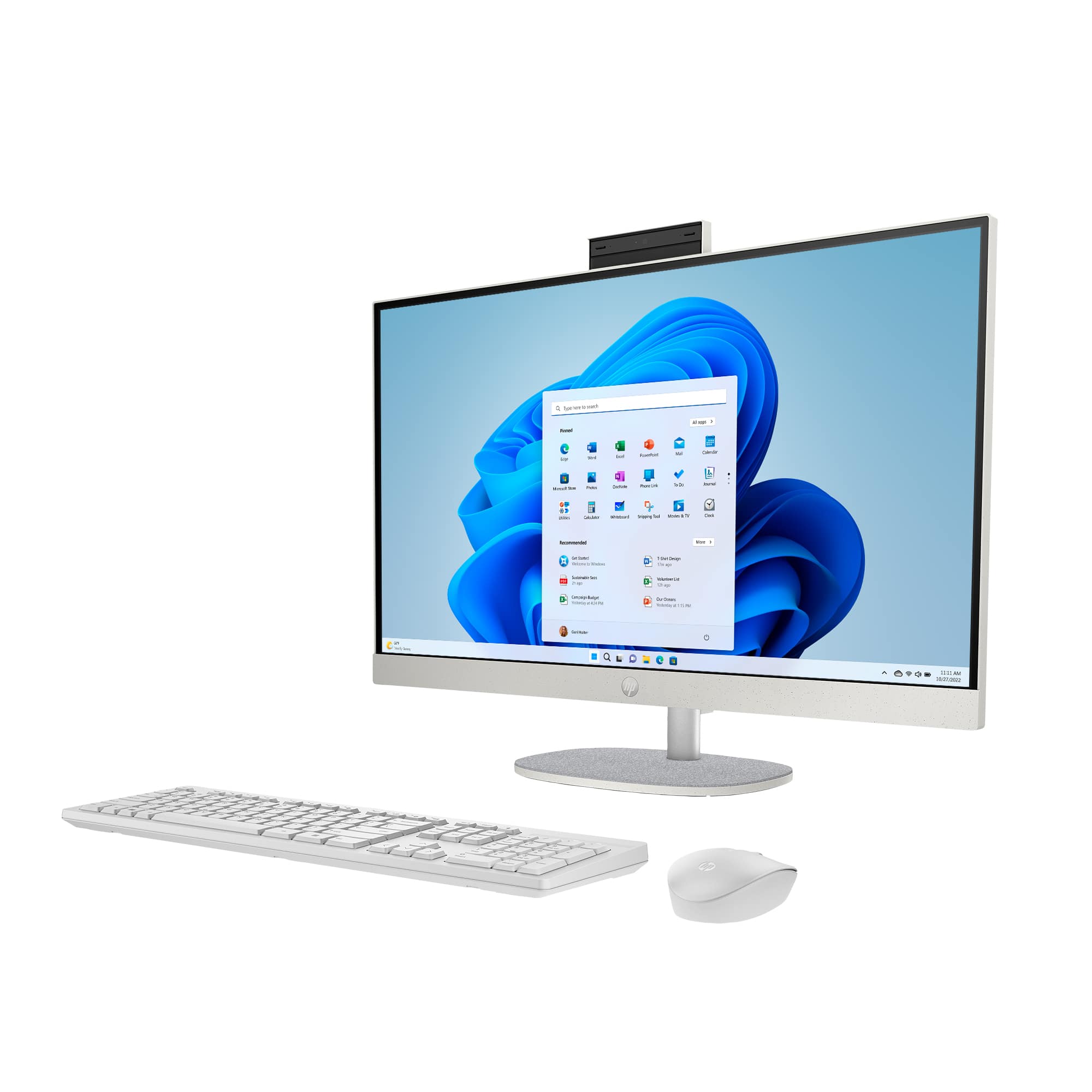
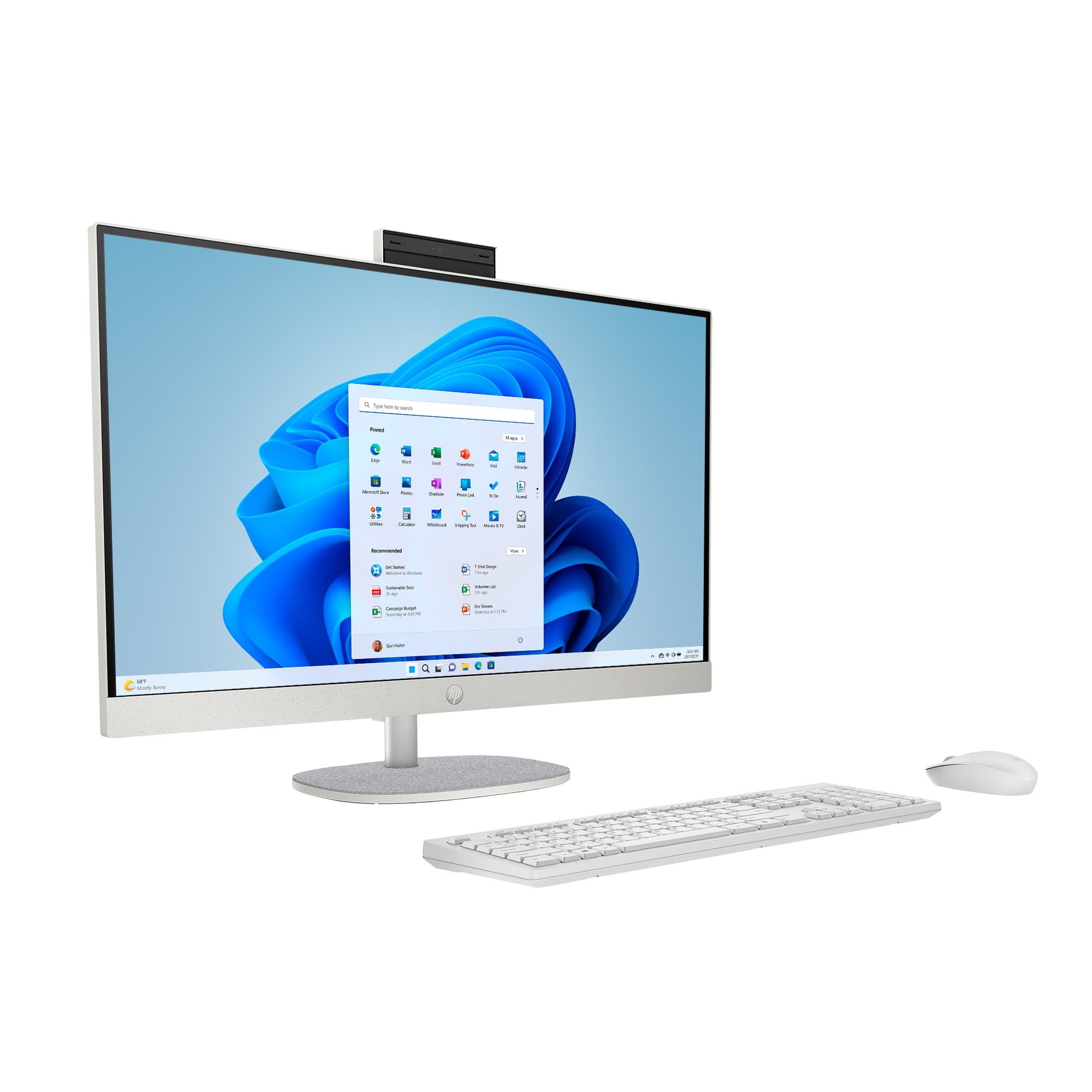
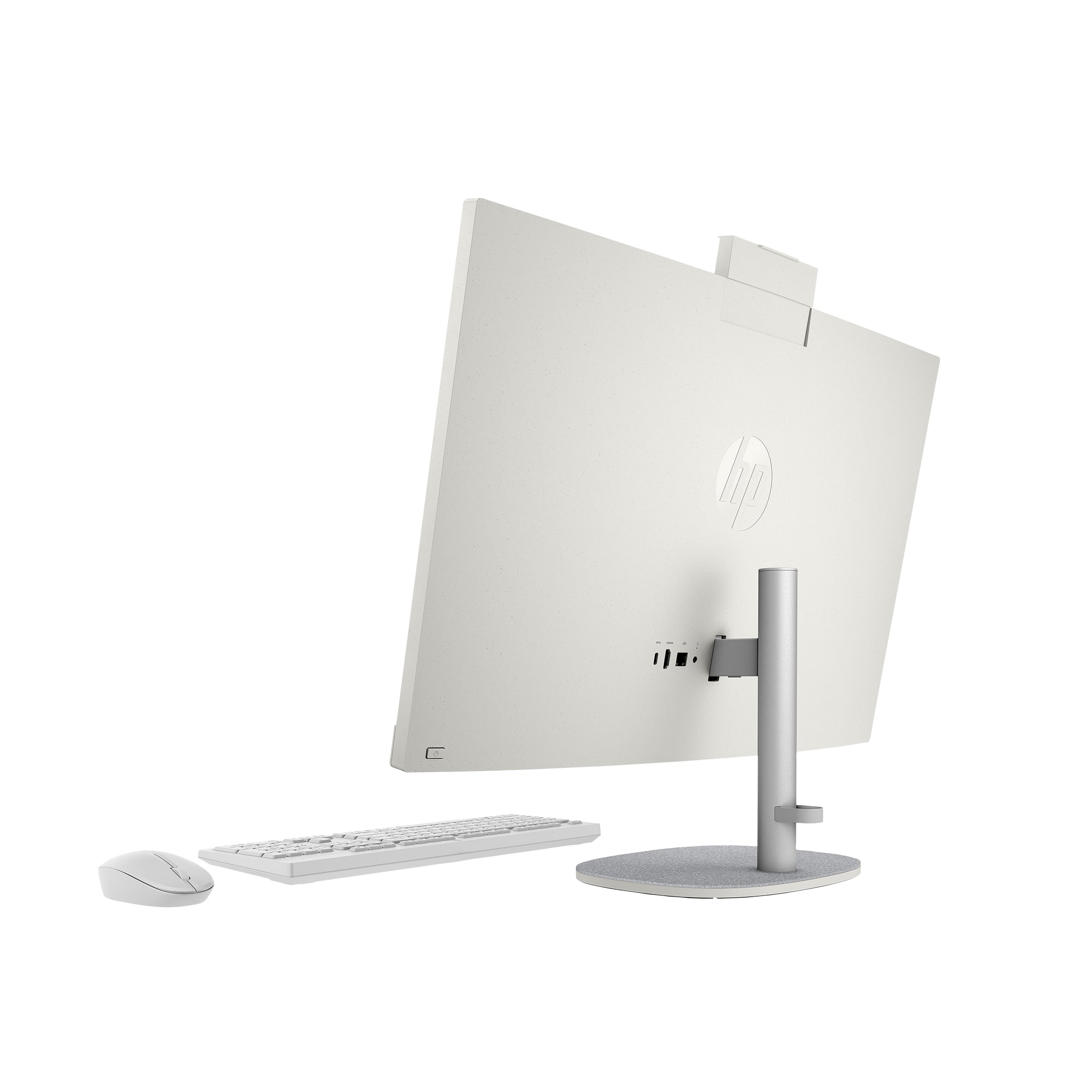
A:AnswerThank you for asking. The 27-cr1064 All-in-One has an adjustable stand. The range is approximately 100mm, and the lowest adjustment would be approximately 16 inches from the bottom of the stand to the top of the bezel (with the camera retracted). All ports are on the rear.
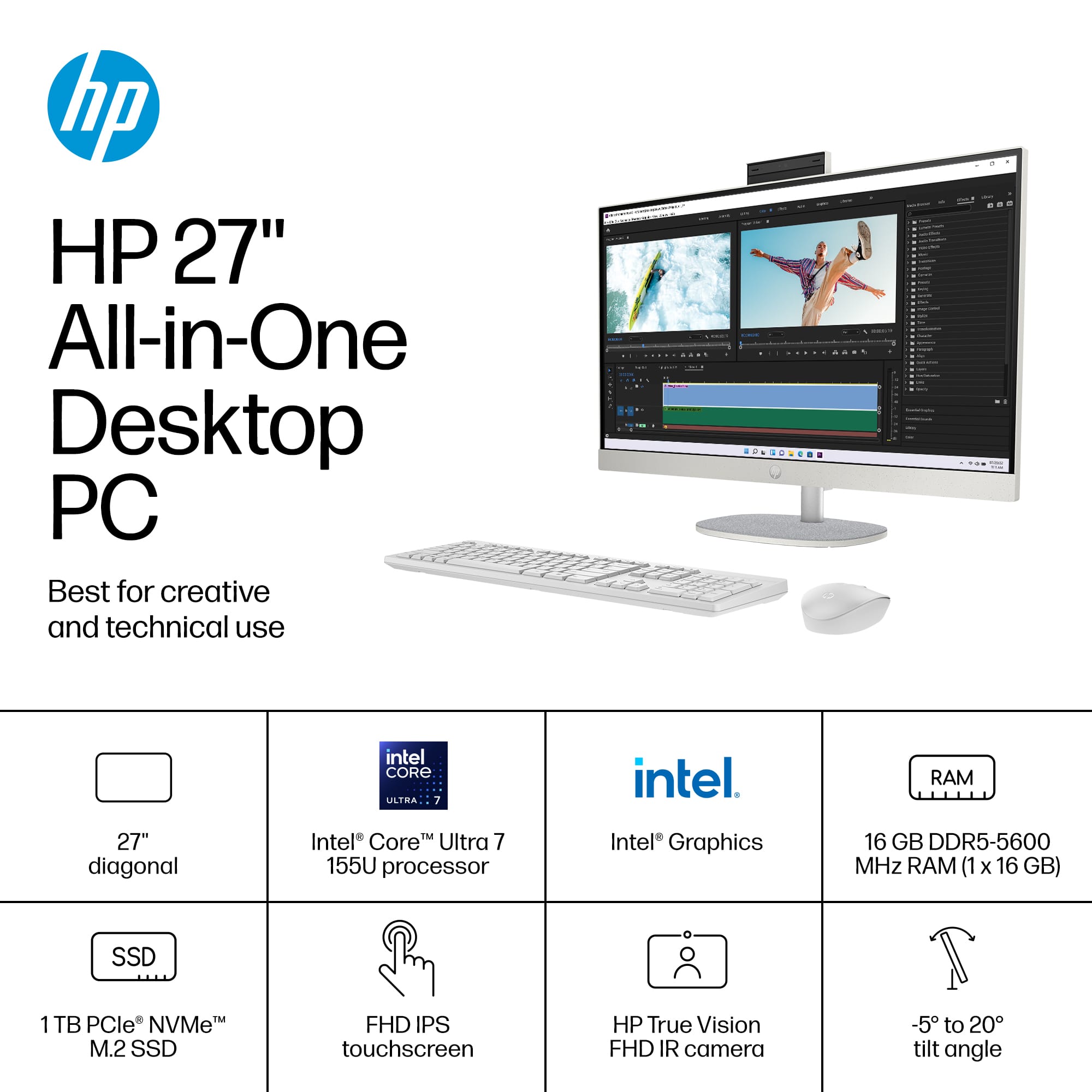
A:AnswerThank you for your question. Yes, you can connect a soundbar to the 27-CR1064 All-in-One computer. This model has an HDMI output port, which you can use to connect a soundbar. Additionally, it has USB ports, headphone jack and Bluetooth capabilities, offering multiple options for connecting audio devices.
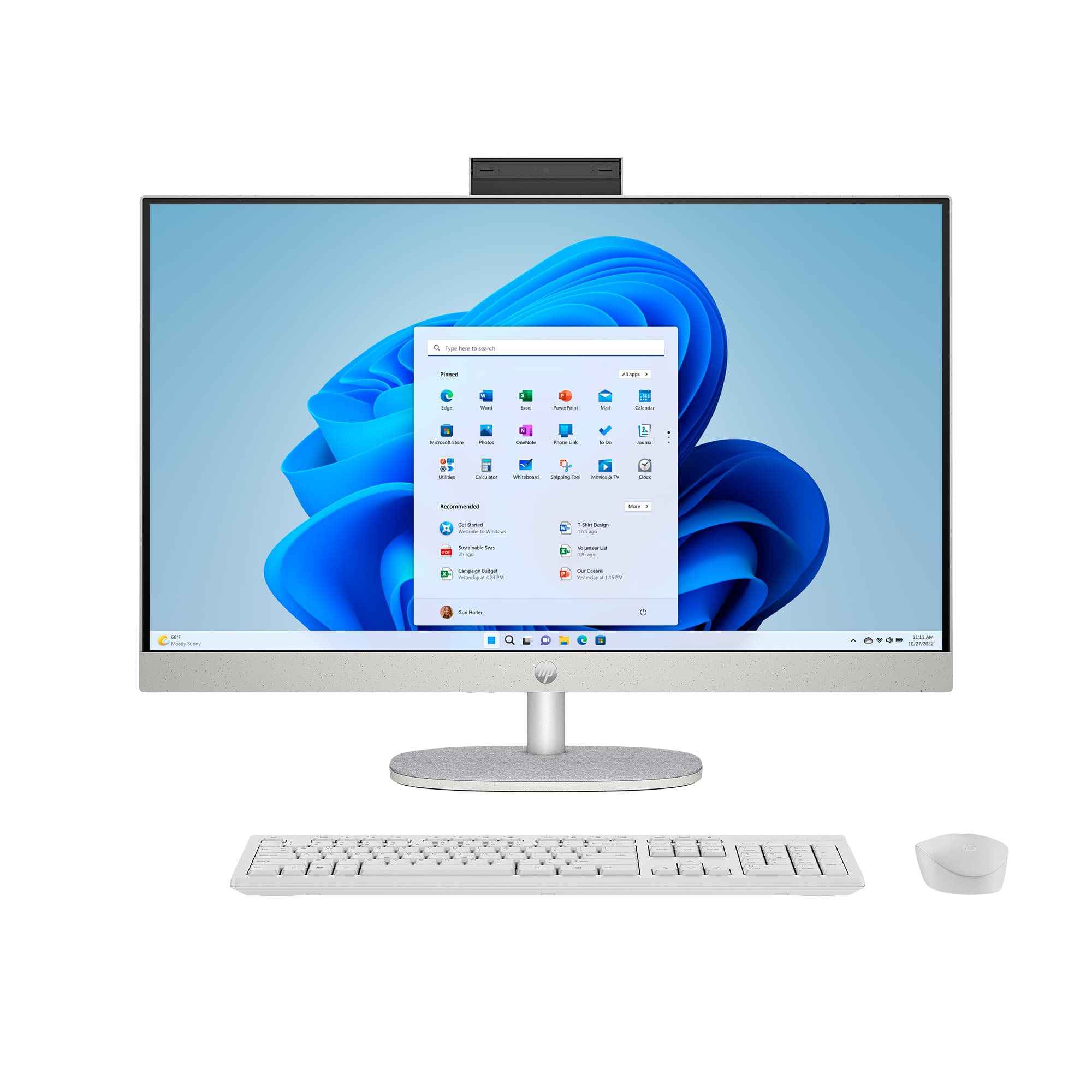
A:AnswerHello and thank you for your question. The HP - 27" Full HD Touch-Screen All-in-One does not have a DVD/CD drive. You can use an external USB CD/DVD drive with this computer.
A:AnswerGreetings from the Intel team. Thank you for your question.
Both processors have different technologies, specifications, features, and performance.
Intel® Core™ Ultra Processor (Series 1) Product Brief:
https://www.intel.com/content/www/us/en/products/docs/processors/core-ultra/core-ultra-series-1-product-brief.html
For detailed information about the Intel® Core™ Ultra 7 Processor 155U, visit:
https://ark.intel.com/content/www/us/en/ark/products/237327/intel-core-ultra-7-processor-155u-12m-cache-up-to-4-80-ghz.html
Thank you for choosing Intel! Emilio_Intel