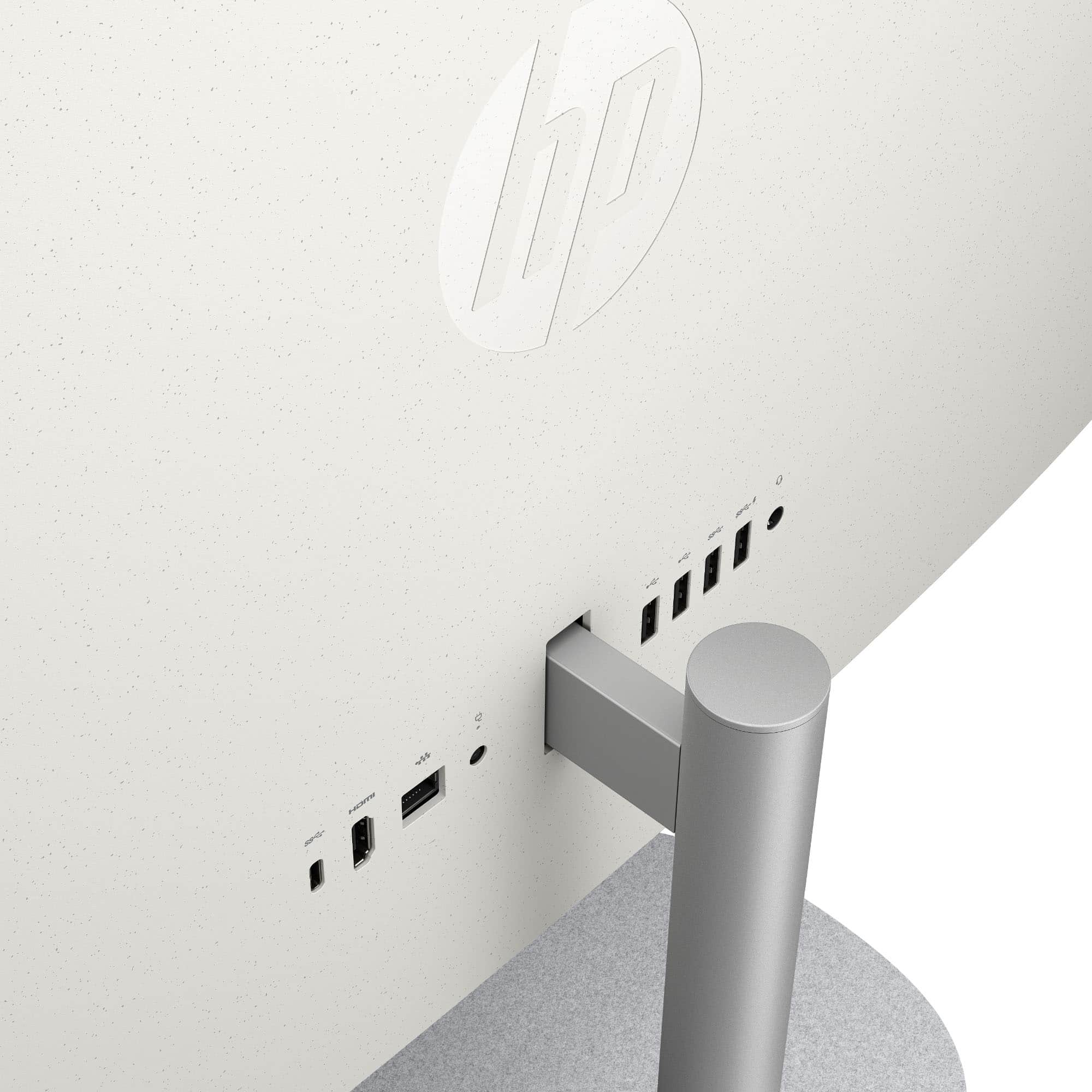
User rating, 4.7 out of 5 stars with 433 reviews.
Show only Answered Questions
Include AI Generated Q&A
Asked 2 months ago by Anonymous.
Answered 2 months ago by ChrisFVerified Purchase
Asked 2 months ago by MarthaP.
Asked 2 months ago by Classy56.
Answered 2 months ago by AnonymousVerified Purchase
Asked 2 months ago by Dhardallas.
Asked 2 months ago by Bob.
Asked 2 months ago by Terry.
Asked 3 months ago by BJTP.
Asked 4 months ago by Ruth.
Answered 4 months ago by GfasVerified Purchase
Asked 4 months ago by TuPadre.
Asked 4 months ago by Anonymous.
Answered 4 months ago by nicknickVerified Purchase
Answered 4 months ago by RobertHVerified Purchase
Asked 4 months ago by Michelle.
Asked 4 months ago by Monitor.
Answered 4 months ago by MaggieVerified Purchase
Asked 4 months ago by Ladyfromspace.
Asked 4 months ago by Chuck.
Asked 4 months ago by Ssg.
Asked 4 months ago by DaveHQ.
Asked 5 months ago by Marai.
Answered 4 months ago by LeonardRVerified Purchase
User rating, 4.7 out of 5 stars with 1596 reviews.
User rating, 4.7 out of 5 stars with 336 reviews.
User rating, 4.7 out of 5 stars with 312 reviews.
Not yet reviewed
User rating, 4.8 out of 5 stars with 267 reviews.
User rating, 4.8 out of 5 stars with 426 reviews.
User rating, 4.7 out of 5 stars with 75 reviews.
User rating, 4.7 out of 5 stars with 86 reviews.
User rating, 4.8 out of 5 stars with 76 reviews.
User rating, 4.7 out of 5 stars with 302 reviews.
User rating, 4.6 out of 5 stars with 49 reviews.
User rating, 4.9 out of 5 stars with 14 reviews.
User rating, 5 out of 5 stars with 1 review.