Questions & Answers
Page Showing 1-9 of 9 questions
Q: QuestionCan HP - 27" IPS Full HD 5MP Webcam Monitor be used as a second monitor to the All-In-One computer for work (remote job)?
Asked by Ivyivy.
- A:Answer Great question, Ivy! Yes, as long as your all-in-one computer (or docking station) has a display port such as HDMI and a free USB-C port for the webcam, you can connect the two.
Answered by HP Team

Q: QuestionDoes it have a built in microphone?
Asked by Anonymous.
- A:Answer This model does have a built-in microphone.
Answered by HP Team

Q: QuestionQuestion, does this come with a built in pc?
Asked by RandompersononBestbuy.
- A:Answer No, this is a monitor only, not an all-in-one computer.
Answered by HP Team

Q: QuestionI need direction to hook this monitor up to current computer, does not seem compatible
Asked by Anonymous.
- A:Answer Hello, you will need to choose the ports available on the desktop tower which match the ports on this monitor, or another monitor of your choice. This monitor ports are HDMI, Display Port, and USB. You can use an adapter as well. Thank you for being an HP customer!
Answered by HP Team

Q: QuestionWhat products should I use to clean the LCD Anti-Glare Matt screen of this monitor? I am asking about the monitor listed below: HP - 27" IPS Full HD 5MP Webcam Monitor (HDMI, DisplayPort, USB) - Black Model:M27 SKU:6498092
Asked by pricejen27.
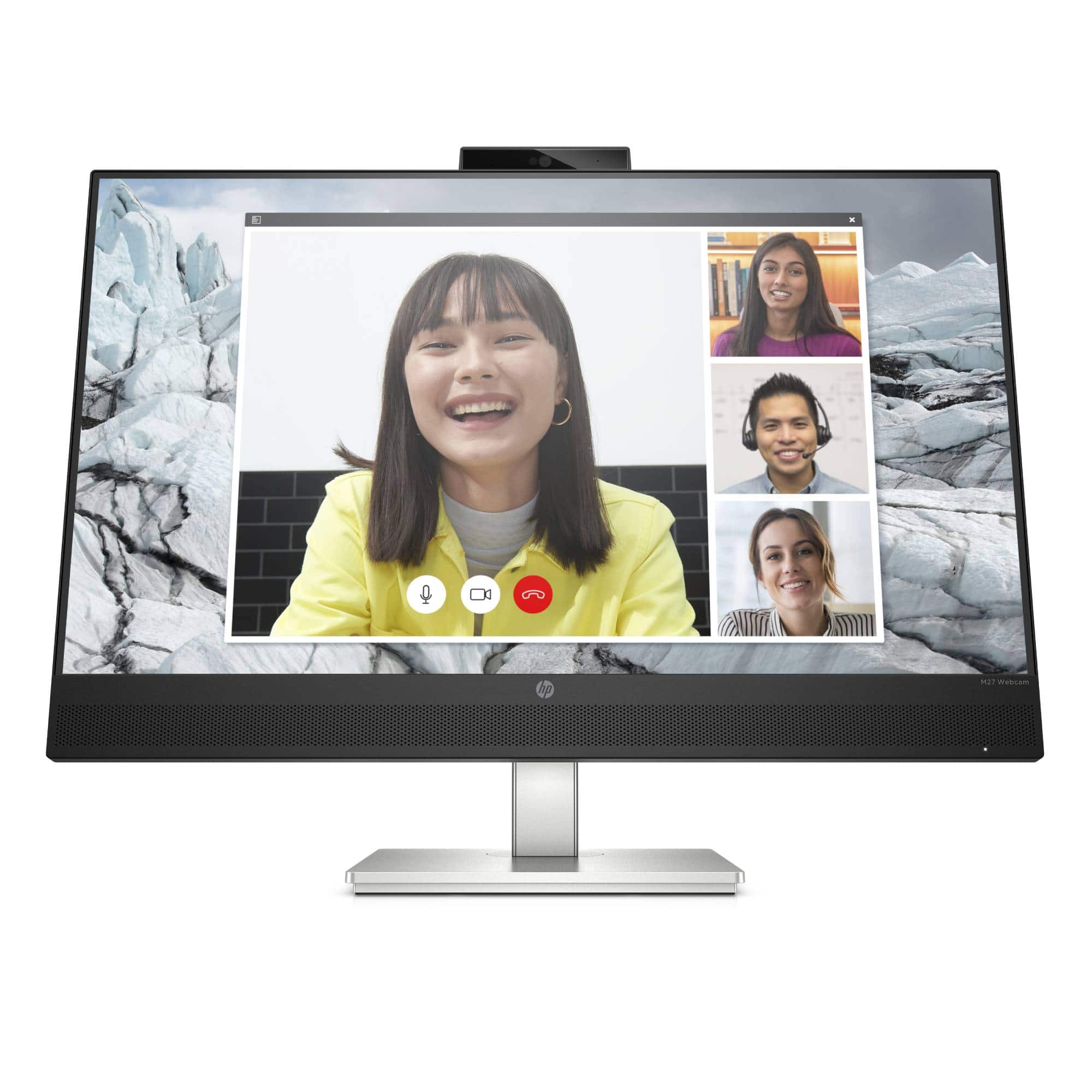
- A:Answer Thank you for asking. Dust the monitor by wiping the screen and the cabinet with a soft, clean antistatic cloth. For more difficult cleaning situations, use a 50/50 mix of water and isopropyl alcohol. IMPORTANT: Spray the cleaner onto a cloth and use the damp cloth to gently wipe the screen surface. The cloth should be moist, but not wet. Allow the monitor to air-dry before use. IMPORTANT: Never spray the cleaner directly on the screen surface. It can run behind the bezel and damage the electronics. Do not use cleaners that contain petroleum-based materials such as benzene, thinner, or any volatile substance to clean the monitor screen or cabinet. These chemicals might damage the monitor.
Answered by HP Team

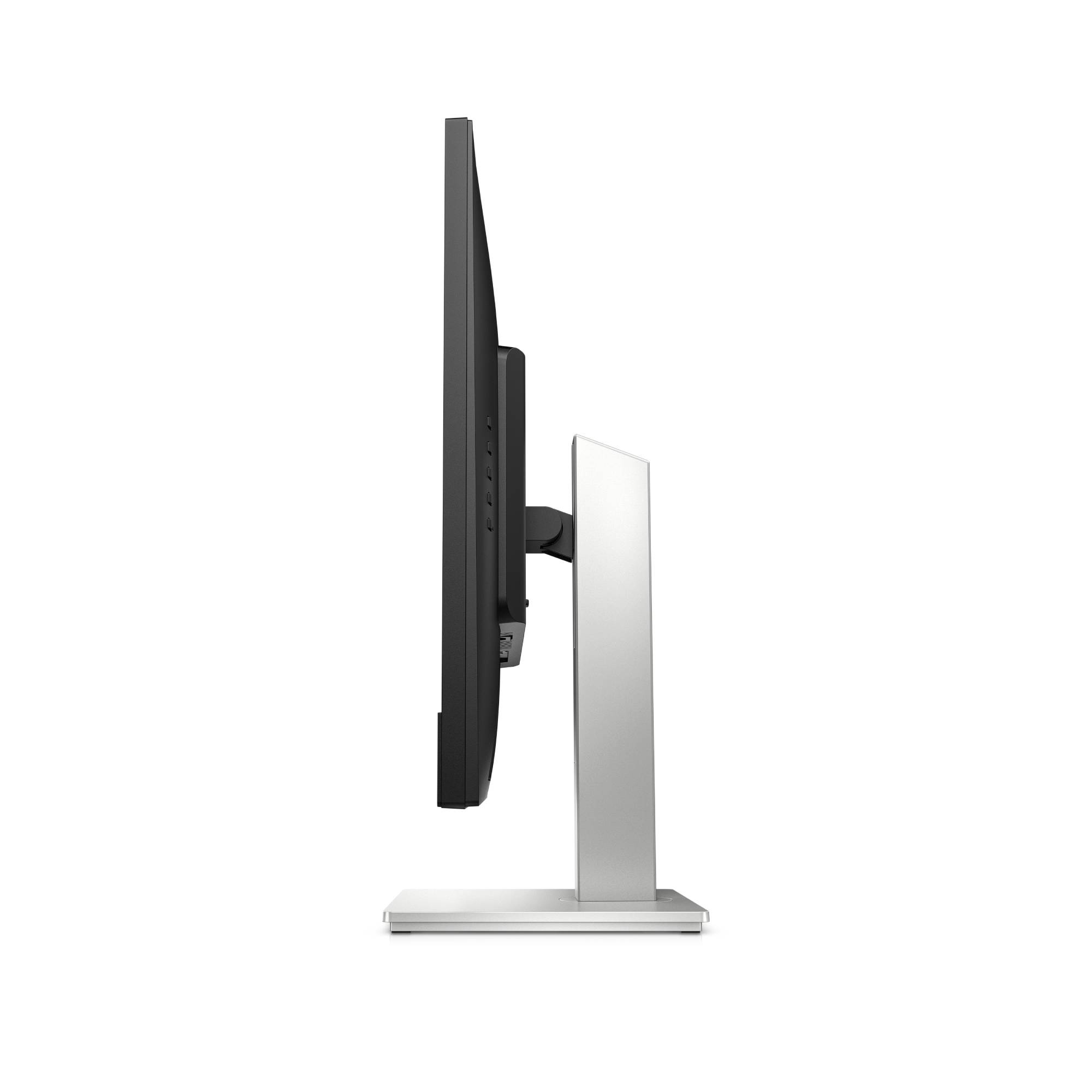
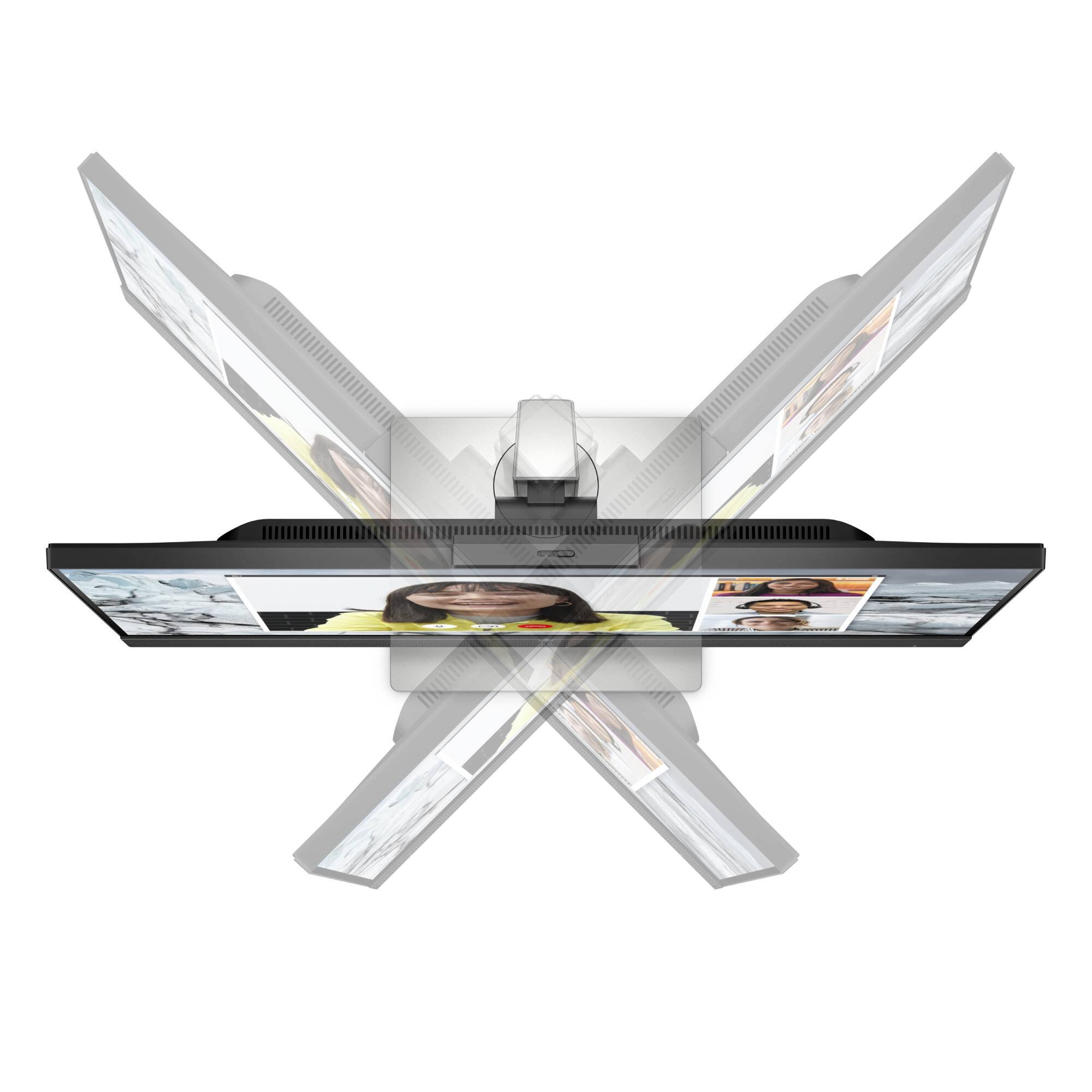
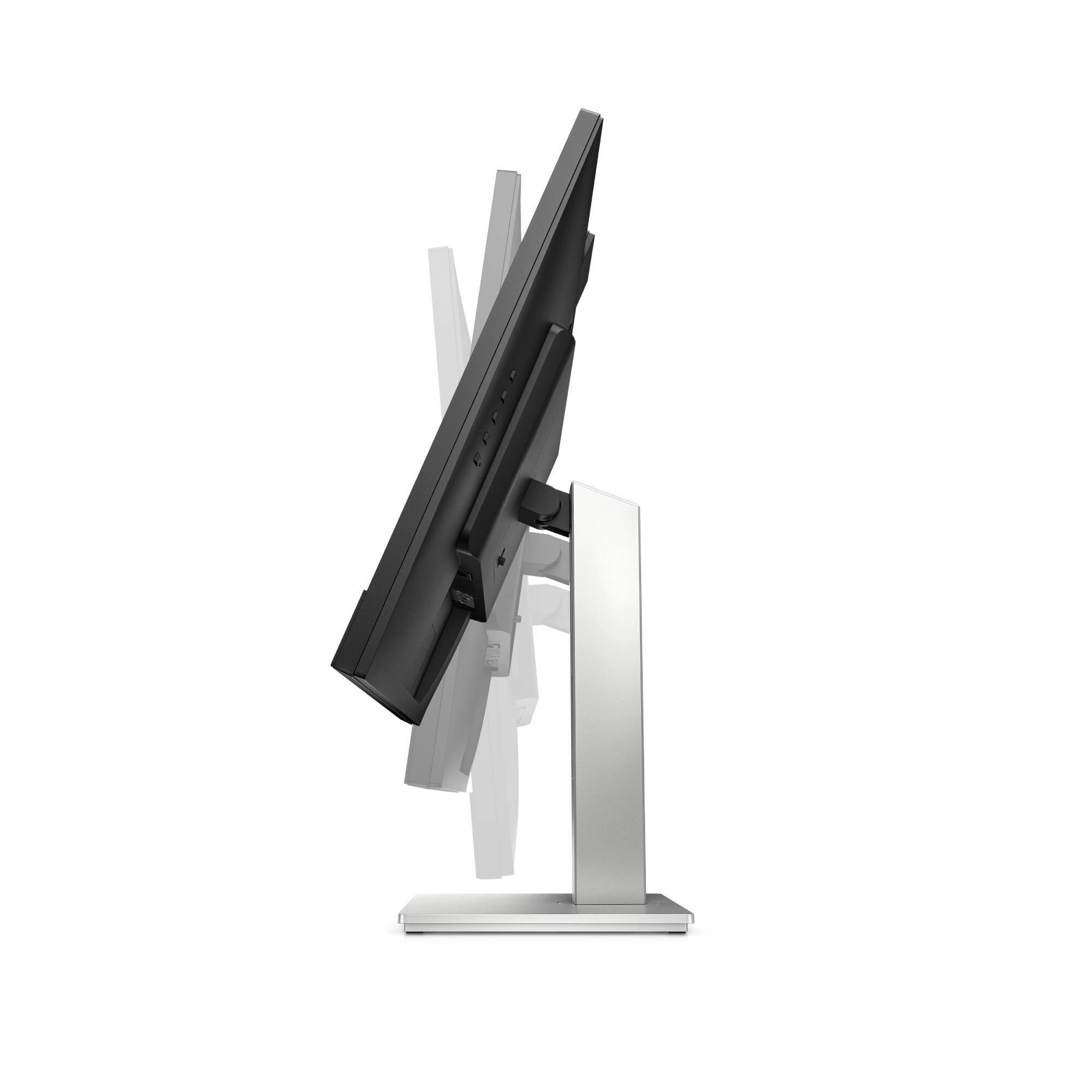
Q: QuestionIs this monitor height adjustable and, if so, what is the range of motion for the height? I see photos showing it tilting and also swiveling, but I don't see how it goes up an down.
Asked by Denman.
- A:Answer The height is adjustable
Answered by beverly
Q: QuestionCan this monitor be mounted on a monitor arm?
Asked by Hope.
- A:Answer This model supports a 100 mm x 100 mm VESA mount. It can be installed on a monitor arm.
Answered by HP Team

Q: QuestionDoes this actually have a USB C? and what can you do with it Thank you, Fern
Asked by Fern.
- A:Answer Thank you for the question. The M27 WebCam Monitor has the following ports: HDMI; USB-C; USB-A and DisplayPort. The USB ports are there in the event you'd like to connect other peripherals, such as external speakers, a mouse or a keyboard. That will spare the ports on your computer.
Answered by HP Team

Q: QuestionAre the camera and speakers compatible with new Macs?
Asked by Jim.
- A:Answer Yes, this monitor is fully compatible with new Mac operating systems.
Answered by HP Team

Page 1, Showing 1-9 of 9 questions
Most-viewed items
- $274.95$274.95The price was $349.00