Deals Worth GiftingShop now

Skip to content
Gift Ideas
Main Content

Questions & Answers

Your price for this item is $124.99
Clearance
The comparable value price is $249.99
Page Showing 321-340 of 359 questions
  • QuestionCan I mount this on the wall like a tv?

    Asked by Af.

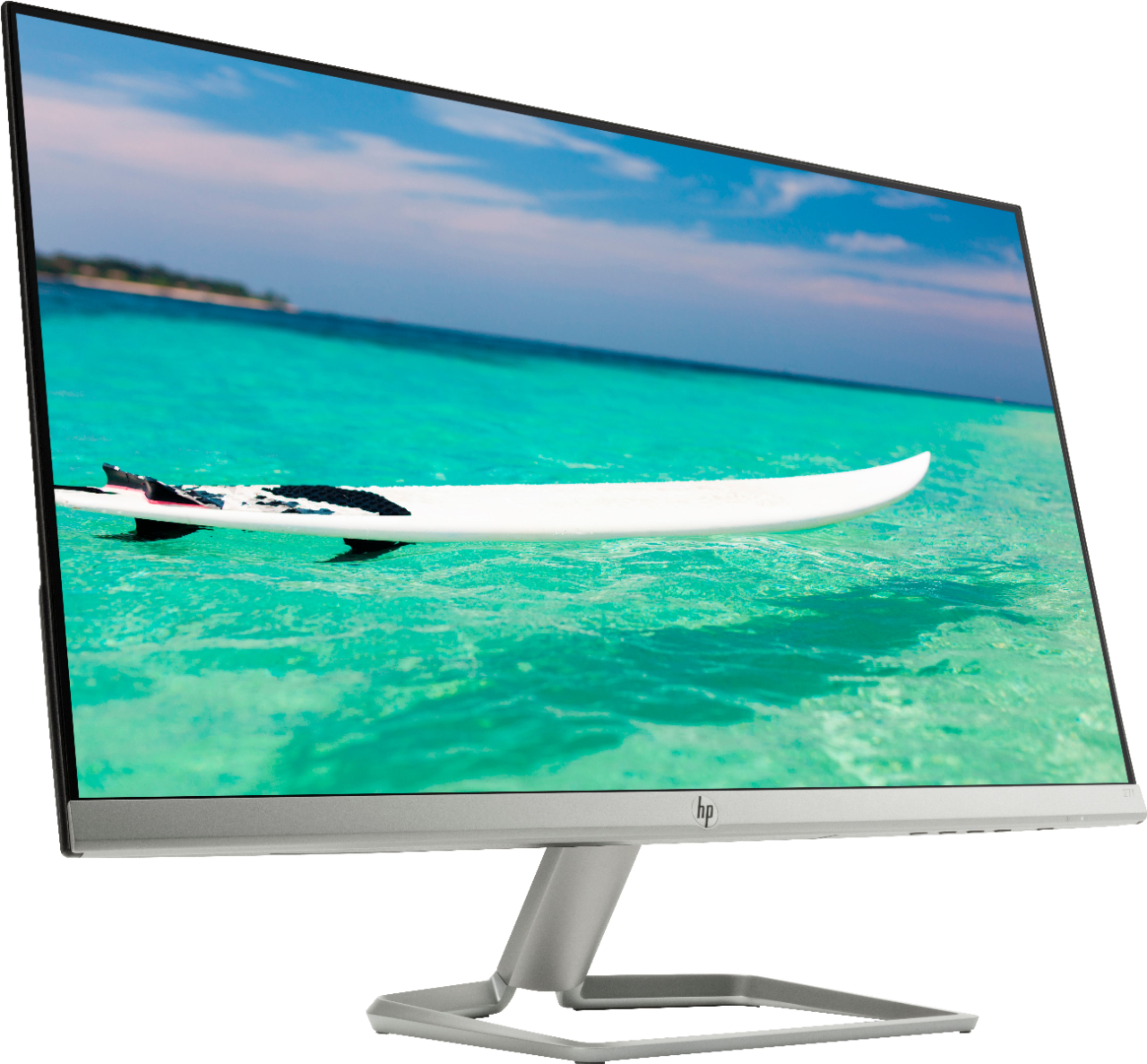
    • Answer The monitor does not have VESA mounting holes.

      Answered by NokeTim

  • QuestionIs this monitor a touch screen and can you use a pen as well?

    Asked by Aaron.

    • Answer Not a touch screen monitor so no pen on it.

      Answered by itshermac

  • Questionis there a internet connection

    Asked by Anonymous.

    • Answer No. The monitor does not connect directly to the internet. Your computer should though.

      Answered by NokeTim

  • QuestionWhat's its power voltage? Can it be used with 220v?

    Asked by sky.

    • Answer Absolutely not. Like most electronics, it uses standard 110/120 supply. 220/240 would fry it instantly.

      Answered by Arby

  • QuestionCan this monitor be used with a HP all in one computer? I would like to add this so that my clients can have a better view of their information.

    Asked by Anonymous.

    • Answer Yes, you can connect this monitor as a secondary display to a HP all in one desktop computer!

      Answered by HP Team

  • QuestionIt says it is a 75GHZ monitor but the specs show 60 when I turn on. I use this for my PS4, and need the best possible gaming experience. Can someone tell me how to fix this and or the best settings?

    Asked by Duke.

    • Answer You mean 75Hz. The monitor can display a max resolution of 1920 x 1080 pixels @ a refresh rate of 75 Hertz. I don't own a PS4, but you'll have to find a way for it to display an output a refresh rate of 75 Hz. As long as I've played video games, I've never seen the ability to change the refresh rate on a video game console. They have the ability for you to choose the resolution only. I've only been able to achieve 75Hz is from a computer with a discrete graphics card, such as Nvidia or ATi video card.

      Answered by Chefnee123

  • QuestionHow do you make font size smaller?

    Asked by General.

    • Answer This is something you can do within Windows in the display settings. If you need help I recommend reaching out to the Best Buy Geek Squad.

      Answered by HP Team

  • QuestionWhere are the specs for monitors?

    Asked by Anonymous.

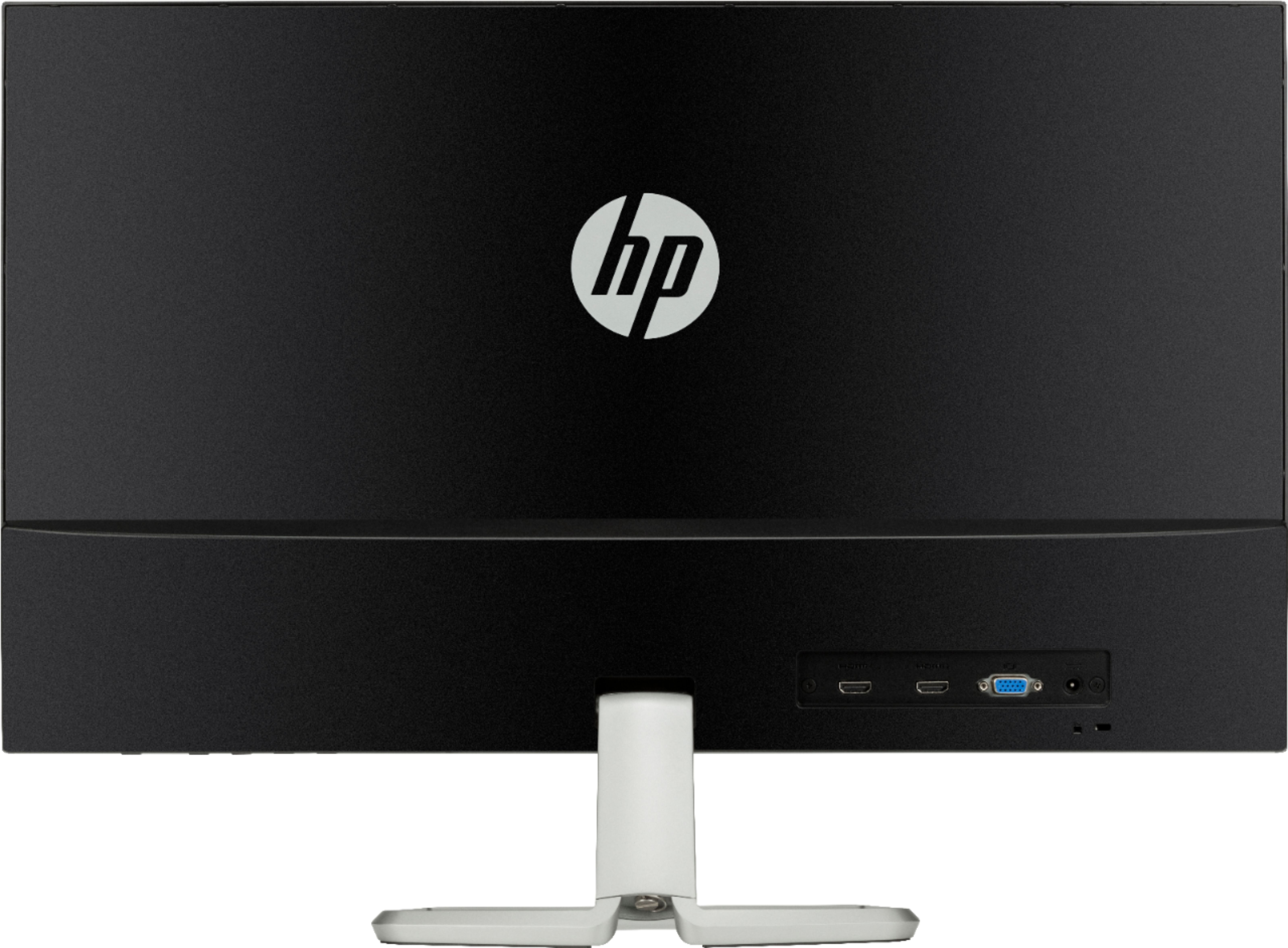
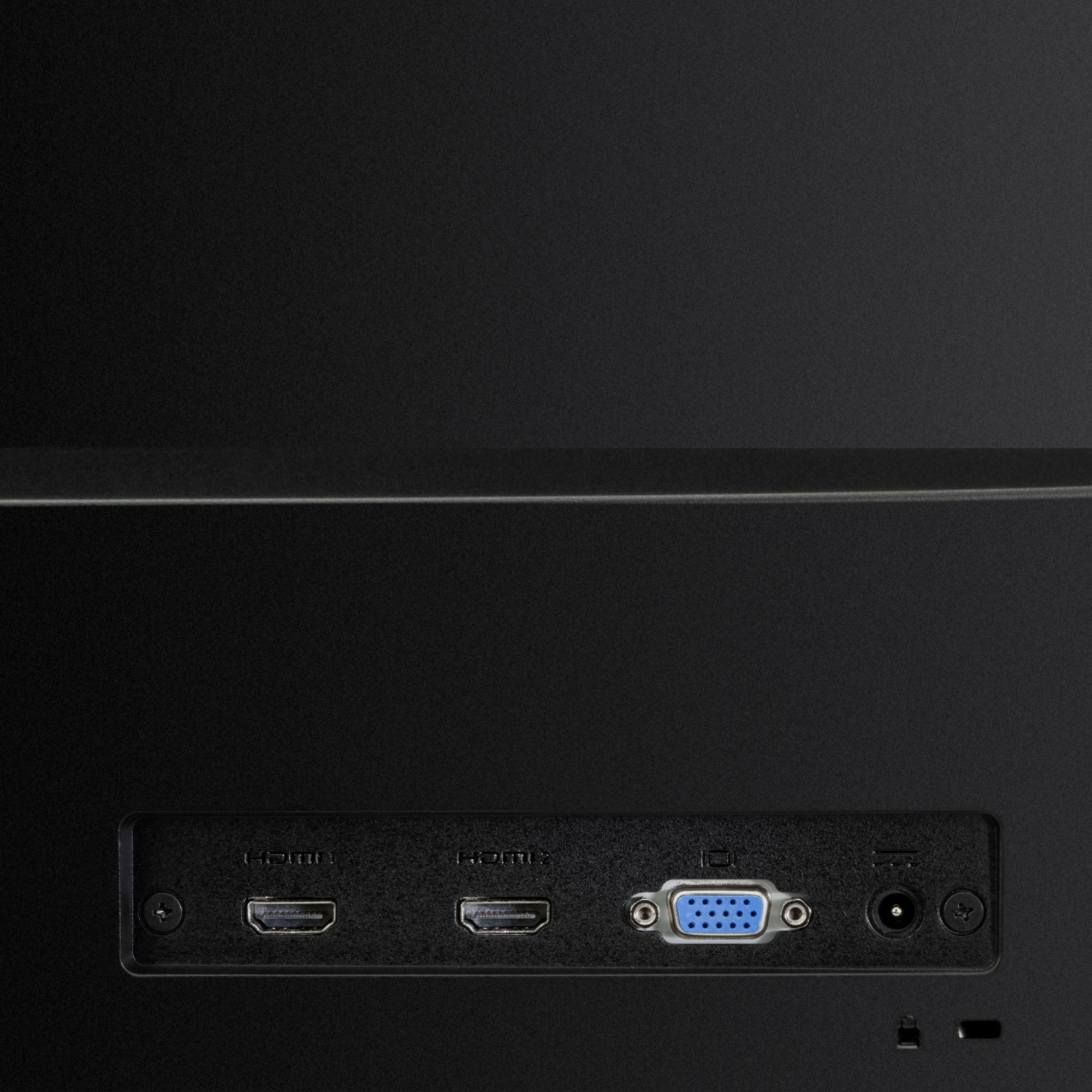
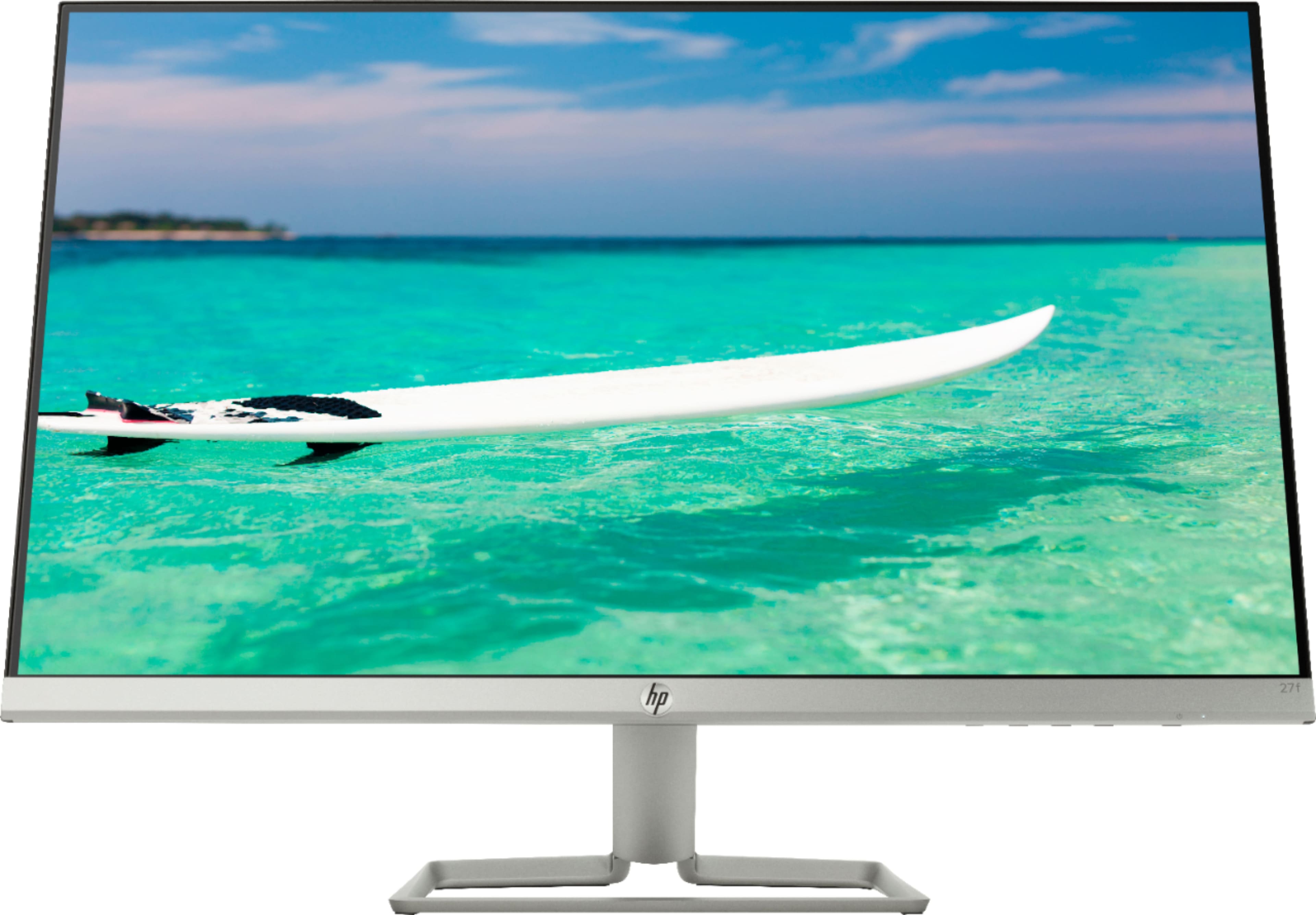
    • Answer Here are the specs off the BestBuy website: https://www.bestbuy.com/site/hp-27f-27-ips-led-fhd-freesync-monitor-natural-silver/6219205.p Specifications Key Specs Refresh Rate 60Hz Maximum Resolution 1920 x 1080 Native Resolution 1920 x 1080 Response Time 5 milliseconds Panel Type IPS Synchronization Technology FreeSync (AMD Adaptive Sync) Screen Size 27 inches Number of DVI Inputs 0 Number of VGA Ports 1 Number of HDMI Inputs 2 Number of DisplayPort Ver 1.2 Inputs 0 Number of Mini DisplayPort Inputs 0 Performance IPS Technology Yes Display Refresh Rate 60Hz Maximum Resolution 1920 x 1080 Native Resolution 1920 x 1080 Contrast Ratio 10,000,000:1 Response Time 5 milliseconds Display Type LED Panel Type IPS Synchronization Technology FreeSync (AMD Adaptive Sync) Aspect Ratio 16:9 Curved Screen No Pixel Density 82 pixels per inch Brightness 300 candela per square meter Screen Size 27 inches Horizontal Frequency 86 kilohertz Horizontal Viewing Angle 178 degrees Vertical Viewing Angle 178 degrees Touch Screen No On-Screen Display Languages Chinese (traditional), Chinese (simplified), English, German, French, Italian, Portuguese, Spanish, Dutch, Japanese Connectivity Number of DVI Inputs 0 Number of VGA Ports 1 Number of HDMI Inputs 2 Number of DisplayPort Ver 1.2 Inputs 0 Number of Mini DisplayPort Inputs 0 Compatibility Wall Mountable No Feature Tiltable Yes Anti-Glare Yes Built-in USB Hub No Integrated Speaker(s) No TV Tuner No Dimension Product Width 24.1 inches Product Weight 8.2 pounds Stand Included Yes Power Power Consumption 27 watts Power Saving/Off Mode 0.3 watts Certifications & Listings ENERGY STAR Certified Yes EPEAT Qualified No General Operating System Compatibility Windows Color Natural Silver Color Category Silver Model Number 2XN62AA#ABA Warranty Manufacturer's Warranty - Parts 1 year Manufacturer's Warranty - Labor 1 year Other Product Name 27f 27" IPS LED FHD FreeSync Monitor Brand HP UPC 192018235137

      Answered by TheShadowKnows

  • QuestionIf I go to best buy right now, do they sell it or do u buy it online?

    Asked by Ridooo.

    • Answer I was able to find it at my local store. In your area, there may be some in stock. Your best bet is to go online and see if it's available in your local store.

      Answered by Chefnee123

  • QuestionDoes this monitor have a USB C port?

    Asked by Dgizzle.

    • Answer No.

      Answered by Chefnee123

  • Questionis there a portal to connect a laptop computer or can I connect wirelessly? or both? I want to use it for spreadsheet work, thanks

    Asked by laptopportal.

    • Answer Monitor uses HDMI connection. I don't know of any monitor that works wireless w/o some kind of box to translate HDMI to wireless and back.

      Answered by itshermac

  • QuestionIs this a good monitor for gaming? Overwatch.

    Asked by gaming.

    • Answer I’ve purchased two of these monitors and had no troubles with gaming. It allows you to select either 60 or 75hz refresh rate so there is options depending on your needs and hardware. I’d say it will work just fine for you, it’s even on sale. Hope this helps.

      Answered by Anon

  • Questiondoes this computer go up to 2540 x 1440 on resolution

    Asked by Resolutions.

    • Answer No. The maximum resolution is 1920 x 1080.

      Answered by Chefnee123

  • QuestionIs this comparable with a MacBook Air?

    Asked by DebbiS.

    • Answer This is a monitor not a computer can’t really compare the two

      Answered by Trey

  • Questioncan i program my laptop to open from my hp monitor i did not get any instructions when i purchased my docking station just purchased it

    Asked by nancy.

    • Answer It's possible. I only know of a way on Windows. First you have to set the HP monitor as your main display. Go here to get the full instructions, https://appuals.com/how-to-change-the-primary-monitor-on-windows-10/. Then you have to change the "close lid" settings in Windows. Go here, https://www.dummies.com/computers/pcs/how-to-change-what-closing-the-laptop-lid-does/ When you have done these things, then you can dock your laptop and close the laptop display. Your laptop will not shutdown, and it will display on the HP monitor.

      Answered by Chefnee123

  • QuestionIs there any 3.5mm jack?

    Asked by fsss.

    • Answer No

      Answered by JTD7

  • Questiondoes this monitor come in a black finish?

    Asked by color.

    • Answer Thank you for reaching out. This model only comes in the Natural Silver finish. We do make other models that are black.

      Answered by HP Team

  • QuestionDoes this work with a raspberry pi?

    Asked by david.

    • Answer Hello, David. If your Raspberry Pi has a HDMI port, then you can use this monitor.

      Answered by HP Team

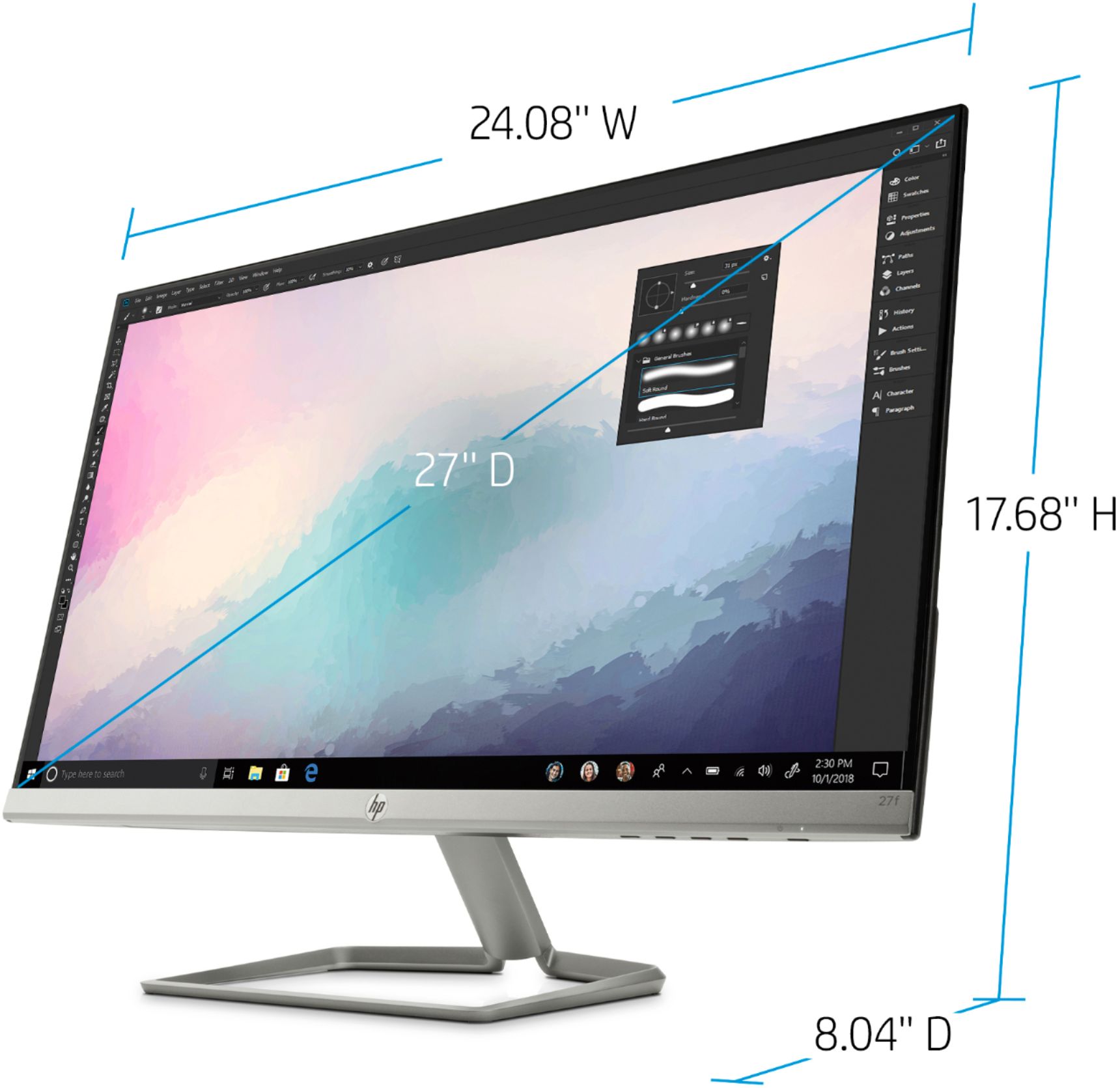
  • QuestionLooking at the 27" monitor...how can the dimensions (width) be 24" when the screen is 27"? confusing

    Asked by Jeanne.

    • Answer Screens are measured diagonally from corner to corner, (ie.)bottom left corner to upper right corner

      Answered by Mikaeel

  • Questiondoes this computer have the ability to do a virtual meeting

    Asked by curious.

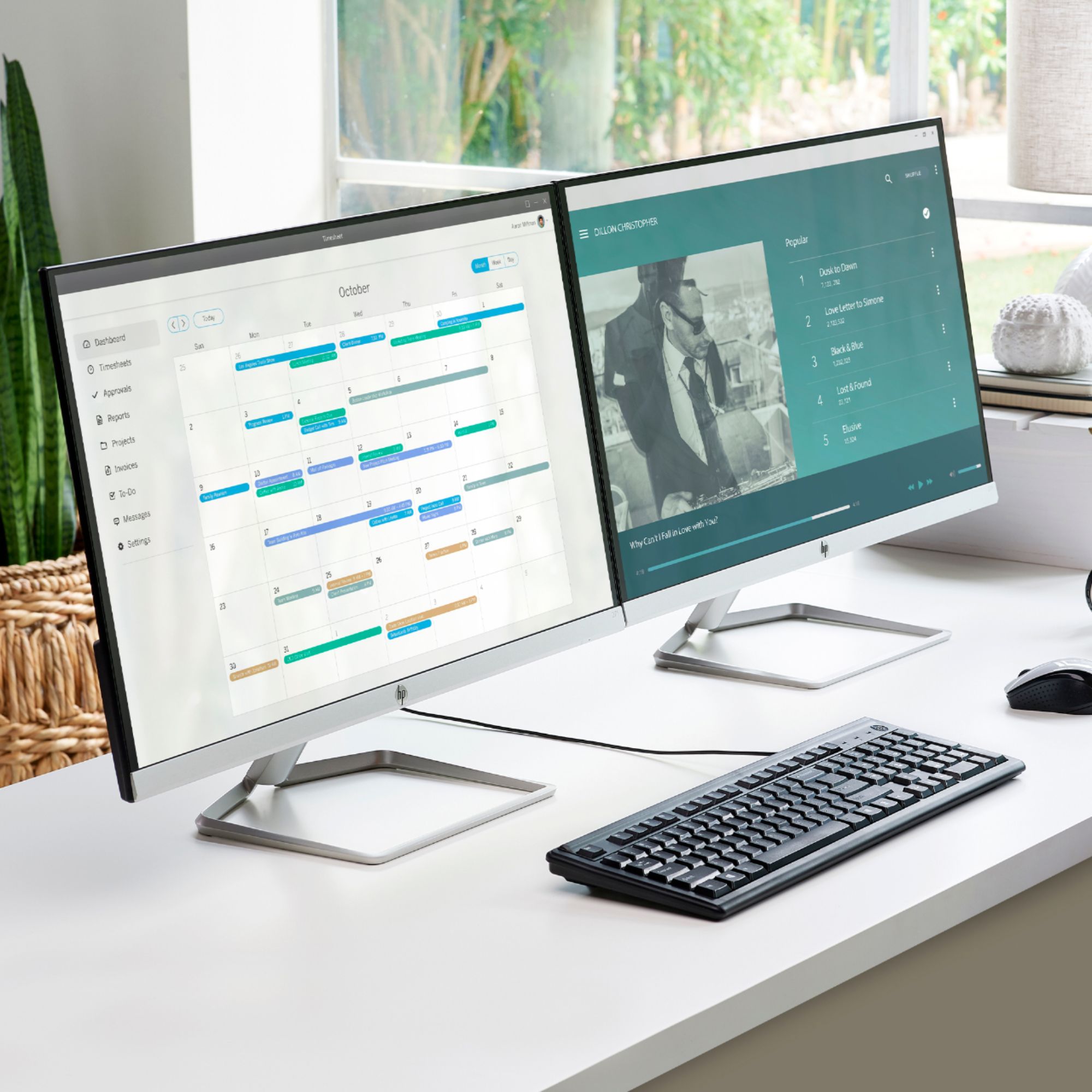
    • Answer This is a monitor, not a computer. It will only function as a display, and there is no built in speaker or microphone. You can use it in conjunction with a computer that has a speaker and microphone (built-in or attached).
      Answered by MinDC