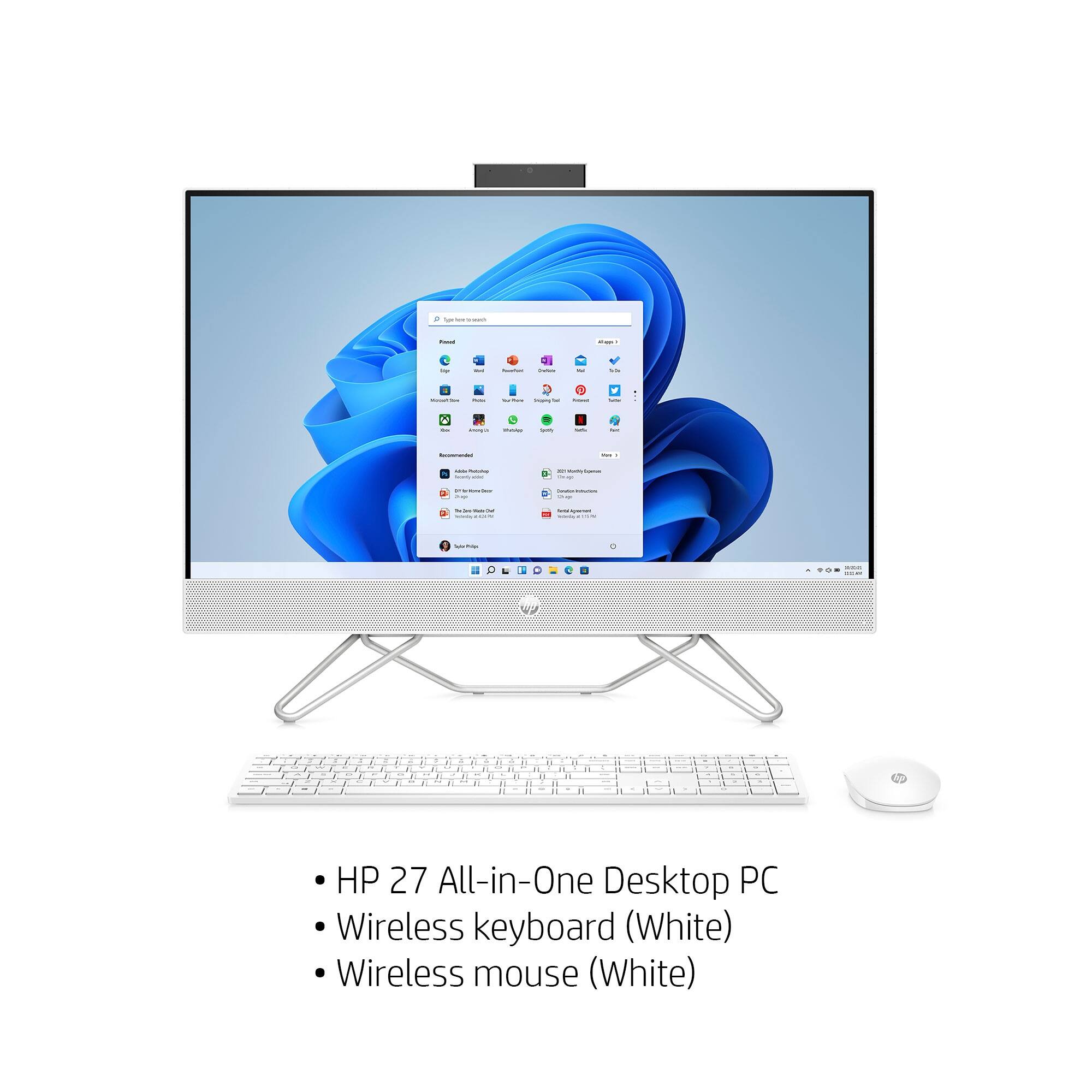
A:AnswerIt's listed as an HP 710 wireless keyboard. It doesn't look like Best Buy carries it, and obviously I can't recommend a retailer other than Best Buy on their website.
A:AnswerA passive pen (the type with a rubber ball end) will work with this All-In-One, however an active pen (the type that needs to be charged) will not.
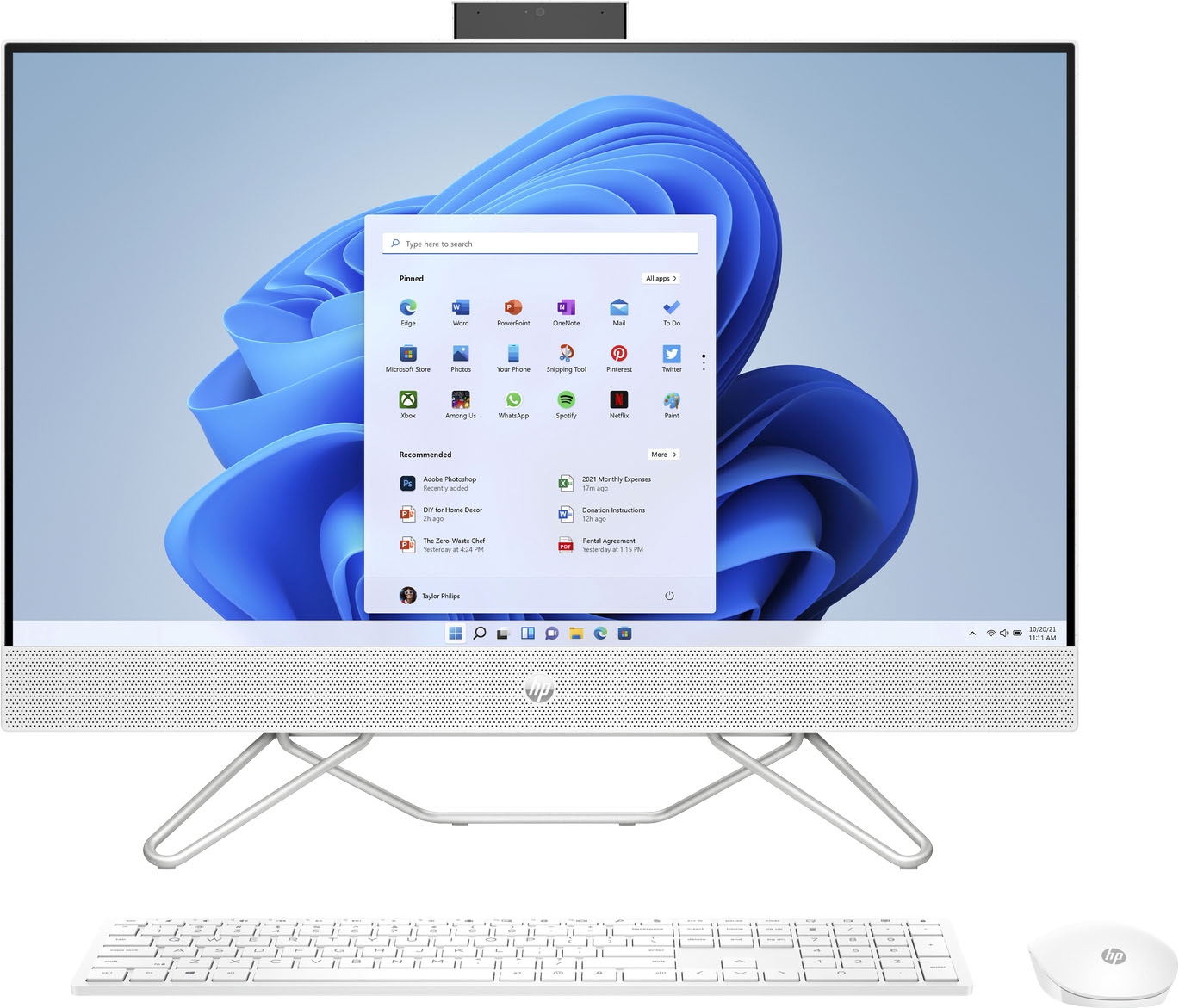
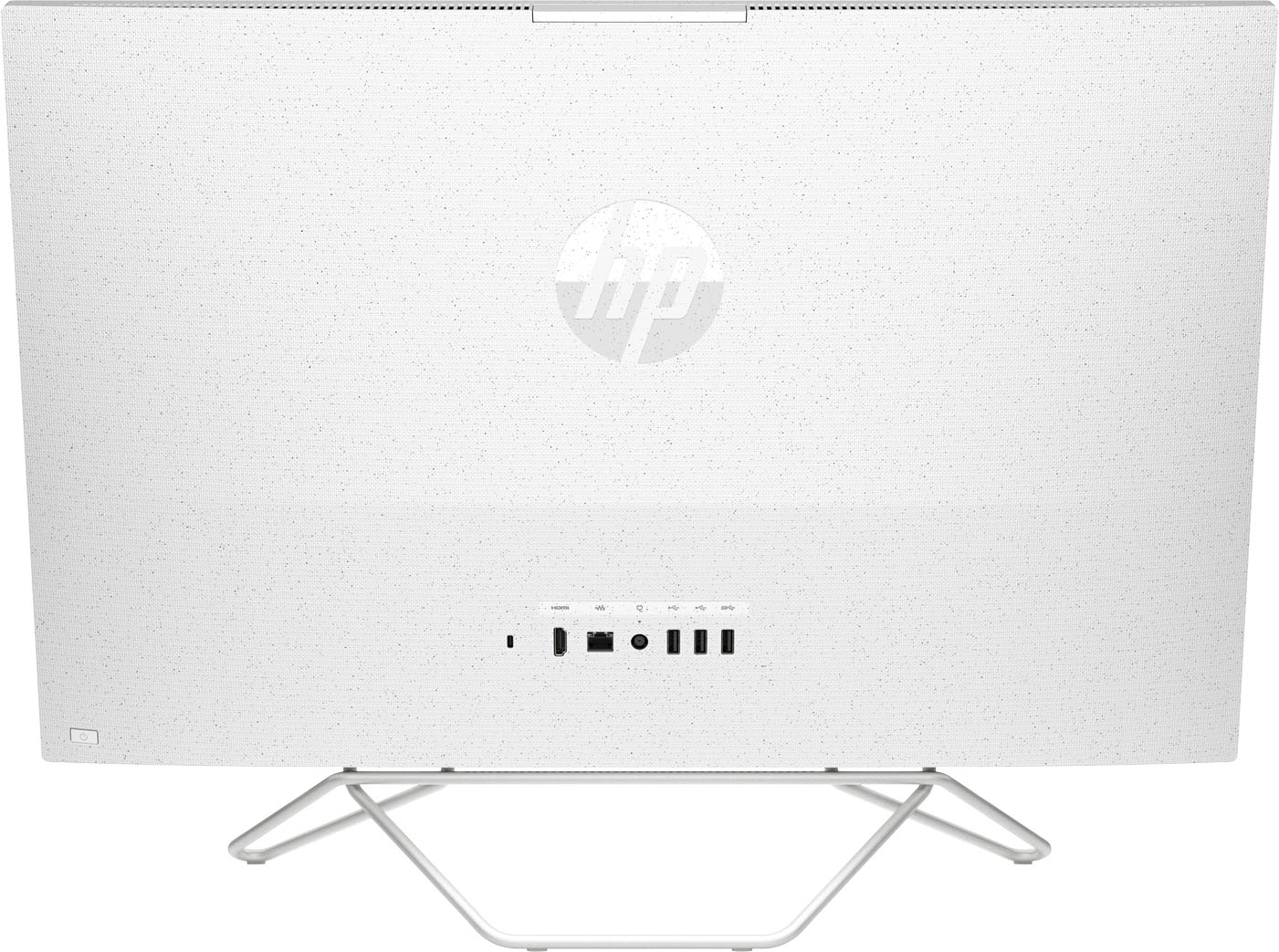
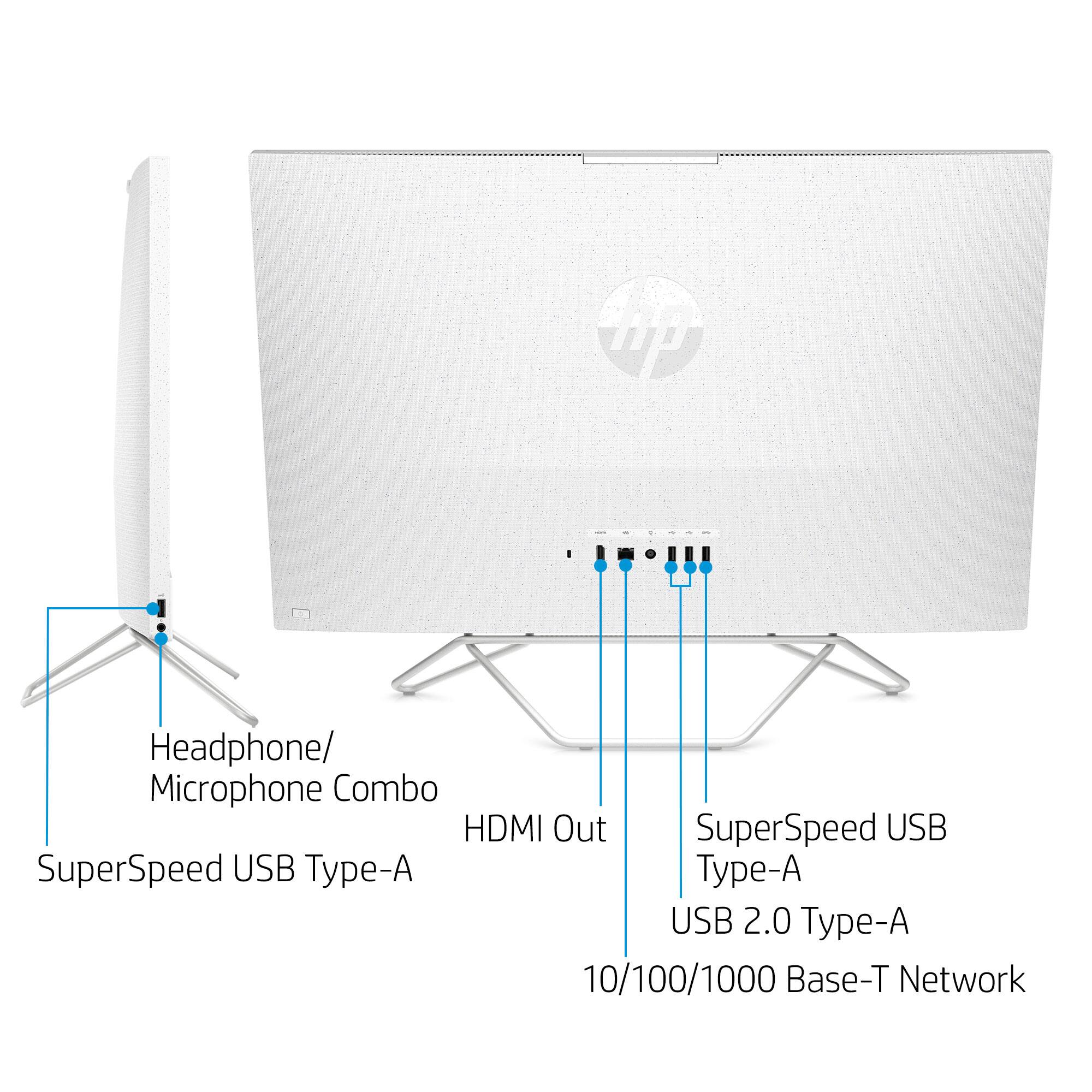
A:AnswerOn the Best Buy website if you click Specifications and look under Connectivity you can see HDMI inputs. This model only has one HDMI output, so while you can use an external monitor with it, this will not work as a monitor for another device.
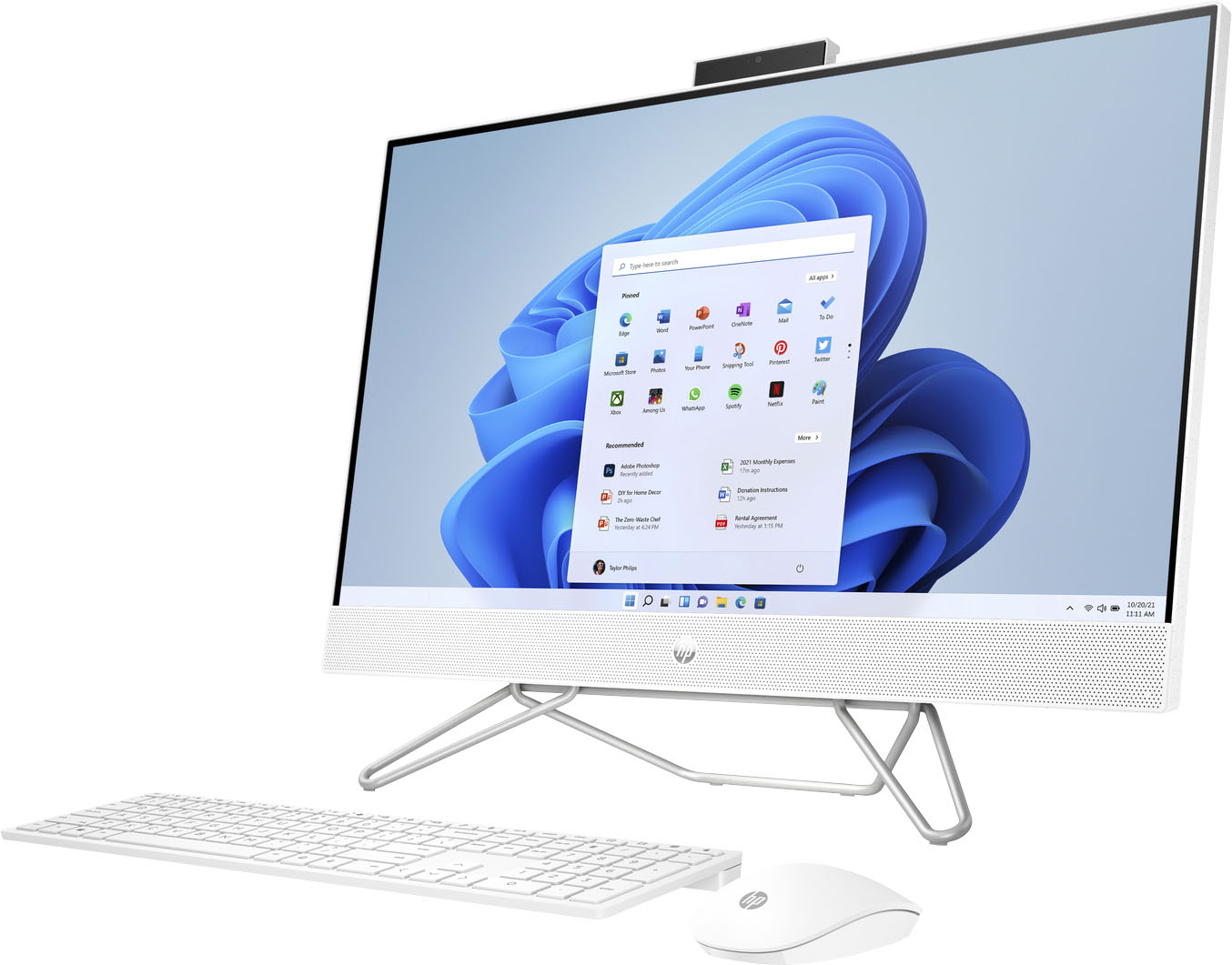
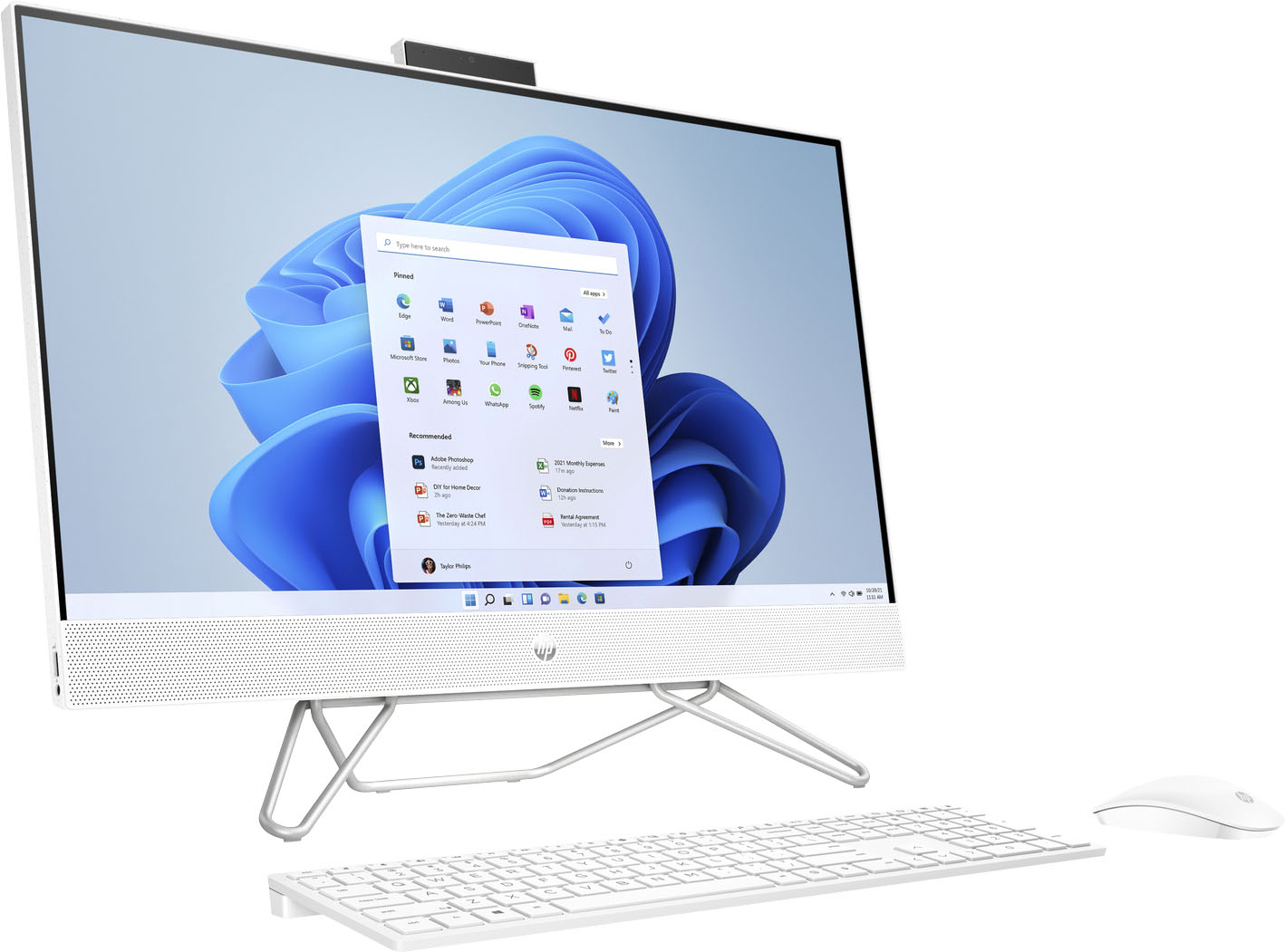
A:AnswerThank you for your question! This all-in-one desktop computer is designed to stay in one place except for occasional moves. I would highly recommend a laptop for frequent transport, as they are tested for durability for exactly that purpose.
A:AnswerHello, Mayra. Thanks for your question. You would need a monitor with a HDMI port. We recommend looking at the HP M22f, m24f, m27f, and 27mq monitors. These monitors all have the HDMI port, it will just depend on what size you prefer.
A:AnswerYou would want to look at the system requirements for it from the manufacture's website. Updates can change the requirements which can affect which settings you can use it on or at all.
A:AnswerThank you for the question. Apologies, it can't be connected to another PC for use as a monitor. The 27-cb0244 all-in-one PC has an HDMI OUT port, for connecting an external monitor. To connect it to another computer for use as a monitor, you'd need an HDMI IN port.
A:AnswerThere are a lot of variables when it comes to this. On top of the specs of the machine you will want to look at the system requirements for the game that you wish to play from the developer's site, your internet connection, the resolution you are aiming for the game and/or stream, and some firewalls might be a problem. Updates to software can impact or change the requirements in the future depending on what you are playing and streaming. It does not have a GPU, so most of the gaming will be limited or cloud based.
A:AnswerHi Ben, thank you for the question. You can transfer files using a cable (connected to the old computer and the new computer), or you can upload files on the old computer to the cloud, then download them to the new computer. There are also third-party services that will do this for you. Please feel free to reach out to Geek Squad for assistance.
A:AnswerThank you for asking. All-in-One computers are great space-saving solutions that don't sacrifice features. DVD/CD drives in computers are rare, but you can still connect an external drive via the USB port if you need to play your movies on DVD's. Most content - programs, files, streaming, and music - can be acquired by downloading. Content creators have endeavored to make downloading safe and straightforward.
A:AnswerIf you have any issues with this machine, you should contact HP Support or Geek Squad right away. Vertical lines either with no color or color bleed can be caused by bad or damaged pixels in the display. You do have a 1-year manufacturer's warranty that would cover the device if this happened from standard use and not from external damage. If you paid for any Geek Squad support services, you can also have them look into it. The faster you get it looked at, the more likely they can fix and resolve the issue.