A:AnswerYes. Any stylus that is compatible with the Microsoft Pen Protocol (MPP) will work. Either the HP Pen or the HP Tilt Pen would be an excellent choice.
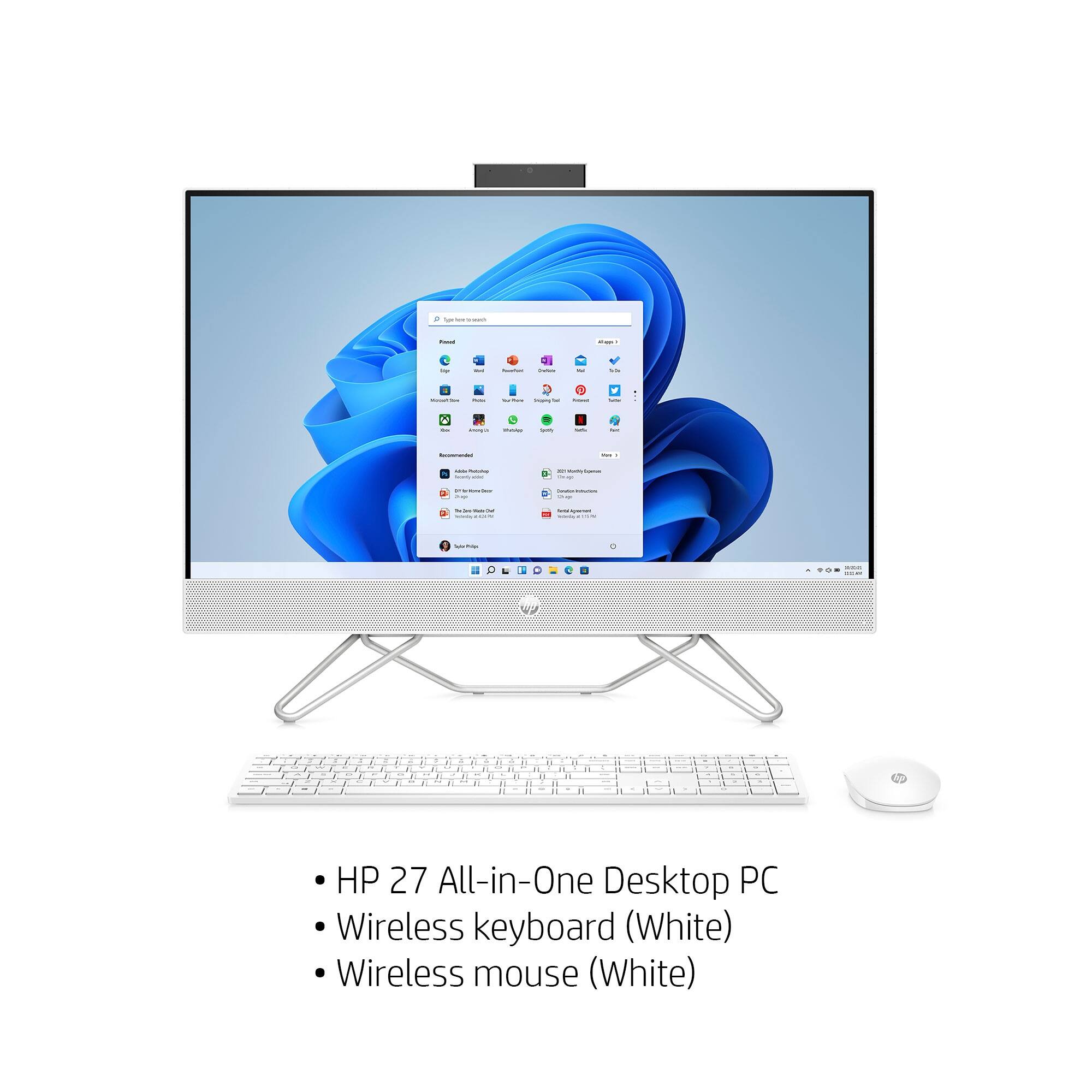
A:AnswerYou can shut down this All-In-One computer by clicking on the windows icon in the bottom left of the screen. Click on power and then click on shut down.
A:AnswerYes, it looks like this would be very good for rendering with most software. The Rhino software recommends 4 gigabytes of video RAM. Because this computer doesn't have dedicated video RAM (it uses system RAM for video) it may be slow with that software. Rhino's tech support people would have a more complete answer for you.
A:AnswerHello. Thanks for your question. There is a 30 day trial of Microsoft Office on this HP computer, which includes Word, Excel, and PowerPoint. We recommend purchasing Microsoft Office with this computer.