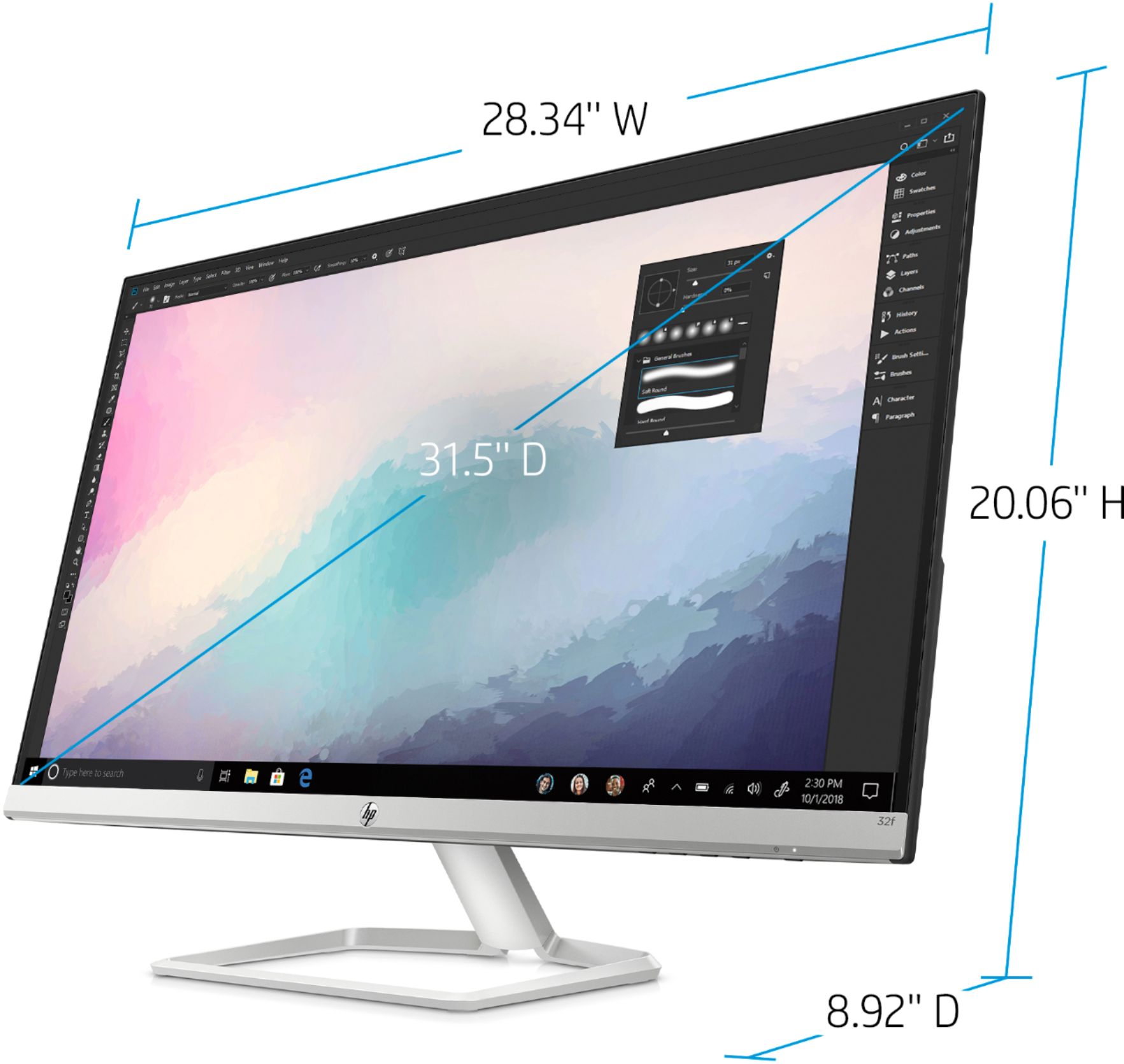
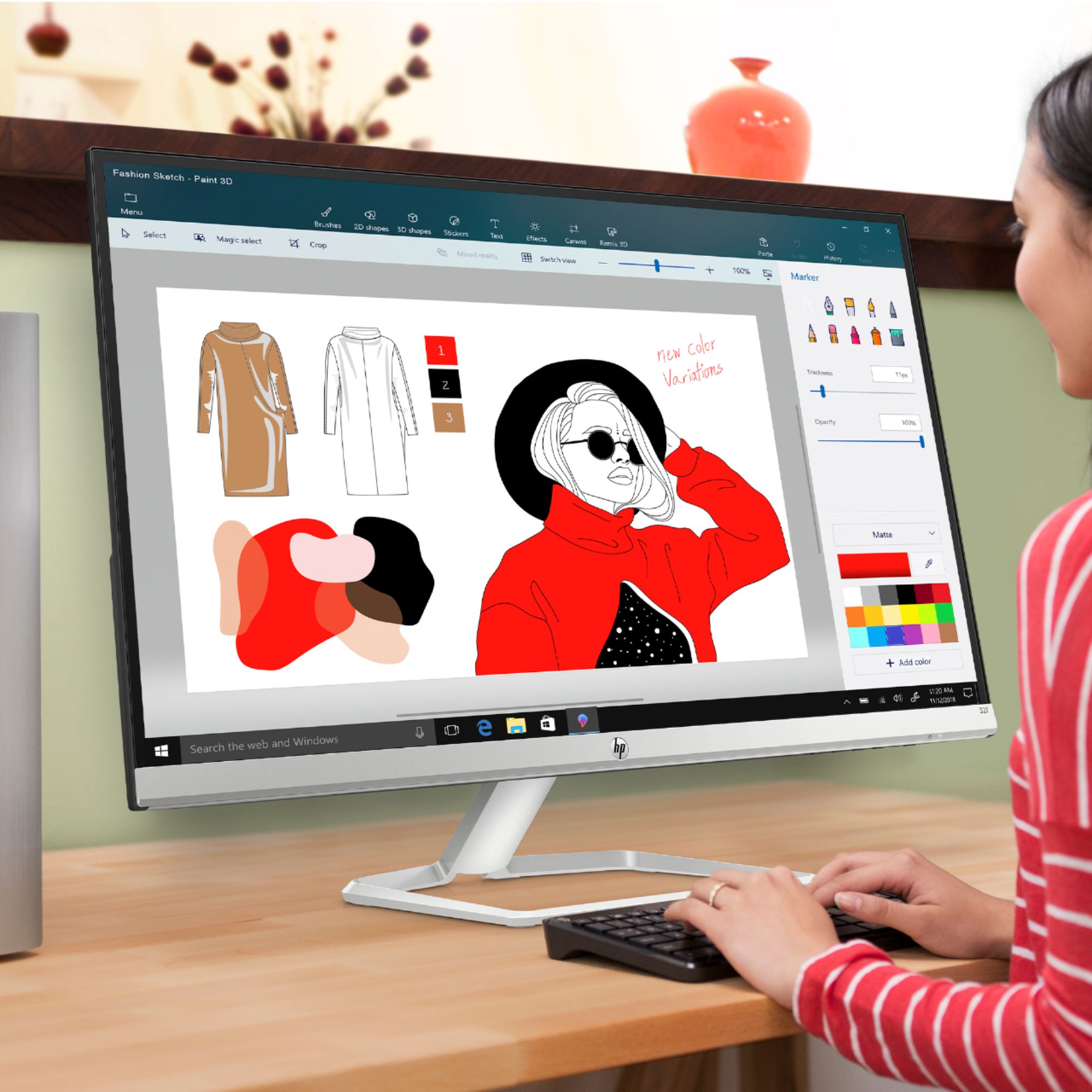
A:AnswerI use this for a somewhat similar situation, (but with an older desktop, not a laptop), WFH, 23" deep desk, works fine for me and the price was right!
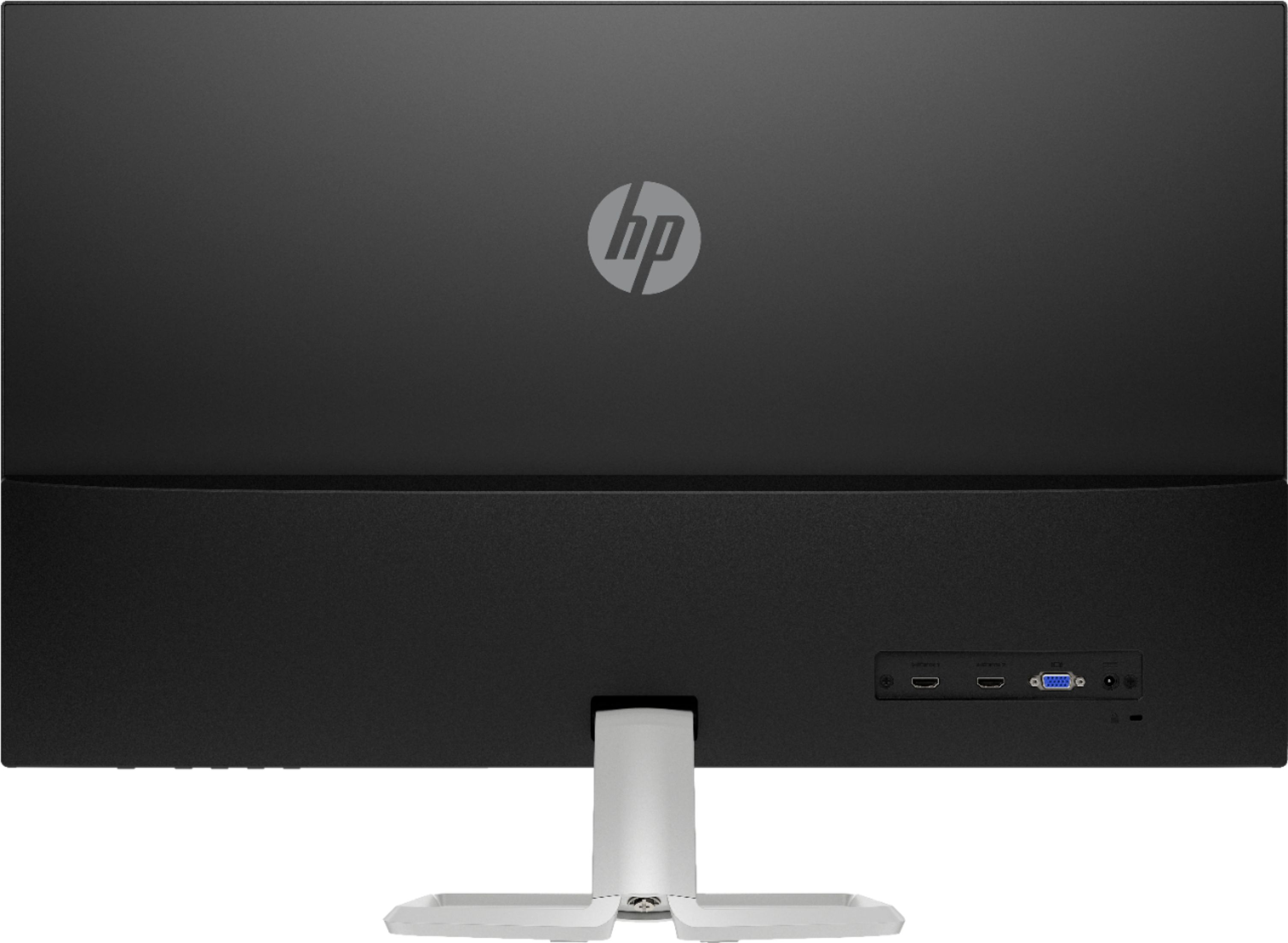
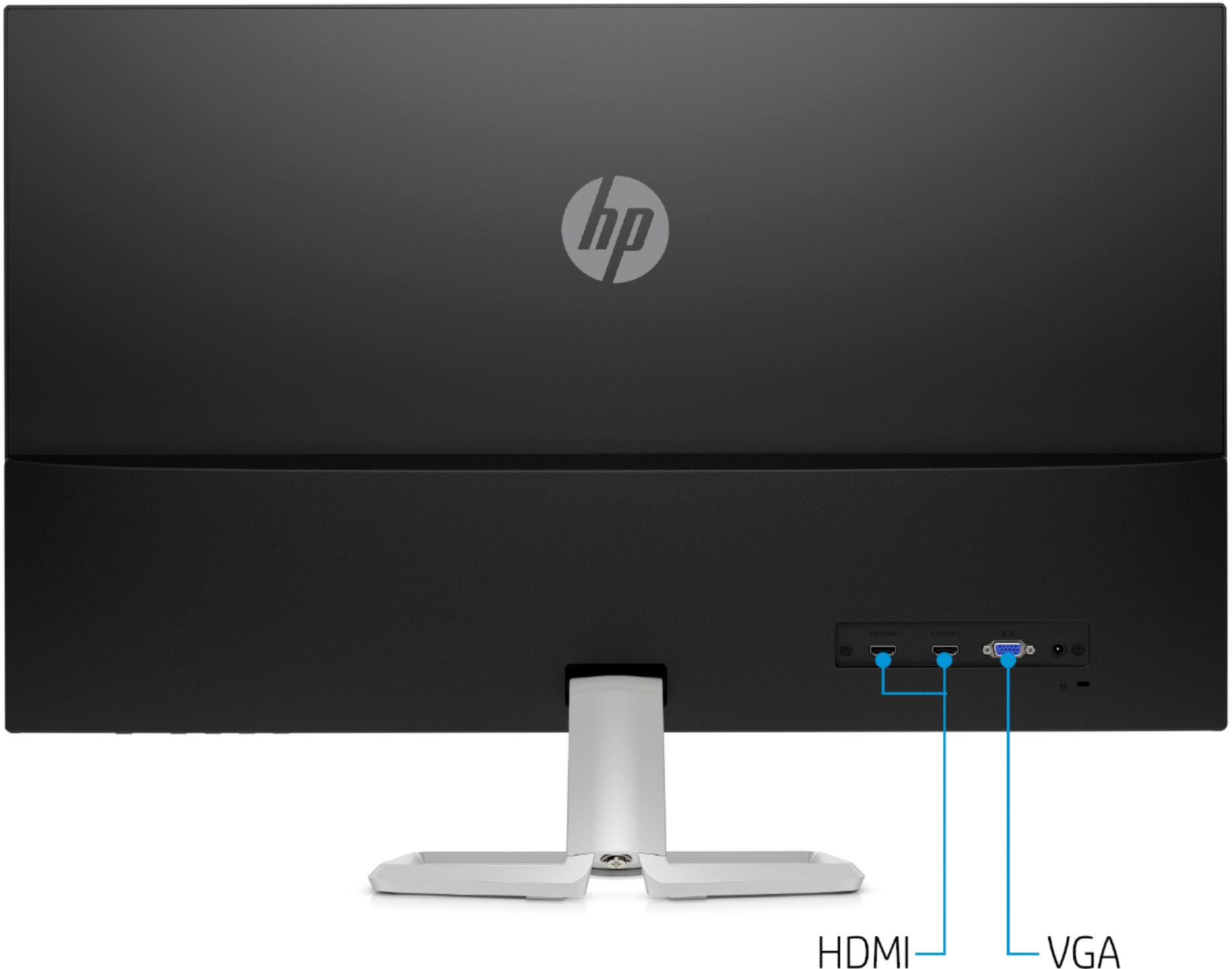
A:AnswerNo tower PC required ... HDMI cable is all you need -- and electricity, of course. I have a Dell "gizmo" that my employer provided which allows me to connect TWO of these 32" monitors to my 15" ThinkPad laptop, and this combination works extremely well.
A:AnswerHonestly, that doesn't sound like an issue with the monitor, but rather an issue with how the computer is configured. You'll want to talk to the support staff from whoever made the computer to understand what's going on and how to fix it.
A:AnswerIt’s based off of the operating system an the video card. Windows ten allows you to drag windows to either the right or left top corners and it take only 1/2 of the screen.
Hope that helps, thanks
A:AnswerThis website will help you find the right adapter for your MacBook Air: https://support.apple.com/en-us/HT201736 We recommend getting an adapter to the HDMI port on this monitor.