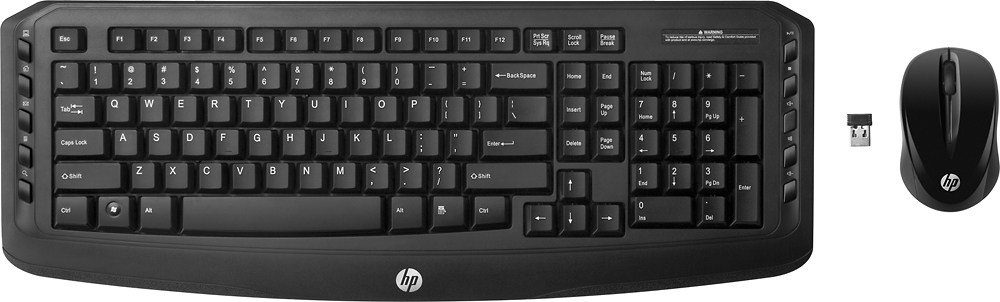
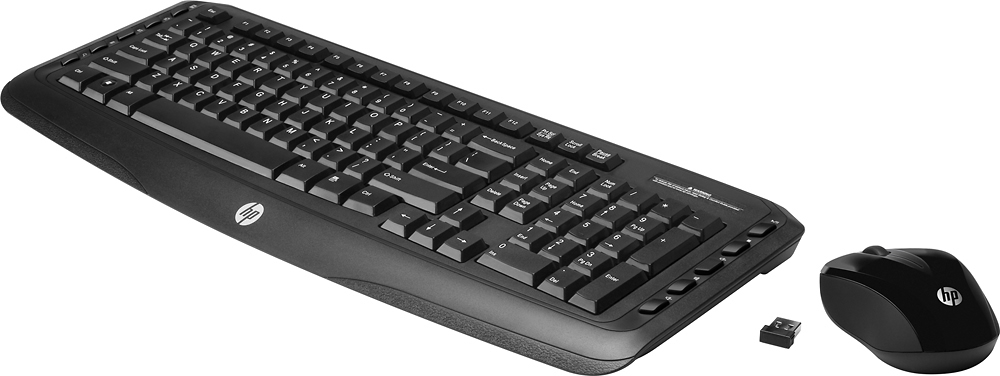
A:AnswerI had a similar issue with this keyboard and I found that it was caused by interference from the WiFi antennas on my motherboard. I plugged the keyboard/mouse dongle into a USB extension cable and moved the dongle to the top of my desk to be next to the keyboard. It works fine now.
A:AnswerJust plug the USB connection that came with the keyboard and mouse into your computer. It works right away.
Mouse needs batteries, and then works.