A:AnswerYou can print from your Android Phone. Just be sure the iPhone and the printer are on the same wireless network. We recommend using the HP Smart App: https://support.hp.com/us-en/document/c03561640
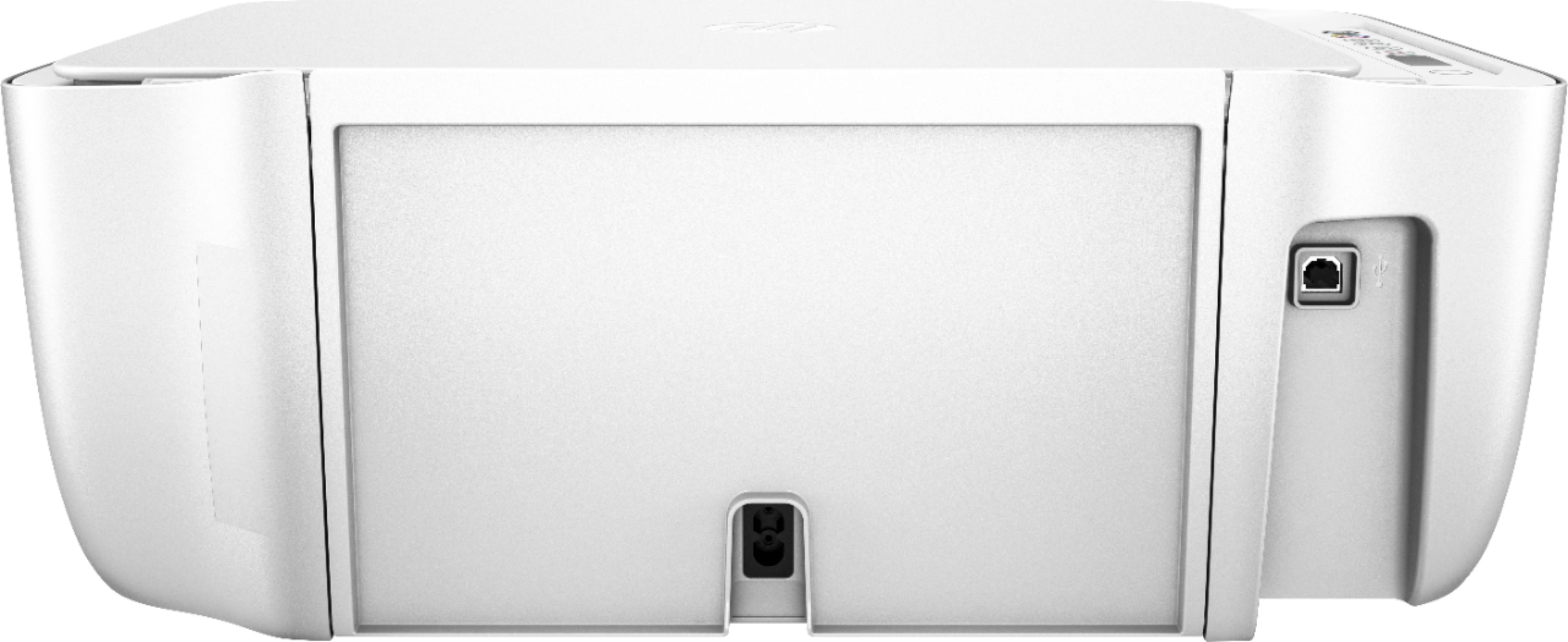
A:AnswerThe power cable and the setup ink will be in the box. This printer comes with setup cartridges in the box. The yield of setup cartridges varies by model but tends to be enough to get the average user through setup and initial printing jobs. You can learn more about Ink and Toner by the model at www.hp.com/go/learnaboutsupplies If you need the USB cable, you will need to purchase the USB A to B cable.
A:AnswerAccording to Google, you can connect with a USB cable. "You can also use a USB cable to connect your printer to your Chromebook. When you use a cable, you'll see a notification. Follow any on-screen instructions. Your printer won’t need to be connected to WiFi if it is directly connected to your Chromebook." Here is more information: https://support.google.com/chromebook/answer/7225252?hl=en
A:AnswerYes, this printer is compatible with your Android phone. Just be sure the printer and the phone are on the same wireless network. We recommend using the HP Smart App: https://support.hp.com/us-en/document/c03561640