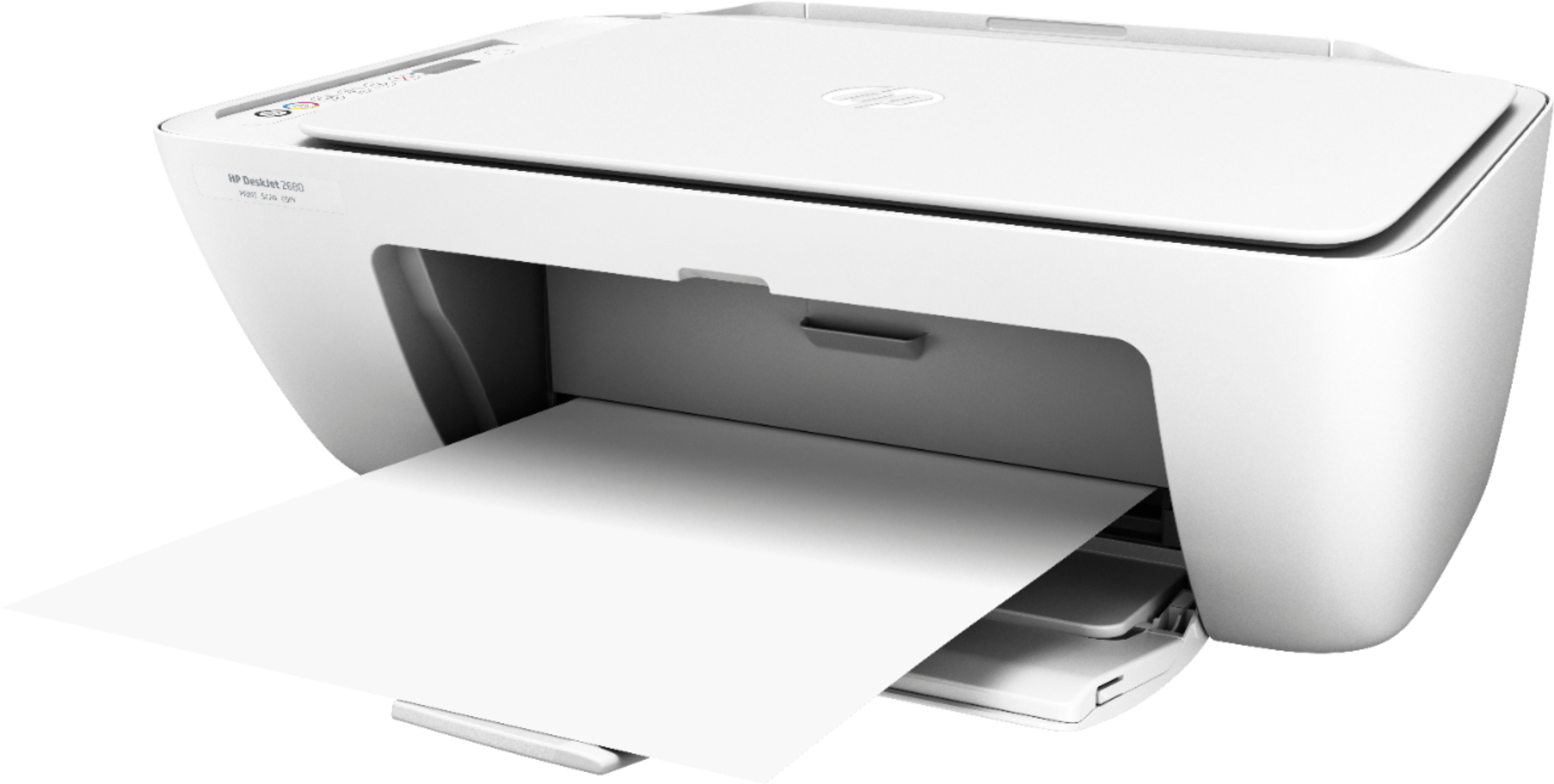
A:AnswerYes, you can print straight from your smartphone. You want to be sure both devices are connected on the same wireless network. Here are more details: https://support.hp.com/us-en/document/c03722645
A:AnswerYou can setup up the printer using the HP Smart App on the smartphones and tablets. Here are more details: https://support.hp.com/us-en/document/c03561640 Then, you can print straight from your smartphone. You want to be sure both devices are connected on the same wireless network. Here are more details: https://support.hp.com/us-en/document/c03722645
A:AnswerYou can print straight from your smartphone or tablet.. You want to be sure both devices are connected to the same wireless network. Here are more details: https://support.hp.com/us-en/document/c03722645
A:AnswerHP printers only use WiFi technology. The only way to connect directly to a printer is through using WiFi Direct. Wi-Fi Direct broadcasts a signal like a router from your printer. It just gives you a direct communication between your printer and your device. You can find your printer name for the Wi-Fi Direct in your Wi-Fi settings. When you open your Wi-Fi settings, you will notice a lot of networks. Your printer will have a name like Direct-05-HP Deskjet 3631. You will select that name and enter the password that you got from your printer.
Here is a link to more information on WiFi Direct: https://www8.hp.com/us/en/printers/mobility/wireless-direct-printing.html
A:AnswerNot sure. I haven't set it up yet or opened the package. Not sure how to set it up since the instructions are confusing to me. Need to get one of my kids to do the set up for me. I am hoping you can do the set up with either phone or computer. Sorry, I could not be of more help....!
A:AnswerYes, ou can print from your Kindle Fire tablet.. You want to be sure both devices are connected to the same wireless network. Here are more details: https://support.hp.com/us-en/document/c03722645
A:AnswerThis printer uses WiFi technology. You can use WiFi Direct. Wi-Fi Direct broadcasts a signal like a router from your printer. It just gives you a direct communication between your printer and your device. You can find your printer name for the Wi-Fi Direct in your Wi-Fi settings. When you open your Wi-Fi settings, you will notice a lot of networks. Your printer will have a name like Direct-05-HP Deskjet 3631. You will select that name and enter the password that you got from your printer.
Here is a link to more information on WiFi Direct: https://www8.hp.com/us/en/printers/mobility/wireless-direct-printing.html
A:AnswerYes, you can connect this printer to the WiFi. Here are instructions for Windows: https://support.hp.com/us-en/product/hp-deskjet-2600-all-in-one-printer-series/12319824/model/30206235/document/c05367434 and for Mac: https://support.hp.com/us-en/product/hp-deskjet-2600-all-in-one-printer-series/12319824/model/30206235/document/c05368385
A:AnswerYou can connect using wireless connection. There is no bluetooth on this printer. Or you can still connect the printer to your computer using the USB A to B cable.