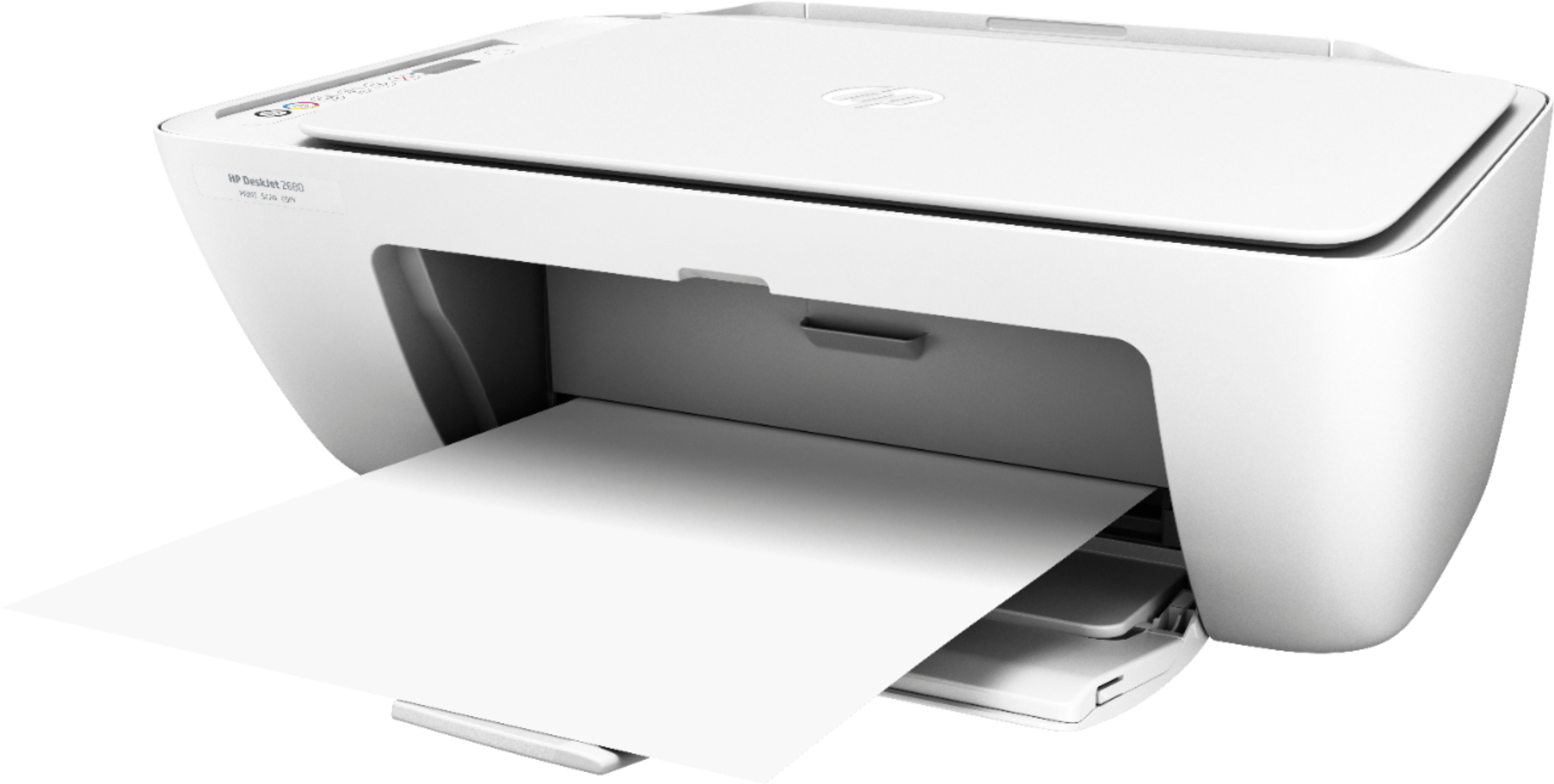
A:AnswerYes, this printer is compatible with Android phones. No, this printer is not compatible with Linux. Here is the list of printers that are compatible with Linux: https://developers.hp.com/hp-linux-imaging-and-printing/supported_devices/index
A:AnswerFor the Deskjet 2680, the black 65 ink cartridge yields approximately 120 pages. And the color yields approximately 100 pages. That is based on 5% coverage. A full page photo would be 100% coverage.
A:AnswerYes, this printer is compatible with the Chromebook. You will need to use Google Cloud print. Here are more details: https://support.hp.com/us-en/document/c02817255
A:AnswerThis printer comes with setup cartridges in the box. The yield of setup cartridges varies by model, but tends to be enough to get the average user through setup and initial printing jobs. You can learn more about Ink and Toner by model at www.hp.com/go/learnaboutsupplies