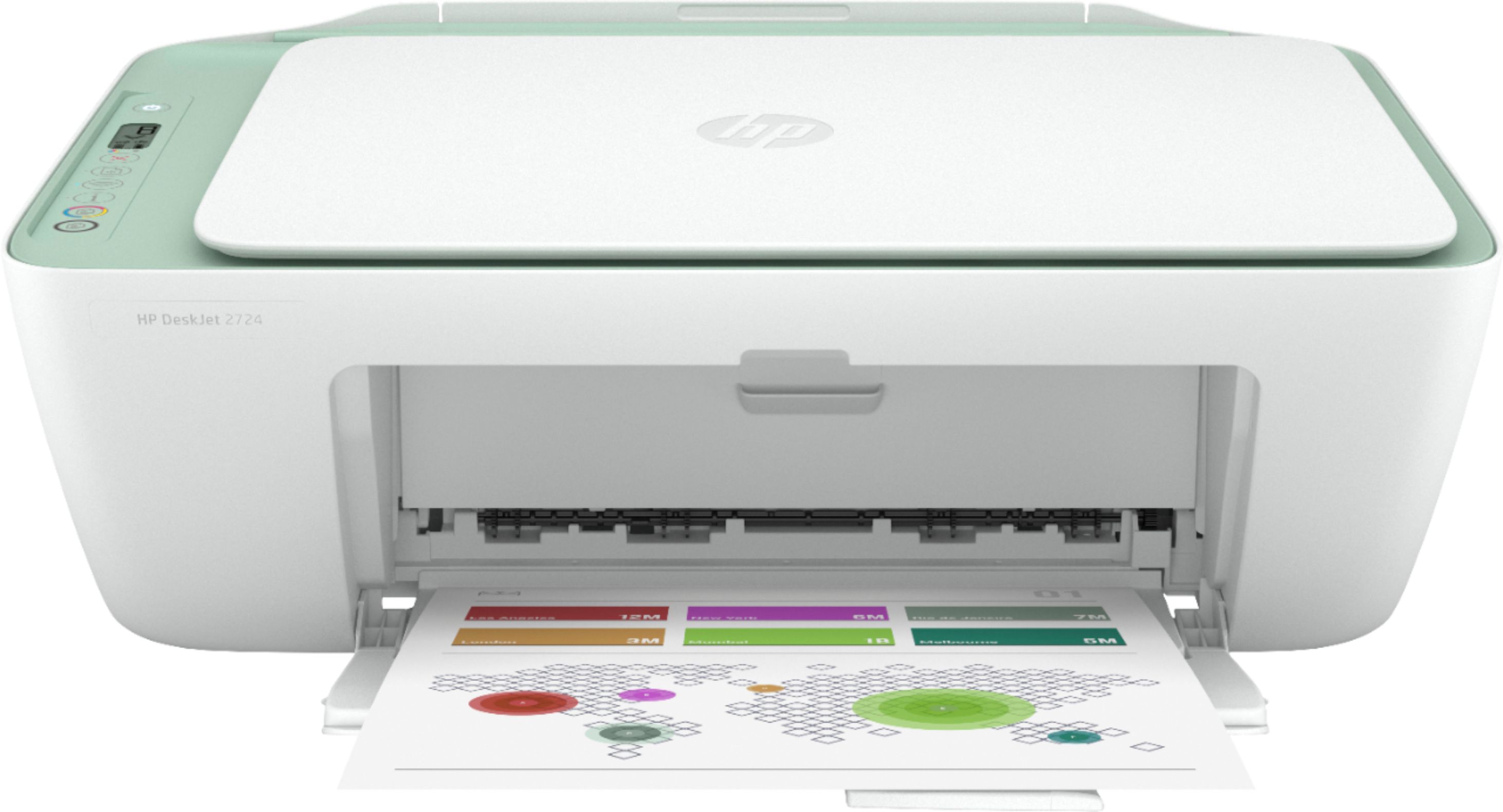
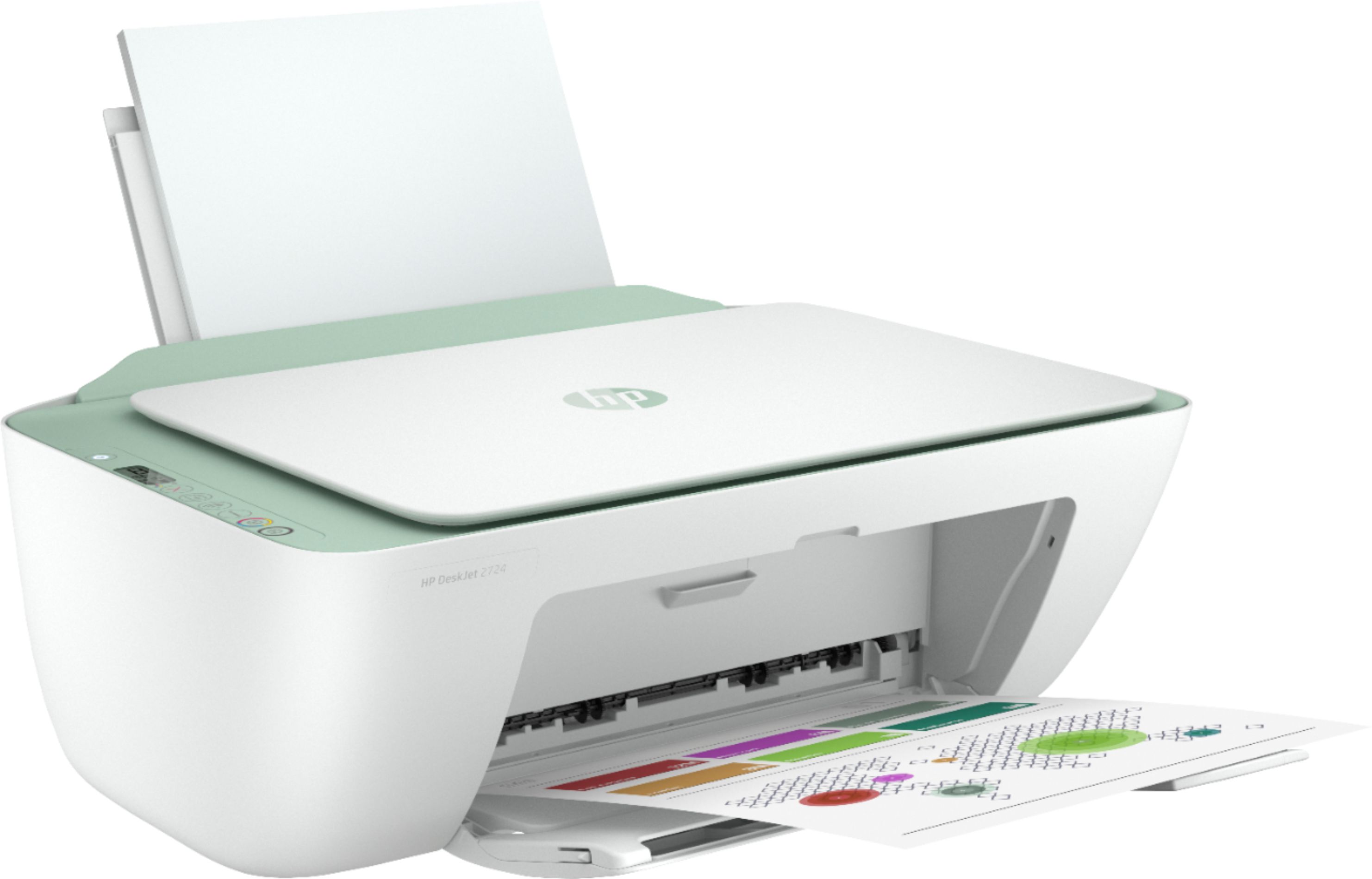
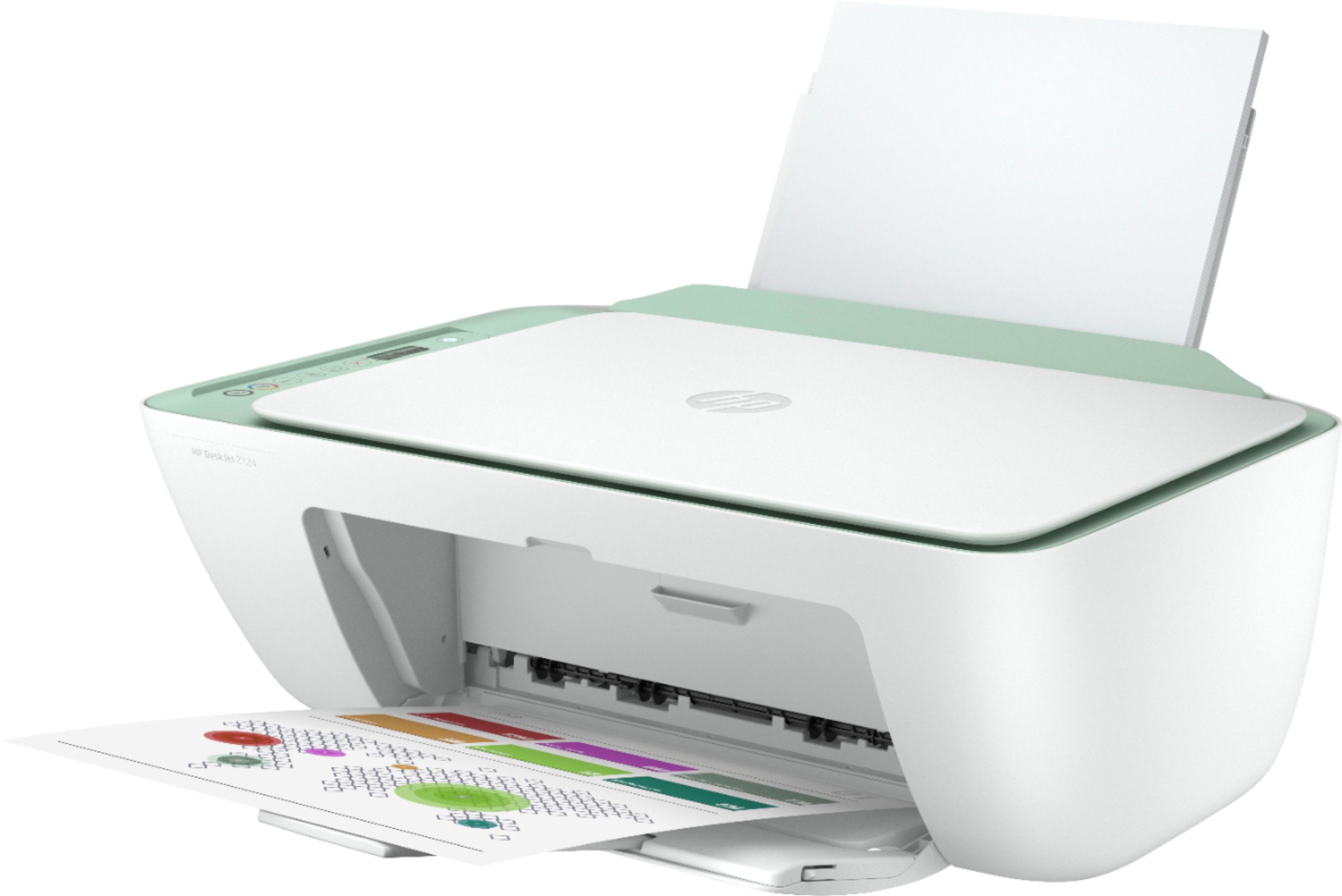
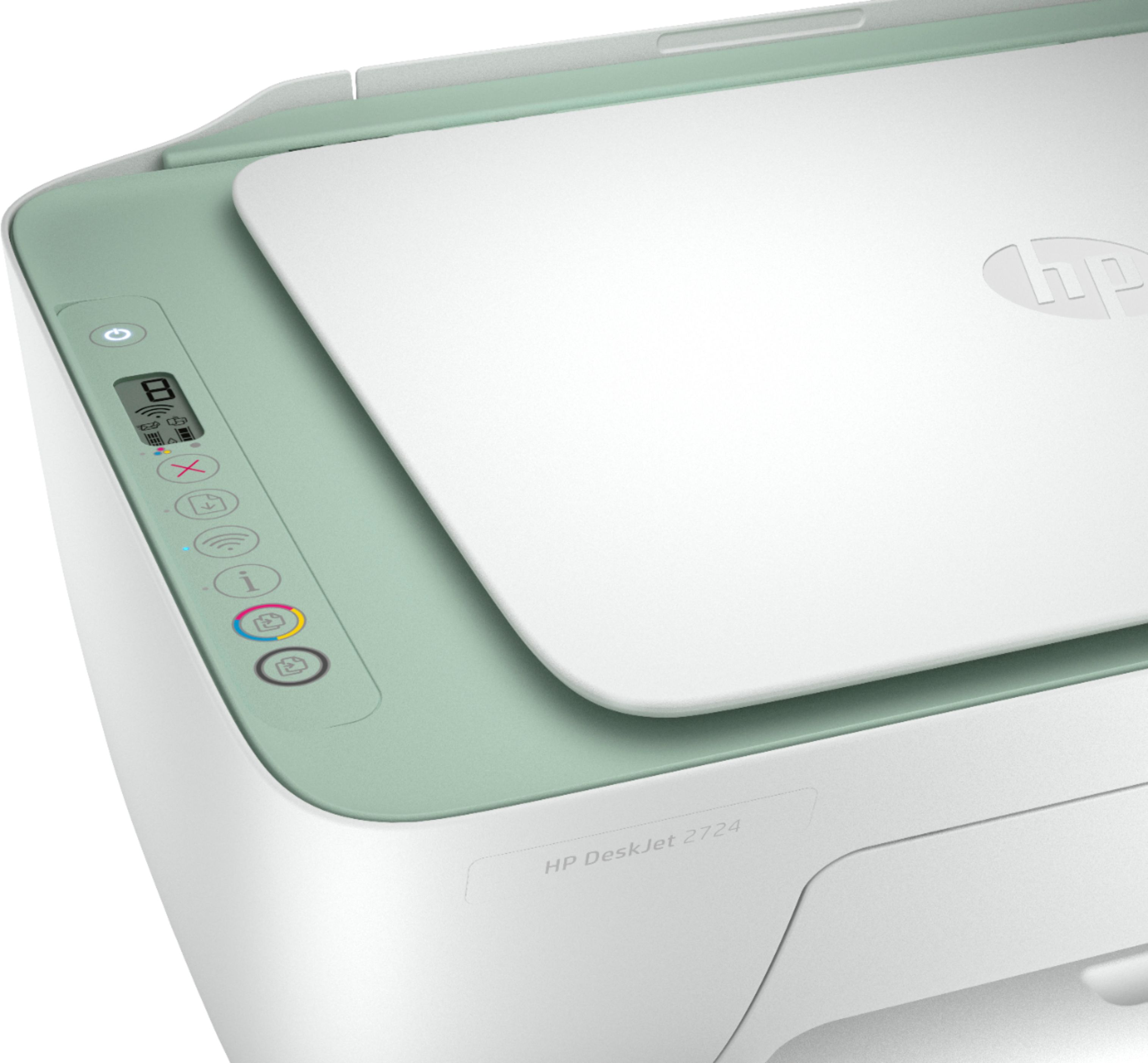
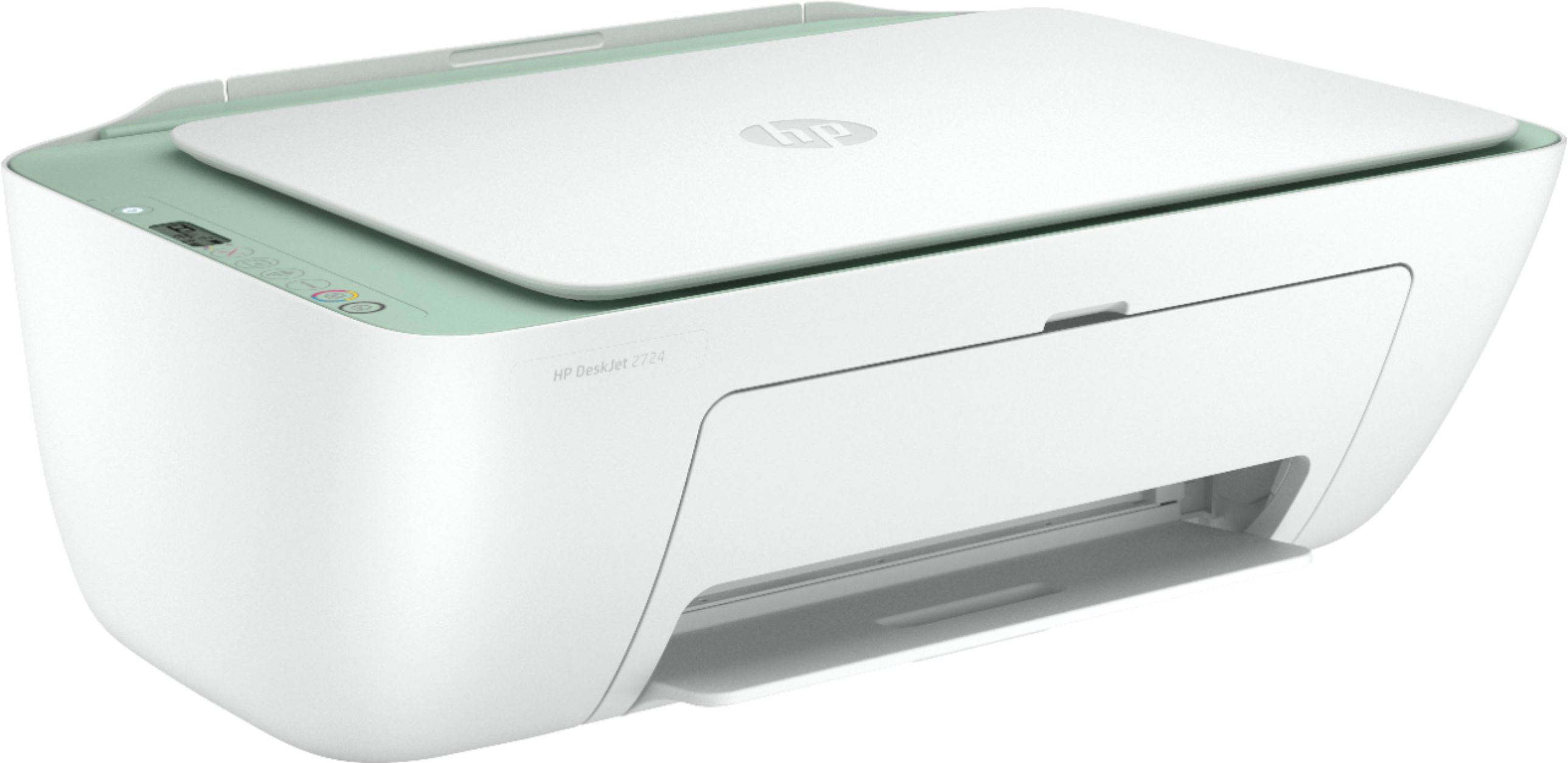
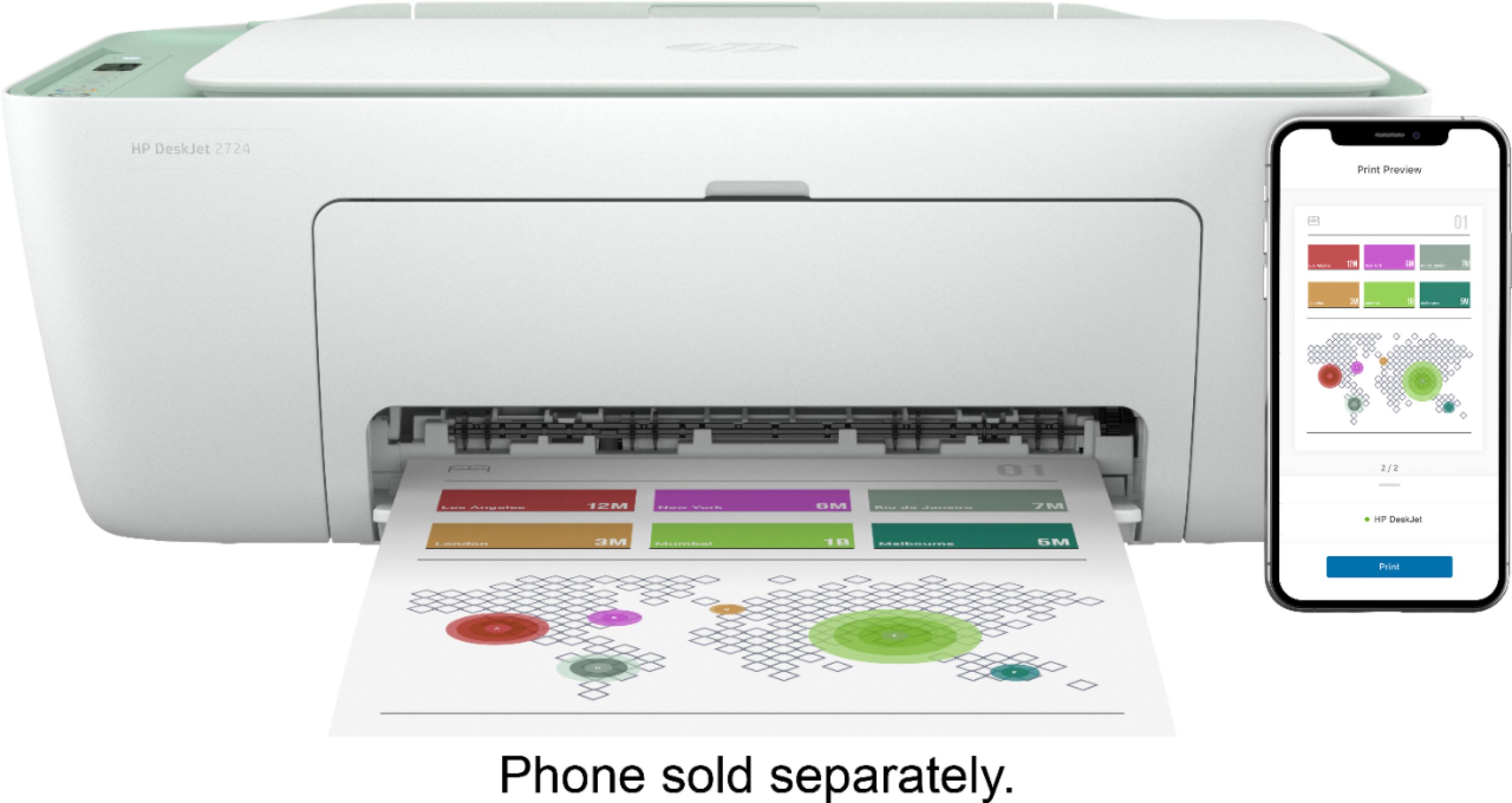
A:AnswerNo, this DeskJet 2724 does not have any digital sending features nor can it scan to a USB or memory card. You will need to go to the OfficeJet 9000 series printers to get those features.
A:AnswerThank you for the question. Yes, the DeskJet 2724 will support cards up to 110 lb and 4 x 6 inch photo paper up to 145 lb. This printer also supports letter sized paper 16 to 32 lb and envelopes 20 to 24 lb.
A:AnswerThis printer can a flatbed scanner and copier. You can connect this printer to your computer with the USB A to B cable. If your old cable is a USB A to B cable, then you can use it.
A:AnswerThe HP 74/75 inks are a few generations old. No currently sold printers can use those cartridges. Here are printers compatible with the 74/75 inks:
HP Photosmart C4599 (Q8408A#ABA) ; HP Photosmart C4280 (CC210A#ABA) ; HP Deskjet D4360 (CB700A#B1H) ; HP Photosmart C4580 (Q8401A#ABA) ; HP Photosmart C4480 (Q8388A#ABA) ; HP Photosmart D5360 (Q8361A#B1H) ; HP Photosmart C5580 (Q8341A#ABA) ; HP Photosmart C5280 (Q8330A#ABA) ; HP Officejet J5780 (Q8232A#ABA) ; HP Photosmart C4385 (CC281A#ABA) ; HP Officejet J6480 (CB029A#ABA)
A:AnswerThere are no differences between the two printers. They have the same specs and they use the same ink, HP 67 or 67XL black and tricolor ink cartridges.
A:AnswerYes, this printer is compatible with a Samsung Chromebook. Here are some instructions on how to set up the printer on the Chromebook: https://support.hp.com/us-en/document/c04122530 and a YouTube video: https://youtu.be/Mf6LUKTMw9c
A:AnswerWhen I went to set up this printer I was not successful until I downloaded the app associated with the printer. Once I downloaded the app and went through the setup instructions the printer fully came online and I haven't had a problem since. I have the app on my laptop and my phone and both allow me to printer to it wirelessly. Hope this helped a little.
A:AnswerThere are no differences between the two printers. The installation disc is not included with either printer. You can set up the printer by going to https://123.hp.com/setup