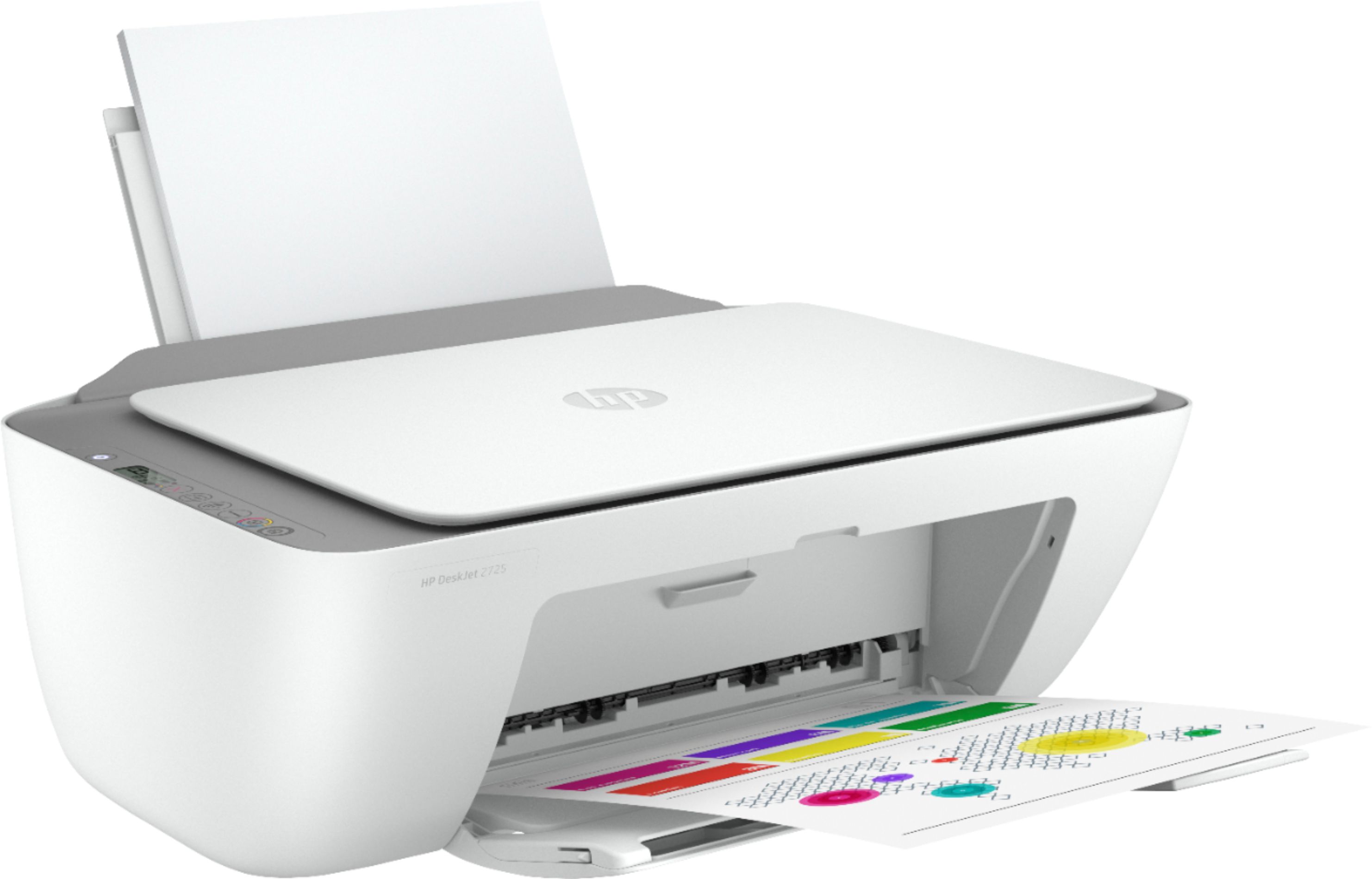
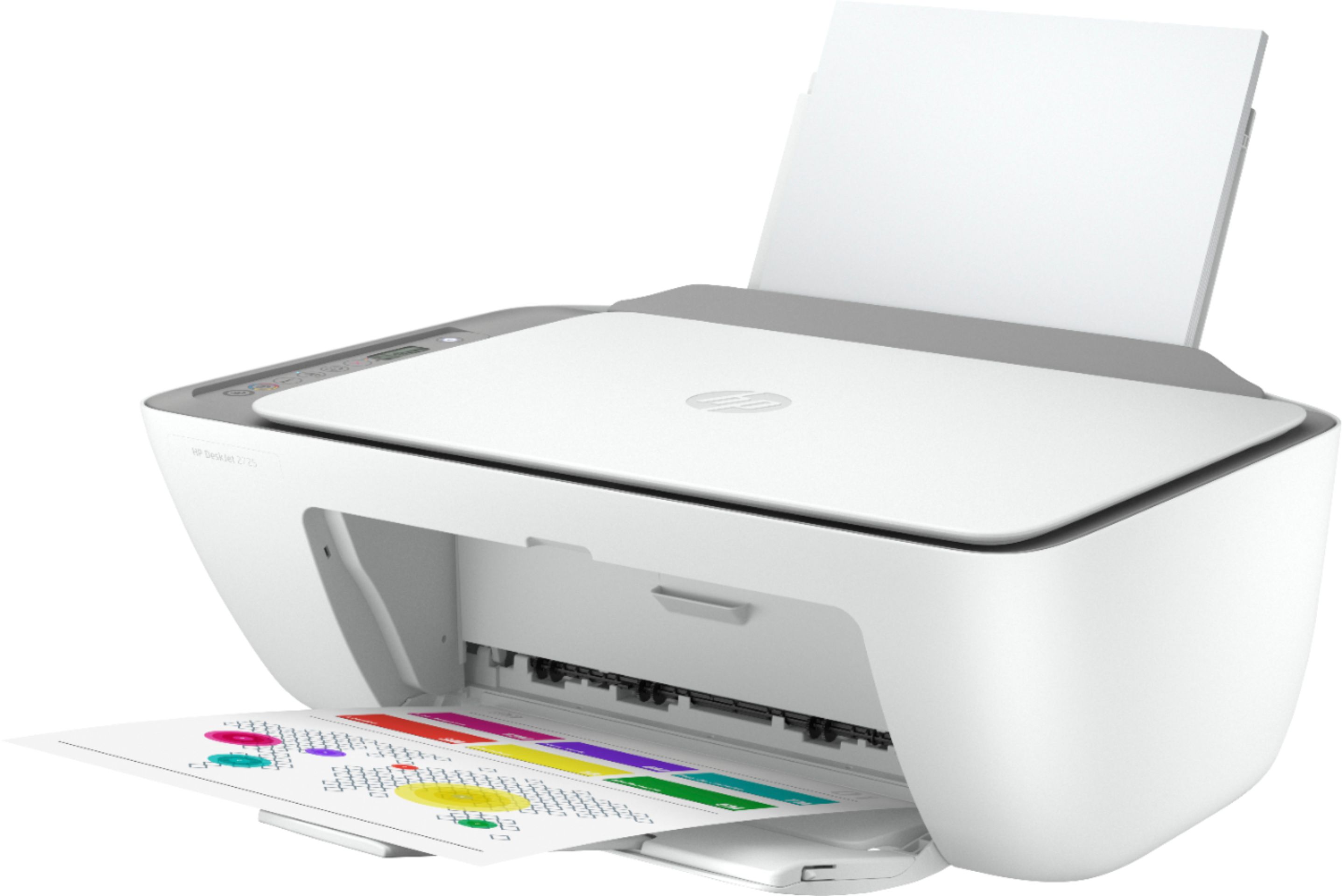
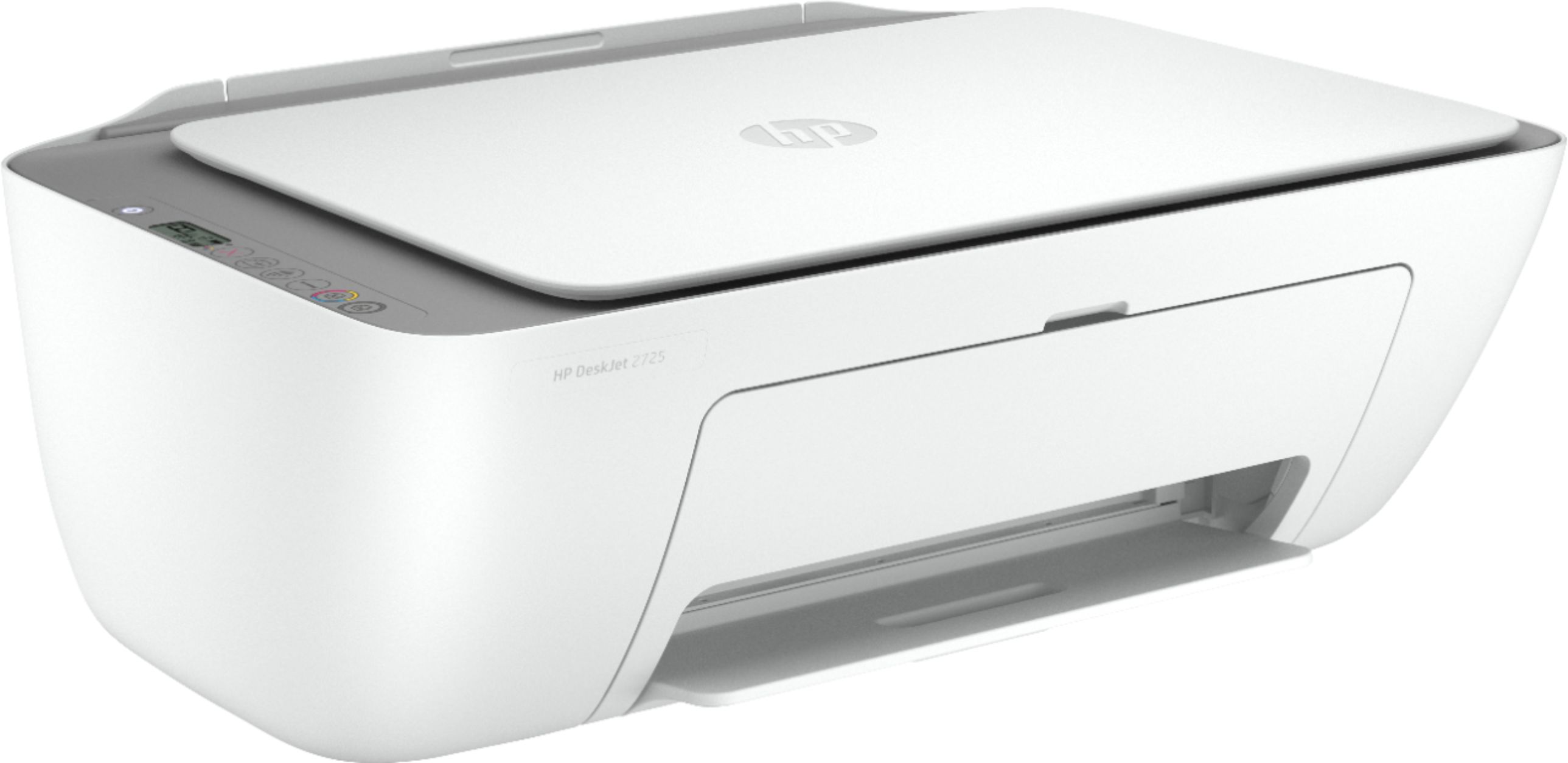
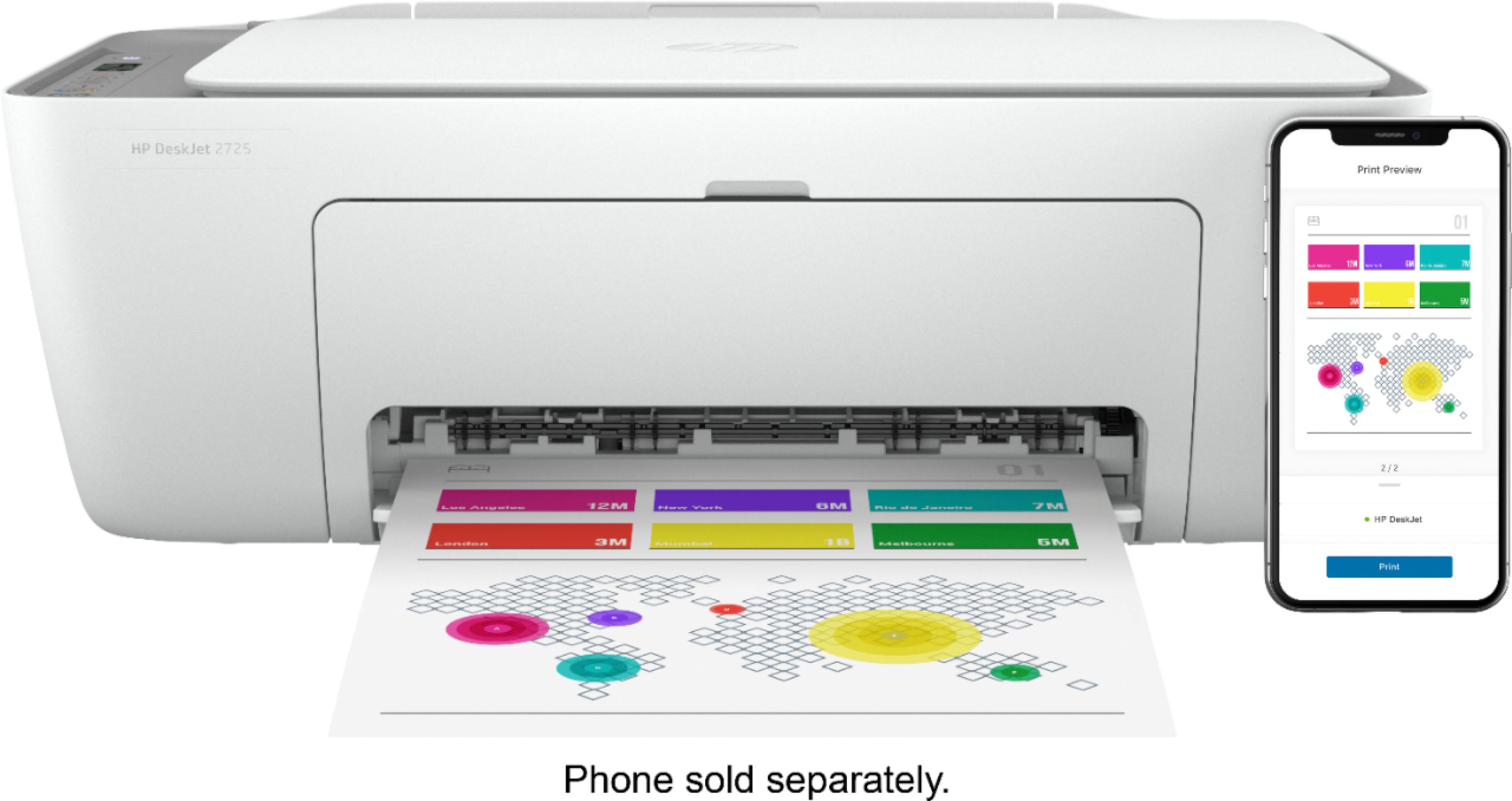
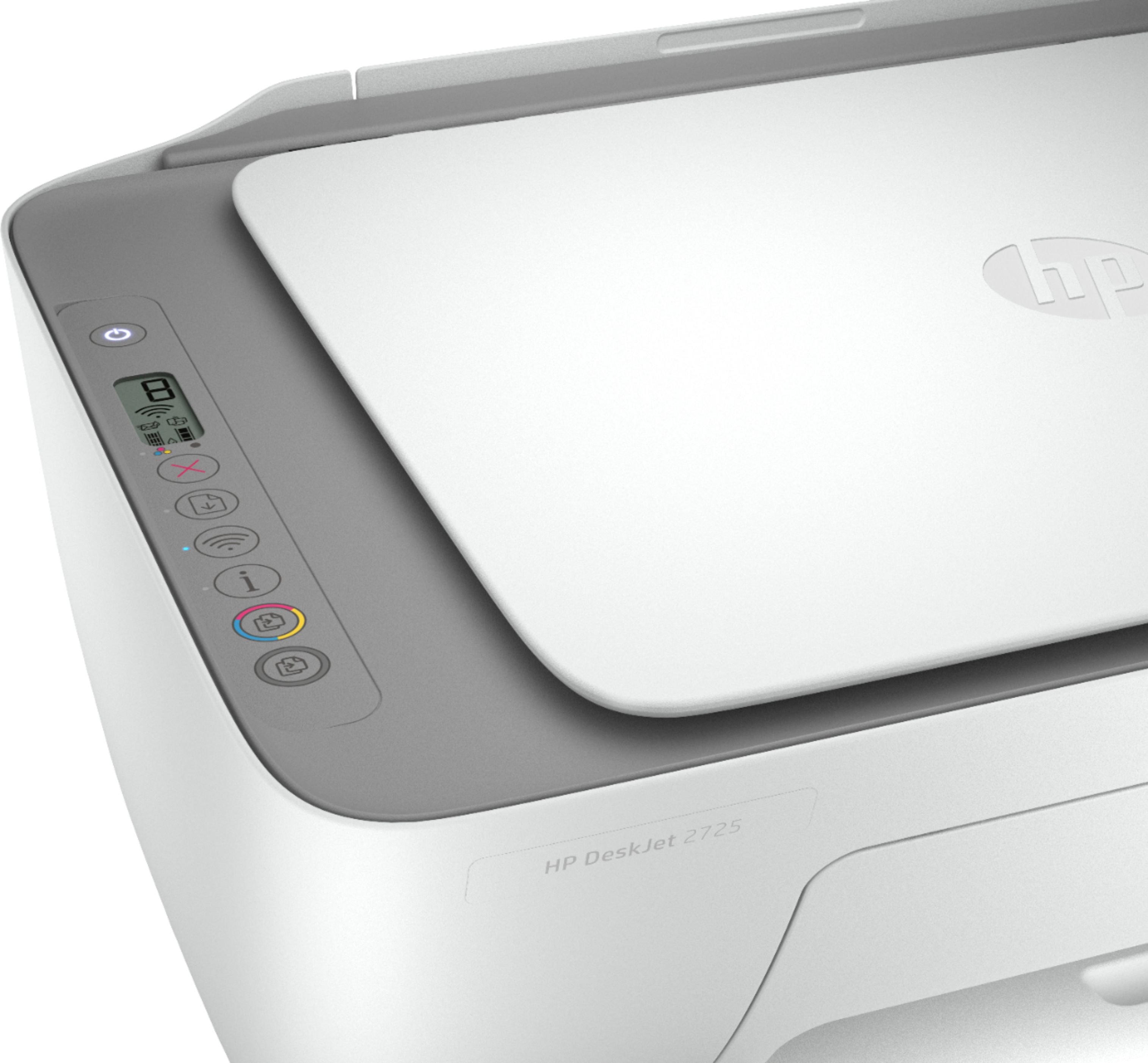
A:AnswerThis printer does not have a front USB port. We recommend looking at the HP Envy Photo 7855, Officejet Pro 9015 or 9025 printers which do have the front USB port so you can save scanned items on a USB flash drive.
A:AnswerWe recommend using HP genuine ink cartridges for compatibility and consistent print quality. The HP 67 black ink cartridge will yield about 120 pages and the HP 67 tricolor ink cartridge will yield about 100 pages. That is with 5% coverage. A full page photo would be 100% coverage.
A:AnswerNo, the flatbed copier/scanner can only support up to 8.5 x 11 inch documents. If you want to be able to scan legal size documents, we recommend looking at a printer that has an auto document feeder, i.e. HP Deskjet Plus 4155 or HP Envy Pro 6455 printer.
A:AnswerIf you're talking about it not being on the list for the Instant Ink program, it actually is compatible but was left off the list accidentally. The 2725 uses the #67 ink cartridges, which the new deskjet 4000 series and the Envy Plus 6000 printers also use.
A:AnswerHi Krish. Printers are listed by Series (a printer Series will include several printer models - e.g. ENVY 4500 Series contain ENVY 4500, 4501, 4502…)
If you have an Instant Ink eligible printer and are still having a problem, please contact HP Customer Support at https://support.hp.com.
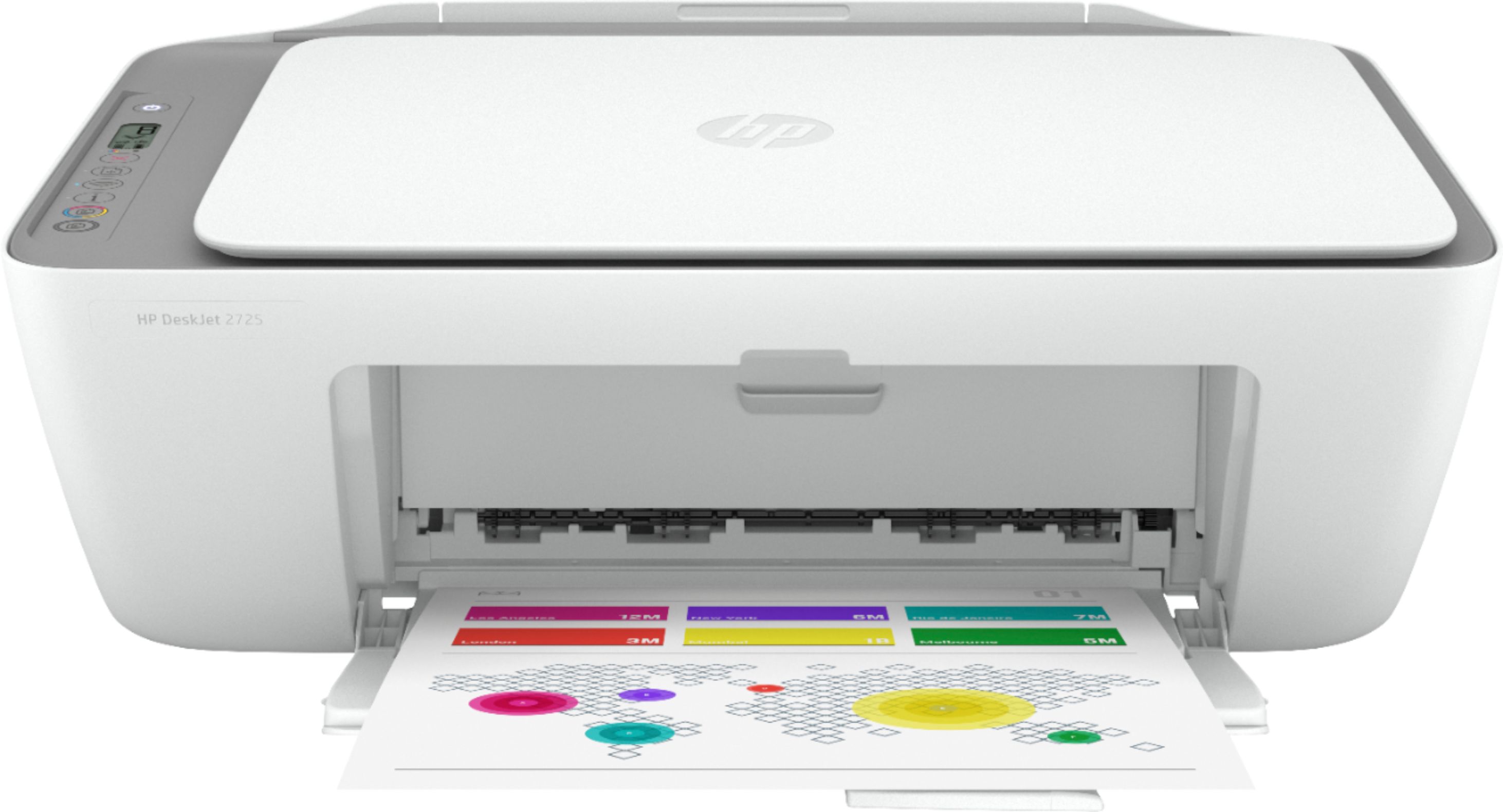
A:AnswerA: If you're talking about it not being on the list for the Instant Ink program, it actually is compatible but was left off the list accidentally. The 2725 uses the #67 ink cartridges, which the new deskjet 4000 series and the Envy Plus 6000 printers also use.