A:Answer Thank you for reaching out. After you cancel Instant Ink, you can only print with Instant Ink cartridges until the end of that billing cycle. You must remove those cartridges and install the ones you purchased. But before you install the new cartridges, reset the printer:
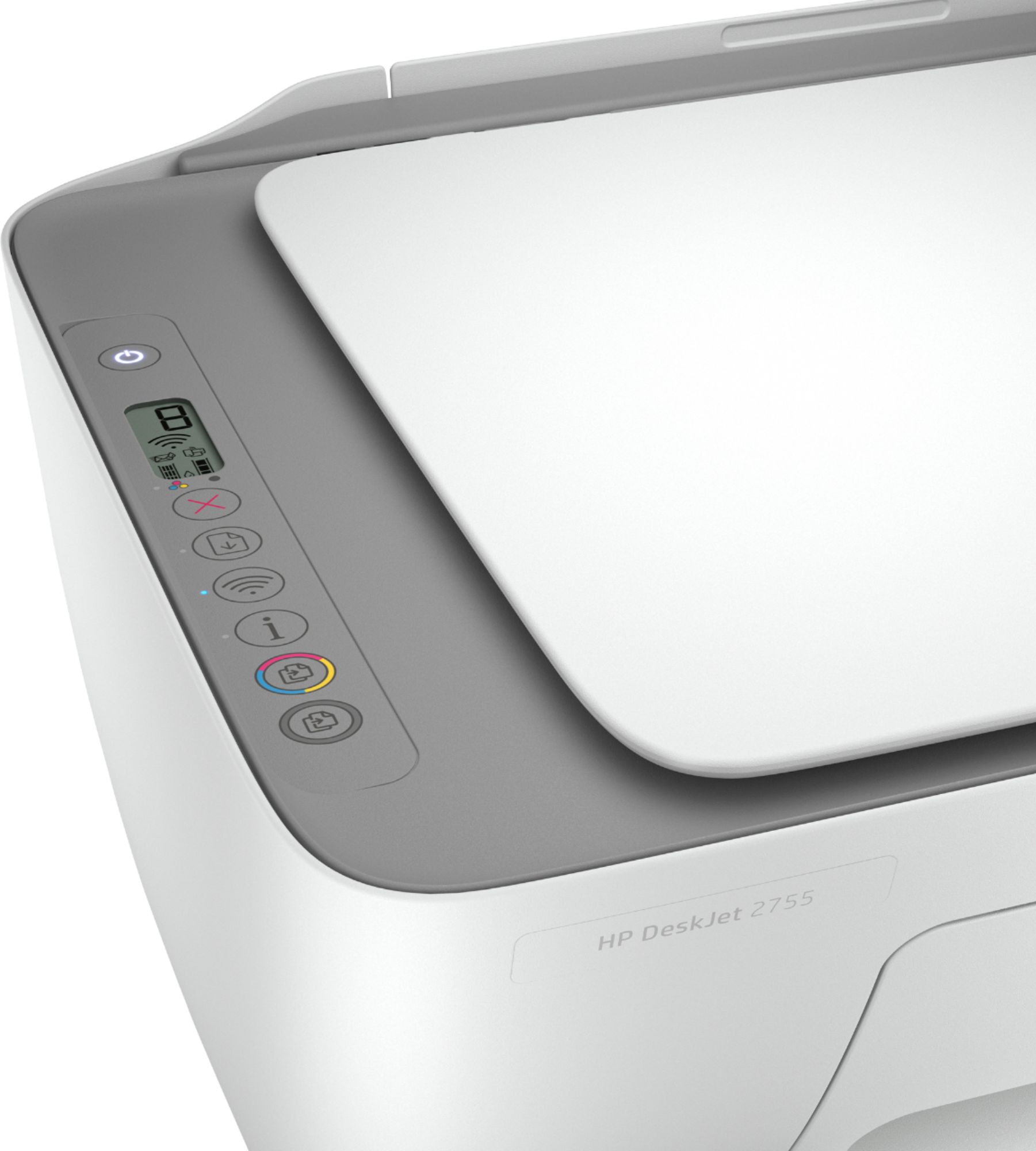
With the printer turned on, disconnect the power cord from the rear of the printer and also unplug the power cord from the wall outlet. (Remove the USB cable, if present.) Wait for 2-3 minutes, and press and hold the power button on your printer for about 30 seconds to remove any additional charge. Now plug the power cable straight into a wall outlet without any surge protector or an extension cord and then plug the power cord into the printer. Turn on the printer and wait until the warm-up period finishes and the printer is idle. Now insert the ink cartridges and then try to print a test page to check that the reset was successful. If the error persists, contact HP Instant Ink support: go to hpinstantink.com/signin, log in to your account and go to the Help Center.